B21, China Town Mall, Midrand

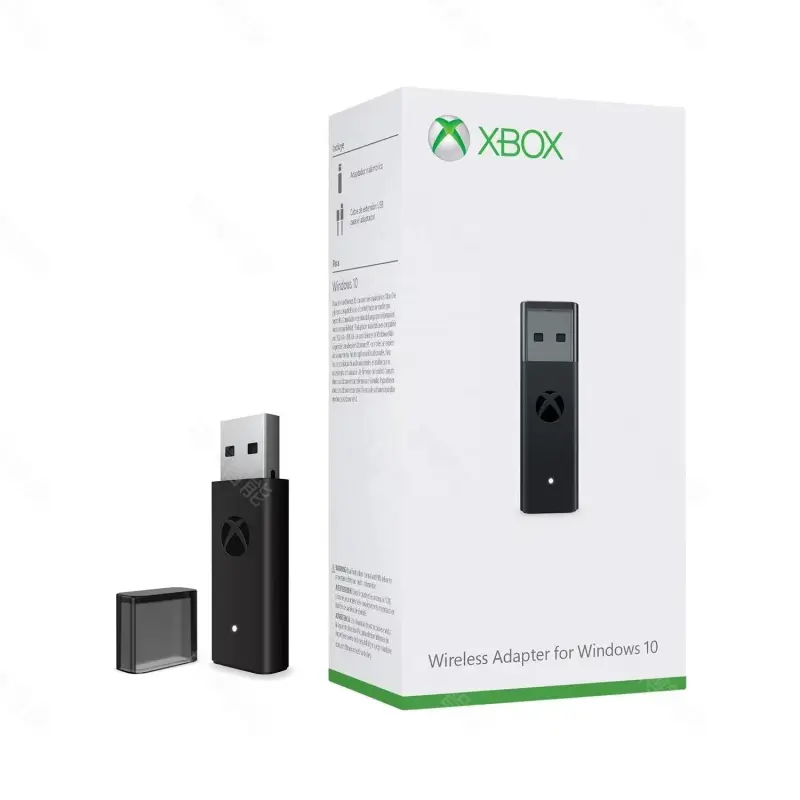
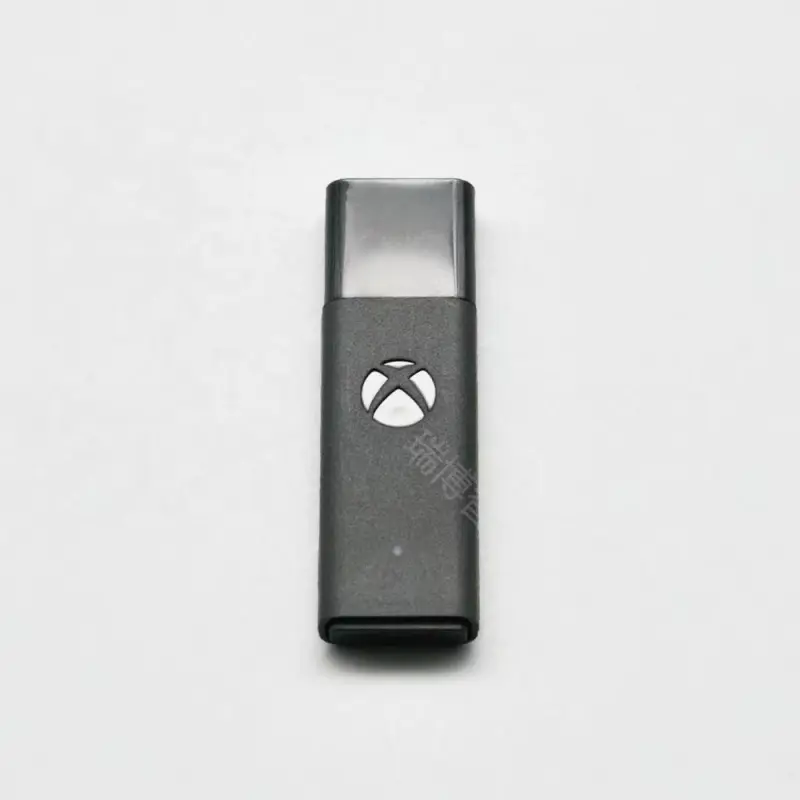
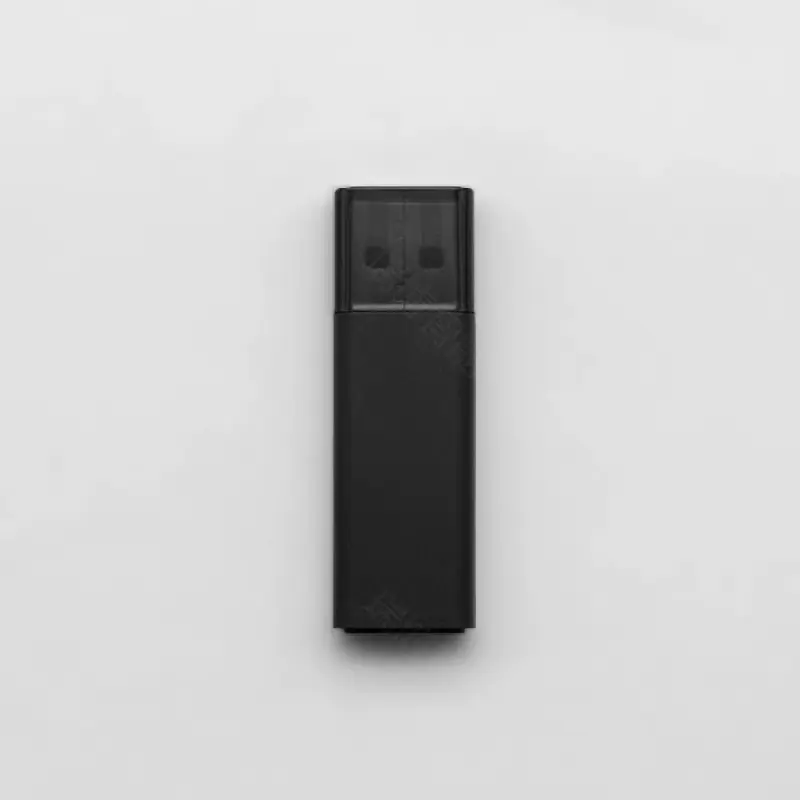
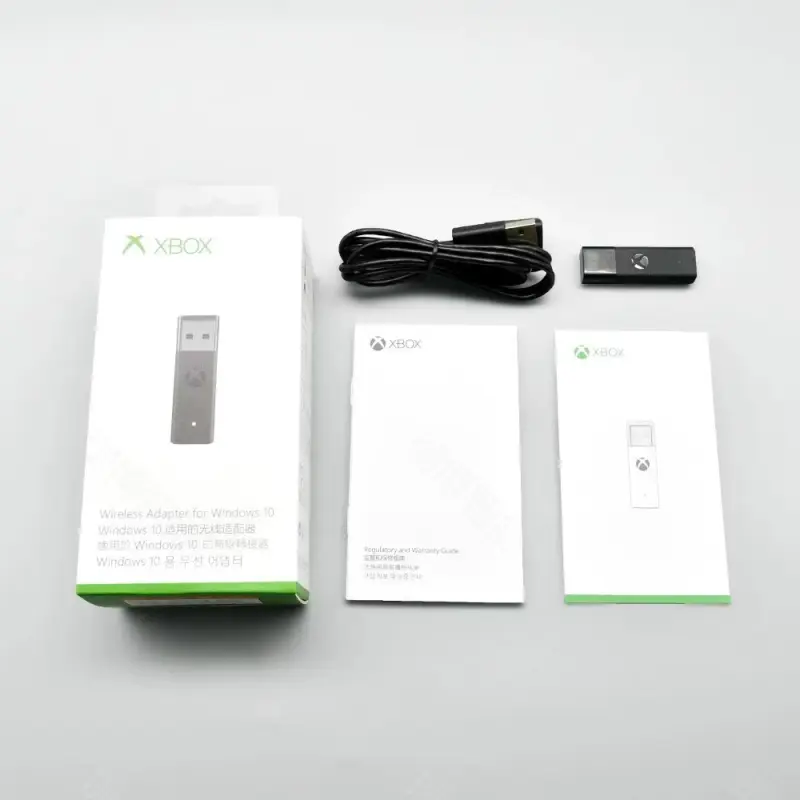
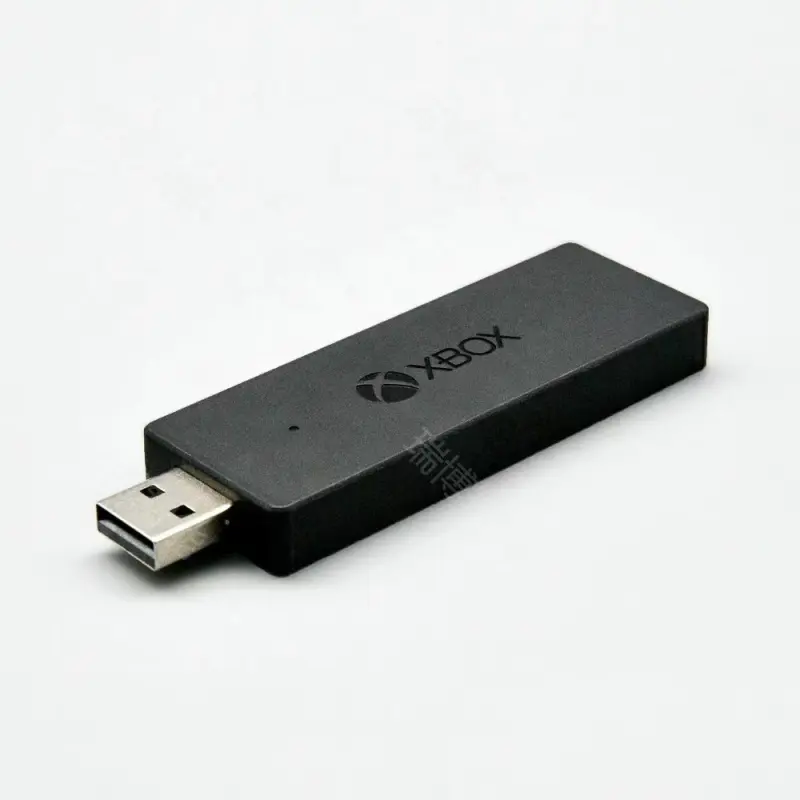
USB Wireless Controller Adapter For xbox series x S one Wireless game controllers apply to PC Wireless Adapter for Windows 10

- Section : Sports & Entertainment
- Category : Other Sports & Entertainment Products
- SKU : 1600752181421

Products Description


- Shipping Timeframes: All orders are processed within 2-5 business days (excluding weekends and holidays). After your order has been processed, the estimated delivery time is before 03 Feb, 2026, depending on customs, Please note that due to high demand, some items may experience longer shipping times, which will be communicated at order confirmation email.
- Order Processing Time: Please allow 2-5 business days for us to process your order before it is shipped . Orders placed after 16:00 on Fridays, or during weekends and public holidays, will begin processing on the next business day. Processing times may be extended during peak seasons or sales events.
- Manufacturing Time: Some products needs manufacturing time, the manufacturing process will take approximately 10-30 business days depending on the product. This timeframe may vary depending on the complexity of the product and current demand. but this will be communicated with you during order confirmation.
- Returns and Exchanges: We offer a 30-day return policy for most items. If you are not completely satisfied with your purchase, you may return it within 30 days of receipt for a refund or exchange. Items must be unused, in their original packaging, and accompanied by proof of purchase. Return shipping costs are the responsibility of the customer, unless the item was damaged or defective upon arrival.
1. What is the USB Wireless Controller Adapter for Xbox Series X/S/One?
The USB Wireless Controller Adapter allows you to connect Xbox Series X, Series S, and One wireless controllers to your PC, enabling you to use them for gaming on Windows 10.
2. Is this adapter compatible with all Xbox controllers?
Yes, the adapter is compatible with Xbox Series X, Series S, and One wireless controllers.
3. How do I set up the USB Wireless Controller Adapter?
Simply plug the adapter into a USB port on your PC, install any necessary drivers if prompted, and then pair your Xbox controller by pressing the sync button on both the adapter and the controller.
4. Does this adapter support wired connections as well?
No, this product is specifically designed for wireless connections only. For wired connections, you should use a USB cable directly connected to your controller.
5. Can I use multiple controllers with this adapter?
Yes, you can connect multiple Xbox controllers to your PC using the USB Wireless Controller Adapter, but the exact number may depend on your PC's Bluetooth capabilities.
6. What operating system is required for this adapter?
The USB Wireless Controller Adapter is designed for use with Windows 10.
7. Will this adapter work with non-Xbox controllers?
No, this adapter is specifically designed for Xbox controllers and may not work with other brands or models.
8. Is there any software required to use the adapter?
Generally, no additional software is required. However, keep your Windows 10 updated to ensure compatibility and optimal performance.
9. What is the range of the wireless connection?
The wireless connection range can typically reach up to 30 feet, depending on the environment and any obstacles between the controller and the adapter.
10. Can I use this adapter on a laptop?
Yes, the USB Wireless Controller Adapter can be used on any Windows 10 device with a USB port, including laptops.
11. Does the adapter support firmware updates?
Yes, if any firmware updates are available, they can usually be installed via Windows Update or the Xbox Accessories app.
12. What should I do if my controller is not connecting?
Ensure the adapter is properly plugged in, check the battery level of the controller, and try re-pairing by pressing the sync buttons on both devices.
13. Is this adapter plug-and-play?
Yes, the adapter is designed to be plug-and-play, meaning you can simply connect it and start using it without extensive setup.
14. What is the warranty period for the adapter?
Warranty details may vary by retailer, but typically, it comes with a standard one-year warranty against manufacturing defects.
15. Can I use this adapter with Steam or other gaming platforms?
Yes, the adapter is compatible with Steam and most other gaming platforms that support Xbox controllers on Windows 10.
Latest Order Arrivals
Discover our latest orders

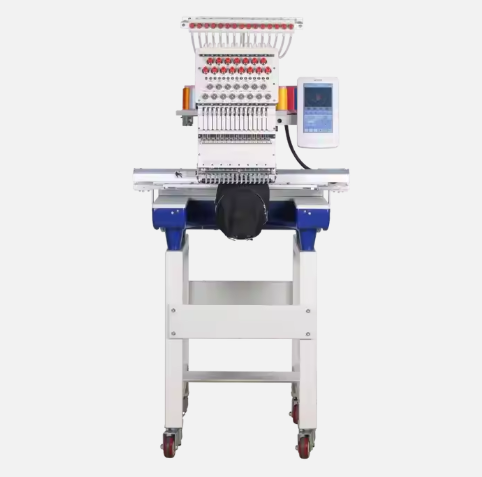
12 Heads Embroidery Machine

Dewatering Pump Machine

Order Collection

Portable Water Drilling Rig

Order Usefully Collected

Batch of Orders

Agriculture Processing Machines

Meat Grinder Machine

Water Pump Equipment

Packaging Machine and accessories

Fabrics Manufacturing Equipment

Mining Equipments

Food Processing Machine

Batch of Orders

Batch of Orders

Latest Orders Labelled

wheel alignment machines

new arrivals

Pre Orders Offloading

Latest Arrivals

Latest Arrivals