B21, China Town Mall, Midrand

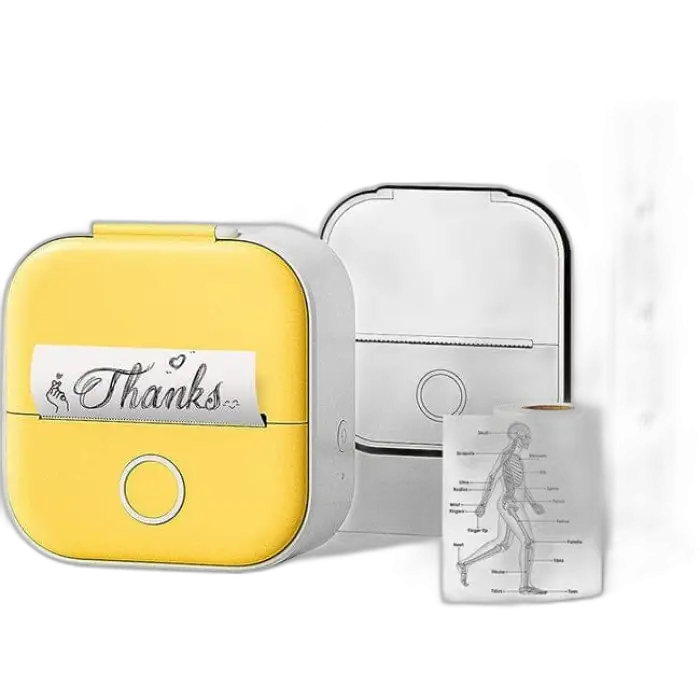
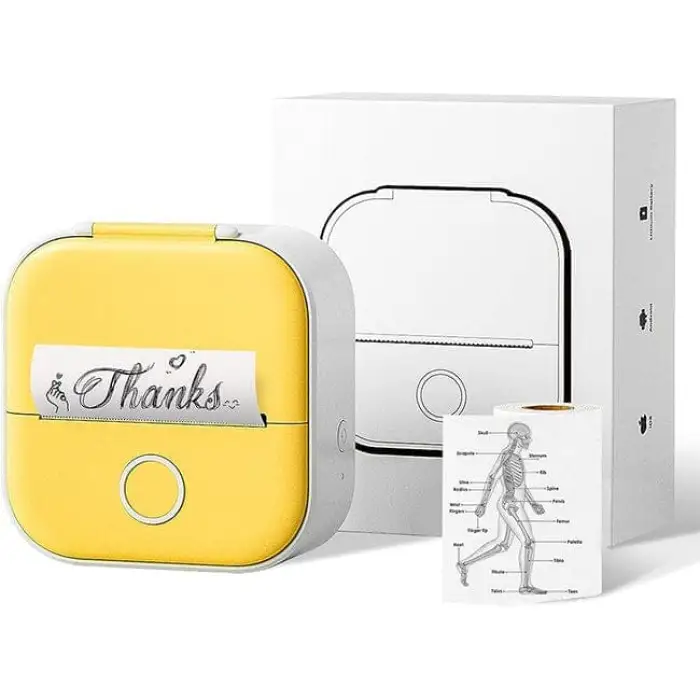


Phomemo Portable Mini Printer T02 with Cute case Thermal Printer for Mobile Phone Printer for Study,Stickers,Photos

| Quantity | Price |
|---|---|
| 10 | R6,860 |
| 15 | R10,290 |
| 20 | R13,720 |
- Section : Consumer Electronics
- Category : Photo Studio Accessories
- SKU : 1601001169721

Phomemo Portable Mini Printer T02 with Cute Case Thermal Printer
The Phomemo Portable Mini Printer T02 is a fun and handy printer for your mobile phone. It helps you print stickers, photos, and notes easily. With its cute case and compact design, you can carry it anywhere. This printer is great for studying, crafting, or just having fun with your friends. Enjoy the world of easy printing with the Phomemo T02!
Specifications
| Attribute | Details |
|---|---|
| Type | Printer |
| Material | ABS |
| Style | Black and White |
| Max Resolution | 203 dpi |
| Black Print Speed | 6-10 mm/s |
| Color Print Speed | Not Applicable |
| Max Paper Size | 53 mm |
| Printing Method | Inkless Thermal Printing |
| Battery | 1000 mAh |
| Dimensions | 87 x 90 x 40 mm |
| Package Size | 117 x 97 x 52 mm |
| Support System | Android + iOS |
| Interface | USB + BT Wireless 4.0 |
| Weight | 0.182 KG |
Key Features
- Compact and portable design
- Easy Bluetooth connection
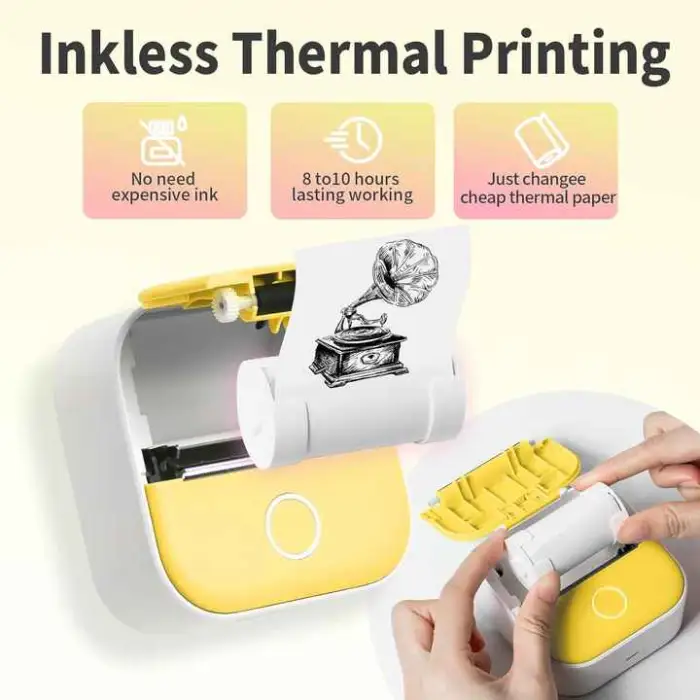
- Inkless thermal printing technology
- Supports both Android and iOS devices
- Built-in 1000 mAh battery for convenience
Applications
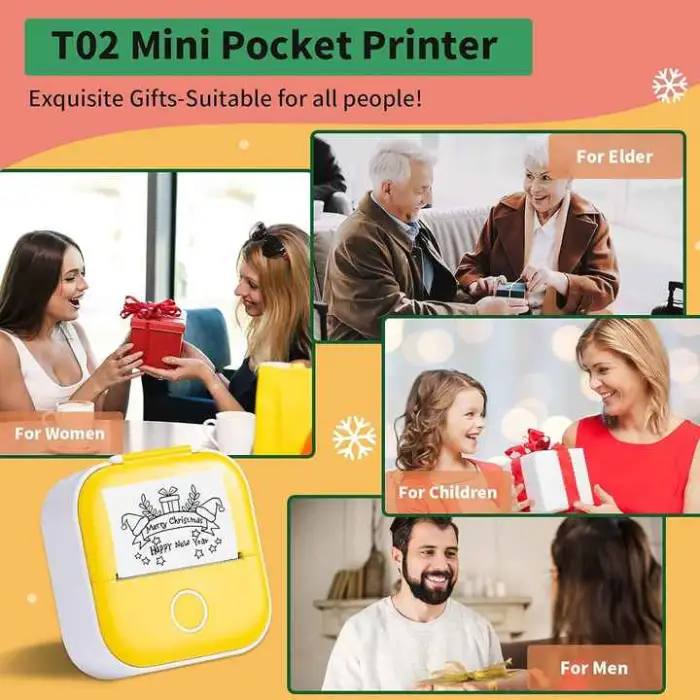
- Printing study notes and reminders
- Creating fun stickers for crafts
- Printing photos for personal albums
- Making labels for organizing
- Sharing memories with friends and family
Product Info Gallery
- Shipping Timeframes: All orders are processed within 2-5 business days (excluding weekends and holidays). After your order has been processed, the estimated delivery time is before 25 Dec, 2025, depending on customs, Please note that due to high demand, some items may experience longer shipping times, which will be communicated at order confirmation email.
- Order Processing Time: Please allow 2-5 business days for us to process your order before it is shipped . Orders placed after 16:00 on Fridays, or during weekends and public holidays, will begin processing on the next business day. Processing times may be extended during peak seasons or sales events.
- Manufacturing Time: Some products needs manufacturing time, the manufacturing process will take approximately 10-30 business days depending on the product. This timeframe may vary depending on the complexity of the product and current demand. but this will be communicated with you during order confirmation.
- Returns and Exchanges: We offer a 30-day return policy for most items. If you are not completely satisfied with your purchase, you may return it within 30 days of receipt for a refund or exchange. Items must be unused, in their original packaging, and accompanied by proof of purchase. Return shipping costs are the responsibility of the customer, unless the item was damaged or defective upon arrival.
1. What exactly is the Phomemo Portable Mini Printer T02?
The Phomemo T02 is a compact, inkless thermal mobile printer (with a cute protective case) designed for printing stickers, photos, notes and labels from Android or iOS phones via Bluetooth or USB.
2. Does the T02 use ink or toner?
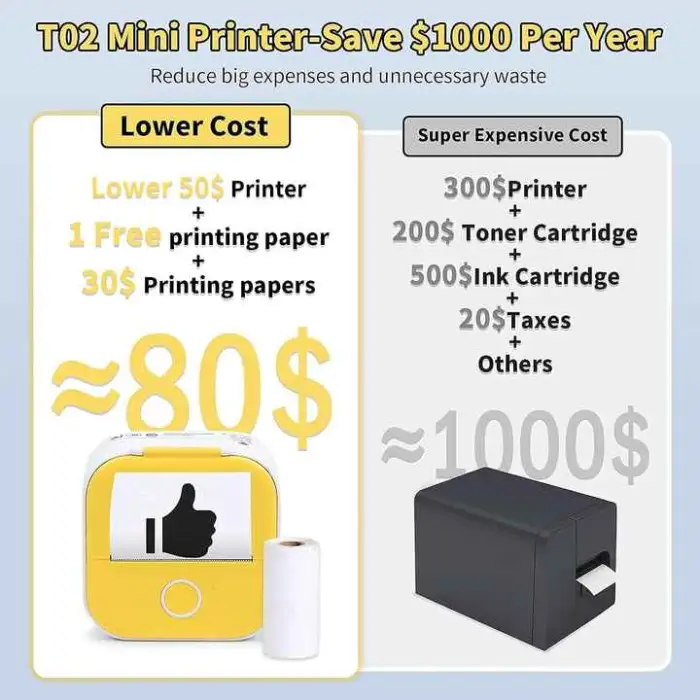
No — it uses inkless thermal printing. You must use thermal paper or thermal sticker rolls rather than traditional ink or toner cartridges.
3. What paper or media can I use and what size is supported?
The printer supports thermal rolls and thermal sticker/media up to 53 mm wide. Use genuine thermal paper or compatible thermal sticker rolls for best results.
4. Can the T02 print in color?
No — the T02 prints only in black (monochrome) using thermal technology. Color printing is not supported.
5. What devices and operating systems are compatible?
The T02 supports Android and iOS devices. It connects via Bluetooth 4.0 for mobile use and also has a USB interface for wired connections.
6. How do I connect my phone to the printer?
Turn on Bluetooth on your phone, open the Phomemo app (available on the App Store and Google Play) or a compatible thermal-printing app, power up the printer, then pair/select the T02 device in the app. You can also connect with the supplied USB cable where supported.
7. What is the print resolution and photo quality I can expect?
Maximum resolution is 203 dpi. This yields clear text, labels, QR codes and decent small photos for personal albums, but it won't match high-resolution inkjet or dye-sublimation photo quality.
8. How fast does it print?
Black print speed is approximately 6–10 mm/s. Actual printing time depends on the length and complexity of the image or text being printed.
9. How long does the battery last and how is it charged?
The built-in battery is 1000 mAh. Actual runtime depends on print usage and print length; it typically handles multiple small sticker/photo prints per charge. Recharge using the supplied USB cable.
10. How do I load paper or a sticker roll into the printer?
Open the printer cover/case, place the thermal roll so the thermal (shiny/dark-sensitive) side faces the feed and the paper feeds out through the slot, then close the cover. Refer to the quick start guide or app instructions for pictures if available.
11. Can I print barcodes or QR codes?
Yes — the Phomemo app and many compatible apps allow printing of text, QR codes, barcodes and simple graphics at the printer's 203 dpi resolution.
12. Why are my prints faint, streaky or not printing correctly?
Common causes: using non-thermal paper, thermal side of paper facing the wrong way, low battery, poor Bluetooth/USB connection, or a dirty thermal head. Ensure correct paper, charge the battery, reconnect, and clean the thermal head gently with isopropyl alcohol if needed.
13. How should I store prints and the printer?
Thermal prints are sensitive to heat, sunlight, oils and certain plastics. Store printed items away from direct sunlight and high temperatures for longer life. Keep the printer in a cool, dry place and avoid exposing it to extreme heat or humidity.
14. Is there customer support or warranty for the T02?
Warranty and support vary by seller/region. Check the retailer listing or contact Phomemo official support for warranty terms, troubleshooting and replacement parts.
15. Can I use the T02 with a computer?
The T02 has a USB interface and may be used with computers depending on drivers and software. It's primarily designed for mobile use via the Phomemo app; check Phomemo's support pages for PC compatibility and drivers.
Latest Order Arrivals
Discover our latest orders

12 Heads Embroidery Machine

Dewatering Pump Machine

Order Collection

Portable Water Drilling Rig

Order Usefully Collected

Batch of Orders

Agriculture Processing Machines

Meat Grinder Machine

Water Pump Equipment

Packaging Machine and accessories

Fabrics Manufacturing Equipment

Mining Equipments

Food Processing Machine

Batch of Orders

Batch of Orders

Latest Orders Labelled

wheel alignment machines

new arrivals

Pre Orders Offloading

Latest Arrivals

Latest Arrivals