B21, China Town Mall, Midrand

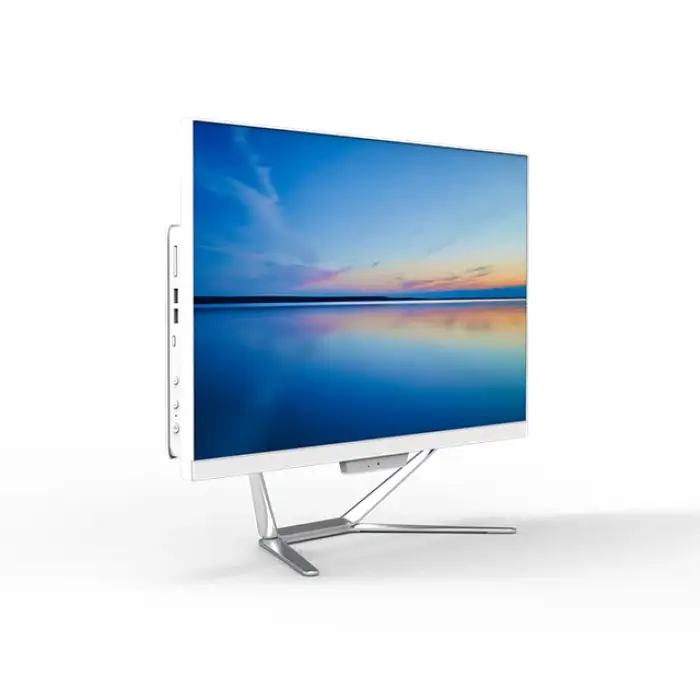
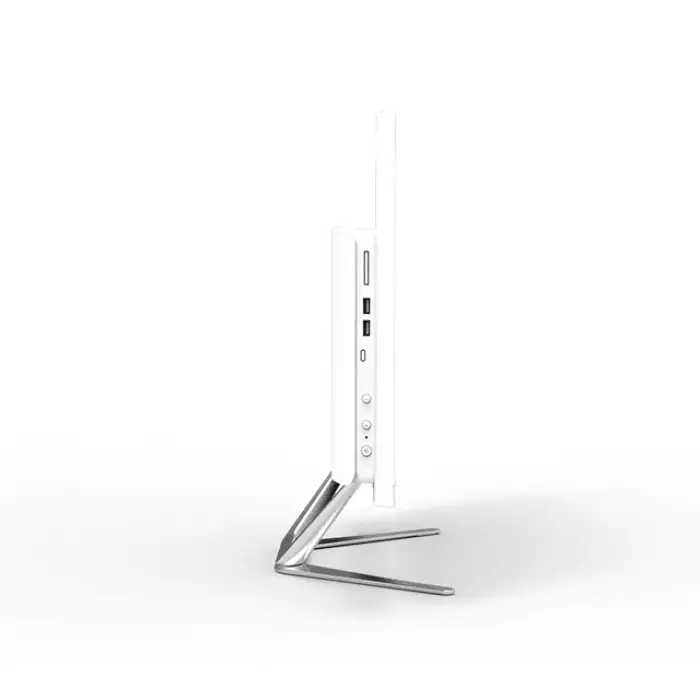
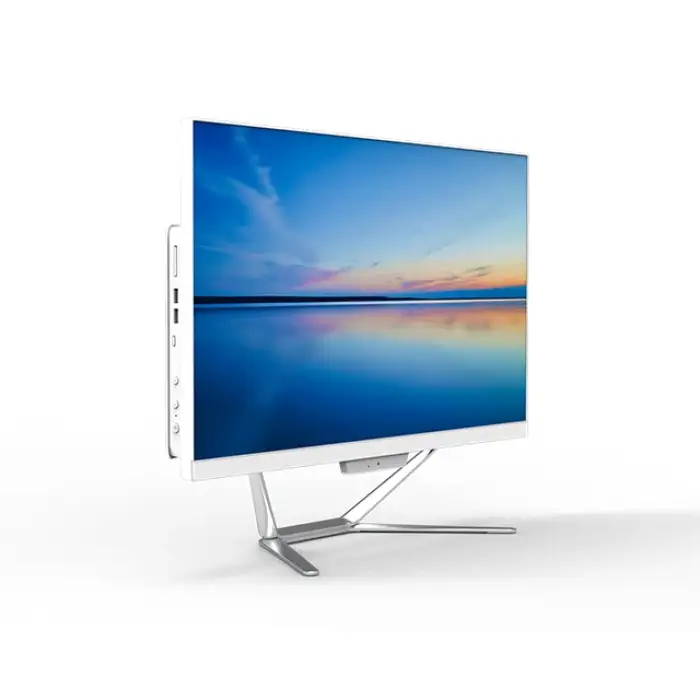
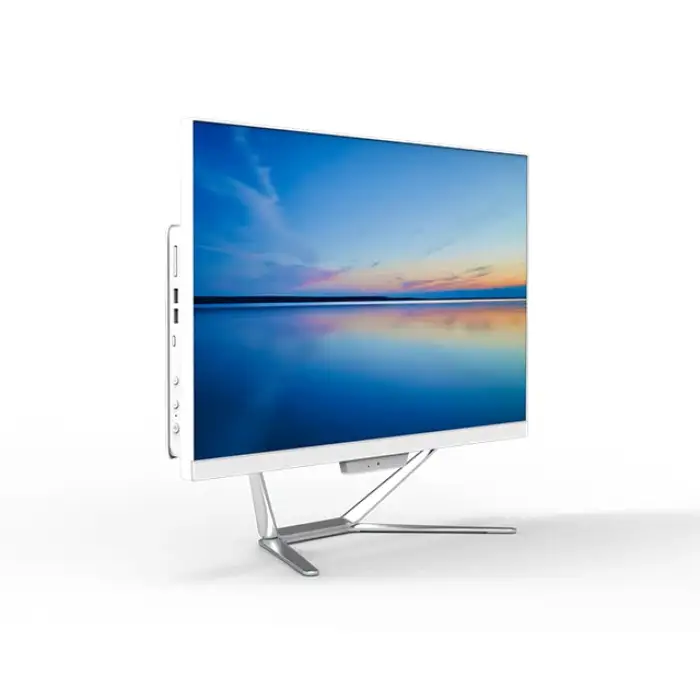
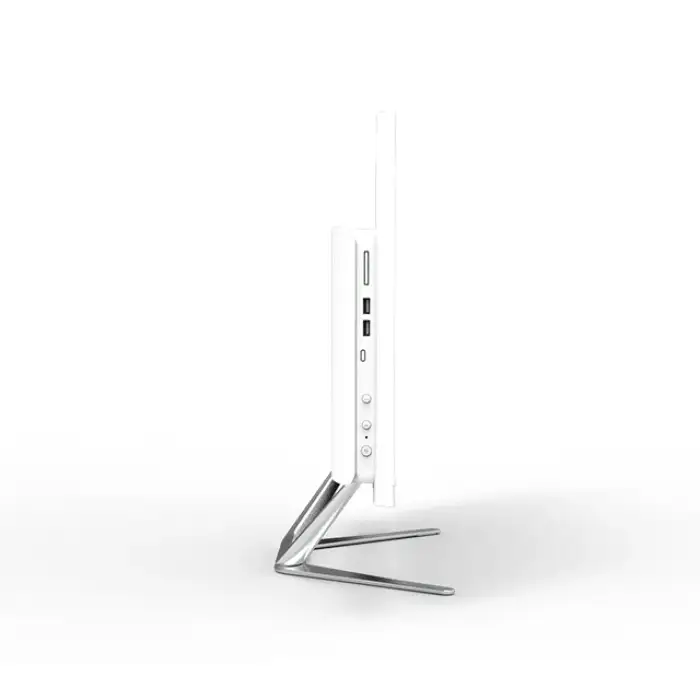
Aio I3 I5 I7 All-in-one Desktop Computer All In One Pc

- Section : Computers
- Category : Computers
- SKU : 1600919565493

Product Description


- Shipping Timeframes: All orders are processed within 2-5 business days (excluding weekends and holidays). After your order has been processed, the estimated delivery time is before 03 Oct, 2026, depending on customs, Please note that due to high demand, some items may experience longer shipping times, which will be communicated at order confirmation email.
- Order Processing Time: Please allow 2-5 business days for us to process your order before it is shipped . Orders placed after 16:00 on Fridays, or during weekends and public holidays, will begin processing on the next business day. Processing times may be extended during peak seasons or sales events.
- Manufacturing Time: Some products needs manufacturing time, the manufacturing process will take approximately 10-30 business days depending on the product. This timeframe may vary depending on the complexity of the product and current demand. but this will be communicated with you during order confirmation.
- Returns and Exchanges: We offer a 30-day return policy for most items. If you are not completely satisfied with your purchase, you may return it within 30 days of receipt for a refund or exchange. Items must be unused, in their original packaging, and accompanied by proof of purchase. Return shipping costs are the responsibility of the customer, unless the item was damaged or defective upon arrival.
1. What are the differences between the i3, i5, and i7 models of the Aio All-in-One Desktop Computer?
The main differences between the i3, i5, and i7 models lie in their processing power and capabilities. The i3 is suitable for basic tasks like web browsing and word processing, the i5 is better for multitasking and moderate gaming, while the i7 is optimal for intensive applications, gaming, and professional work.
2. What is included in the purchase of the Aio All-in-One Desktop Computer?
The purchase typically includes the all-in-one desktop unit, a power cable, a user manual, and possibly a wireless keyboard and mouse, depending on the specific model and retailer.
3. Can I upgrade the RAM or storage on my Aio All-in-One Desktop Computer?
Upgradability depends on the specific model. Some Aio All-in-One Desktops allow for RAM and storage upgrades, while others are more integrated. Please check the specifications or consult the manufacturer for your model.
4. What operating system does the Aio All-in-One Desktop Computer come with?
The Aio All-in-One Desktop Computer typically comes with Windows 10 or Windows 11 pre-installed, but please verify the specifications for your specific model.
5. Does the Aio All-in-One Desktop Computer support external devices?
Yes, the Aio All-in-One Desktop Computer usually includes multiple USB ports, HDMI outputs, and audio jacks, allowing you to connect various external devices such as printers, external drives, and monitors.
6. Is the Aio All-in-One Desktop Computer suitable for gaming?
While the i3 model may struggle with more demanding games, the i5 and i7 models are typically capable of handling moderate gaming. For the best experience, check the specifications of the graphics card included with the model you choose.
7. What is the warranty period for the Aio All-in-One Desktop Computer?
Warranty periods can vary by manufacturer, but most Aio All-in-One Desktop Computers come with a standard one-year warranty. Be sure to check the warranty details provided at the time of purchase.
8. What are the connectivity options available on the Aio All-in-One Desktop Computer?
Common connectivity options include Wi-Fi, Ethernet, Bluetooth, and various USB ports. Specific options may vary by model, so it's best to refer to the product specifications.
9. What is the screen size and resolution of the Aio All-in-One Desktop Computer?
Screen size and resolution vary by model, but many feature screens between 21 to 27 inches with Full HD (1920x1080) or higher resolutions. Check the specific product details for accurate information.
10. How energy-efficient is the Aio All-in-One Desktop Computer?
The energy efficiency of the Aio All-in-One Desktop Computer will depend on the model and components used. Most modern computers are designed to be energy-efficient, but specifics can often be found in the product specifications.
11. Can I use the Aio All-in-One Desktop Computer for video editing?
Yes, the i5 and i7 models are generally suitable for video editing tasks, provided they are equipped with adequate RAM and a good graphics card. The i3 model may struggle with more intensive editing software.
12. What is the recommended maintenance for the Aio All-in-One Desktop Computer?
Regular maintenance includes keeping the software updated, cleaning the screen and exterior, and ensuring good airflow around the device. Periodic hardware checks can also help maintain performance.
13. Is a touchscreen option available for the Aio All-in-One Desktop Computer?
Some models of the Aio All-in-One Desktop Computer may offer touchscreen capabilities, while others do not. Check the specific model's features to confirm availability.
14. What type of customer support is available for the Aio All-in-One Desktop Computer?
Customer support typically includes phone, email, and live chat options. Additionally, most manufacturers provide online resources such as FAQs, user manuals, and troubleshooting guides.
15. What color options are available for the Aio All-in-One Desktop Computer?
Color options can vary by model, but common colors include black, silver, and white. Check the product page for available color selections.
Latest Order Arrivals
Discover our latest orders

12 Heads Embroidery Machine

Toilet Paper Machine Machine

Order Collection

Cross Border Clients

Order cros border countries Collected

Industrial Machine Cllection

Agriculture Processing Machines

Ready for collection

Water Pump Equipment

Packaging Machine and accessories

Fabrics Manufacturing Equipment

Mining Equipments

Food Processing Machine

Batch of Orders

Batch of Orders

Latest Orders Labelled

wheel alignment machines

new arrivals

Pre Orders Offloading

Latest Arrivals

Latest Arrivals

Latest Arrivals

Loading

Toilet paper making machine

Toilet paper making machine

Toilet paper Rewinding Machine

latest arrivals

offloading

order success

order collection

order offloading