B21, China Town Mall, Midrand

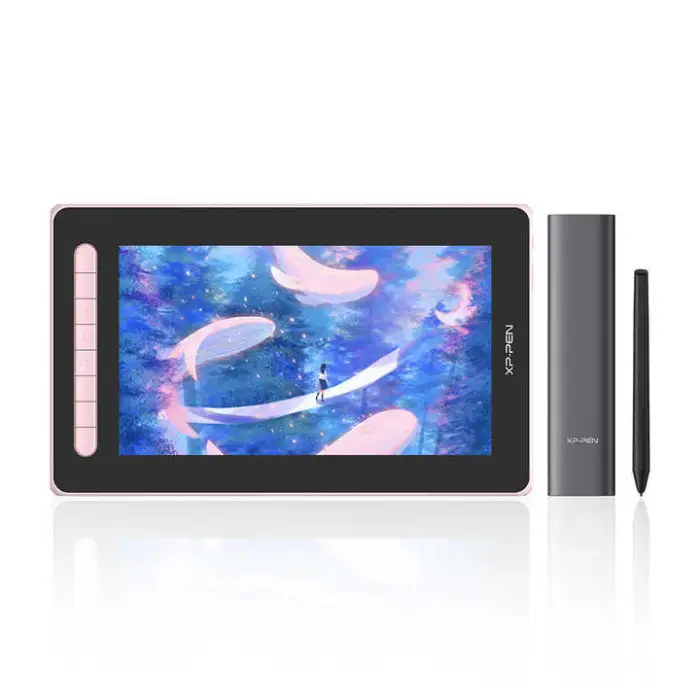

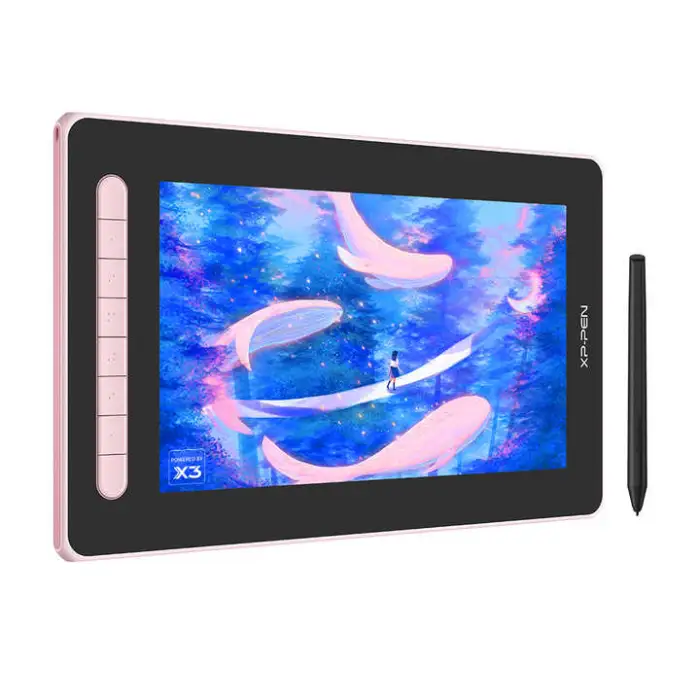
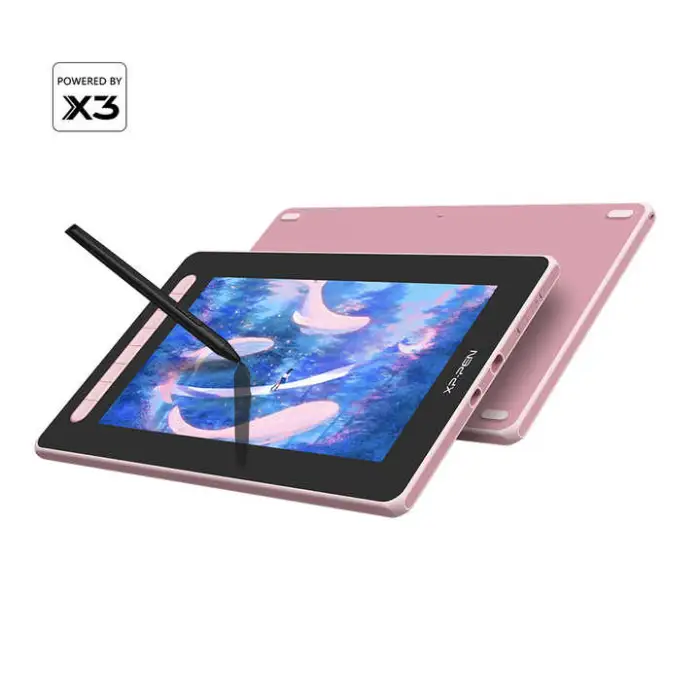
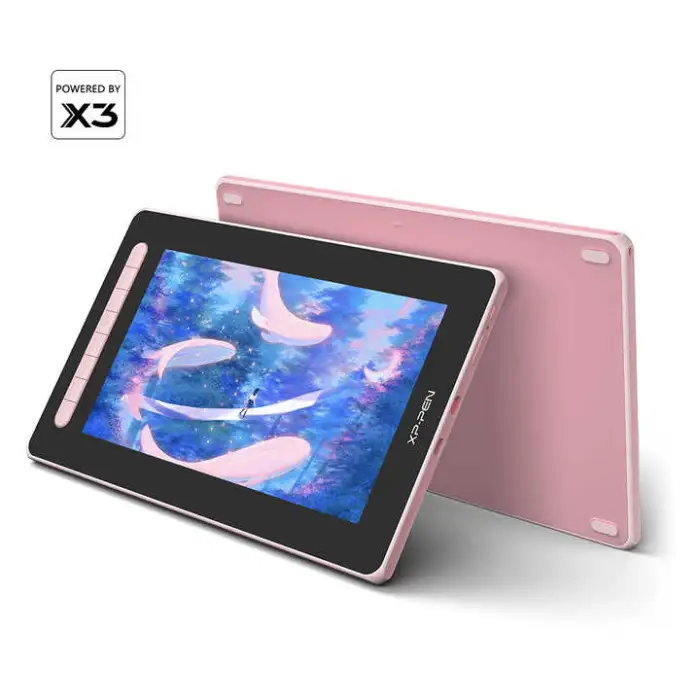
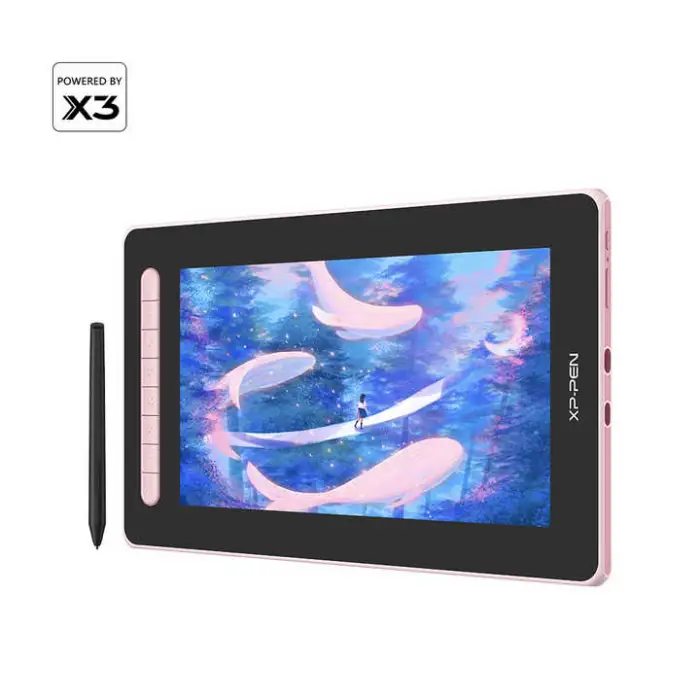

XP-PEN Artist 12 (2nd Gen) X3 Smart Chip Digital Pen Display Design Drawing Graphic Tablet With Screen

- Section : Consumer Electronics
- Category : Computer Hardware & Software
- SKU : 1600344543378

XP-PEN Artist 12 (2nd Gen) X3 Smart Chip Digital Pen Display Design Drawing Graphic Tablet With Screen
The XP-PEN Artist 12 (2nd Gen) is a powerful digital pen display designed for artists and creators. This graphic tablet features a bright screen and a responsive stylus, making it easy to bring your ideas to life. With its compact design and advanced technology, this tablet is perfect for both beginners and experienced artists. Dive into your creativity with the XP-PEN Artist 12!
Specifications
| Attribute | Details |
|---|---|
| Dimensions | 346.2 x 209 x 12 mm |
| Work Area | 263.23 x 148.07 mm |
| Stylus | X3 Elite |
| Tilt | 60 degrees |
| Color Gamut (typical) | 90% NTSC, 127% sRGB, 94% Adobe RGB |
| Shortcut Keys | 8 |
| Resolution | 5080 LPI |
| Brightness | 220 cd/㎡ |
| Selling Units | Single item |
| Single Package Size | 39 x 24 x 6 cm |
| Single Gross Weight | 1.520 KG |
Key Features
- High-resolution display for clear and vibrant visuals.
- Responsive X3 Elite stylus for precise drawing.
- Wide color gamut for true-to-life colors.
- 8 customizable shortcut keys for quick access to tools.
- Compact design, perfect for on-the-go creativity.
Applications
- Digital art and illustration.
- Graphic design and animation.
- Photo editing and retouching.
- Educational purposes in art classes.
- Creating digital comics and storyboards.
Product Info Gallery
- Shipping Timeframes: All orders are processed within 2-5 business days (excluding weekends and holidays). After your order has been processed, the estimated delivery time is before 25 Dec, 2025, depending on customs, Please note that due to high demand, some items may experience longer shipping times, which will be communicated at order confirmation email.
- Order Processing Time: Please allow 2-5 business days for us to process your order before it is shipped . Orders placed after 16:00 on Fridays, or during weekends and public holidays, will begin processing on the next business day. Processing times may be extended during peak seasons or sales events.
- Manufacturing Time: Some products needs manufacturing time, the manufacturing process will take approximately 10-30 business days depending on the product. This timeframe may vary depending on the complexity of the product and current demand. but this will be communicated with you during order confirmation.
- Returns and Exchanges: We offer a 30-day return policy for most items. If you are not completely satisfied with your purchase, you may return it within 30 days of receipt for a refund or exchange. Items must be unused, in their original packaging, and accompanied by proof of purchase. Return shipping costs are the responsibility of the customer, unless the item was damaged or defective upon arrival.
1. What are the physical dimensions and active drawing area of the XP-PEN Artist 12 (2nd Gen)?
Overall dimensions are 346.2 x 209 x 12 mm. The active work (drawing) area is 263.23 x 148.07 mm.
2. What stylus does the tablet come with and what pen features are supported?
It comes with the X3 Elite stylus featuring the X3 Smart Chip and 60° tilt support for natural angled strokes. The stylus is described as responsive and designed for precise drawing—refer to the official spec sheet or manual for exact pressure-sensitivity numbers.
3. What is the display quality — color gamut, brightness, and resolution?
The display covers 90% NTSC, 127% sRGB and 94% Adobe RGB. Brightness is 220 cd/m² and pen resolution is rated at 5080 LPI, delivering clear, vibrant visuals suitable for color work.
4. How many shortcut keys does the Artist 12 (2nd Gen) have and are they customizable?
The tablet features 8 shortcut keys which are customizable so you can assign frequently used tools or shortcuts for faster workflow.
5. Can I use the Artist 12 as a secondary monitor or do I need special cables/adapters?
Yes — the Artist 12 is a pen display, so it functions as an external monitor. Depending on your computer’s ports you may need the appropriate cable or adapter (HDMI/USB-C/DisplayPort adapters). Check the included cable types and your computer’s outputs before purchase.
6. Which operating systems and creative apps are supported?
The Artist 12 works with major creative applications (for example photo editors, illustration and animation software). For specific OS compatibility (Windows, macOS, Linux or Android) and exact supported versions, check XP-PEN’s official driver/download page or the product listing.
7. How do I set up the tablet and calibrate the pen?
Basic setup: connect the tablet to your computer with the included cable(s), install the latest XP-PEN driver from the official website, then use the driver utility to map the screen, customize shortcut keys, and calibrate the pen if needed. Restart your computer if the device isn’t recognized.
8. Is the X3 Elite stylus battery-powered or battery-free?
The product description highlights the X3 Smart Chip and responsiveness but does not explicitly state battery details. Check the official product manual or XP-PEN specifications to confirm whether the X3 Elite stylus is battery-free or requires charging.
9. What is the weight and portability of the tablet?
The single gross weight (packaged) is about 1.520 kg and the tablet’s slim profile (12 mm thick) and compact work area make it convenient for travel or small workspaces.
10. Are replacement pen nibs and accessories included or available?
Most XP-PEN models include spare nibs and essential cables in the box, and replacement nibs/accessories are usually available from XP-PEN or authorized resellers. Check the seller’s item description or the official accessory store for availability.
11. Is the tablet suitable for beginners and professional artists?
Yes — the Artist 12 (2nd Gen) is described as suitable for both beginners and experienced creators thanks to its responsive stylus, color-accurate display and customizable shortcuts.
12. Can I use the Artist 12 for animation, photo retouching and digital comics?
Yes — the tablet is well suited for digital art, illustration, animation, photo editing/retouching and creating comics or storyboards, as listed in the product applications.
13. What should I do if the pen or display stops responding?
First check cable connections and that the driver is installed and up to date. Reboot the computer, try a different USB/video port or cable, and test on another machine if possible. If problems persist, reinstall the driver and consult XP-PEN support or your seller for troubleshooting or warranty service.
14. Is there a warranty or support for this product?
Warranty and support details vary by seller and region. Refer to your retailer’s listing or XP-PEN’s official website for warranty terms, registration instructions and customer support contact information.
15. Where can I find full technical specifications, drivers and the user manual?
Full specs, the latest drivers, user manuals and firmware updates are available on XP-PEN’s official website under the product support/download section. Always download drivers from the manufacturer to ensure compatibility and security.
Latest Order Arrivals
Discover our latest orders

12 Heads Embroidery Machine

Dewatering Pump Machine

Order Collection

Portable Water Drilling Rig

Order Usefully Collected

Batch of Orders

Agriculture Processing Machines

Meat Grinder Machine

Water Pump Equipment

Packaging Machine and accessories

Fabrics Manufacturing Equipment

Mining Equipments

Food Processing Machine

Batch of Orders

Batch of Orders

Latest Orders Labelled

wheel alignment machines

new arrivals

Pre Orders Offloading

Latest Arrivals

Latest Arrivals