B21, China Town Mall, Midrand

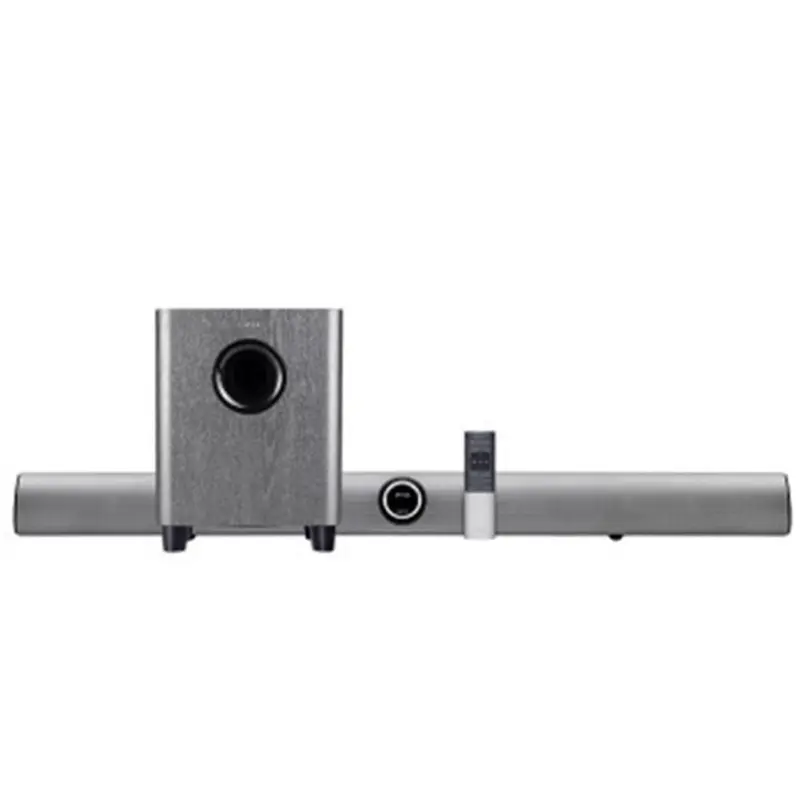
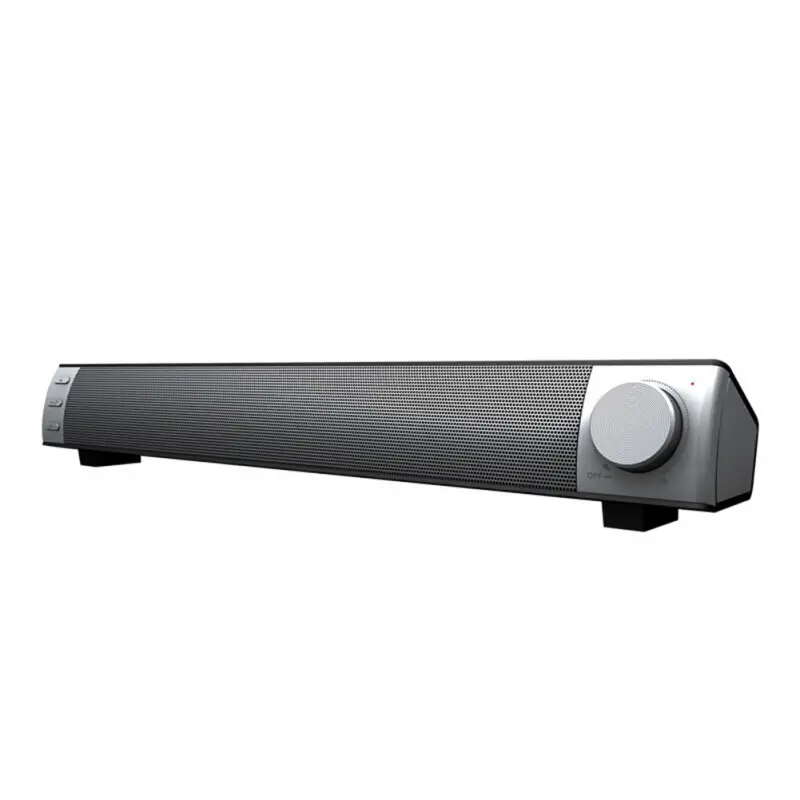
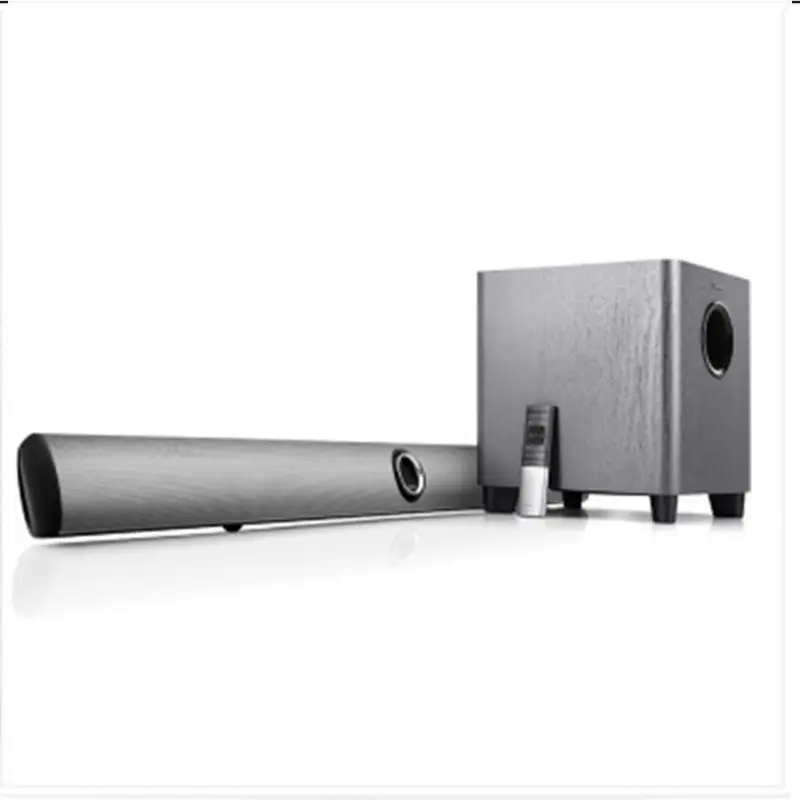
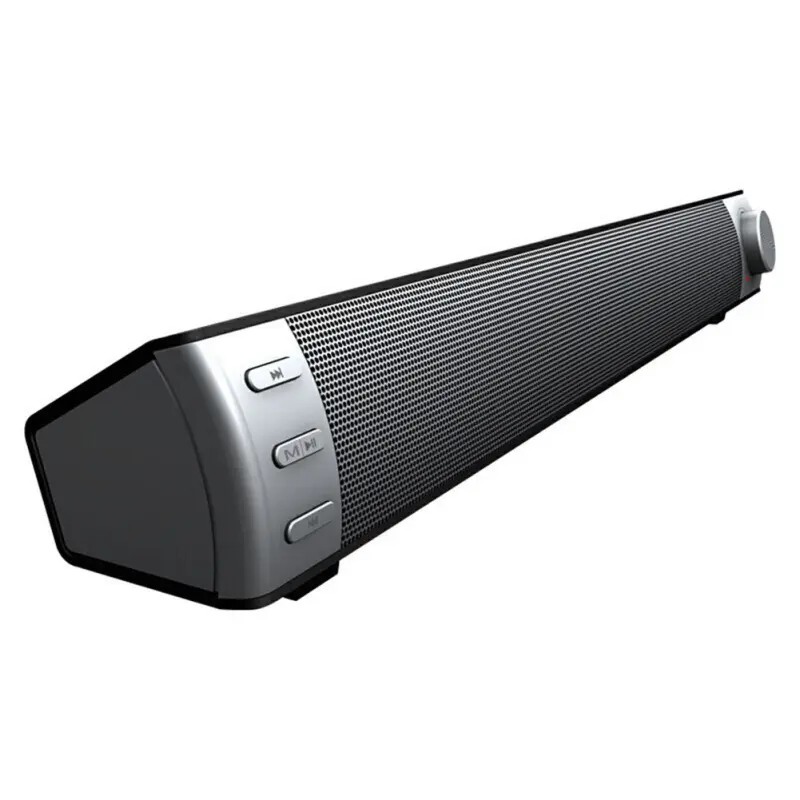
Vofull Sound System 2.1 home theatre system With BT FM USB MP3 SD LED Display Remote Control sound bar soundbar

- Section : Consumer Electronics
- Category : MP3 Players
- SKU : 1600177213335



- Shipping Timeframes: All orders are processed within 2-5 business days (excluding weekends and holidays). After your order has been processed, the estimated delivery time is before 12 Mar, 2026, depending on customs, Please note that due to high demand, some items may experience longer shipping times, which will be communicated at order confirmation email.
- Order Processing Time: Please allow 2-5 business days for us to process your order before it is shipped . Orders placed after 16:00 on Fridays, or during weekends and public holidays, will begin processing on the next business day. Processing times may be extended during peak seasons or sales events.
- Manufacturing Time: Some products needs manufacturing time, the manufacturing process will take approximately 10-30 business days depending on the product. This timeframe may vary depending on the complexity of the product and current demand. but this will be communicated with you during order confirmation.
- Returns and Exchanges: We offer a 30-day return policy for most items. If you are not completely satisfied with your purchase, you may return it within 30 days of receipt for a refund or exchange. Items must be unused, in their original packaging, and accompanied by proof of purchase. Return shipping costs are the responsibility of the customer, unless the item was damaged or defective upon arrival.
1. What components are included with the Vofull 2.1 home theatre system?
Typical package contents are a stereo soundbar, one powered subwoofer (2.1 configuration), a remote control, power cables and a user manual. Exact accessories may vary by seller—check the product listing or packaging for confirmation.
2. What does 2.1 mean in this sound system?
2.1 refers to two main channels (left and right) plus one subwoofer channel for low-frequency bass. This configuration delivers stereo sound with enhanced bass from the dedicated subwoofer.
3. How do I pair my phone or tablet via Bluetooth?
Put the soundbar into Bluetooth mode (use the Mode button or remote). Enable Bluetooth on your phone, search for nearby devices, and select the Vofull device name shown. Once paired, it will connect automatically when Bluetooth is active and in range. If prompted for a PIN, check the manual (commonly 0000 or 1234) or leave blank.
4. Can I play music from USB or SD card and which file formats are supported?
Yes — the system supports direct playback from USB drives and SD cards. It commonly supports MP3 and other standard compressed audio formats, but exact supported formats and max file/partition sizes depend on the model. Refer to the manual for a full list of supported formats and file system requirements (e.g., FAT32).
5. Does the system have an FM radio?
Yes, the system includes a built-in FM tuner. Use the Mode button or the remote to switch to FM, then auto-scan or manually tune stations and save presets. An external antenna (or the audio cable acting as one) may improve reception.
6. What wired inputs are available (AUX, RCA, optical)?
Common inputs include a 3.5mm AUX (line-in), USB and SD card slots, and Bluetooth. Some variants may include RCA or optical inputs; the exact input set can vary by model, so check the product specification for your unit.
7. Is the subwoofer wired or wireless?
That depends on the specific model. Many 2.1 home theatre packages use a wired subwoofer connection, while some newer or higher-end variants use a wireless (RF) link. Check the product listing or manual to confirm which type your unit uses.
8. How do I control playback and change settings?
Use the included remote control or the buttons on the soundbar. The remote typically controls power, volume, input/mode selection (Bluetooth/USB/SD/FM/AUX), playback (play/pause/skip), EQ presets, and mute. The LED display on the unit shows the current mode, track number or FM frequency.
9. Can the soundbar be wall-mounted?
Many soundbars include mounting points or keyhole slots for wall installation, but not all do. Check the product manual or specification to see if mounting hardware is included and for recommended mounting instructions.
10. How do I reset the Bluetooth pairing or factory reset the unit?
If you need to clear Bluetooth pairings, turn the unit off, then back on and re-enter pairing mode; you can also remove the device from your phone's Bluetooth list before re-pairing. For a full factory reset procedure (if available), consult the user manual as the reset method varies by model.
11. What power requirements does the system have?
The soundbar and powered subwoofer require AC mains power. Voltage and frequency requirements depend on the regional model (for example, 110–120V or 220–240V). Always check the label on the unit or the manual to ensure compatibility with your local power supply.
12. Will this soundbar work with my TV, game console or streaming stick?
Yes — you can connect TVs and consoles via Bluetooth (if supported by the source) or a wired line-in/AUX (3.5mm) connection. For best results with TVs, check for compatible outputs (AUX, optical, or RCA) and any lip-sync or delay settings; some TVs pair better via wired connections for lower latency.
13. What audio formats and bitrate does the player support from USB/SD?
The system reliably plays MP3 files and many common compressed formats. Support for lossless formats (FLAC, WAV) or high-bitrate files varies by model. Consult the user manual or product specifications for a definitive list of supported file types and maximum bitrate/sample rate.
14. Is there a warranty and how do I get support?
Warranty terms vary by retailer and region. Check the product listing or packaging for warranty length and coverage details. For support, contact the seller or the manufacturer's customer service using the contact information in the manual or on the product box.
Latest Order Arrivals
Discover our latest orders

12 Heads Embroidery Machine

Dewatering Pump Machine

Order Collection

Portable Water Drilling Rig

Order Usefully Collected

Batch of Orders

Agriculture Processing Machines

Meat Grinder Machine

Water Pump Equipment

Packaging Machine and accessories

Fabrics Manufacturing Equipment

Mining Equipments

Food Processing Machine

Batch of Orders

Batch of Orders

Latest Orders Labelled

wheel alignment machines

new arrivals

Pre Orders Offloading

Latest Arrivals

Latest Arrivals