B21, China Town Mall, Midrand

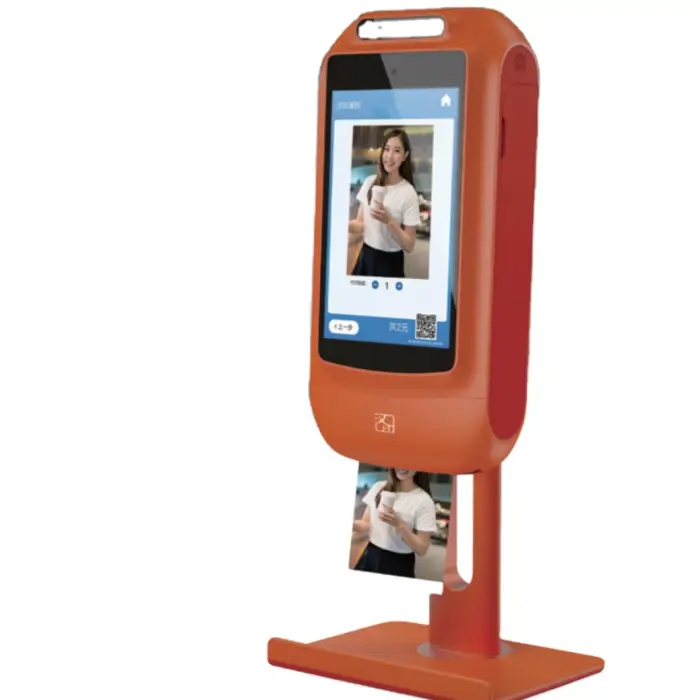
Thermal Printer Self Service Booth Printing Kiosk With Photo Camera

- Section : Consumer Electronics
- Category : Photo Booths
- SKU : 1600734456867

Thermal Printer Self Service Booth Printing Kiosk With Photo Camera
The Thermal Printer Self Service Booth Printing Kiosk With Photo Camera is the perfect solution for quick and easy photo printing. This kiosk allows users to print ID photos, selfies, and mobile phone pictures with just a few taps. Its sleek design and user-friendly interface make it ideal for various locations, from hotels to coffee shops.
Specifications
| Attribute | Details |
|---|---|
| Brand Name | HPRT |
| Model Number | HC-L680 |
| Print Method | Thermal dye sublimation |
| Max Resolution | 300 DPI |
| Operating System | Android, iOS |
| Display Screen | 10.1" 1280x800 IPS LCD |
| Network Connection | Wi-Fi, 4G Netcom |
| After-Sales Service | Call Center and online Technical Support |
| Color | Orange |
| Certificate | CCC, CE, FCC, RoHS |
Key Features
- Easy self-service photo printing.
- High-quality prints with 300 DPI resolution.
- Compatible with Android and iOS devices.
- Large 10.1" touch screen for simple navigation.
- Connects via Wi-Fi and 4G for quick setup.
Applications
- Hotels and lodgings.
- Restaurants and cafes.
- Bubble tea shops.
- Family events and gatherings.
- Public events and festivals.
With the Thermal Printer Self Service Booth Printing Kiosk With Photo Camera, you can provide a fun and efficient way for your customers to capture memories. Make photo printing easy and enjoyable for everyone!
Product Info Gallery
- Shipping Timeframes: All orders are processed within 2-5 business days (excluding weekends and holidays). After your order has been processed, the estimated delivery time is before 12 Jul, 2026, depending on customs, Please note that due to high demand, some items may experience longer shipping times, which will be communicated at order confirmation email.
- Order Processing Time: Please allow 2-5 business days for us to process your order before it is shipped . Orders placed after 16:00 on Fridays, or during weekends and public holidays, will begin processing on the next business day. Processing times may be extended during peak seasons or sales events.
- Manufacturing Time: Some products needs manufacturing time, the manufacturing process will take approximately 10-30 business days depending on the product. This timeframe may vary depending on the complexity of the product and current demand. but this will be communicated with you during order confirmation.
- Returns and Exchanges: We offer a 30-day return policy for most items. If you are not completely satisfied with your purchase, you may return it within 30 days of receipt for a refund or exchange. Items must be unused, in their original packaging, and accompanied by proof of purchase. Return shipping costs are the responsibility of the customer, unless the item was damaged or defective upon arrival.
1. What is the Thermal Printer Self Service Booth Printing Kiosk With Photo Camera?
It's a self-service photo-printing kiosk with a built-in photo camera and thermal dye-sublimation printer, designed for quick ID photos, selfies and mobile-phone picture printing in public or retail locations.
2. What printing technology and quality does the kiosk use?
The kiosk uses thermal dye-sublimation printing and produces high-quality photos up to 300 DPI resolution.
3. What devices and operating systems are supported for printing?
The kiosk supports printing from Android and iOS devices and also provides a 10.1-inch touch-screen interface for direct on-device operation.
4. What are the display and camera specifications?
The kiosk features a 10.1" 1280x800 IPS touchscreen for easy navigation and a built-in photo camera for capturing ID photos, selfies and event pictures.
5. How does the kiosk connect to the network?
It offers Wi‑Fi connectivity and 4G Netcom support for flexible, quick setup and remote communication.
6. What photo sizes and formats does it support?
The kiosk is designed for common photo types including ID photos, passport-style shots, selfies and mobile pictures. Photo size options are configurable via the kiosk interface or companion software — contact your vendor for a list of preset sizes and custom sizing options.
7. What consumables are required and where can I buy them?
The system requires thermal dye-sublimation ribbons and compatible photo paper. Replacement consumables are available from HPRT or authorized distributors and resellers.
8. Is payment processing supported?
The kiosk can be integrated with third-party payment solutions over the network. Contact HPRT or your system integrator for available payment modules, SDKs and recommended providers.
9. What certifications and safety standards does the product meet?
The kiosk carries CCC, CE, FCC and RoHS certifications, indicating compliance with relevant regional safety, electromagnetic and environmental standards.
10. What locations and events are suitable for deployment?
Typical applications include hotels, restaurants, cafes, bubble tea shops, family events, festivals, trade shows and other public venues where on-demand photo printing is desired.
11. How user-friendly is the kiosk?
The kiosk is designed for self-service use with a large 10.1" touch screen, intuitive navigation and simple workflows that allow users to capture and print photos in just a few taps.
12. What after-sales support is available?
HPRT provides after-sales support through a call center and online technical support for troubleshooting, spare parts and servicing guidance.
13. How do I set up and install the kiosk?
Basic setup involves placing the kiosk, connecting power, and configuring network settings via Wi‑Fi or 4G. Initial software configuration and content/payment integration may require assistance from technical support or your integrator — contact HPRT for setup instructions.
14. What maintenance and cleaning are required?
Regular maintenance includes replacing print ribbons and photo paper, wiping the touchscreen and camera lens with a soft, lint-free cloth and avoiding harsh chemicals. Follow the user manual for specific cleaning agents and service intervals.
15. Is the kiosk secure for customer data and payments?
Network connections support standard Wi‑Fi security measures. For payment security and PCI compliance, use certified third-party payment integrations and consult HPRT or your integrator to implement recommended security practices and firmware updates.
Latest Order Arrivals
Discover our latest orders

12 Heads Embroidery Machine

Dewatering Pump Machine

Order Collection

Portable Water Drilling Rig

Order Usefully Collected

Batch of Orders

Agriculture Processing Machines

Meat Grinder Machine

Water Pump Equipment

Packaging Machine and accessories

Fabrics Manufacturing Equipment

Mining Equipments

Food Processing Machine

Batch of Orders

Batch of Orders

Latest Orders Labelled

wheel alignment machines

new arrivals

Pre Orders Offloading

Latest Arrivals

Latest Arrivals

Latest Arrivals
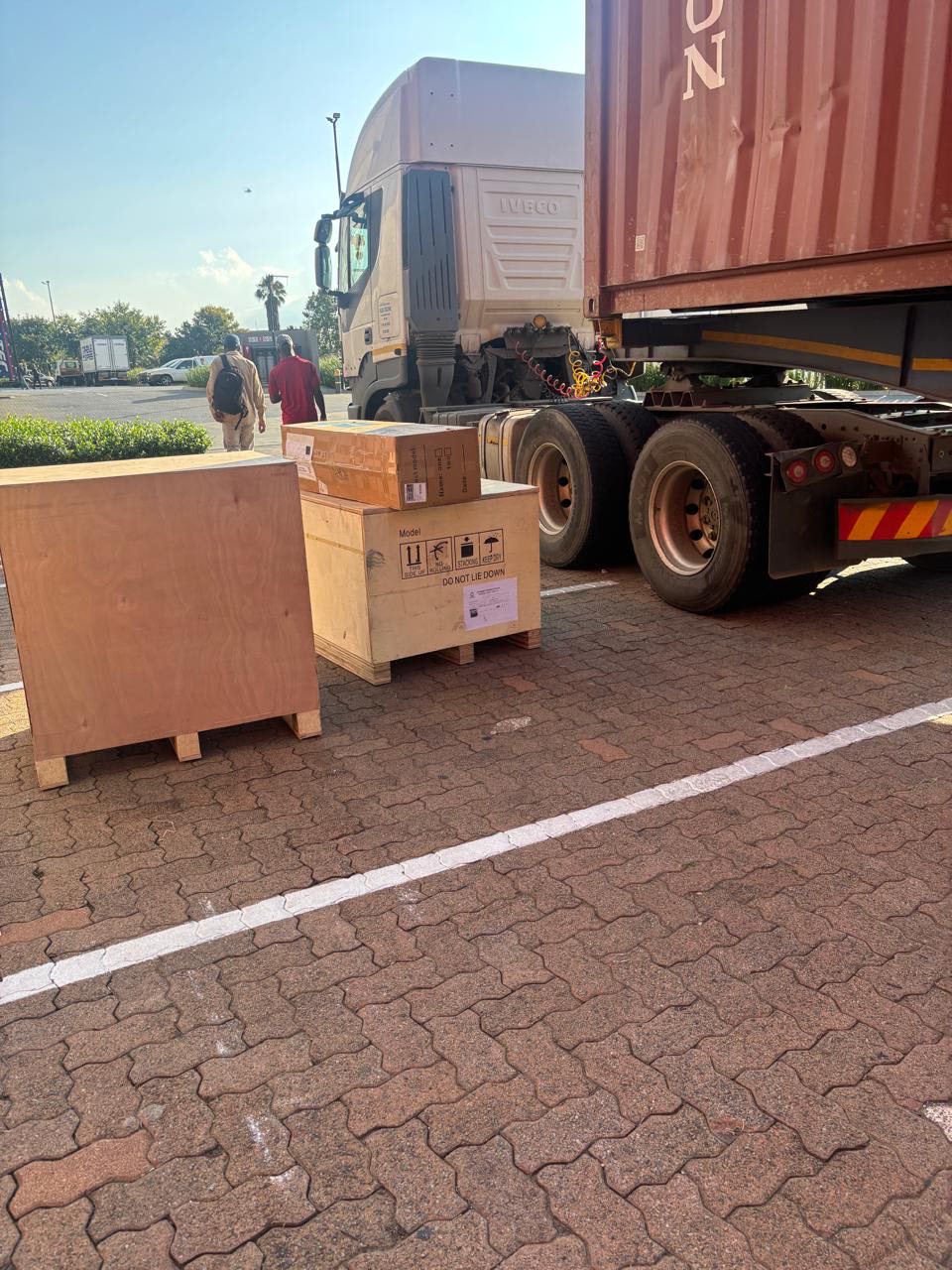
26 January 2026
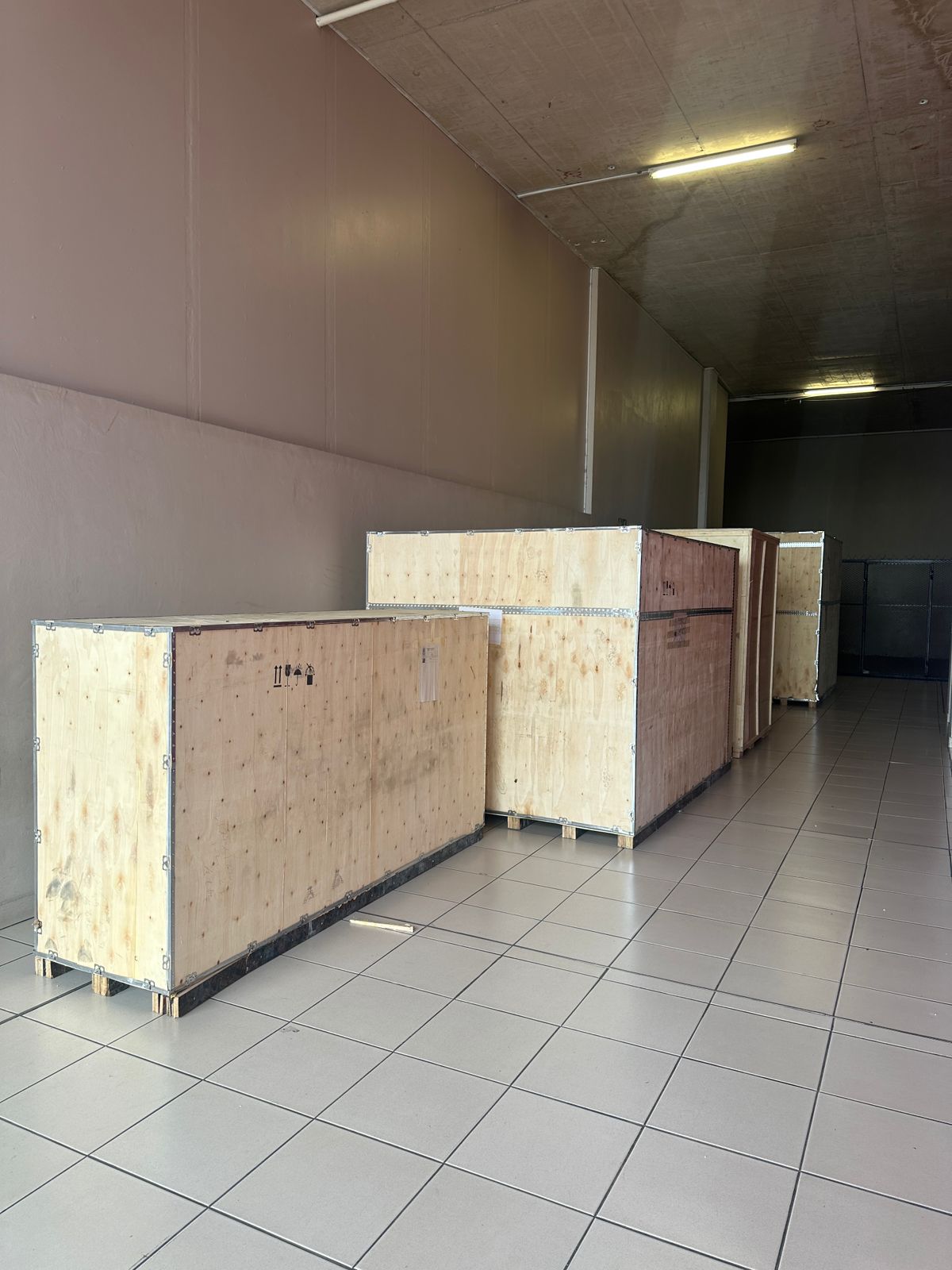
Toilet paper making machine
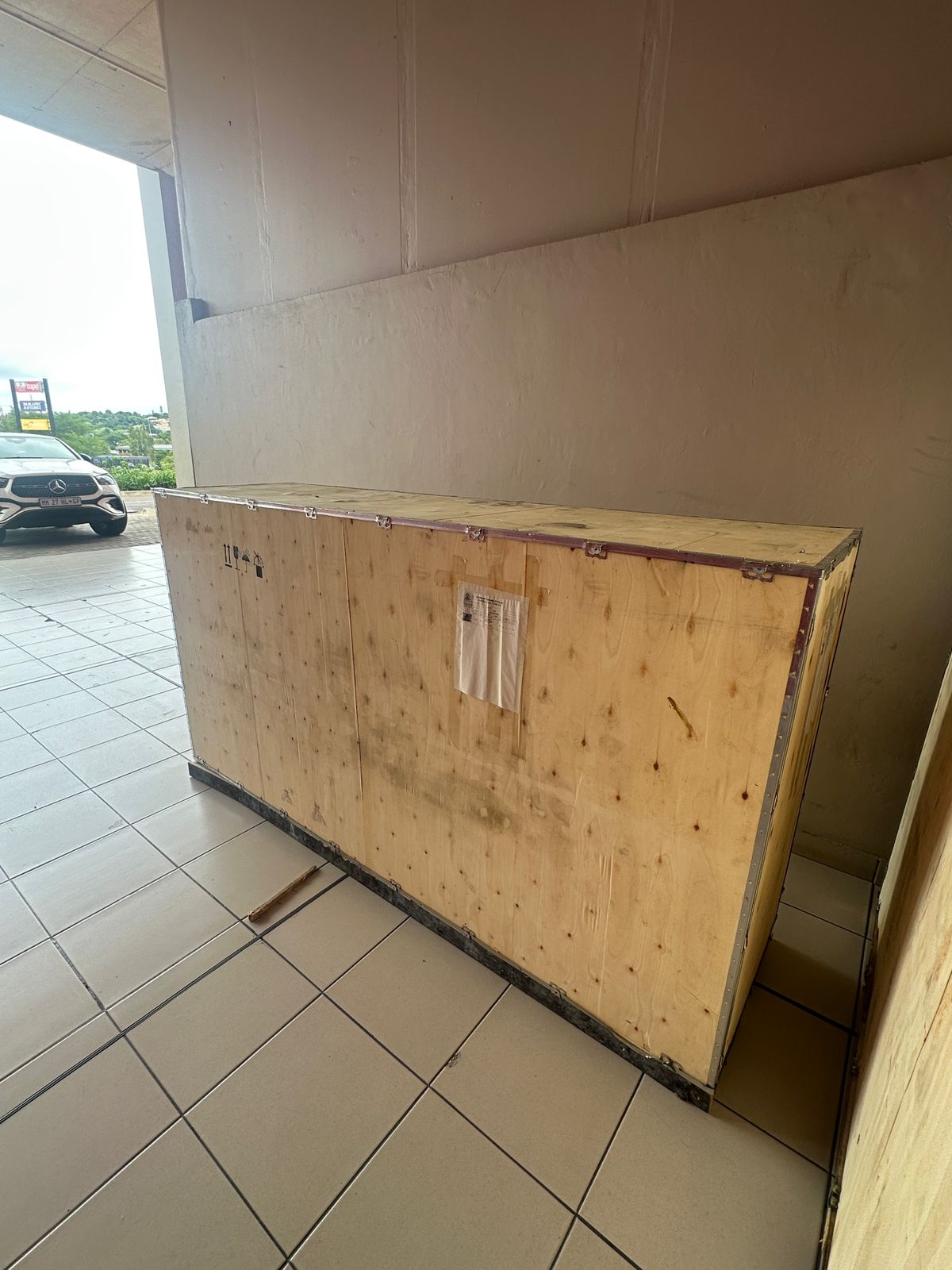
Toilet paper making machine
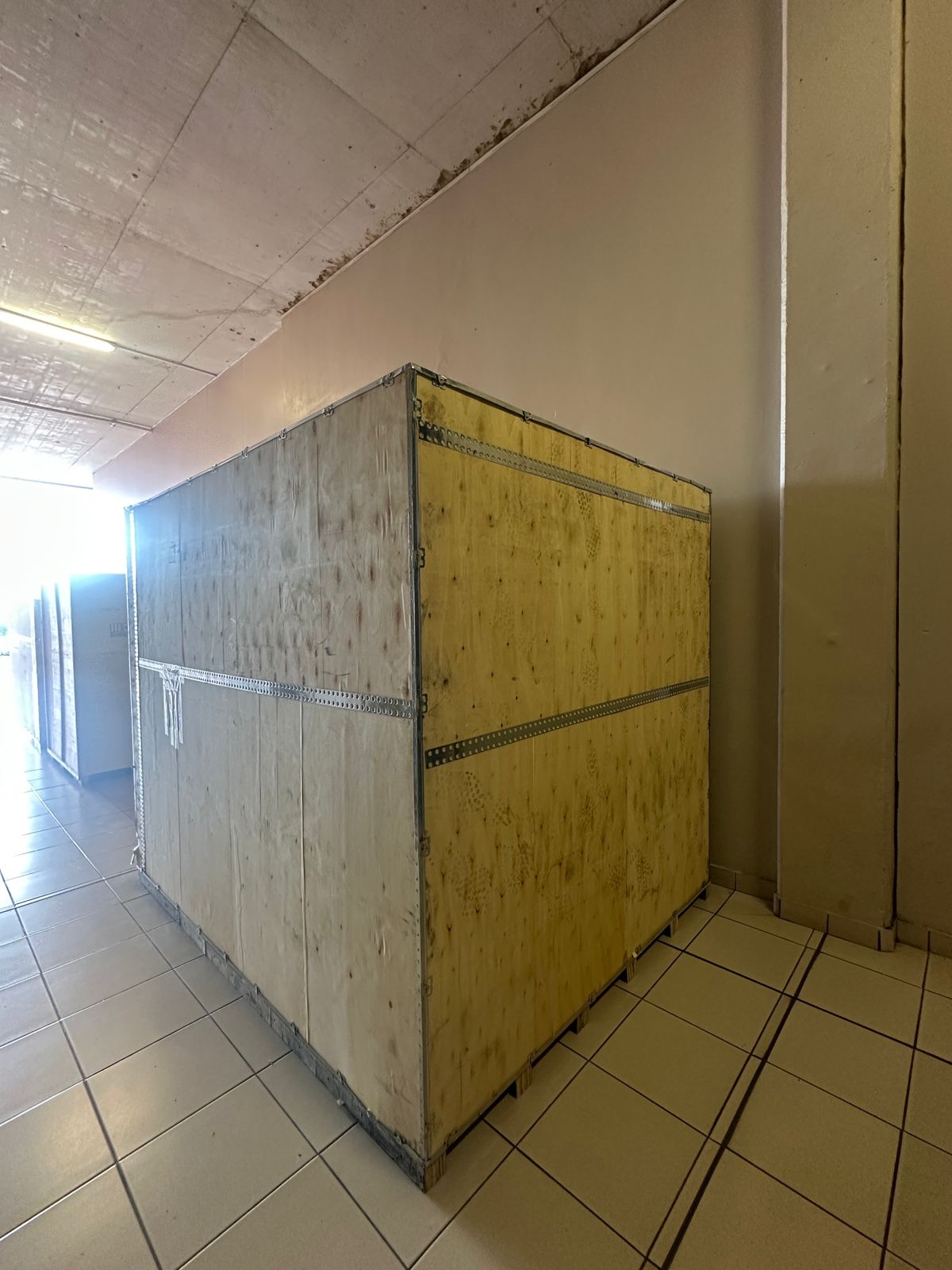
Toilet paper Rewinding Machine
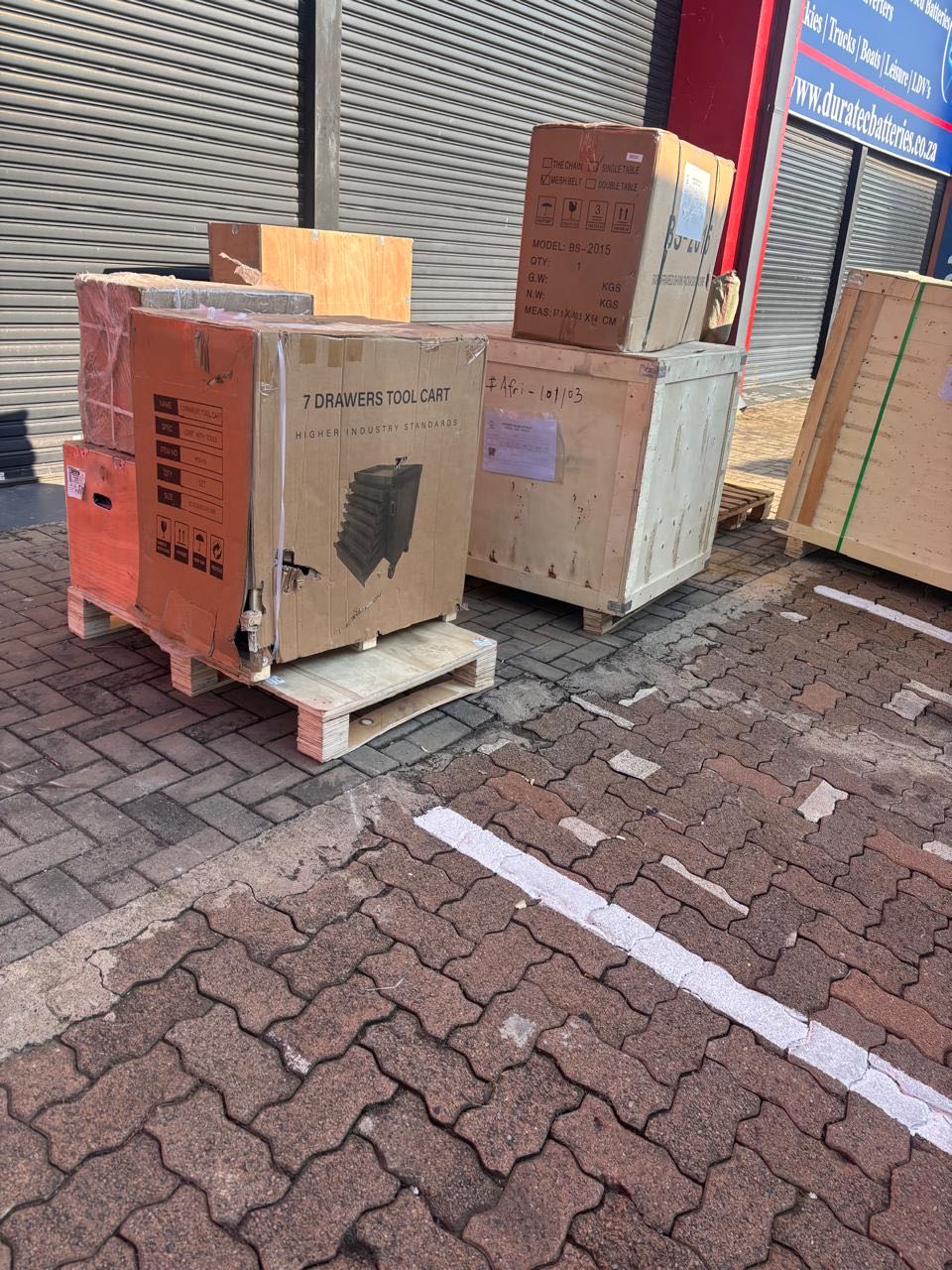
latest arrivals
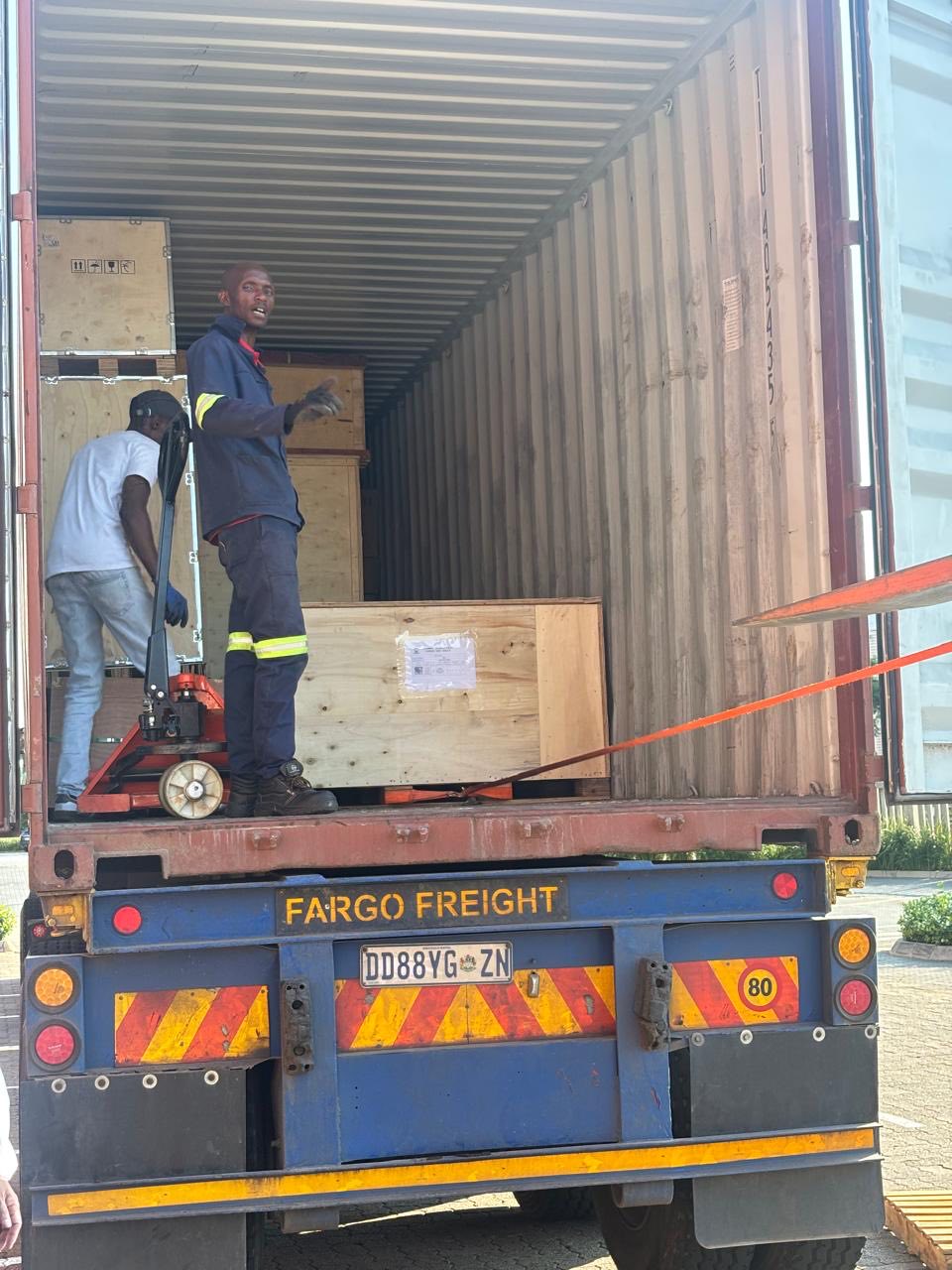
offloading
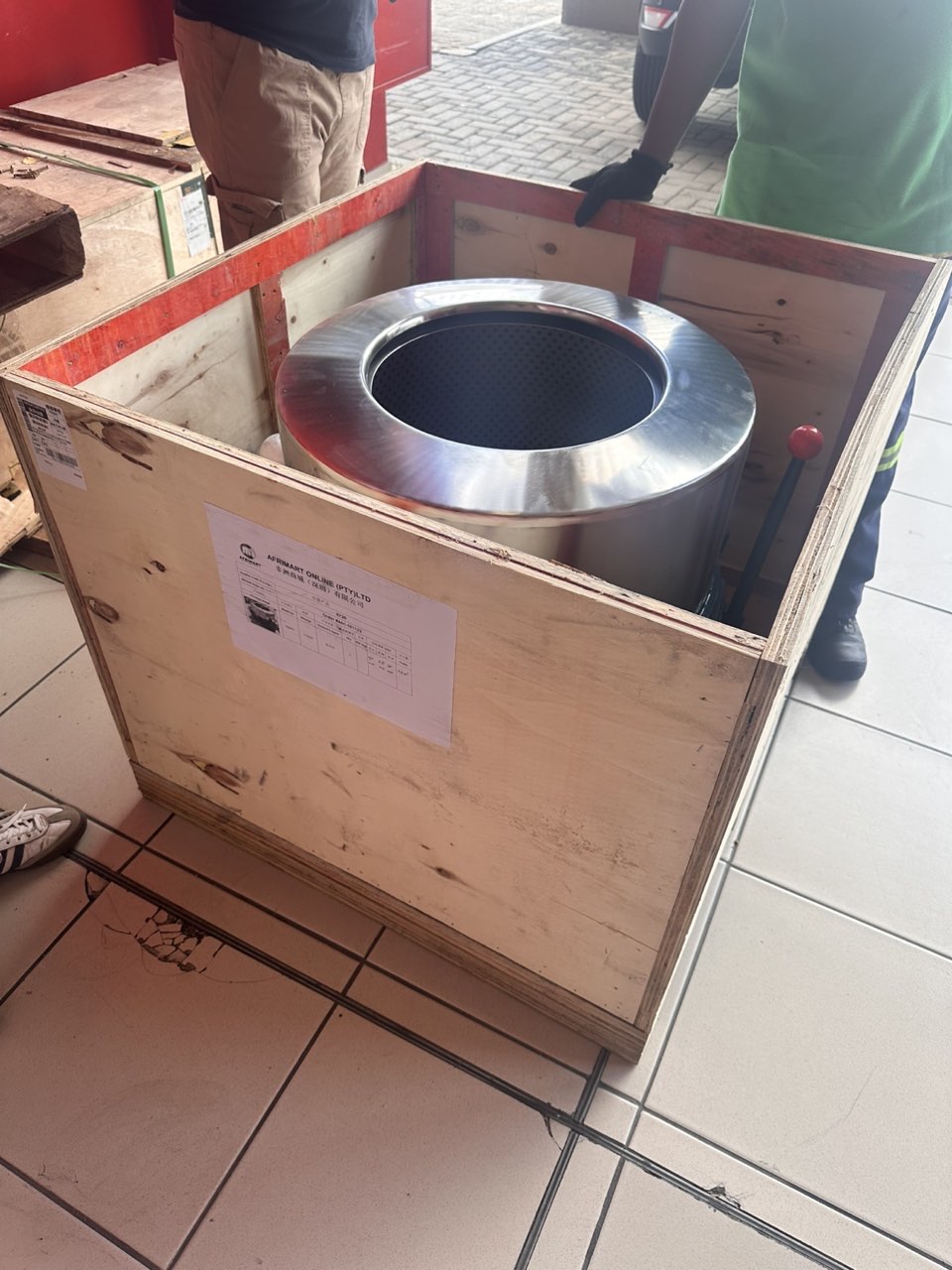
order success
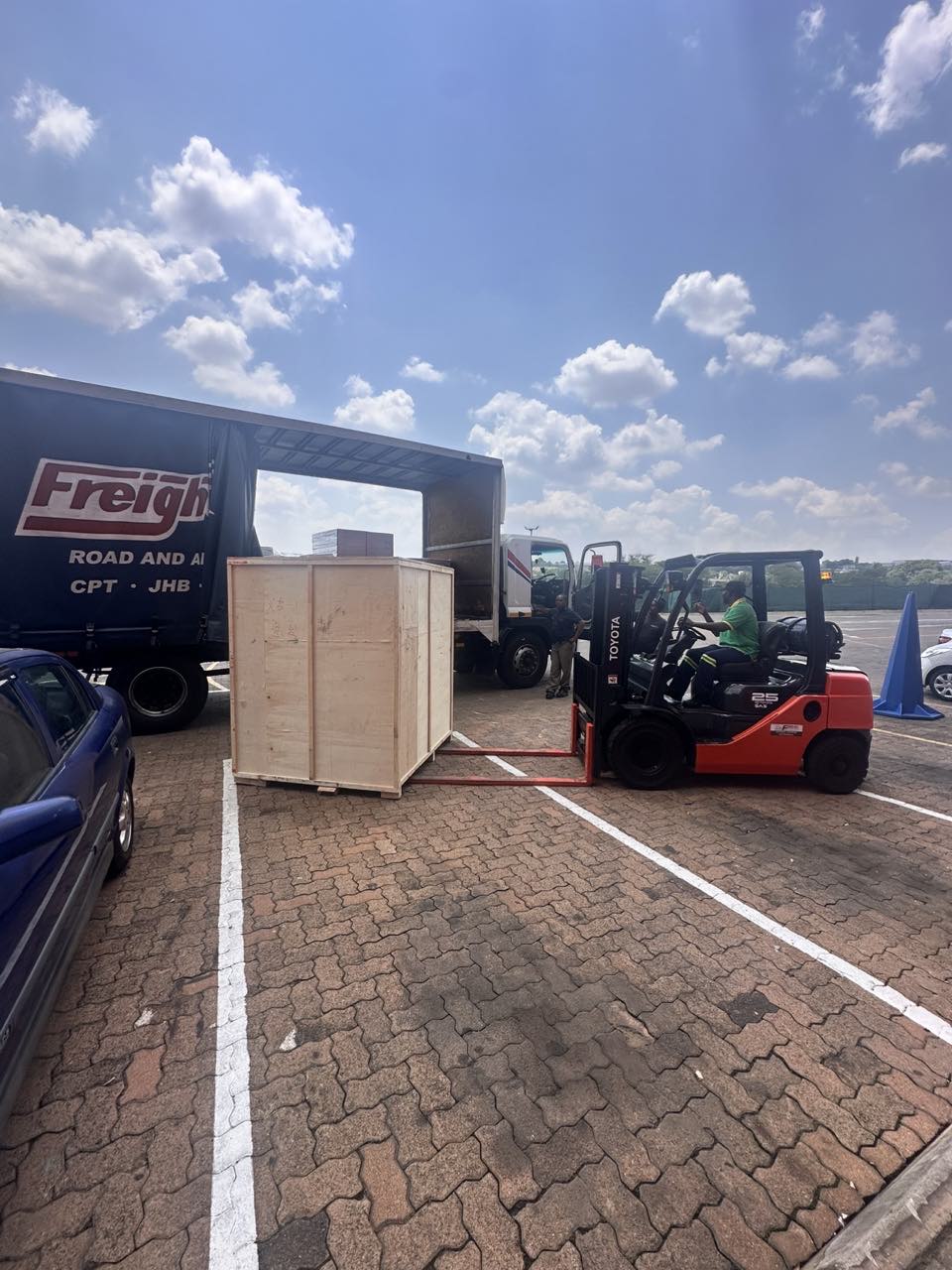
order collection
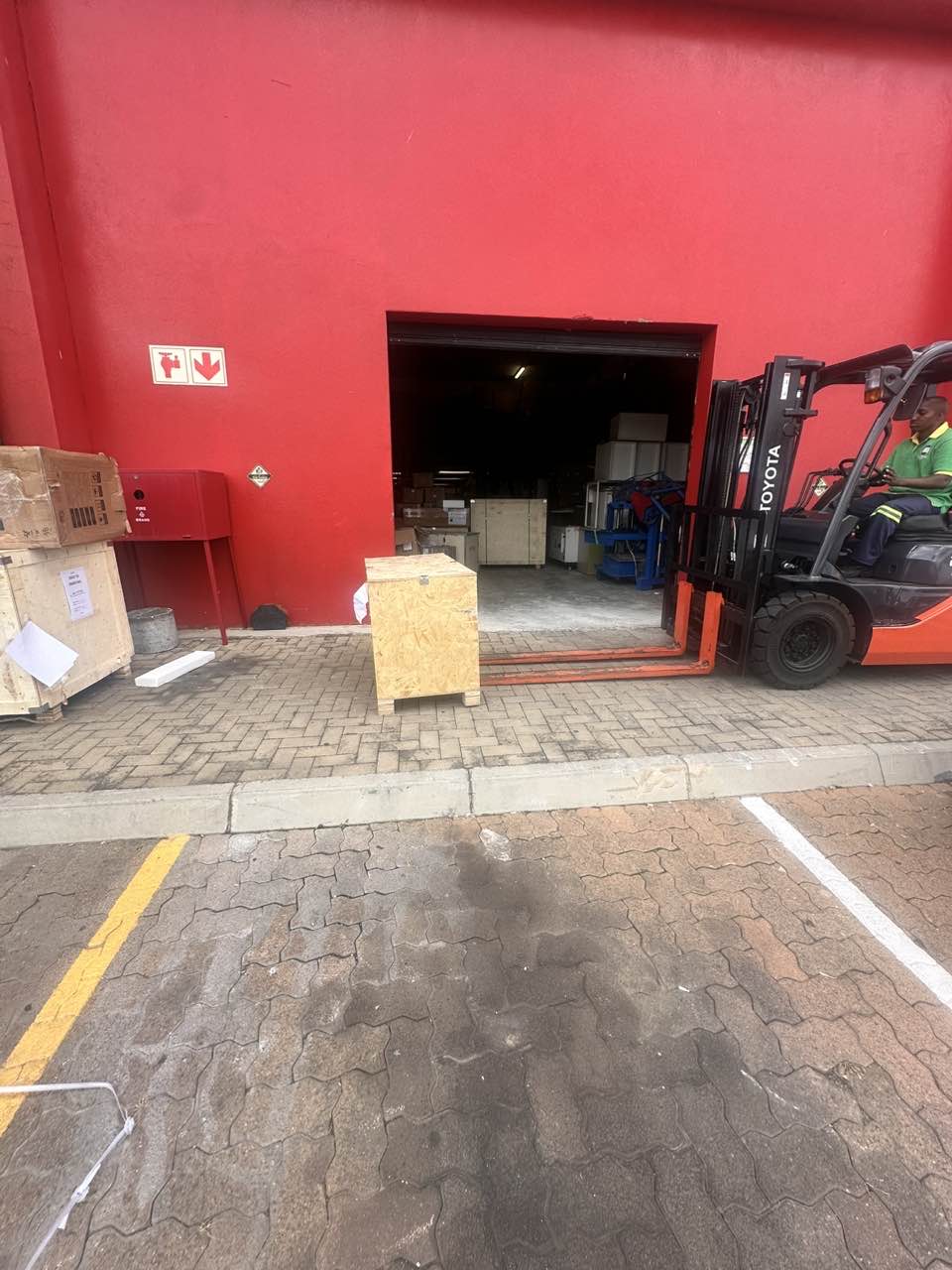
order offloading