B21, China Town Mall, Midrand

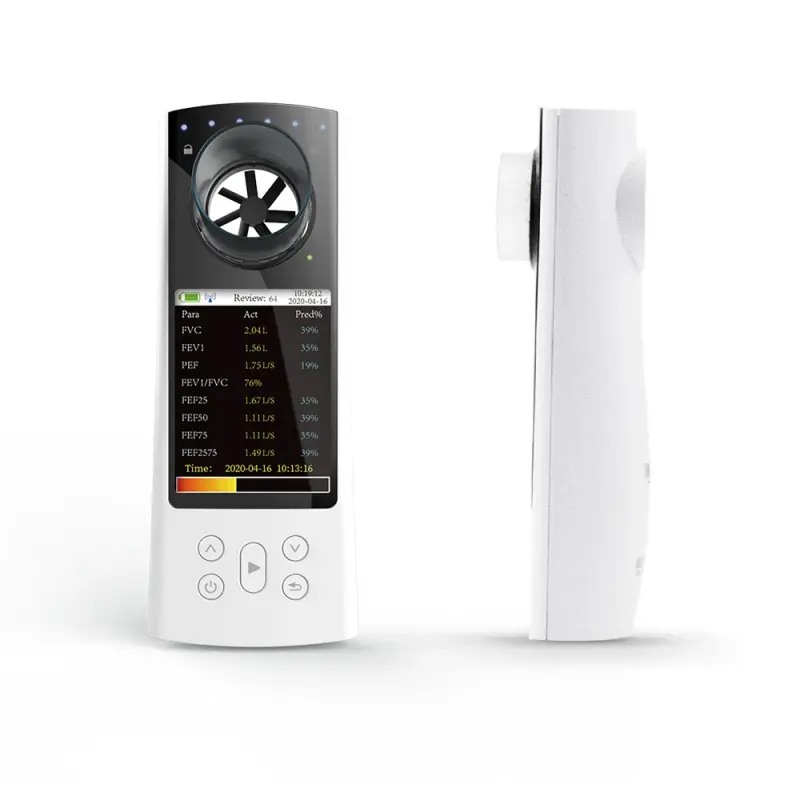
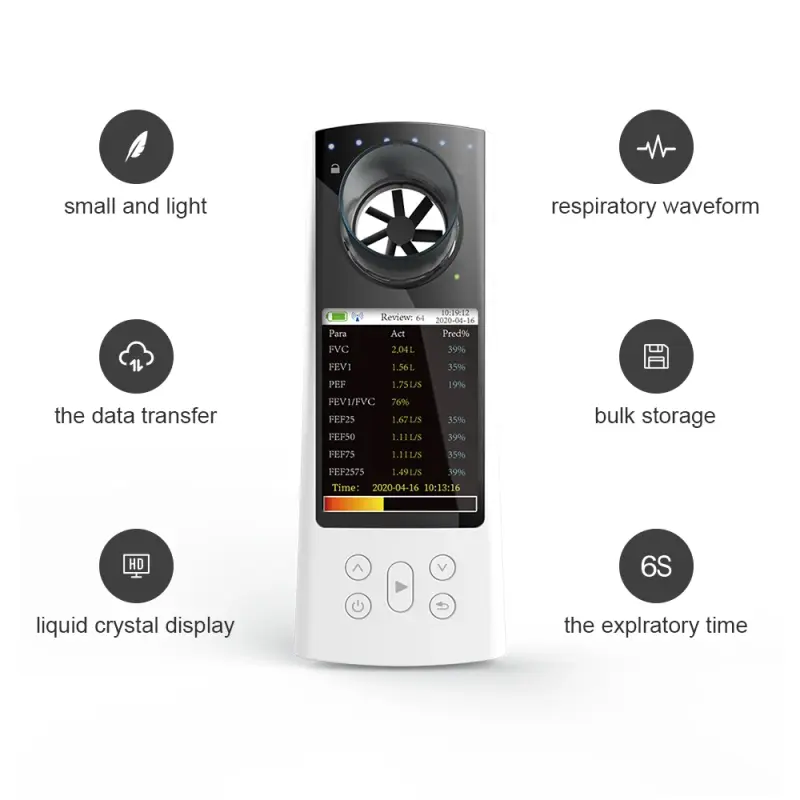
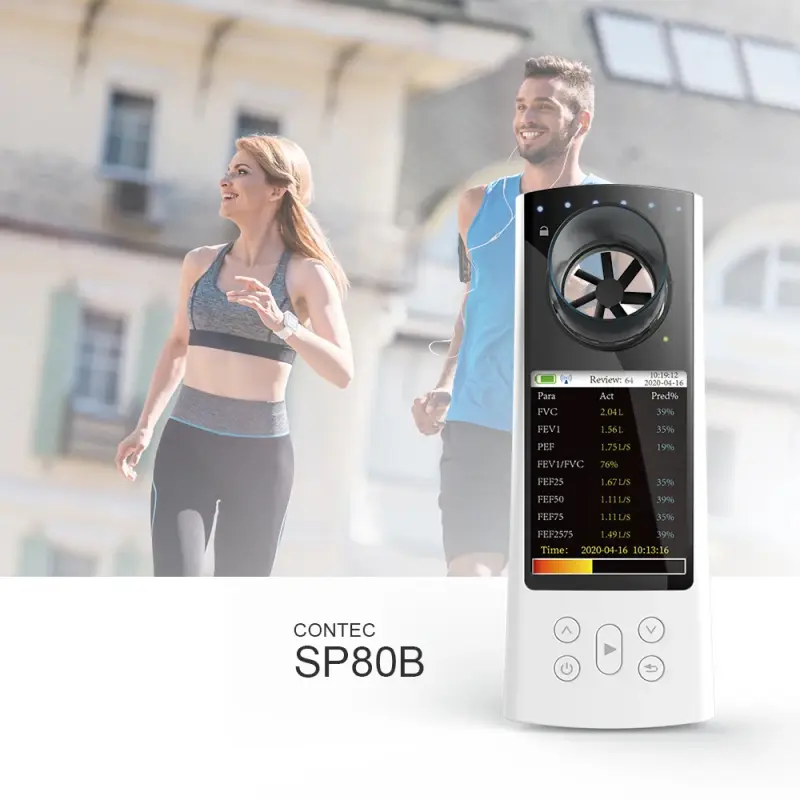
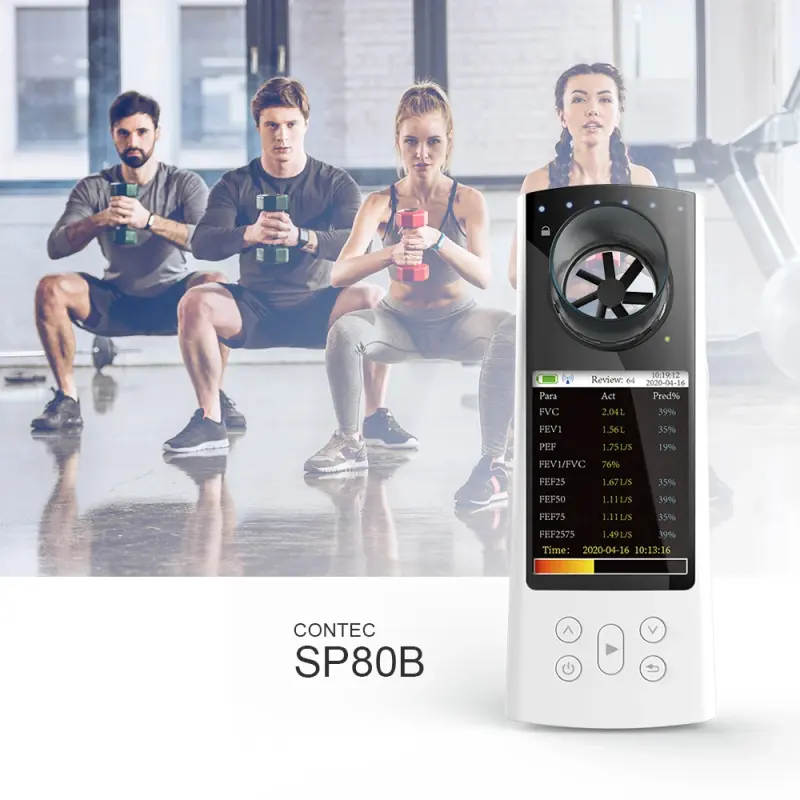
SP80B Digital Spirometer Color Display Medical Spirometer

- Section : Medical Supplies
- Category : General Assay & Diagnostic Apparatuses
- SKU : 1600646986864

Product Description
CONTEC SP80 digital Spirometer color display medical Spirometer
SP80 is a hand-held equipment for checking lung conditions, adopts the infrared mode for measuring relative items, and is applicable for hospital, clinique for routine test.
Product Description
CONTEC SP80 digital Spirometer color display medical Spirometer
SP80 is a hand-held equipment for checking lung conditions, adopts the infrared mode for measuring relative items, and is applicable for hospital, clinique for routine test.
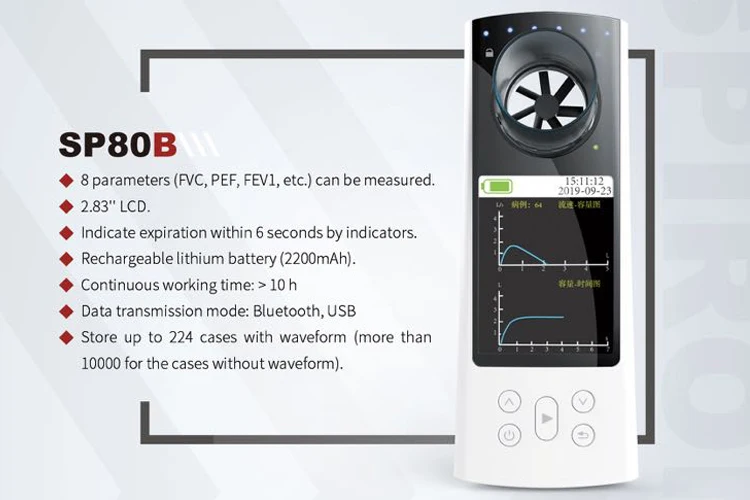
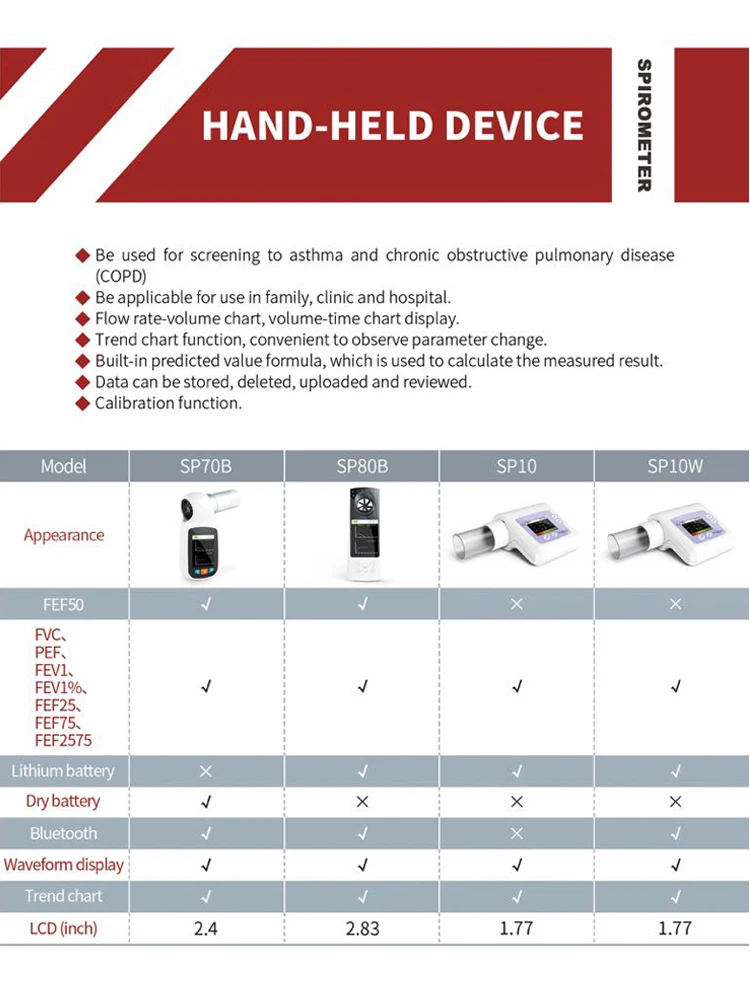
Spirometer
- Shipping Timeframes: All orders are processed within 2-5 business days (excluding weekends and holidays). After your order has been processed, the estimated delivery time is before 11 Mar, 2026, depending on customs, Please note that due to high demand, some items may experience longer shipping times, which will be communicated at order confirmation email.
- Order Processing Time: Please allow 2-5 business days for us to process your order before it is shipped . Orders placed after 16:00 on Fridays, or during weekends and public holidays, will begin processing on the next business day. Processing times may be extended during peak seasons or sales events.
- Manufacturing Time: Some products needs manufacturing time, the manufacturing process will take approximately 10-30 business days depending on the product. This timeframe may vary depending on the complexity of the product and current demand. but this will be communicated with you during order confirmation.
- Returns and Exchanges: We offer a 30-day return policy for most items. If you are not completely satisfied with your purchase, you may return it within 30 days of receipt for a refund or exchange. Items must be unused, in their original packaging, and accompanied by proof of purchase. Return shipping costs are the responsibility of the customer, unless the item was damaged or defective upon arrival.
1. What is the SP80B Digital Spirometer used for?
The SP80B Digital Spirometer is used for checking lung conditions. It measures various respiratory metrics and is suitable for routine tests in hospitals and clinics.
2. How does the SP80B Spirometer work?
The SP80B Spirometer utilizes infrared technology to measure respiratory parameters, providing accurate readings of lung function.
3. Is the SP80B suitable for home use?
While the SP80B is designed for clinical use, it can also be used at home for monitoring lung conditions, provided the user understands how to operate it correctly.
4. What are the key features of the SP80B Digital Spirometer?
Key features include a color display, hand-held design for portability, and the ability to measure various respiratory parameters using infrared technology.
5. Can the SP80B be used by children?
Yes, the SP80B can be used by children as long as they are able to follow the instructions for proper usage.
6. What kind of maintenance does the SP80B require?
Regular cleaning of the mouthpiece and ensuring the device is stored properly will help maintain the SP80B. Always refer to the user manual for specific maintenance instructions.
7. How do I read the results from the SP80B Spirometer?
The SP80B Spirometer displays results on its color screen. You can interpret these results based on the guidelines provided in the user manual, which explains the various metrics measured.
8. Is the SP80B Digital Spirometer easy to use?
Yes, the SP80B is designed to be user-friendly with a clear interface and instructions, making it accessible for both healthcare professionals and patients.
9. What is included in the SP80B package?
The SP80B package typically includes the spirometer device, a user manual, and mouthpieces. Please check the specific packaging details when purchasing.
10. Does the SP80B require calibration?
Yes, the SP80B may require periodic calibration to ensure accuracy. Refer to the user manual for specific calibration procedures.
11. Can the SP80B store previous test results?
Yes, the SP80B can store previous test results, allowing users to track their lung function over time.
12. Is the SP80B portable?
Yes, the SP80B is hand-held and lightweight, making it highly portable for use in various settings.
13. What power source does the SP80B use?
The SP80B typically operates on batteries, but please check the product specifications for details on the required battery type.
14. Where can I purchase the SP80B Digital Spirometer?
The SP80B Digital Spirometer can be purchased through medical supply stores, online retailers, and directly from the manufacturer's website.
15. What should I do if my SP80B is not functioning properly?
If the SP80B is not functioning properly, check the batteries, ensure it is clean, and refer to the troubleshooting section of the user manual. If issues persist, contact customer support.
Latest Order Arrivals
Discover our latest orders

12 Heads Embroidery Machine

Dewatering Pump Machine

Order Collection

Portable Water Drilling Rig

Order Usefully Collected

Batch of Orders

Agriculture Processing Machines

Meat Grinder Machine

Water Pump Equipment

Packaging Machine and accessories

Fabrics Manufacturing Equipment

Mining Equipments

Food Processing Machine

Batch of Orders

Batch of Orders

Latest Orders Labelled

wheel alignment machines

new arrivals

Pre Orders Offloading

Latest Arrivals

Latest Arrivals