B21, China Town Mall, Midrand

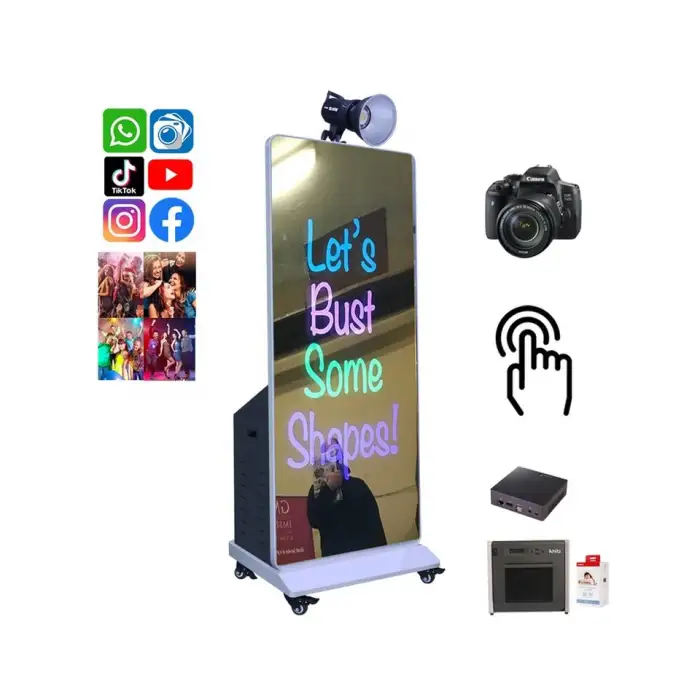
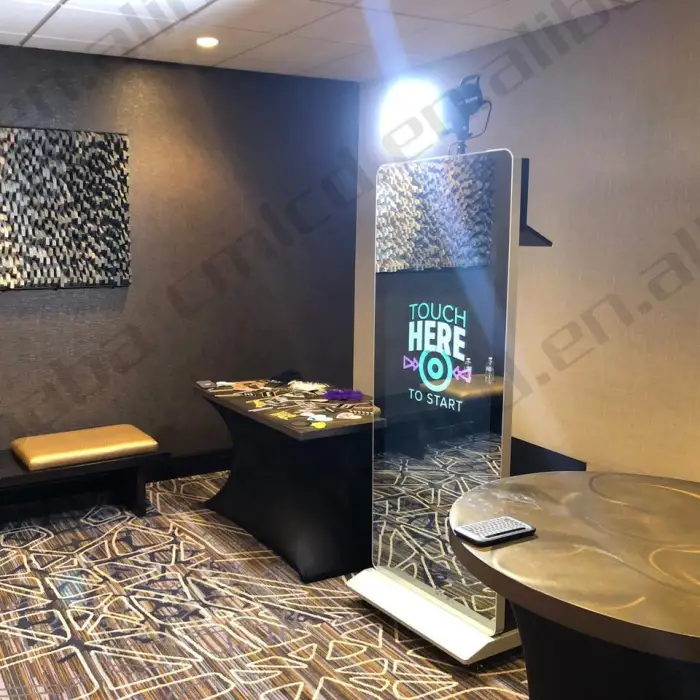
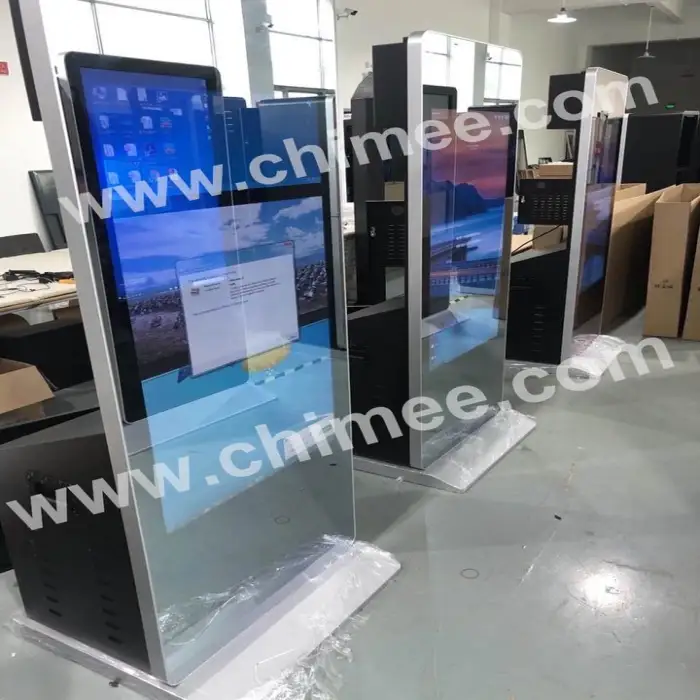
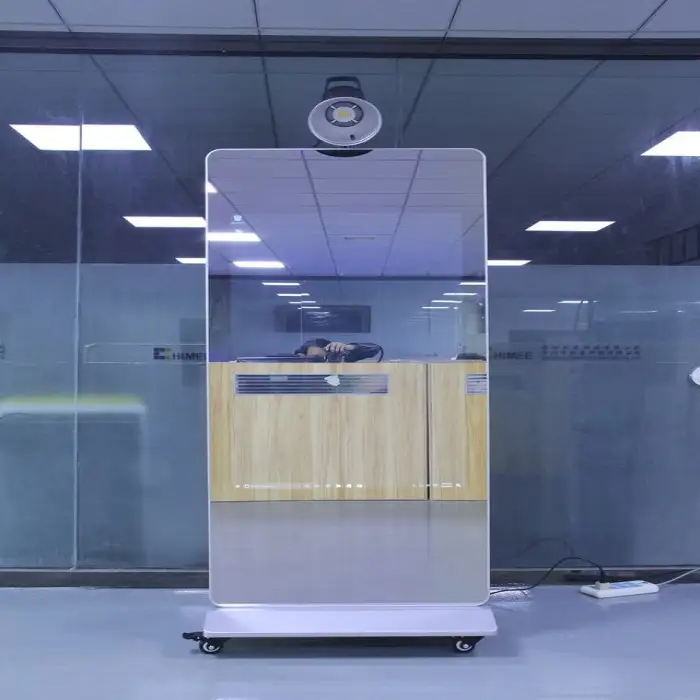
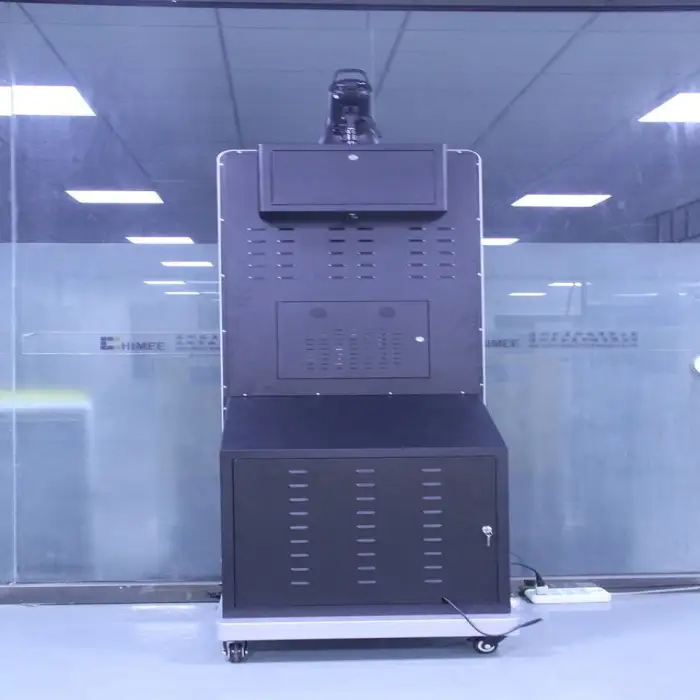
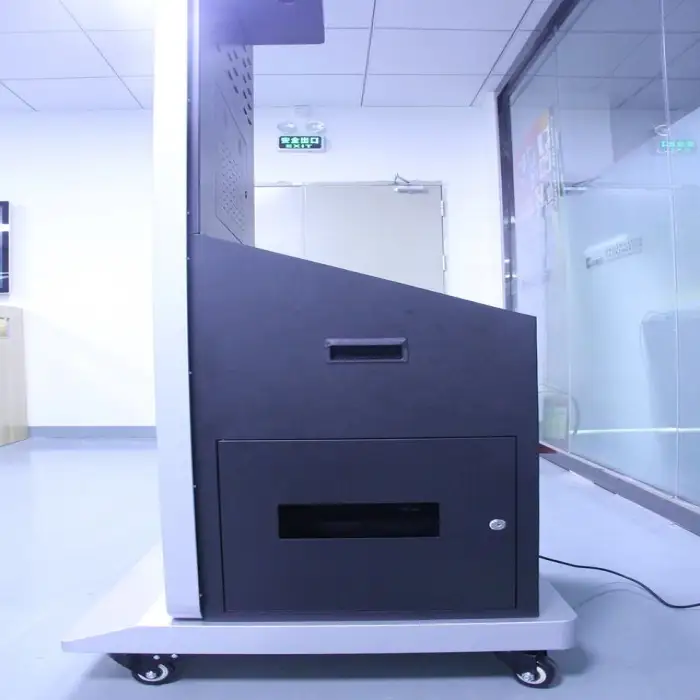

Self Photo Booth All in One Kiosk With Dslr Camera Printer Mini Computer 49 Inch LCD Party Supplies Magazine Photo Booth Box
Asset finance available
Do you want funding for this equipment?
Afrimart can connect you with trusted funding partners who specialise in asset finance for businesses like yours. Compare options and apply in minutes — final approval is subject to provider review.
Check funding options
Secure & no obligation

- Section : Consumer Electronics
- Category : Photo Booths
- SKU : 1601002658422

Self Photo Booth All in One Kiosk With DSLR Camera Printer Mini Computer 49 Inch LCD
The Self Photo Booth All in One Kiosk is the perfect addition to any event. It combines a high-quality DSLR camera, a mini computer, and a printer all in one stylish kiosk. With a large 49-inch LCD screen, guests can easily take fun photos and print them right away. This photo booth is great for parties, weddings, and other celebrations, making it a must-have for creating lasting memories.
Specifications
| Attribute | Details |
|---|---|
| Camera | DSLR Camera |
| Printer | Can be added |
| Mini Computer | Included |
| Touch Screen | 10 points capacitive touch |
| Load Bearing | Supports heavy usage |
| Flash Light | Can be added |
| Software | Photo Booth Software can be installed |
| Model Number | HQ49PB-M2-T |
Key Features
- All-in-one design for easy setup.
- High-quality DSLR camera for stunning photos.
- 49-inch LCD screen for bright and clear displays.
- Mini computer included for smooth operation.
- Touch screen with 10-point capacitive technology.
Applications
- Weddings and receptions for guest entertainment.
- Birthday parties to capture fun moments.
- Corporate events for team-building activities.
- School events to create lasting memories.
- Trade shows to attract visitors and engage customers.
Product Info Gallery
- Shipping Timeframes: All orders are processed within 2-5 business days (excluding weekends and holidays). After your order has been processed, the estimated delivery time is before 02 Jun, 2026, depending on customs, Please note that due to high demand, some items may experience longer shipping times, which will be communicated at order confirmation email.
- Order Processing Time: Please allow 2-5 business days for us to process your order before it is shipped . Orders placed after 16:00 on Fridays, or during weekends and public holidays, will begin processing on the next business day. Processing times may be extended during peak seasons or sales events.
- Manufacturing Time: Some products needs manufacturing time, the manufacturing process will take approximately 10-30 business days depending on the product. This timeframe may vary depending on the complexity of the product and current demand. but this will be communicated with you during order confirmation.
- Returns and Exchanges: We offer a 30-day return policy for most items. If you are not completely satisfied with your purchase, you may return it within 30 days of receipt for a refund or exchange. Items must be unused, in their original packaging, and accompanied by proof of purchase. Return shipping costs are the responsibility of the customer, unless the item was damaged or defective upon arrival.
1. What is included in the Self Photo Booth All in One Kiosk?
The kiosk includes a high-quality DSLR camera, a mini computer, and a 49-inch LCD screen. A printer can also be added for instant photo printing.
2. Can I customize the photos taken in the booth?
Yes, you can customize the photos using the installed photo booth software, allowing you to add filters, frames, and text.
3. Is the kiosk easy to set up?
Yes, the all-in-one design allows for easy setup and operation, making it user-friendly for any event.
4. What types of events are suitable for this photo booth?
This photo booth is perfect for weddings, birthday parties, corporate events, school events, and trade shows.
5. How does the touch screen work?
The kiosk features a 10-point capacitive touch screen, which allows multiple users to interact with it simultaneously for a fun experience.
6. Can the booth support heavy usage?
Yes, the kiosk is designed to support heavy usage, making it suitable for large events with many guests.
7. What are the dimensions of the kiosk?
The kiosk features a 49-inch LCD screen, but the overall dimensions may vary. Please refer to the product specifications for exact measurements.
8. Is there a warranty included with the kiosk?
Yes, the product typically comes with a manufacturer's warranty. Please check the warranty details at the time of purchase.
9. What kind of printer can I use with the kiosk?
You can add a compatible photo printer to the kiosk for instant photo printing. Specific printer models may be recommended in the product manual.
10. Does the kiosk come with software pre-installed?
The kiosk allows for photo booth software to be installed. Some software may come pre-installed; please confirm with the retailer.
11. Can the kiosk be used outdoors?
While the kiosk can be used outdoors, it is advisable to protect it from direct sunlight and inclement weather to ensure optimal performance.
12. What type of power supply does the kiosk require?
The kiosk typically requires a standard power outlet. Please refer to the product specifications for voltage and power requirements.
13. Is technical support available for the kiosk?
Yes, technical support is usually available through the manufacturer or retailer. Check the product documentation for contact details.
14. Can I connect the kiosk to social media?
Yes, many photo booth software options allow you to connect to social media platforms for sharing photos directly from the kiosk.
15. What kind of maintenance does the kiosk require?
Regular maintenance includes cleaning the camera lens, ensuring software updates are applied, and checking printer supplies if applicable.
Latest Order Arrivals
Discover our latest orders

12 Heads Embroidery Machine

Dewatering Pump Machine

Order Collection

Portable Water Drilling Rig

Order Usefully Collected

Batch of Orders

Agriculture Processing Machines

Meat Grinder Machine

Water Pump Equipment

Packaging Machine and accessories

Fabrics Manufacturing Equipment

Mining Equipments

Food Processing Machine

Batch of Orders

Batch of Orders

Latest Orders Labelled

wheel alignment machines

new arrivals

Pre Orders Offloading

Latest Arrivals

Latest Arrivals

Latest Arrivals
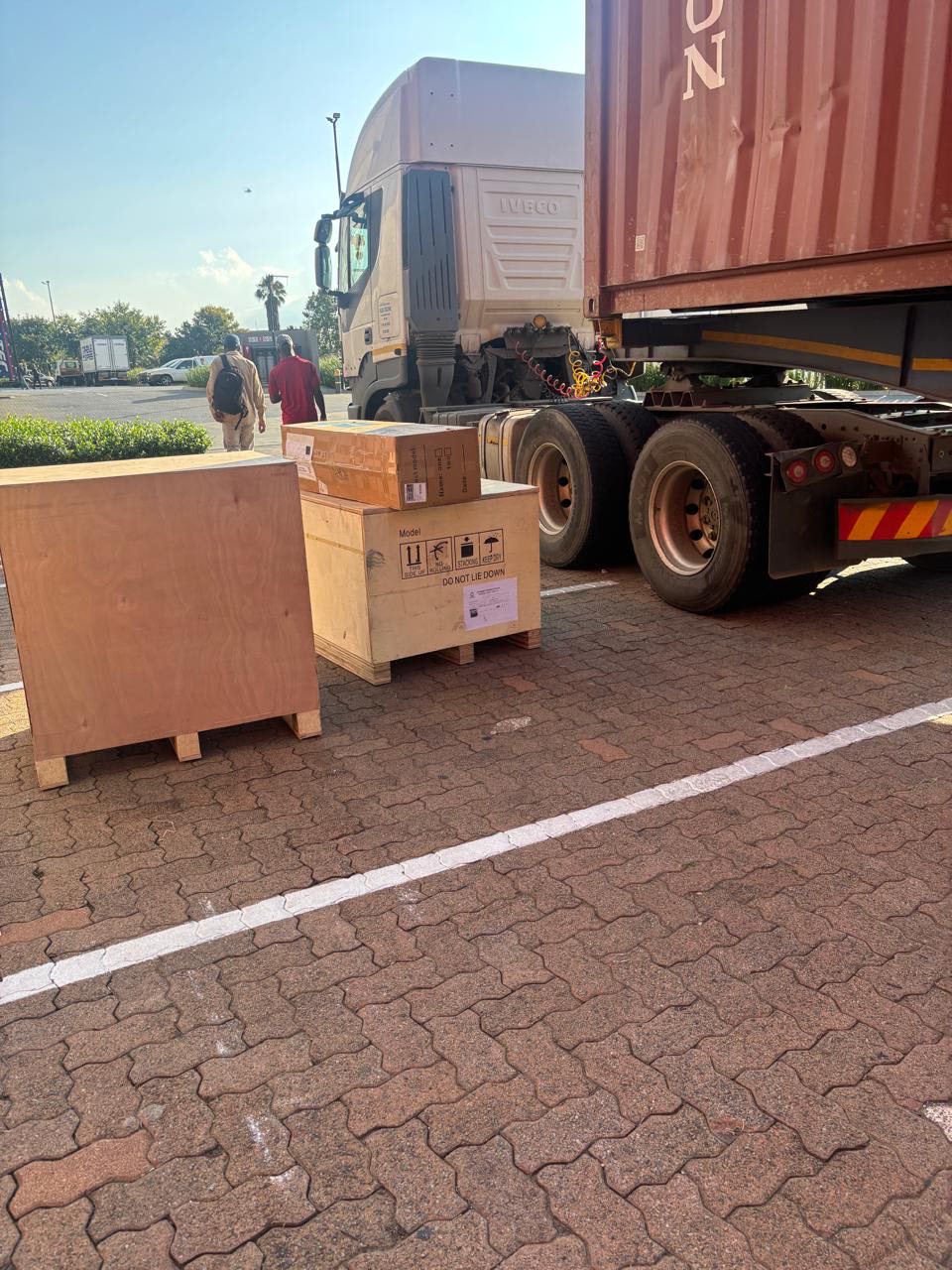
26 January 2026
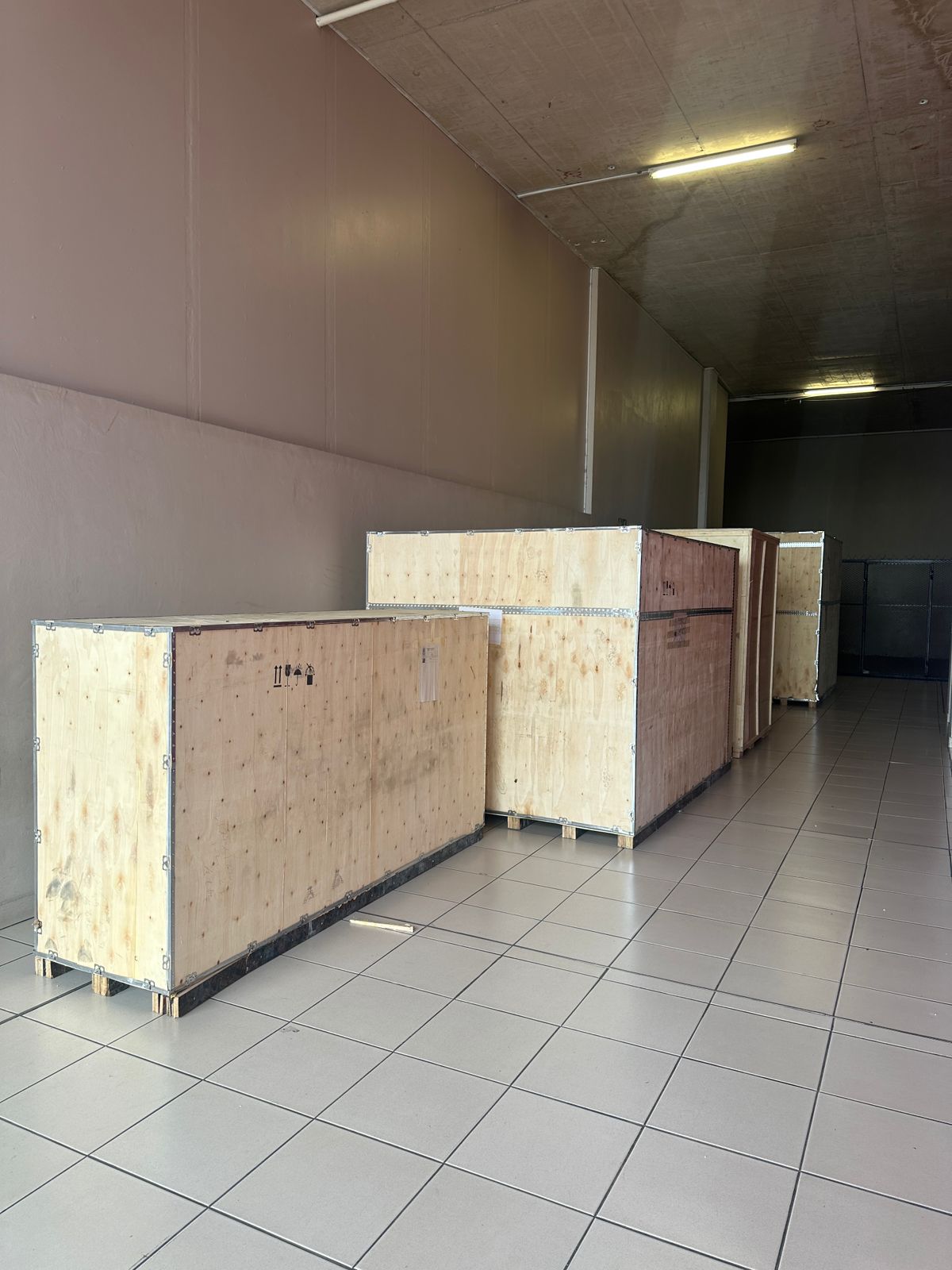
Toilet paper making machine
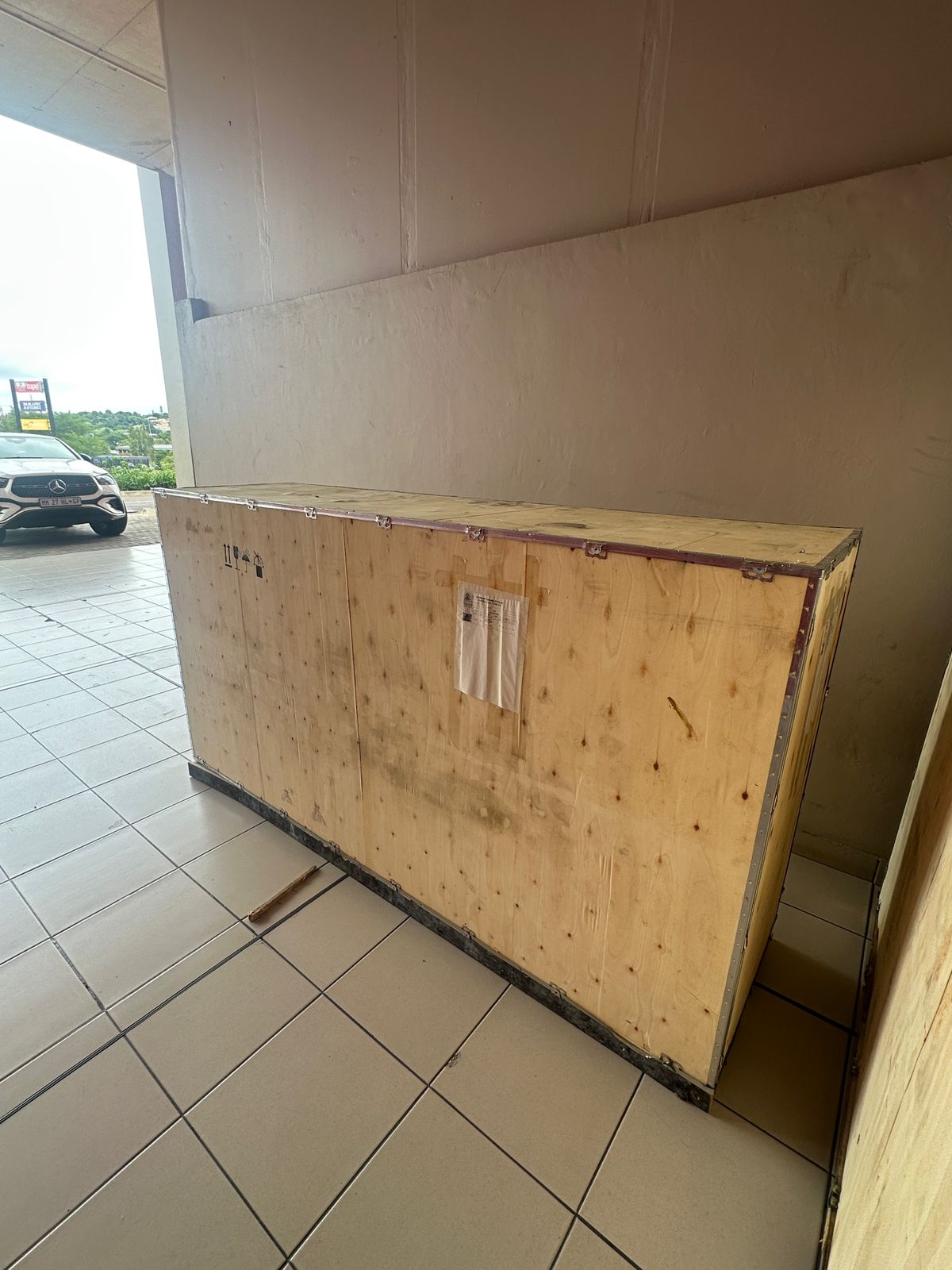
Toilet paper making machine
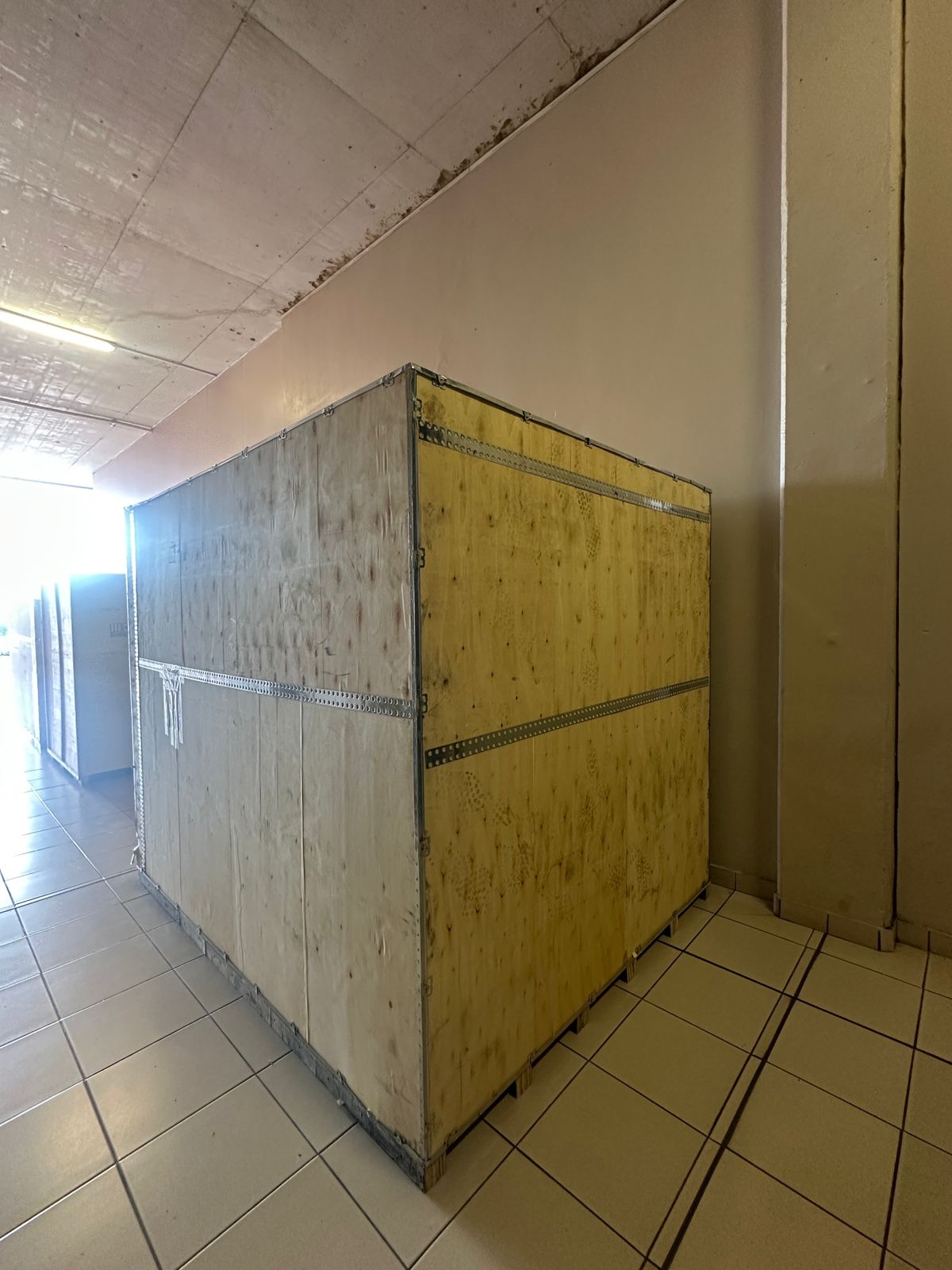
Toilet paper Rewinding Machine
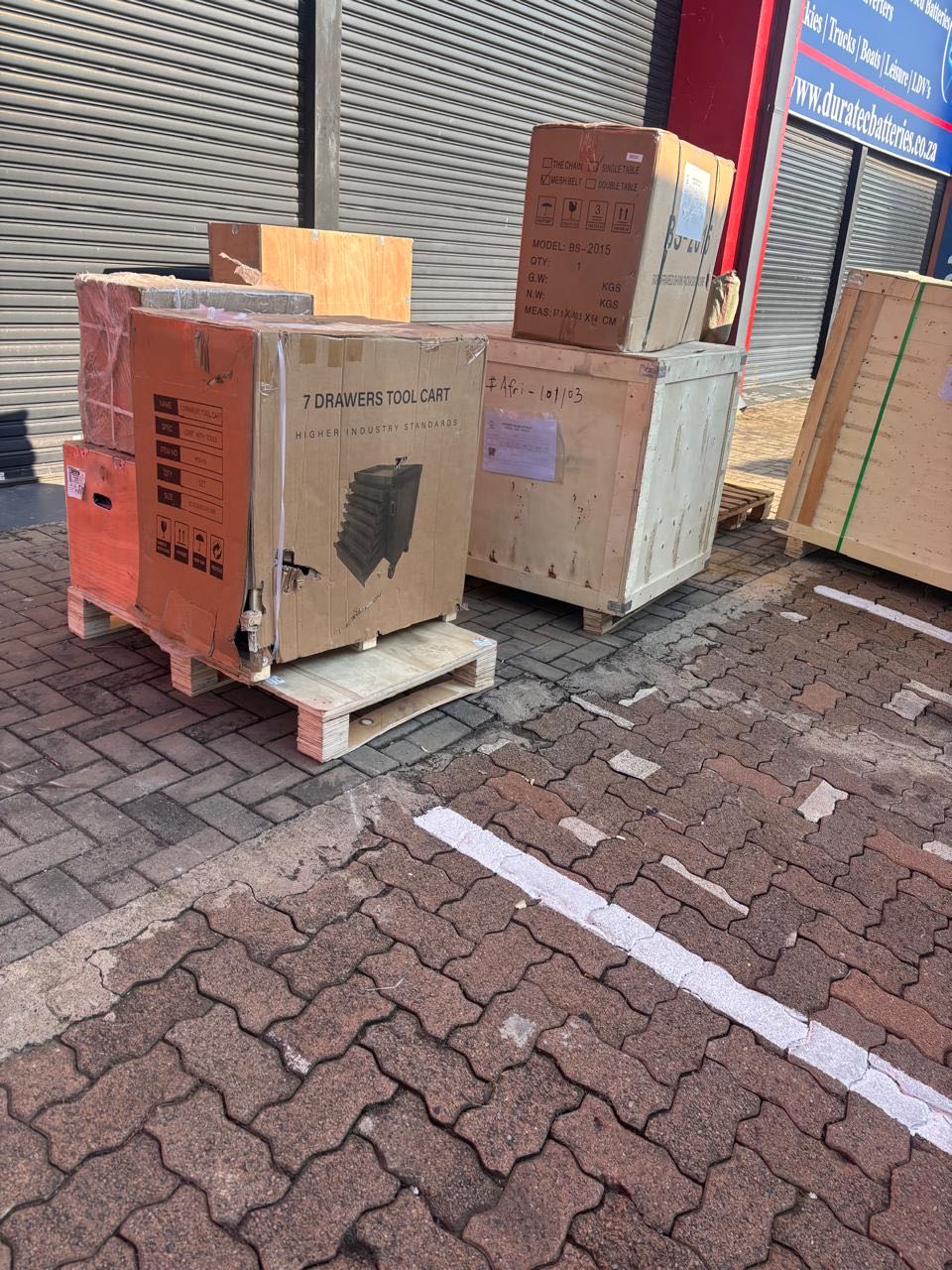
latest arrivals
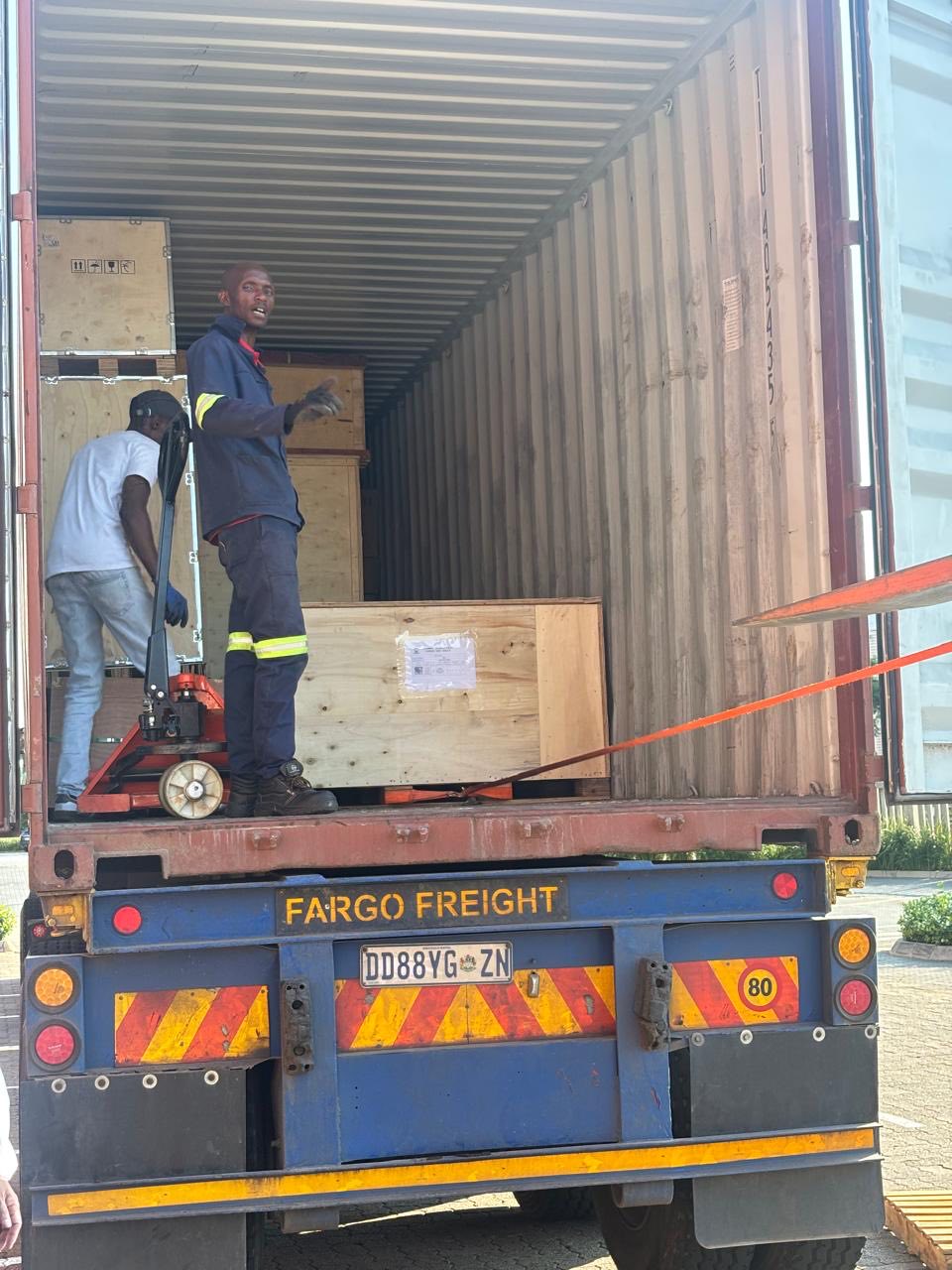
offloading
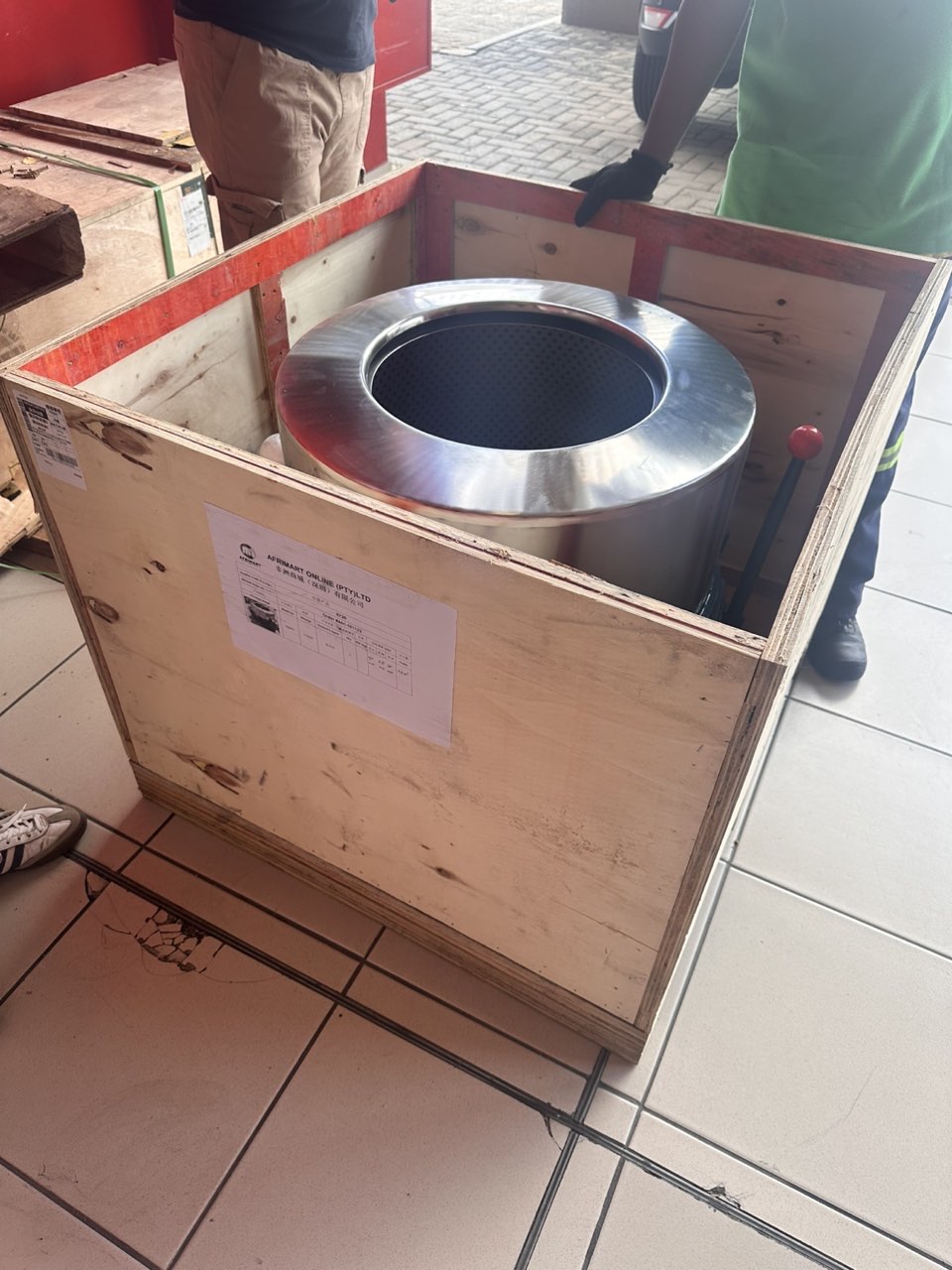
order success
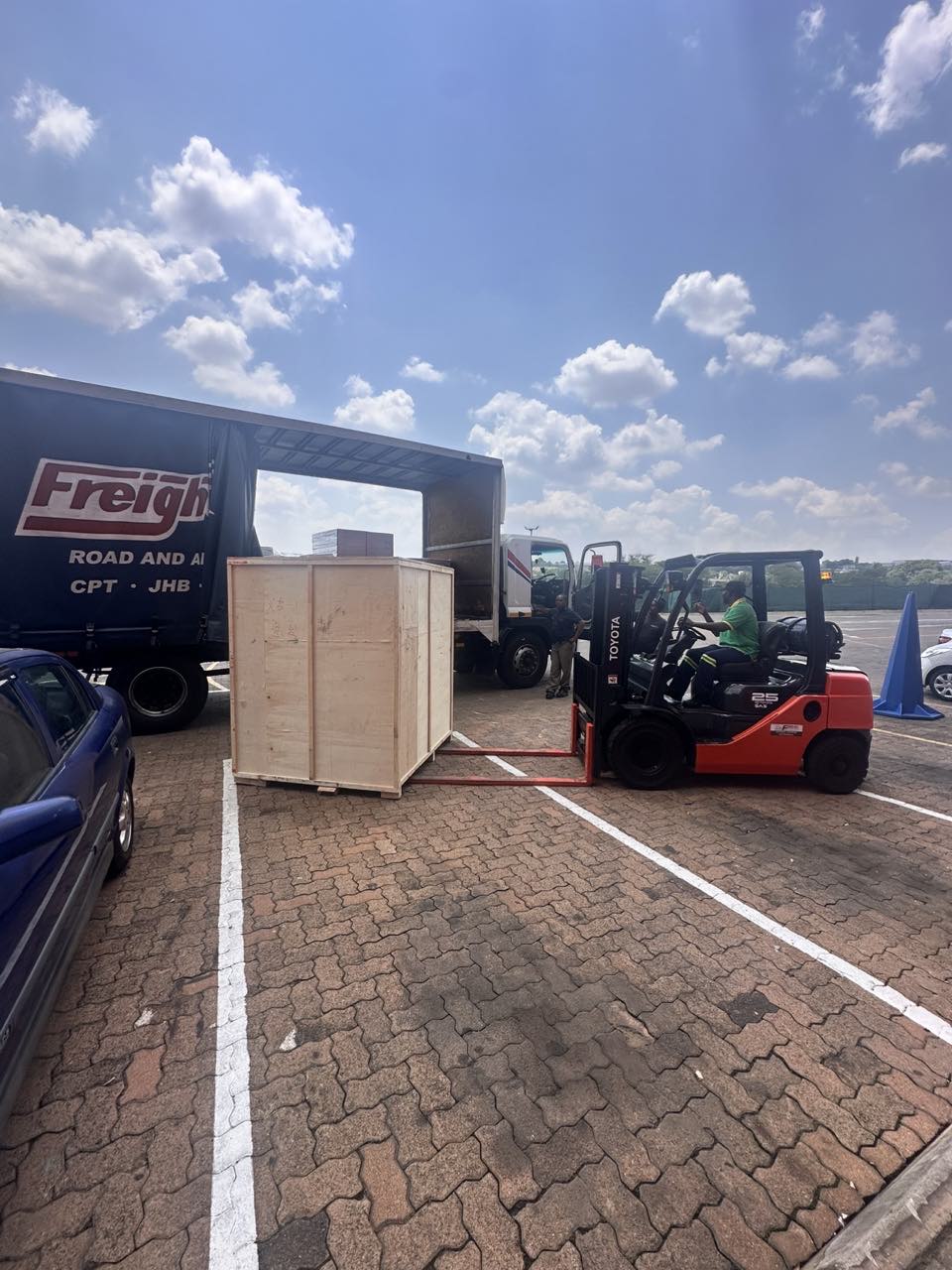
order collection
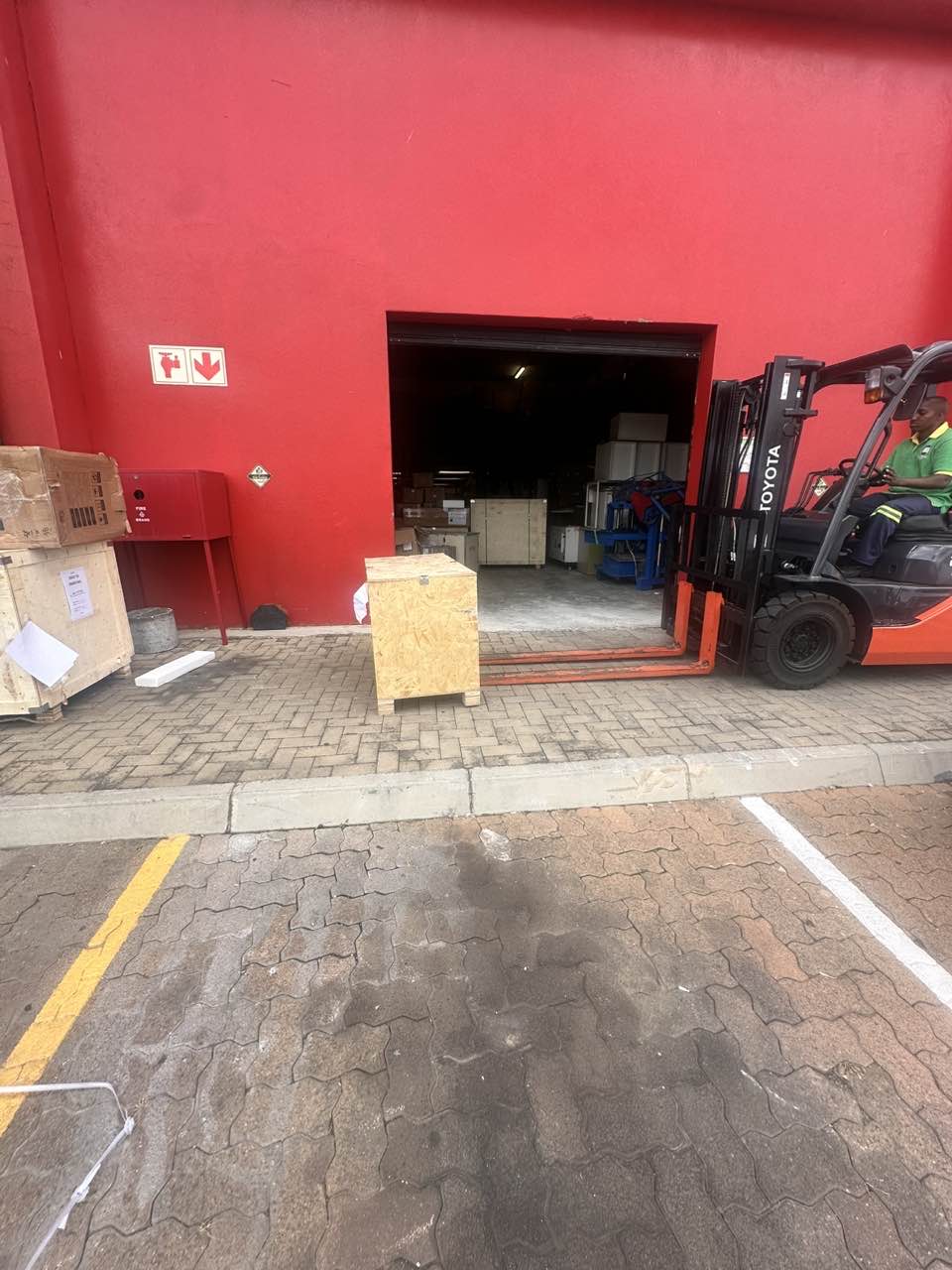
order offloading