B21, China Town Mall, Midrand

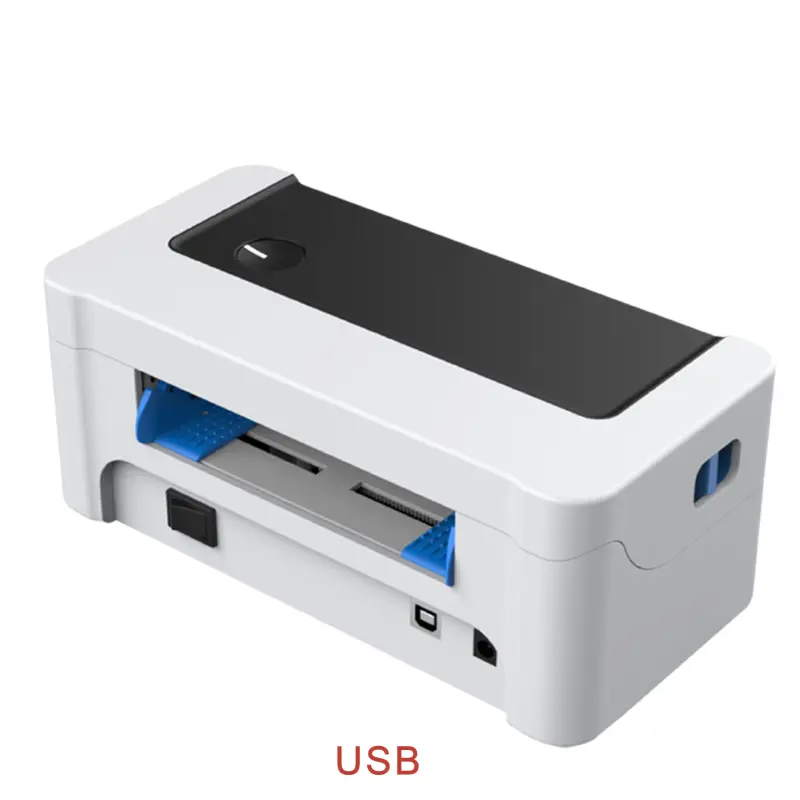
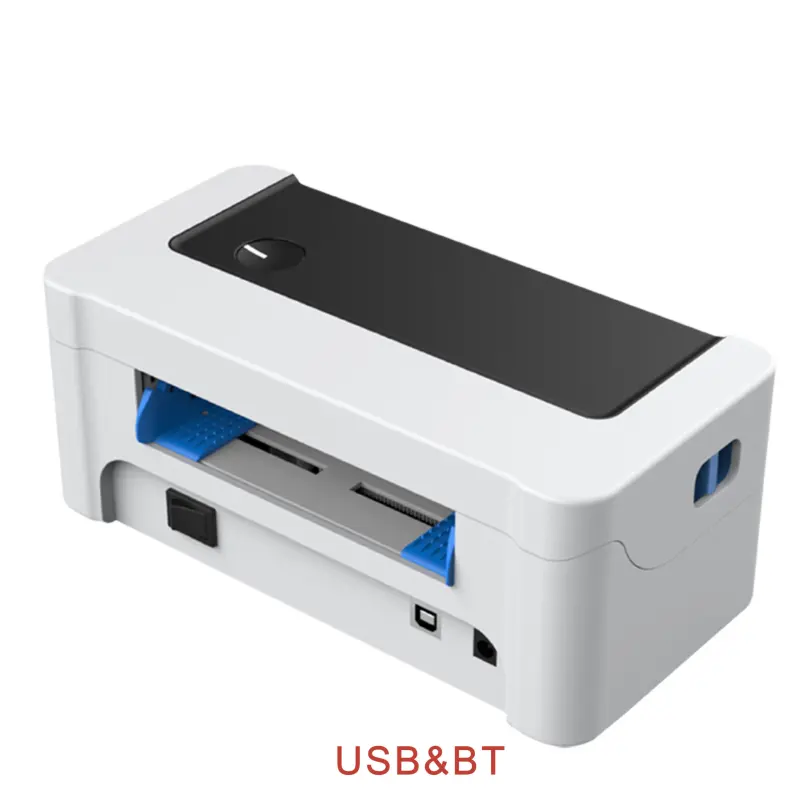
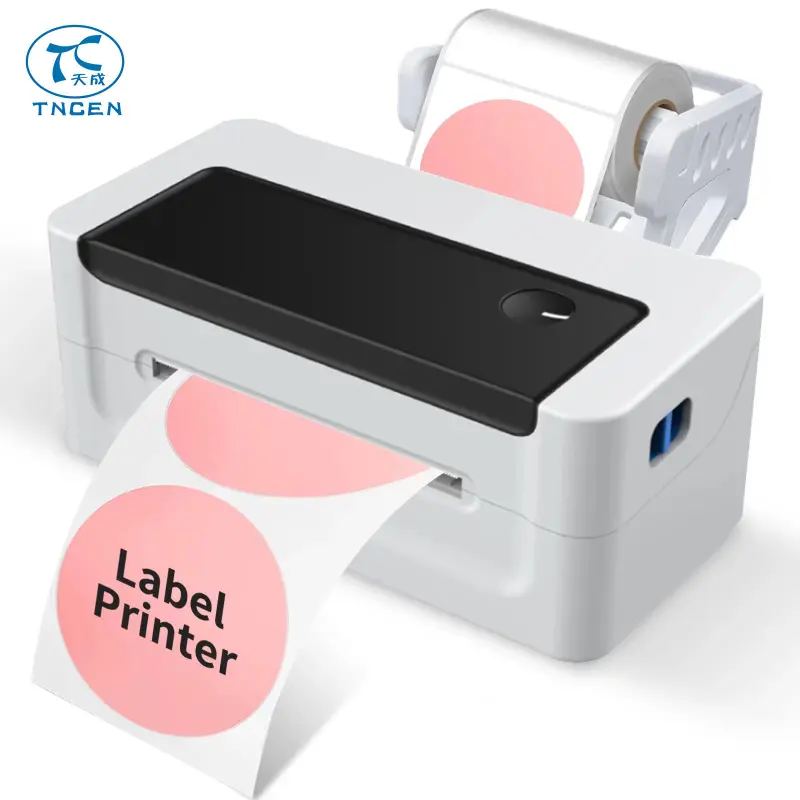
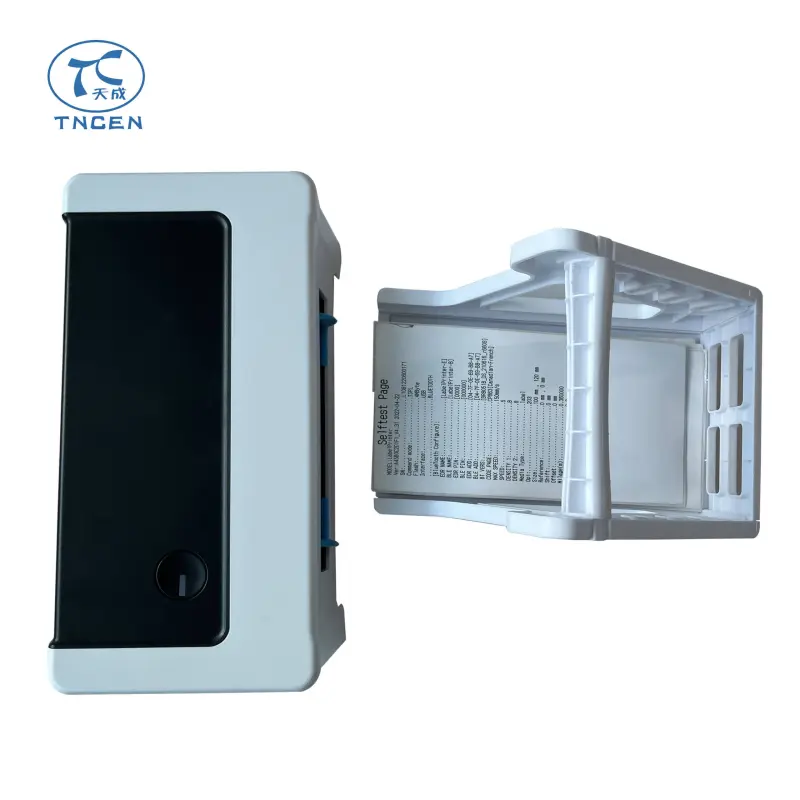
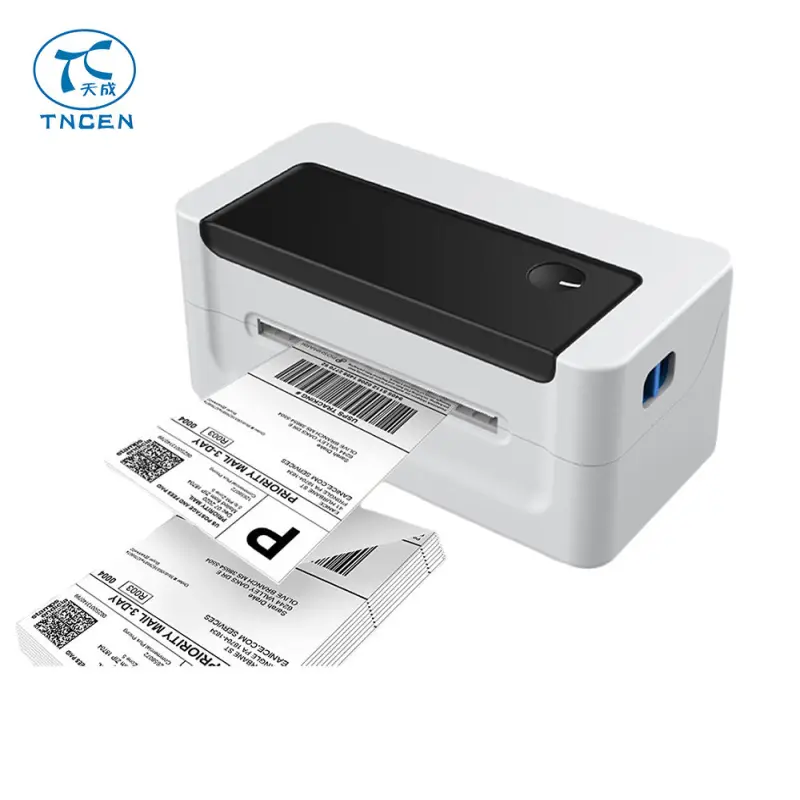
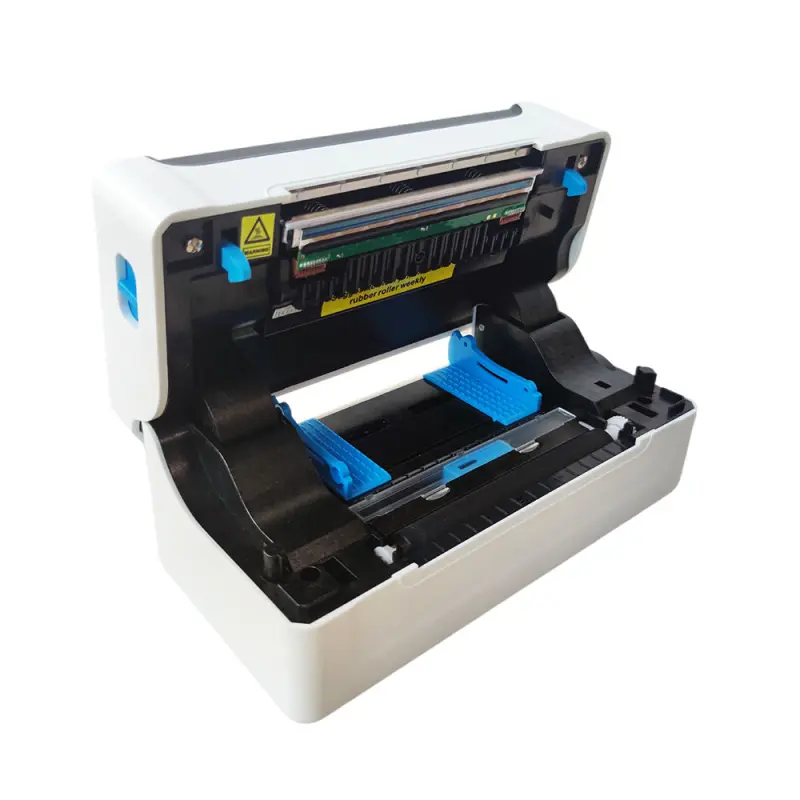
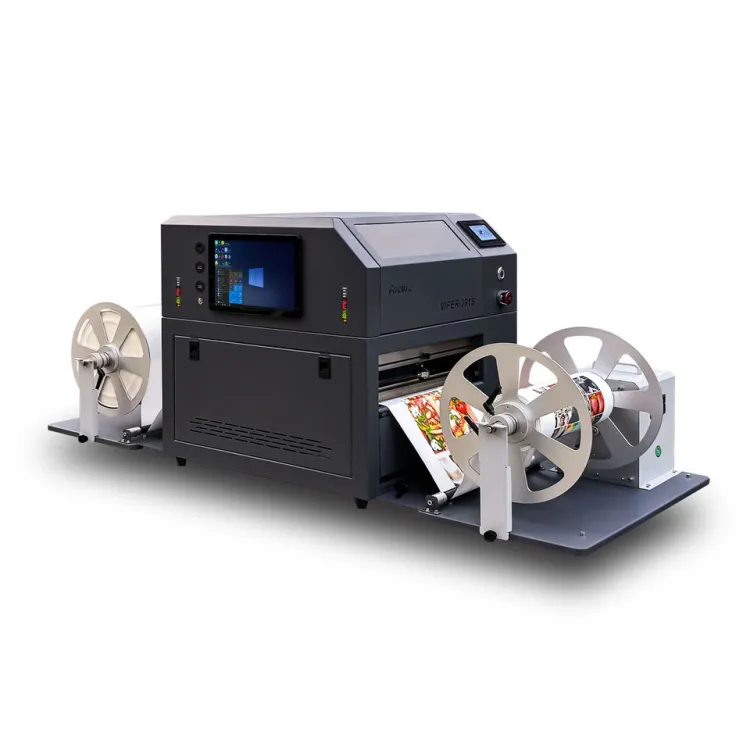
Label Printer Barcode Thermal Impresora Postal Label Printer Sticker Printing Machine

- Section : Consumer Electronics
- Category : Digital Printers
- SKU : 1600306643213

Discover the efficiency of the TNCEN 4-Inch Barcode Label Printer, designed to streamline your labeling tasks with precision and speed. Whether you're managing inventory, shipping, or retail operations, this printer is your reliable partner for creating high-quality labels effortlessly.
Key Features and Benefits
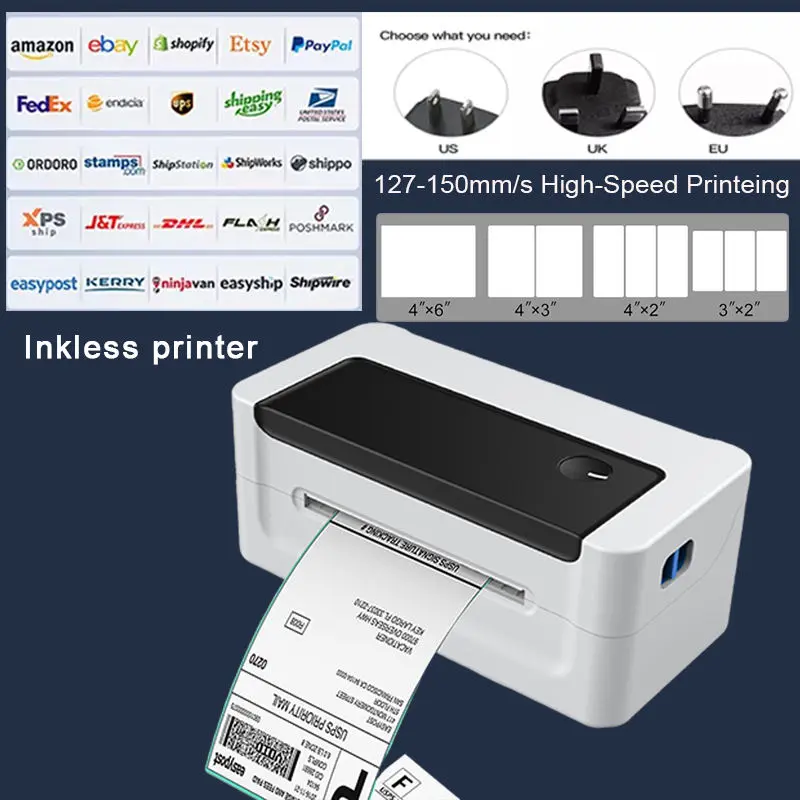
Fast Printing Speeds: Enjoy a black print speed of up to 150 mm/s, ensuring you can produce labels quickly to keep up with your business demands.
High Resolution: With a maximum resolution of 203 Dots/line, your labels will be sharp and clear, enhancing readability and professionalism.
Versatile Printing Width: Capable of printing widths up to 104 mm and accommodating paper sizes from 38 mm to 120 mm, this printer adapts to a variety of labeling needs.
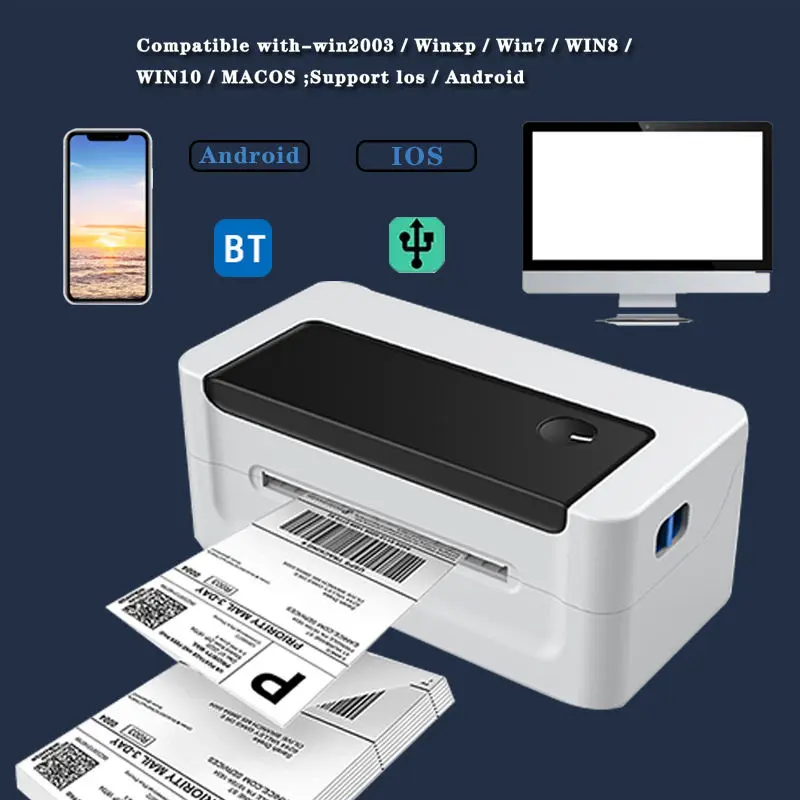
User-Friendly Interface: Connect effortlessly via USB and Bluetooth for seamless integration with your existing systems, providing flexibility in your setup.
Durable Design: With a printing head lifespan of 50 km (Gap) and 150 km (Continuous), this printer is built for longevity, reducing the need for frequent replacements.
Multi-Language Support: The character set includes support for any national language, making it ideal for diverse business environments.
Warranty and Support: Enjoy peace of mind with a 1-year warranty and free spare parts as part of our after-sales service, ensuring your printer remains operational.
Elevate your labeling efficiency with the TNCEN 4-Inch Barcode Label Printer. Whether you’re in retail, logistics, or manufacturing, this printer provides the speed and quality you need to stay organized and ahead. Don't wait—boost your productivity today!


Product Features


- Shipping Timeframes: All orders are processed within 2-5 business days (excluding weekends and holidays). After your order has been processed, the estimated delivery time is before 11 Jul, 2026, depending on customs, Please note that due to high demand, some items may experience longer shipping times, which will be communicated at order confirmation email.
- Order Processing Time: Please allow 2-5 business days for us to process your order before it is shipped . Orders placed after 16:00 on Fridays, or during weekends and public holidays, will begin processing on the next business day. Processing times may be extended during peak seasons or sales events.
- Manufacturing Time: Some products needs manufacturing time, the manufacturing process will take approximately 10-30 business days depending on the product. This timeframe may vary depending on the complexity of the product and current demand. but this will be communicated with you during order confirmation.
- Returns and Exchanges: We offer a 30-day return policy for most items. If you are not completely satisfied with your purchase, you may return it within 30 days of receipt for a refund or exchange. Items must be unused, in their original packaging, and accompanied by proof of purchase. Return shipping costs are the responsibility of the customer, unless the item was damaged or defective upon arrival.
1. What printing technology does the TNCEN 4-Inch Label Printer use?
It uses thermal printing (direct thermal), which prints by applying heat to heat-sensitive label stock—no ink or ribbon is required.
2. What is the maximum print speed?
The printer can print black at speeds up to 150 mm/s. Actual throughput depends on label content, resolution, interface, and host system.
3. What print resolution does it support?
Maximum resolution is 203 Dots/line, providing sharp text and barcode output suitable for retail, shipping and inventory labels.
4. What label widths and paper sizes are supported?
Printable width is up to 104 mm. It accommodates label roll widths and media sizes from 38 mm to 120 mm.
5. Which types of media/formats does the printer handle?
It supports common thermal label formats including gap (die-cut), continuous (black mark supported), and sticker/roll labels intended for direct thermal printing.
6. What connectivity options are available?
The printer supports USB and Bluetooth connections for easy integration with PCs, tablets, and mobile devices.
7. Is the printer compatible with label design software and different operating systems?
Yes—when connected via USB or Bluetooth it works with most label design applications that support external printers. You may need to install the supplied drivers or select the correct printer profile in your software; check the seller’s support page for drivers.
8. How do I load label rolls and set the correct print width?
Open the printer cover, place the roll on the spindle, feed the label through the guides and close. Set the label width in the printer driver or configuration menu so the software and printer match the media dimensions.
9. What is the printing head lifespan and what does it mean?
The print head is rated for approximately 50 km of printed length in Gap mode and 150 km in Continuous mode—this refers to the total length of media printed before the head is expected to show wear under normal conditions.
10. What maintenance is recommended to prolong print head life?
Clean the print head regularly with isopropyl alcohol and a lint-free swab, use recommended thermal label stock, avoid abrasive materials, and replace platen rollers or worn parts as needed.
11. What languages and character sets are supported?
The printer’s character set supports national languages, enabling use of local fonts and characters. For specialized fonts, use your label software to embed or send the desired character set.
12. Is this printer suitable for shipping and postal labels?
Yes. With a 4-inch (up to 104 mm) print width, 203 Dots/line resolution and fast speeds, it’s well suited for shipping, postal, and courier labels commonly used in logistics.
13. What warranty and after-sales support are provided?
The printer includes a 1-year warranty and free spare parts as part of after-sales service—contact the vendor or support channel provided at purchase for warranty claims and replacements.
14. How can I improve barcode print quality if codes look faint or unreadable?
Try increasing print darkness in the driver settings, reduce print speed, use high-quality thermal labels, clean the print head, and ensure correct label width and print density settings in your label software.
15. Who should I contact if I encounter connectivity or driver issues?
Contact the seller’s technical support or consult the included documentation/support webpage for driver downloads, setup guides, and troubleshooting steps for USB and Bluetooth pairing.
Latest Order Arrivals
Discover our latest orders

12 Heads Embroidery Machine

Dewatering Pump Machine

Order Collection

Portable Water Drilling Rig

Order Usefully Collected

Batch of Orders

Agriculture Processing Machines

Meat Grinder Machine

Water Pump Equipment

Packaging Machine and accessories

Fabrics Manufacturing Equipment

Mining Equipments

Food Processing Machine

Batch of Orders

Batch of Orders

Latest Orders Labelled

wheel alignment machines

new arrivals

Pre Orders Offloading

Latest Arrivals

Latest Arrivals

Latest Arrivals
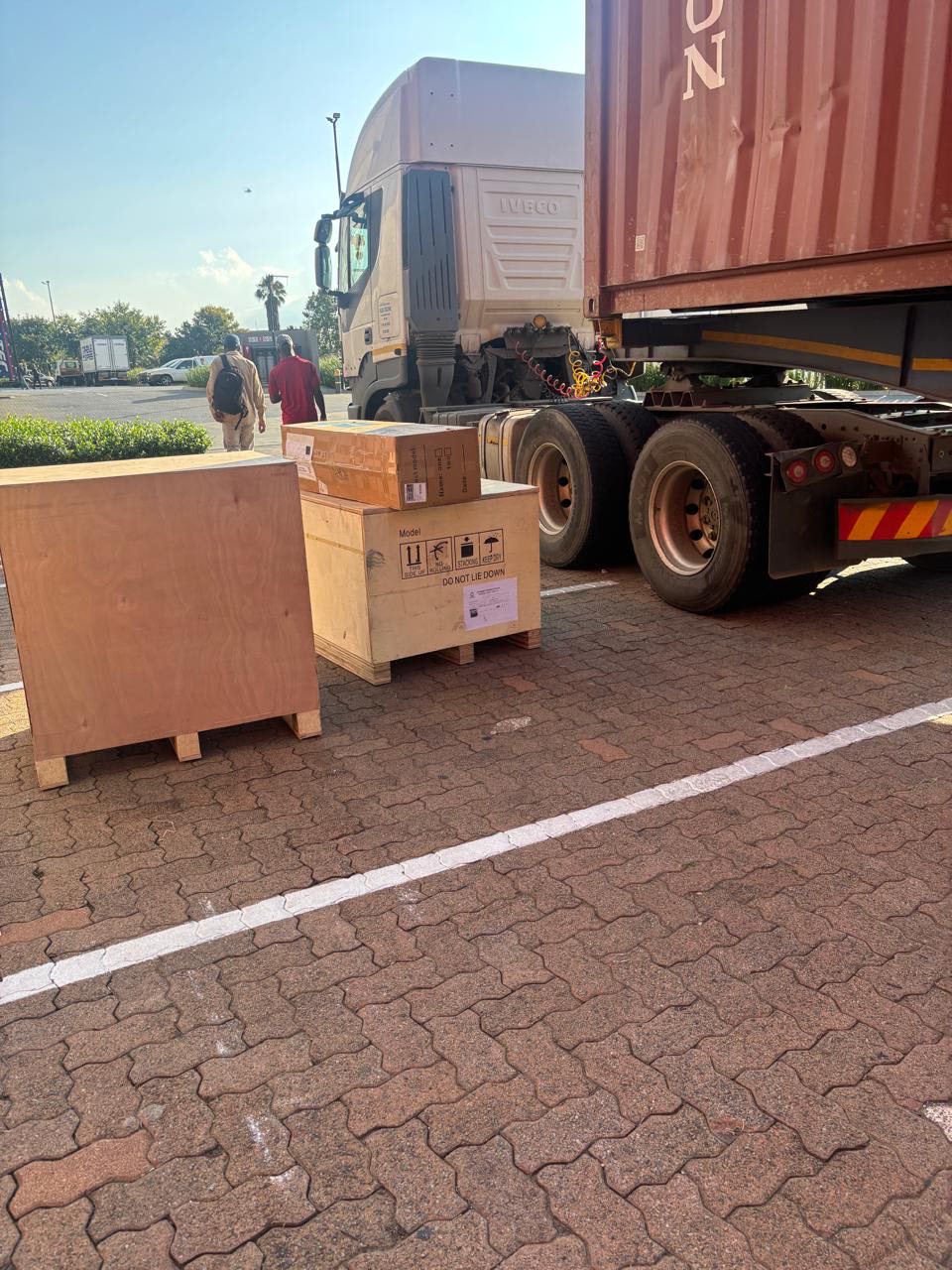
26 January 2026
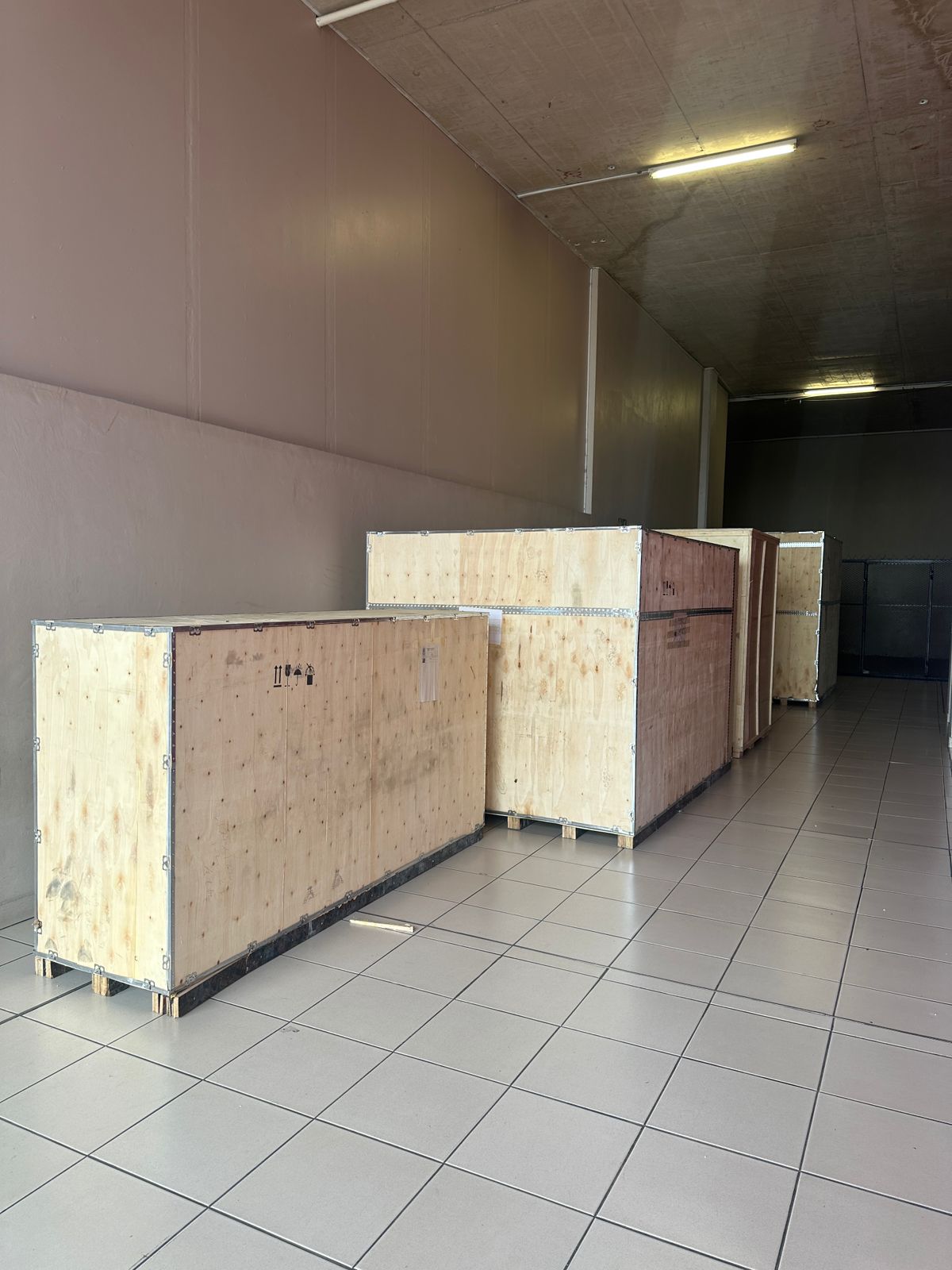
Toilet paper making machine
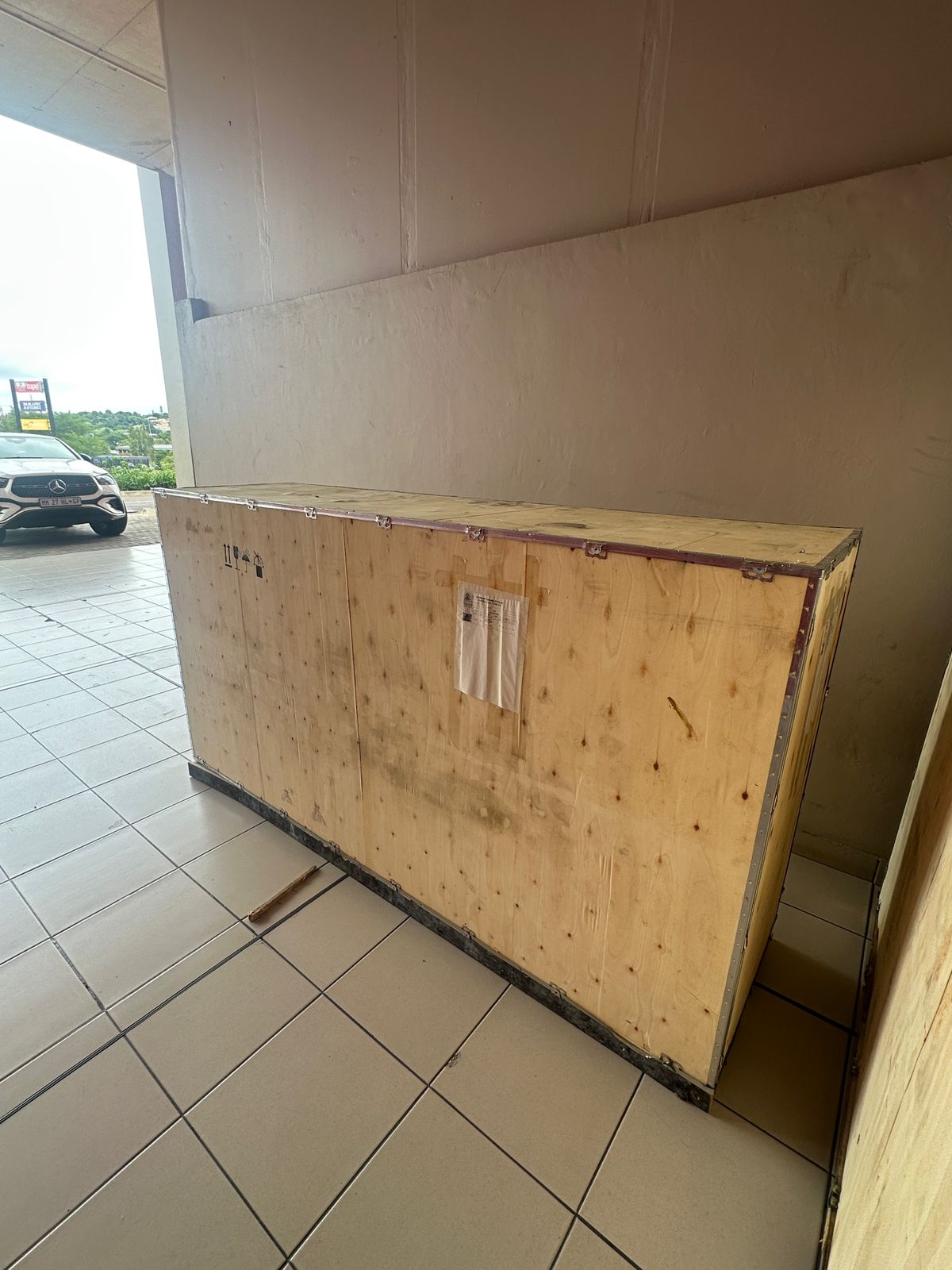
Toilet paper making machine
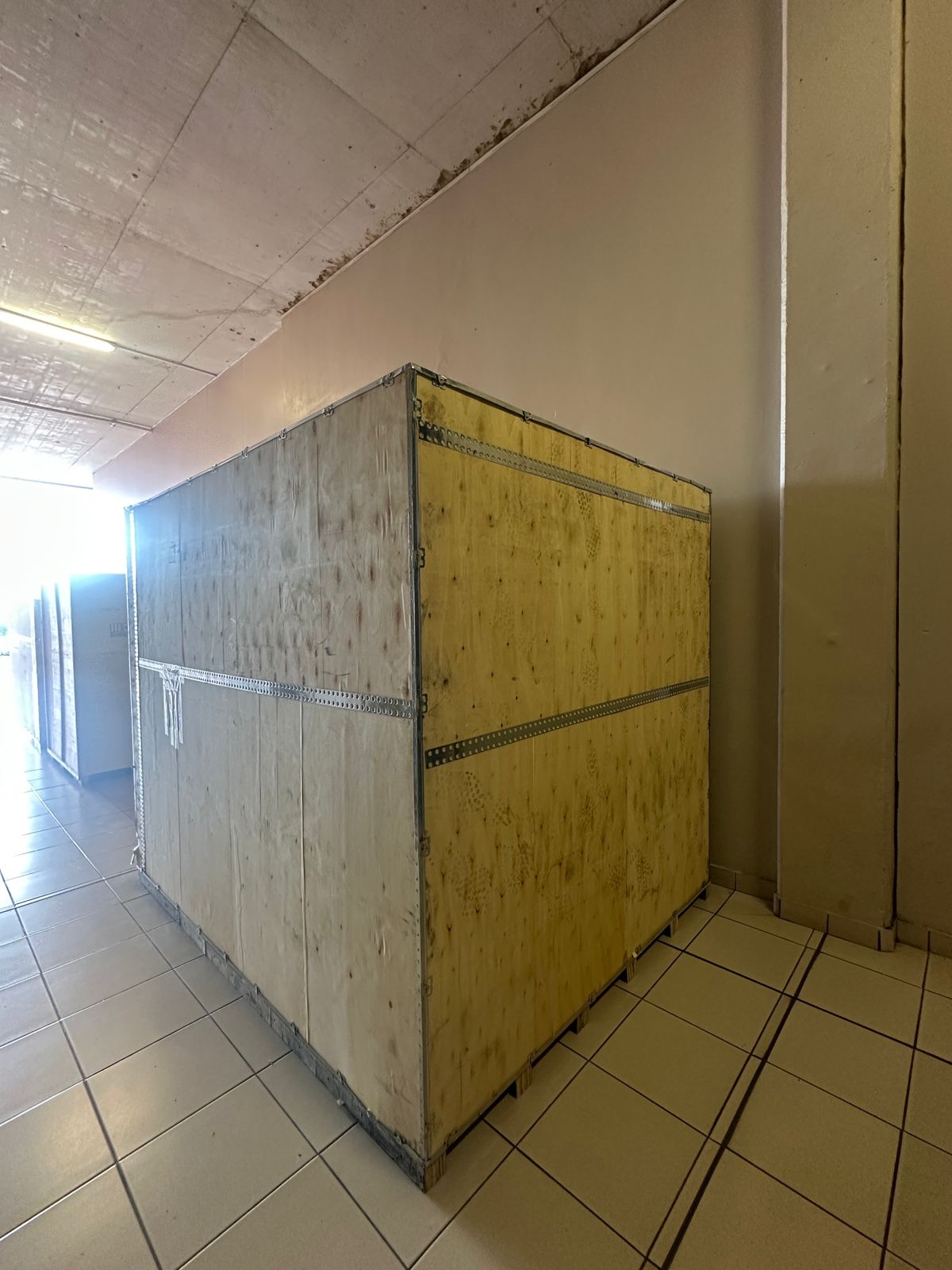
Toilet paper Rewinding Machine
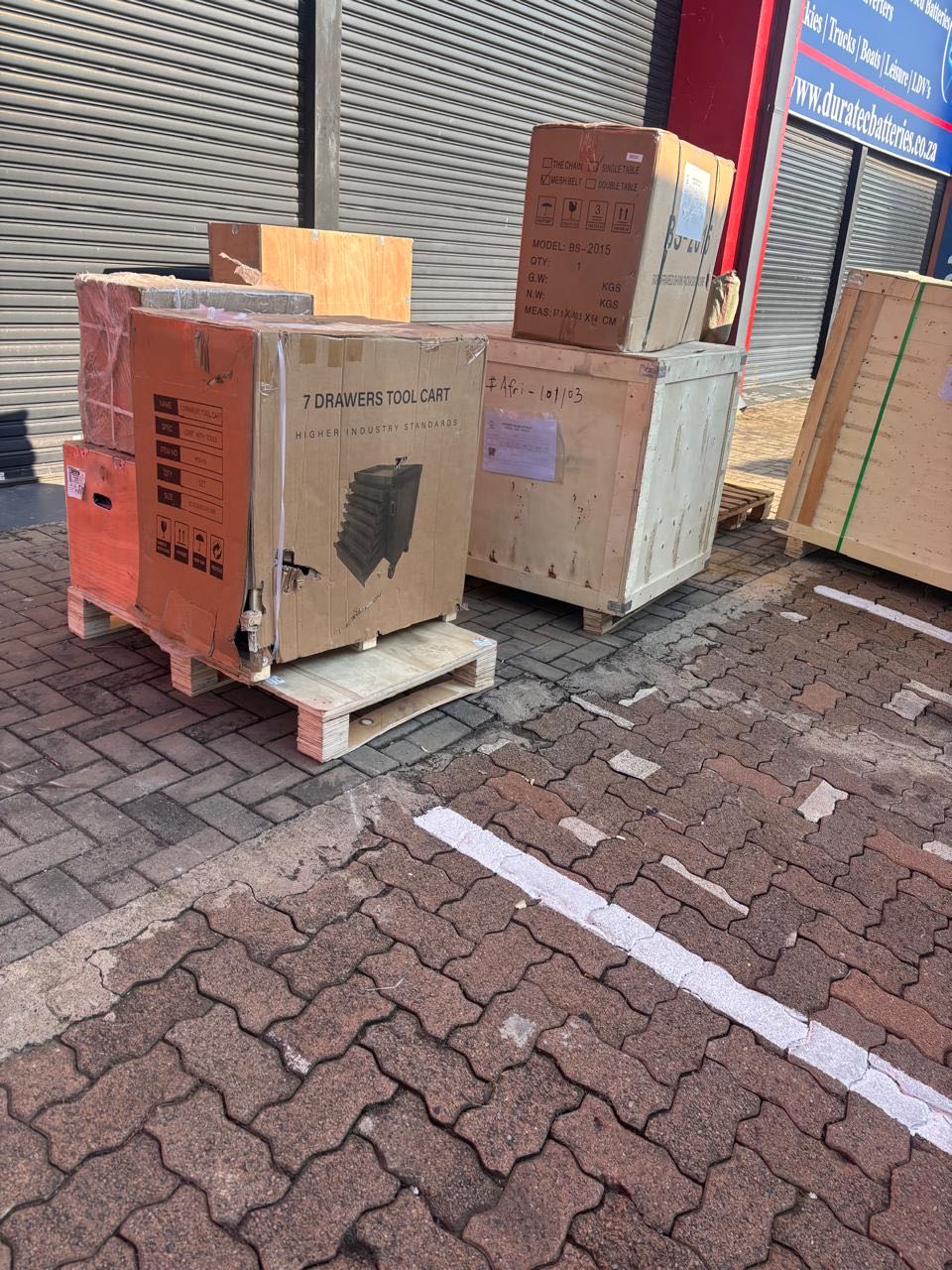
latest arrivals
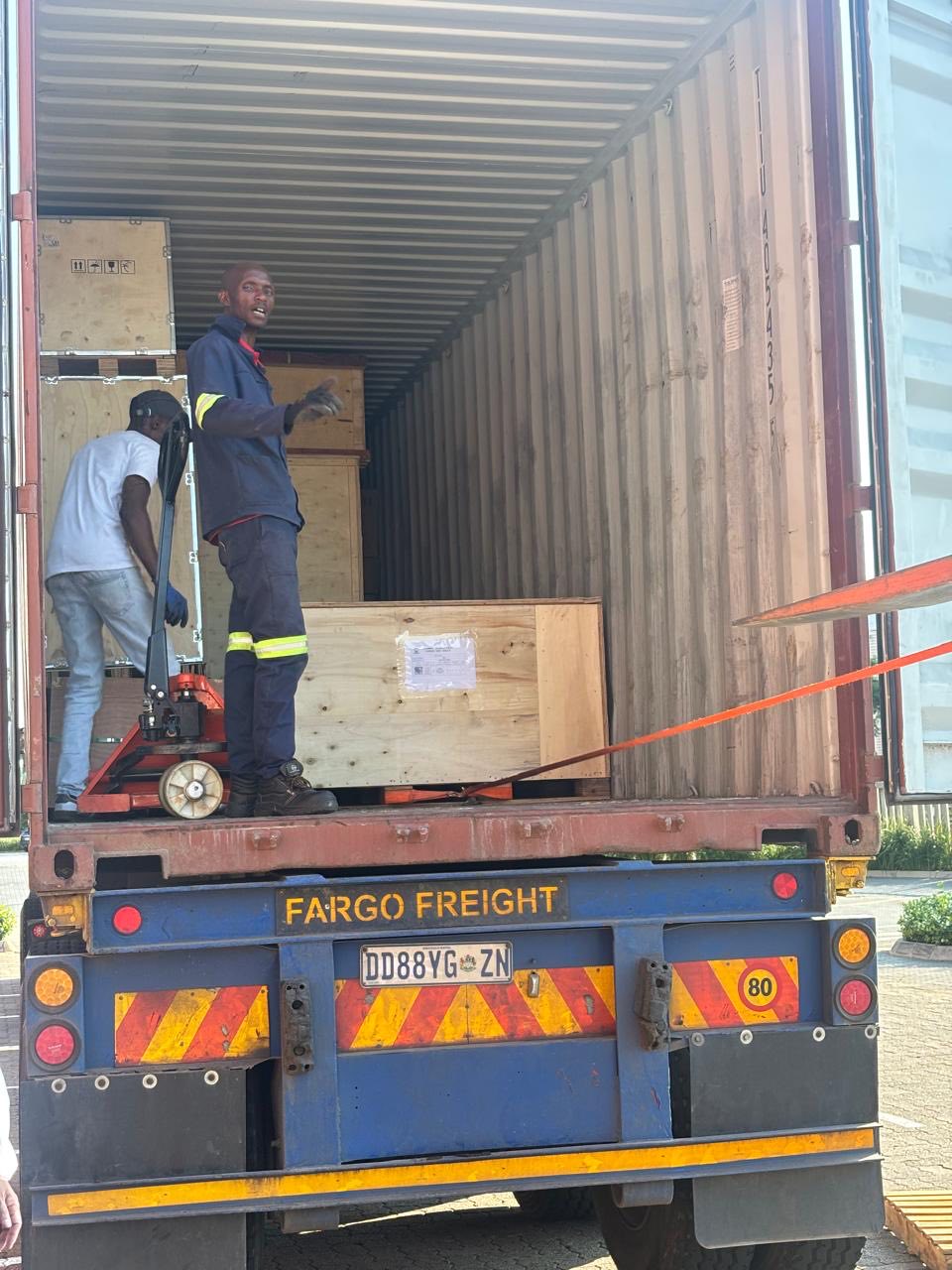
offloading
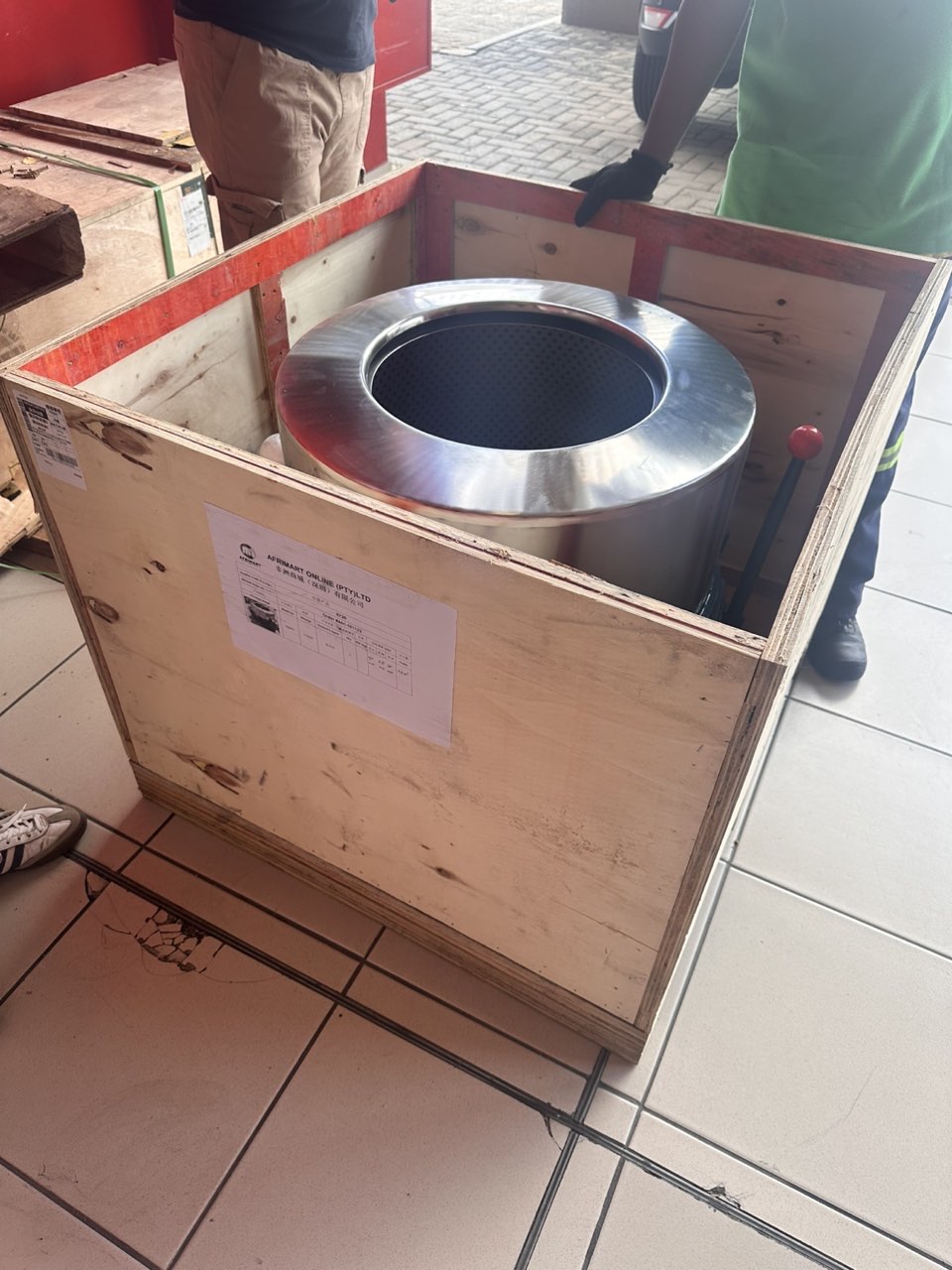
order success
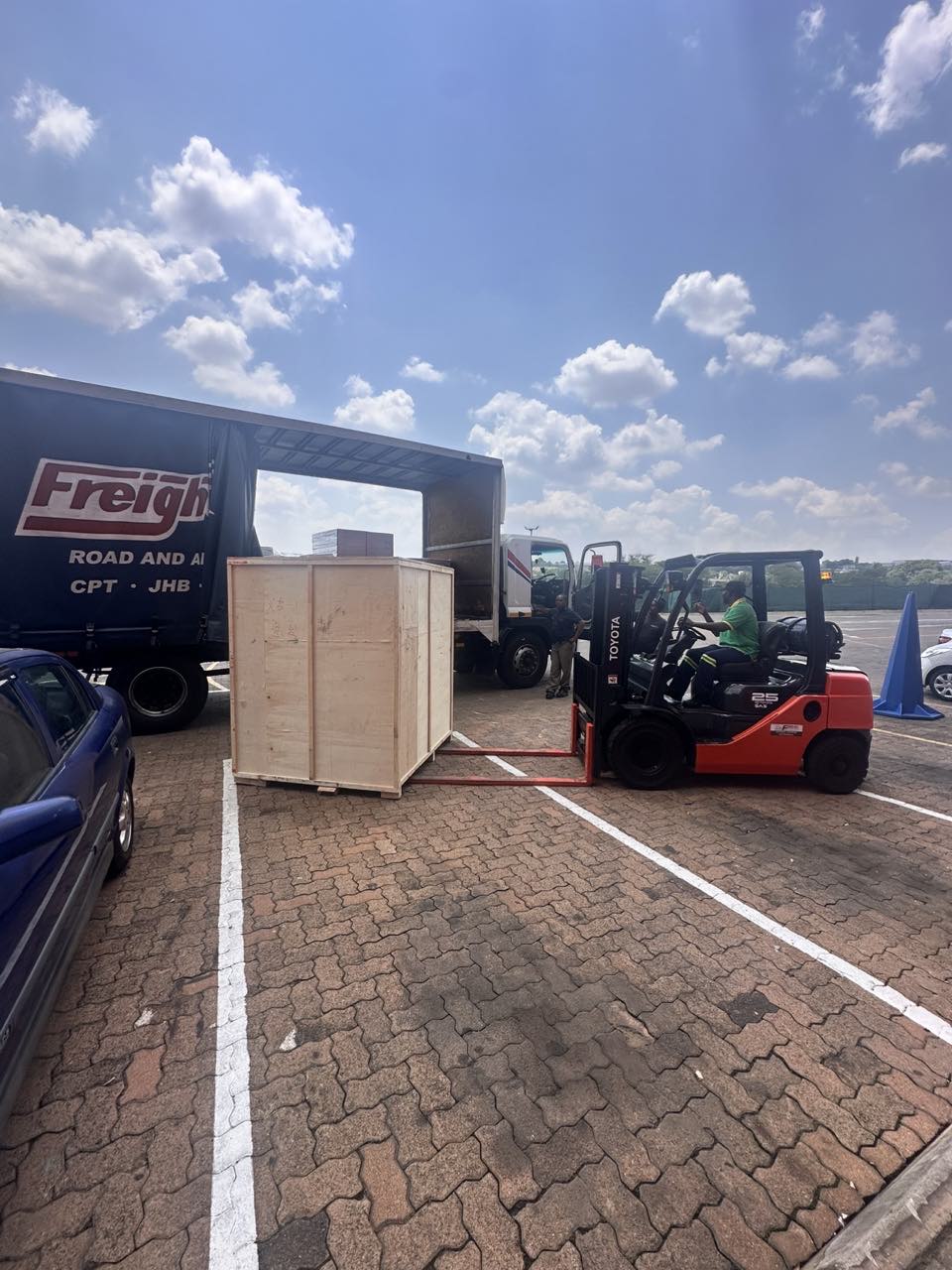
order collection
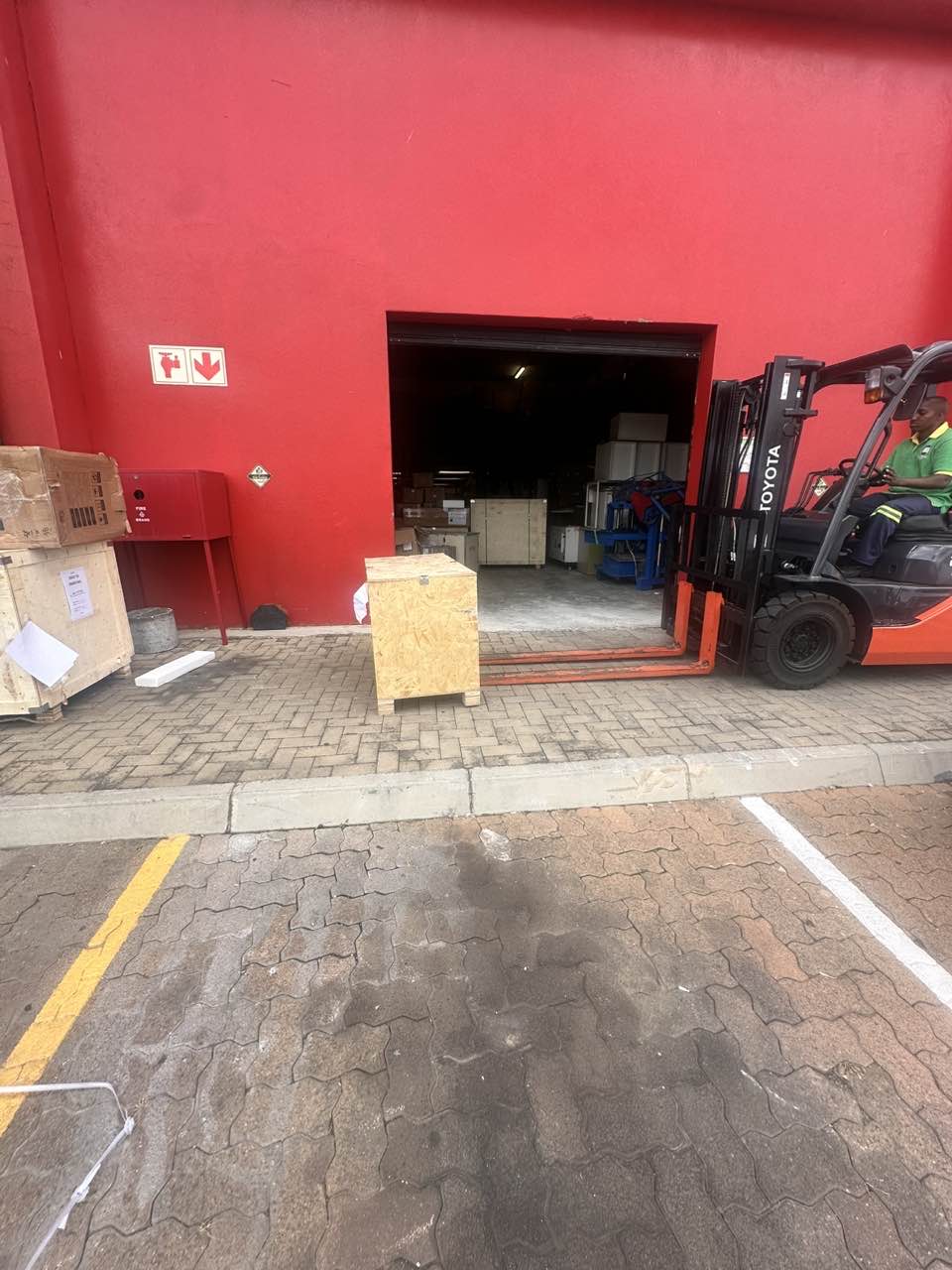
order offloading