B21, China Town Mall, Midrand


High-speed printing of multiple products UV printer
Asset finance available
Do you want funding for this equipment?
Afrimart can connect you with trusted funding partners who specialise in asset finance for businesses like yours. Compare options and apply in minutes — final approval is subject to provider review.
Check funding options
Secure & no obligation

- Section : Consumer Electronics
- Category : DTF Printers
- SKU : 1600488890285

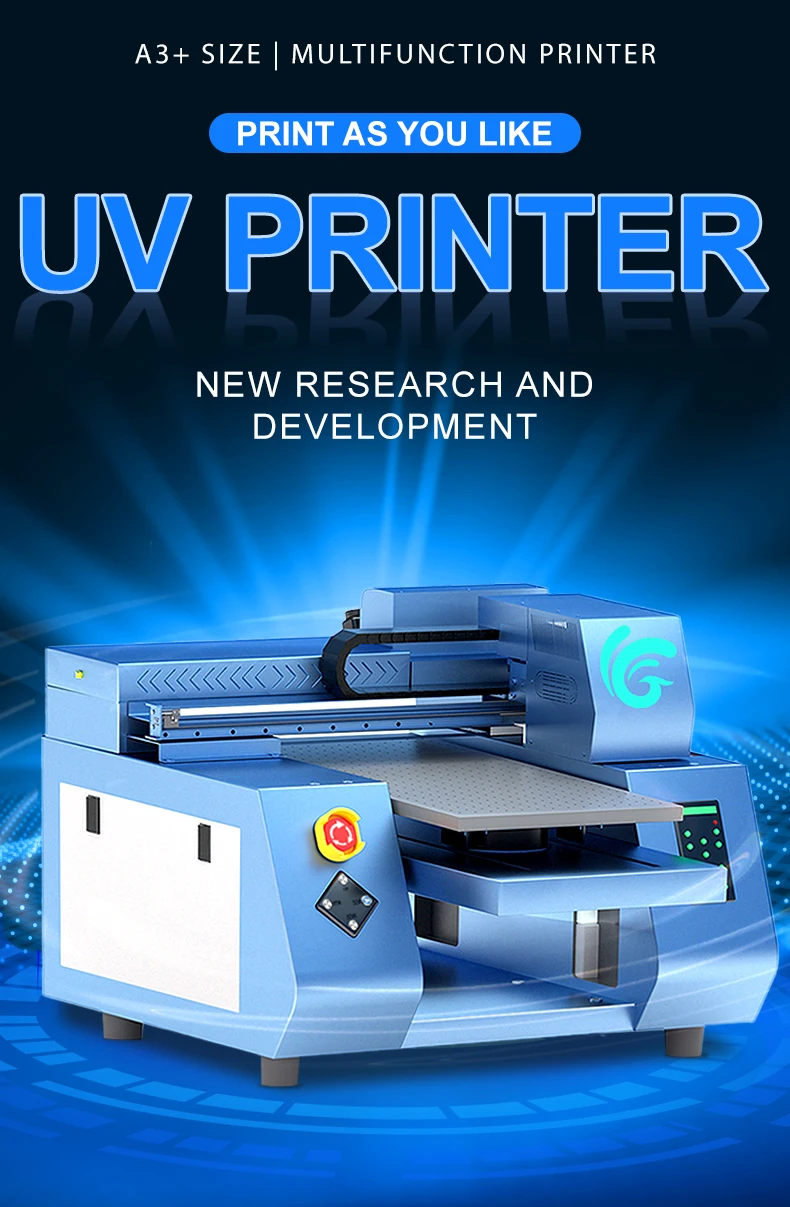
A3+ Size Double XP600 Printhead Inkjet Machine – High-Speed UV Printer for Multiple Products
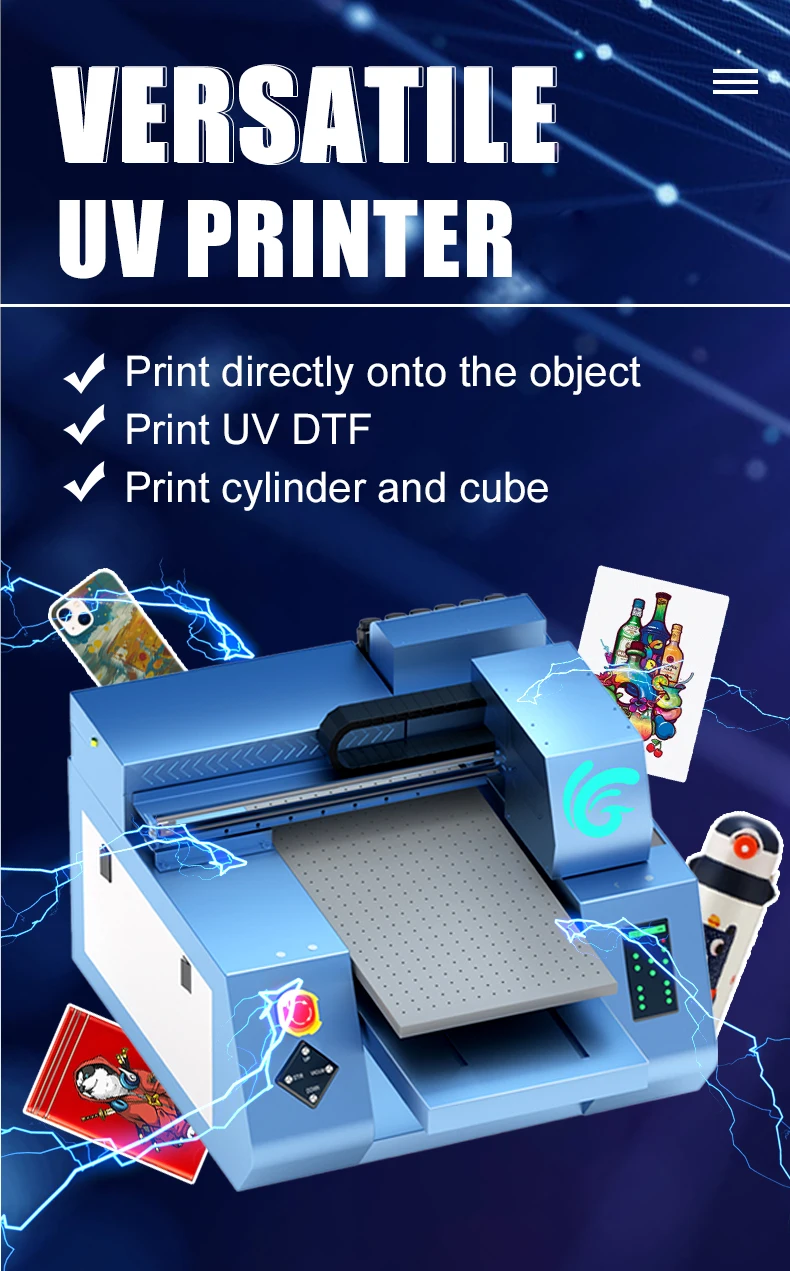
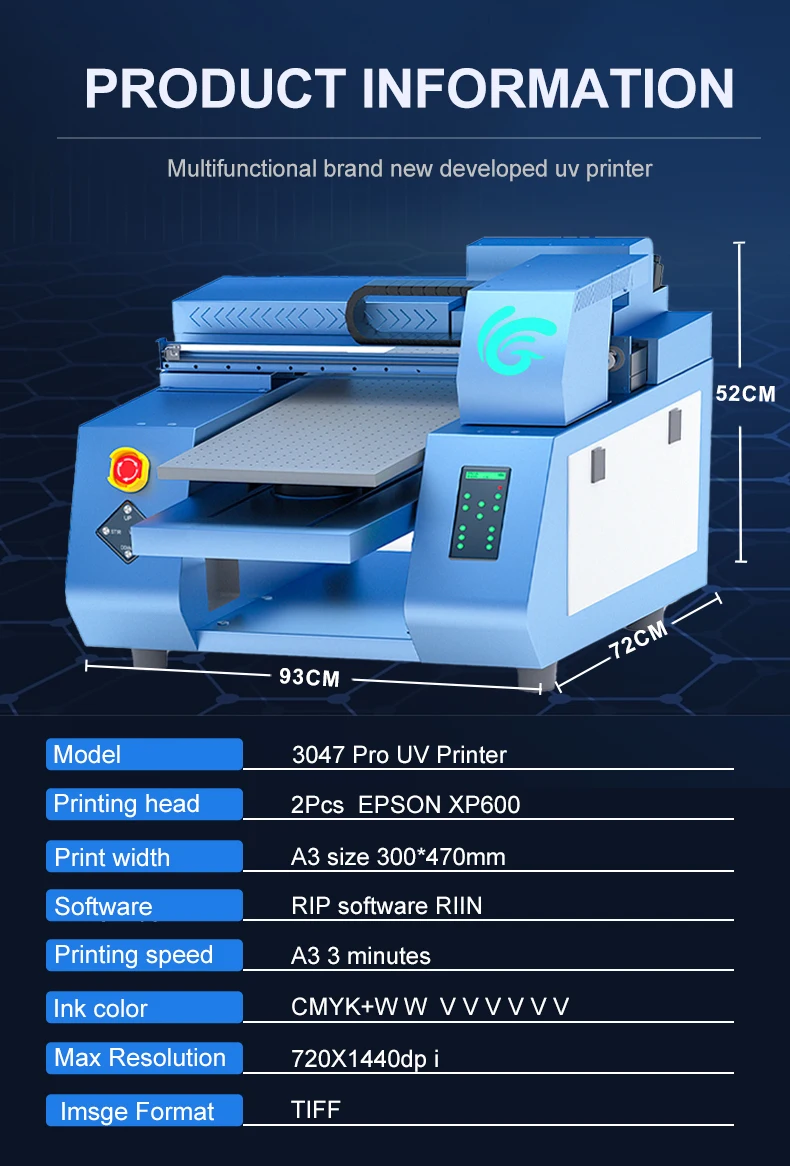
The A3+ Size Double XP600 Printhead Inkjet Machine offers high-speed printing with exceptional precision, making it perfect for printing on a variety of products such as phone cases, cards, and other custom items. This advanced UV Printer utilizes double XP600 printheads, ensuring fast, efficient, and high-quality prints on multiple substrates.
Key Features:
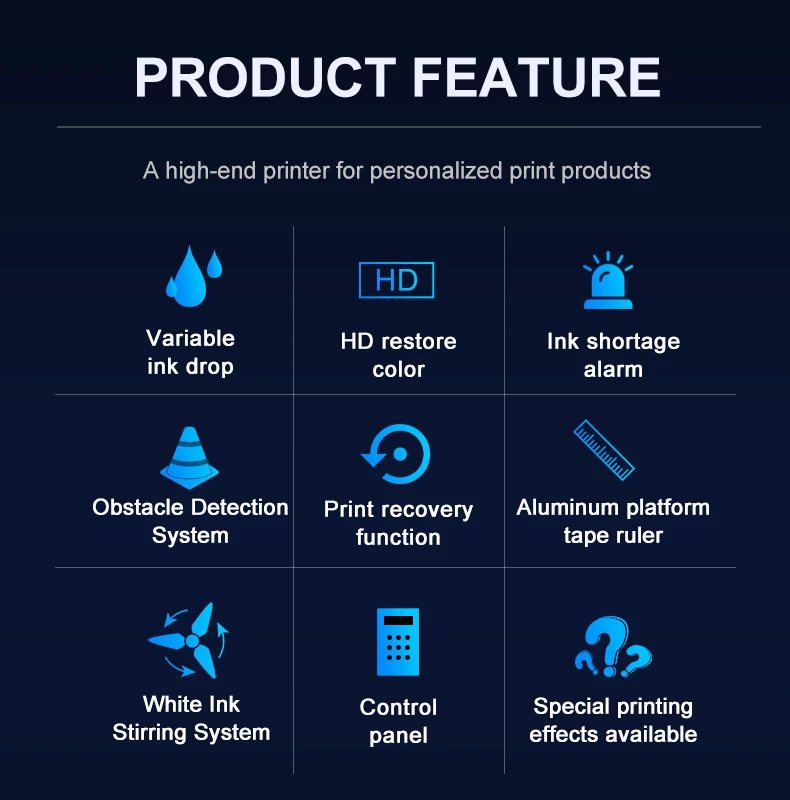
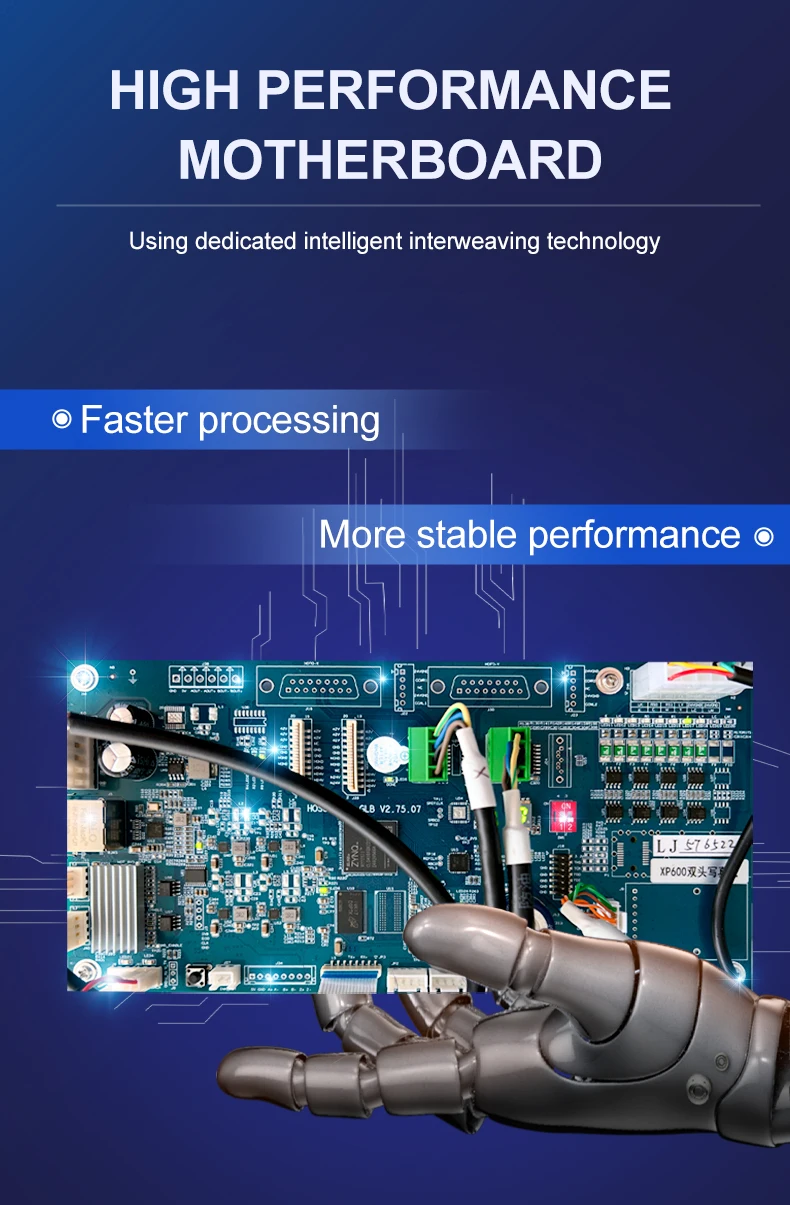
- High-Speed Printing: Equipped with two XP600 printheads for faster print speeds, ideal for high-demand environments like retail and manufacturing.
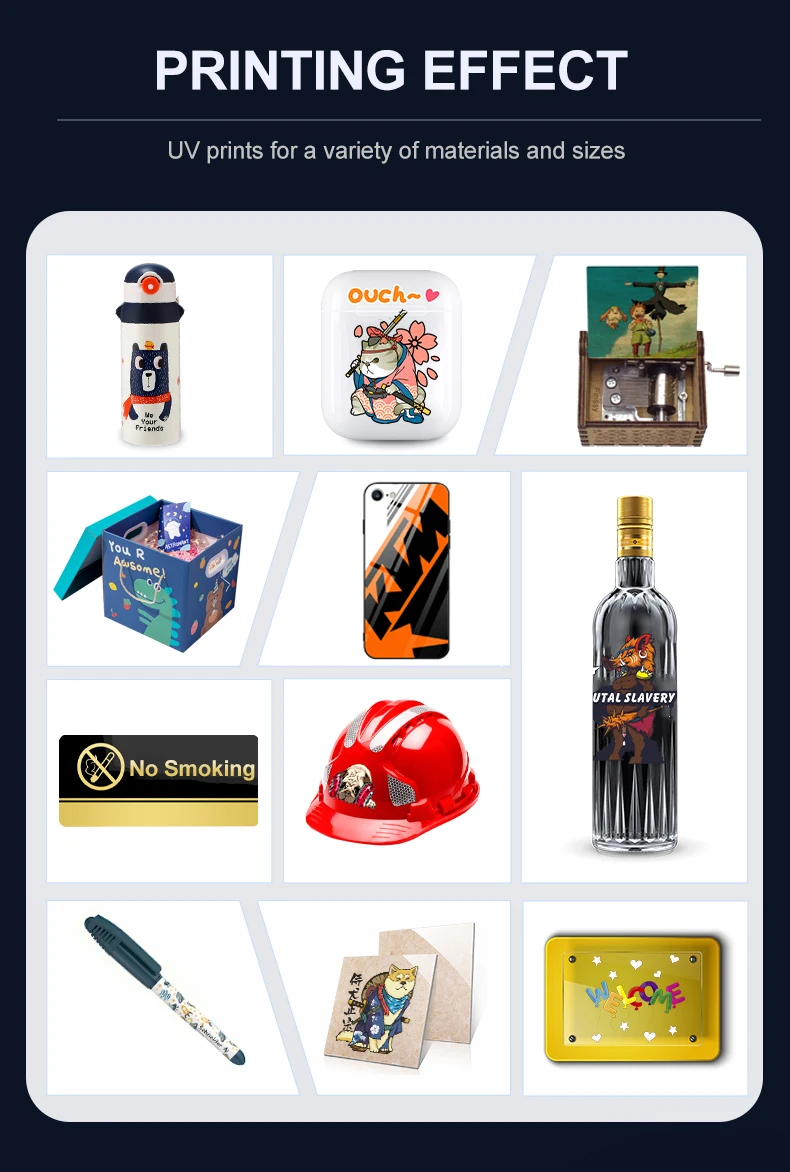
- Large Print Area: Capable of printing on materials up to 300*470mm (A3+ size), perfect for items such as phone cases, cards, and promotional products.
- UV Ink: Uses durable UV ink for vibrant colors and long-lasting prints, with ink colors CMYKWW-VVVVVV for a wide range of applications.
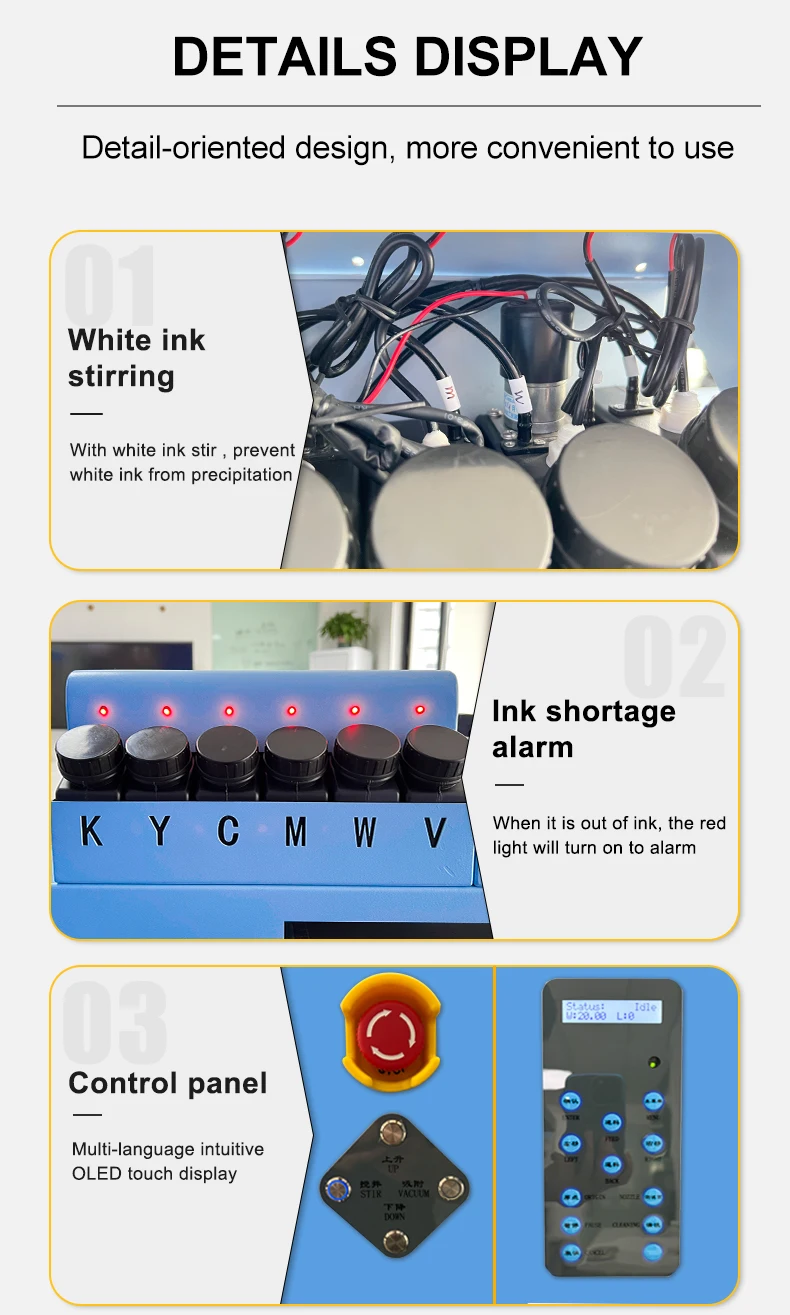
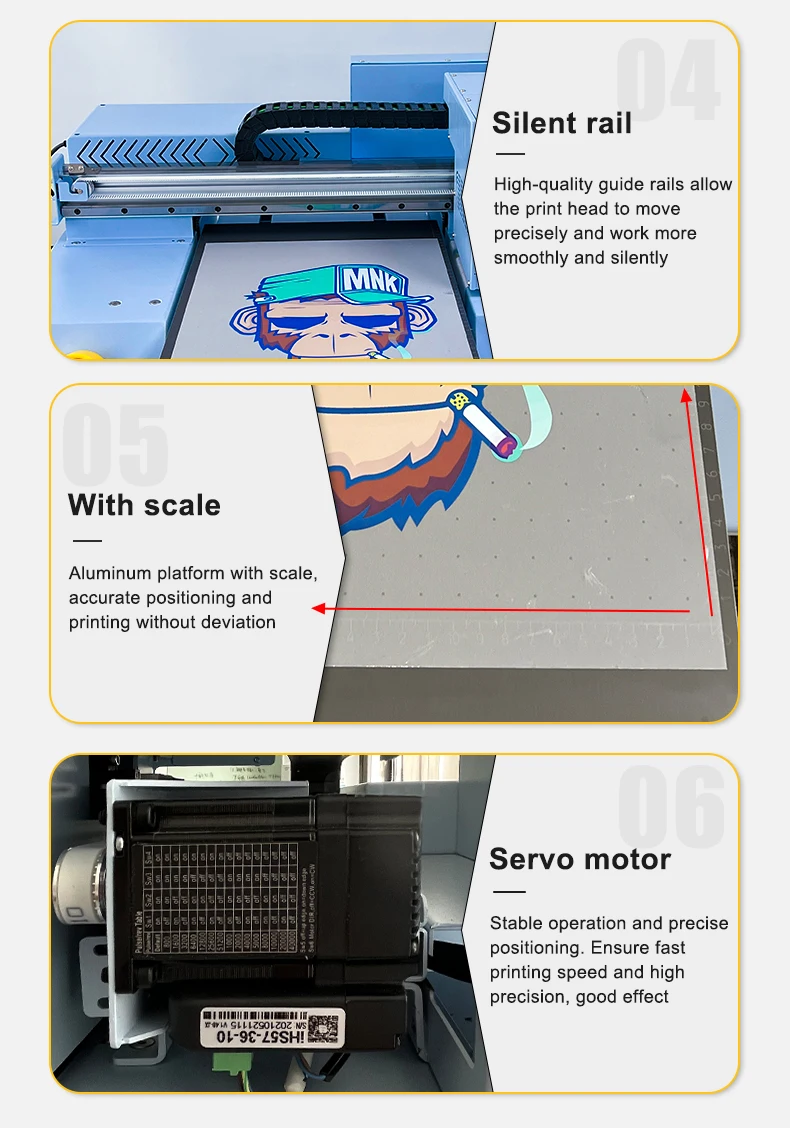
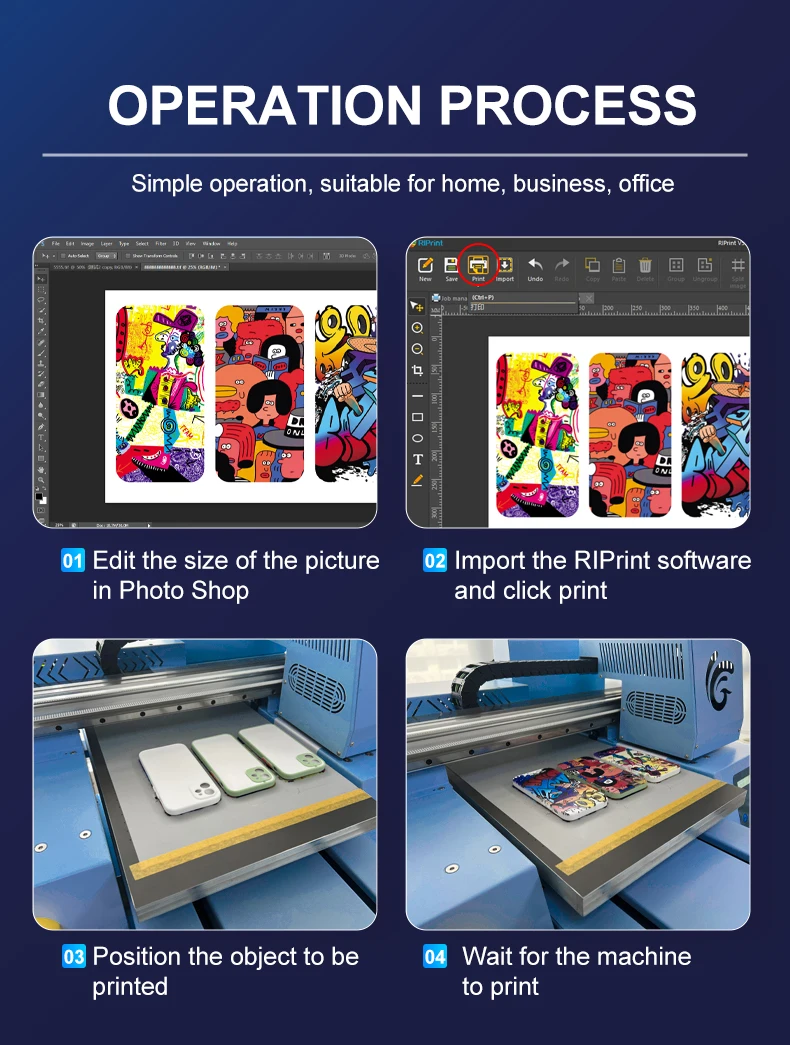
- Automatic Operation: Fully automated, making it easy to use and reducing manual intervention, enhancing overall productivity.
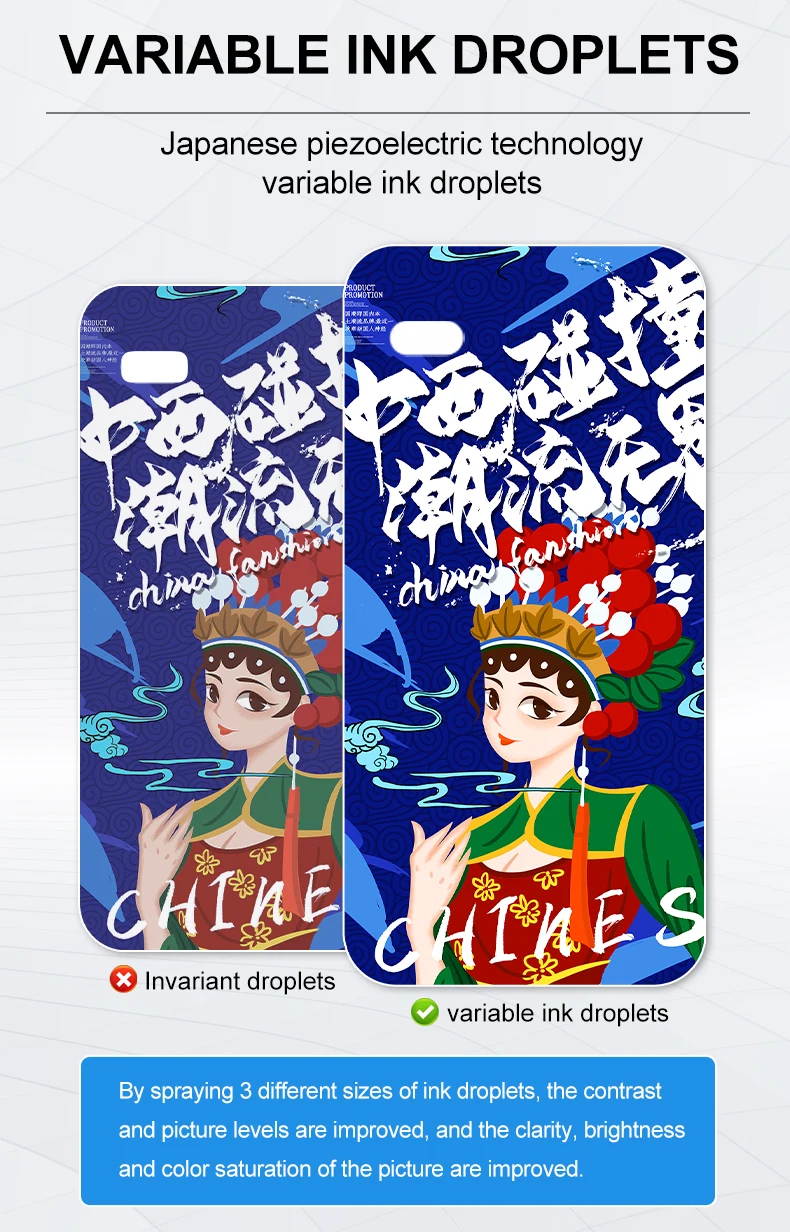
- Precision and Accuracy: Delivers sharp, high-resolution prints with advanced UV technology, ensuring vibrant designs on a variety of materials.
- White Ink Circulation: Features white ink circulation to prevent clogging and maintain consistent print quality.
- Energy Efficient: Works on both AC 100-120V / AC 200-240V power supply, adaptable to different work environments.
- RIP Software Compatibility: Supports popular RIP software, giving you full control over print settings and colors.
- Versatile Printing: Ideal for printing on materials like phone cases, cards, signs, and other flat substrates.
- Durable & Reliable: Built for long-term use, with a 2-year warranty on the printer and a 1-year warranty on the core components.
The Newest A3+ Size Double XP600 Printhead Inkjet Machine provides reliable, high-speed printing on a variety of products with UV ink, making it an excellent choice for businesses in hotels, garment shops, advertising, and more.
Product Info Gallery:
- Shipping Timeframes: All orders are processed within 2-5 business days (excluding weekends and holidays). After your order has been processed, the estimated delivery time is before 03 Aug, 2026, depending on customs, Please note that due to high demand, some items may experience longer shipping times, which will be communicated at order confirmation email.
- Order Processing Time: Please allow 2-5 business days for us to process your order before it is shipped . Orders placed after 16:00 on Fridays, or during weekends and public holidays, will begin processing on the next business day. Processing times may be extended during peak seasons or sales events.
- Manufacturing Time: Some products needs manufacturing time, the manufacturing process will take approximately 10-30 business days depending on the product. This timeframe may vary depending on the complexity of the product and current demand. but this will be communicated with you during order confirmation.
- Returns and Exchanges: We offer a 30-day return policy for most items. If you are not completely satisfied with your purchase, you may return it within 30 days of receipt for a refund or exchange. Items must be unused, in their original packaging, and accompanied by proof of purchase. Return shipping costs are the responsibility of the customer, unless the item was damaged or defective upon arrival.
1. What kinds of products and materials can the A3+ Double XP600 UV printer print on?
The printer is designed for flat substrates up to A3+ (300 x 470 mm). Common items include phone cases, ID and membership cards, signs, promotional products, wood, acrylic, coated metals, plastics and coated glass. Some non-porous materials (e.g., bare glass or metal) may require a primer or surface pretreatment for optimal adhesion.
2. What is the maximum print area and media size?
Maximum printable area is 300 x 470 mm (A3+). Make sure the part you want to print fits within that footprint and is flat enough for consistent contact with the platen.
3. Which printheads does this machine use and how does that affect speed?
It uses two Epson XP600 printheads. The dual-head configuration enables higher throughput compared with a single-head system; actual speeds depend on resolution and print mode (high-quality vs. draft). The machine is optimized for high-demand retail and light-manufacturing environments.
4. What type of ink does the machine use and what do the color codes mean?
It uses UV-curable inks formulated for long-lasting, vibrant prints. The specification lists CMYKWW-VVVVVV — indicating standard CMYK color channels plus white (often dual white channels for opacity/coverage) and varnish/varnish-like channels (V) for spot gloss/effects. Confirm exact ink SKUs and channel usage with your supplier.
5. What is 'white ink circulation' and why is it important?
White ink circulation continuously moves white ink through the system to prevent settling and clogging, which helps maintain consistent opacity and print quality. This reduces the need for frequent manual head cleaning or purging.
6. Is the printer difficult to operate? Does it require manual intervention?
The system is described as fully automated and designed to minimize manual intervention. Typical operator tasks include loading media, selecting print files/settings in your RIP, replenishing ink, and routine maintenance. Training and initial setup are recommended.
7. Which RIP software and file formats are supported?
The printer supports common RIP workflows and popular RIP software packages; exact compatibility may vary by model and firmware — check with the vendor for a verified list. Standard input file formats typically supported are TIFF, PSD, PDF, AI/EPS, and high-resolution JPGs.
8. What print quality or resolution can I expect?
The machine delivers sharp, high-resolution UV prints suitable for detailed graphics. Exact DPI and quality depend on the selected print mode and RIP settings. For critical applications, run test prints to determine the best balance between speed and image quality.
9. What are the power requirements?
The printer is compatible with both AC 100–120V and AC 200–240V power supplies, making it adaptable to different regional electrical standards. Verify plug type and amperage requirements during installation.
10. What warranty and support are included?
The unit includes a 2-year warranty on the printer and a 1-year warranty on core components, according to the product description. Check the vendor for warranty terms, extended warranty options, and details on technical support, spare parts, and on-site service availability.
11. What regular maintenance does the printer require?
Routine maintenance typically includes: daily or per-shift head check and nozzle test, periodic automated or manual head cleaning, keeping white-ink circulation active, replacing filters and ink cartridges, and occasional platen and gantry cleaning. Follow the manufacturer's maintenance schedule for best results.
12. Are there special preparation steps for difficult substrates (glass, metal, some plastics)?
Yes. Non-porous or low-energy surfaces often need pretreatment (primers, corona/plasma treatment, degreasing) to promote ink adhesion. When printing on flexible or curved items, ensure they are properly fixtured and flat within the printable area. Consult the supplier for recommended pretreatment processes per material.
13. What safety and environmental considerations should I be aware of?
UV-curable inks require proper ventilation, as off-gassing can occur during curing. Avoid direct eye and skin exposure to UV light. Use recommended PPE for handling inks (gloves, goggles). Dispose of used inks and consumables in accordance with local regulations. Follow electrical safety and grounding guidelines during installation.
14. What are the typical consumables and running costs I should plan for?
Main consumables include UV inks, maintenance fluids (if applicable), printhead maintenance kits, cleaning cartridges, and occasionally replacement printheads (XP600 life varies by usage). Ink consumption and cost depend on coverage, color density, and print mode. Request sample calculations and cost-per-piece estimates from your vendor using your typical artwork and order volume.
Latest Order Arrivals
Discover our latest orders

12 Heads Embroidery Machine

Toilet Paper Machine Machine

Order Collection

Cross Border Clients

Order cros border countries Collected

Industrial Machine Cllection

Agriculture Processing Machines

Ready for collection

Water Pump Equipment

Packaging Machine and accessories

Fabrics Manufacturing Equipment

Mining Equipments

Food Processing Machine

Batch of Orders

Batch of Orders

Latest Orders Labelled

wheel alignment machines

new arrivals

Pre Orders Offloading

Latest Arrivals

Latest Arrivals

Latest Arrivals

Loading

Toilet paper making machine

Toilet paper making machine

Toilet paper Rewinding Machine

latest arrivals

offloading

order success

order collection

order offloading