B21, China Town Mall, Midrand

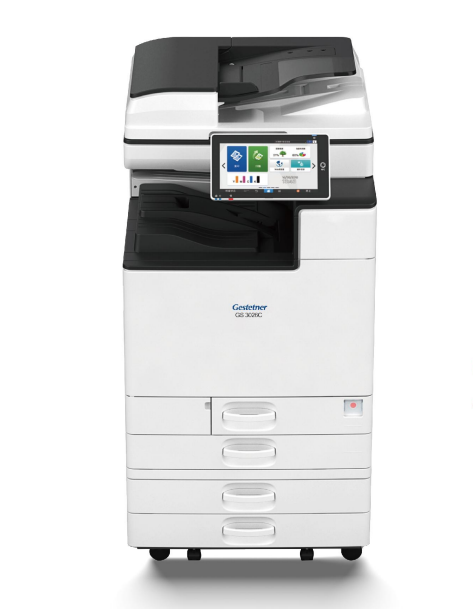
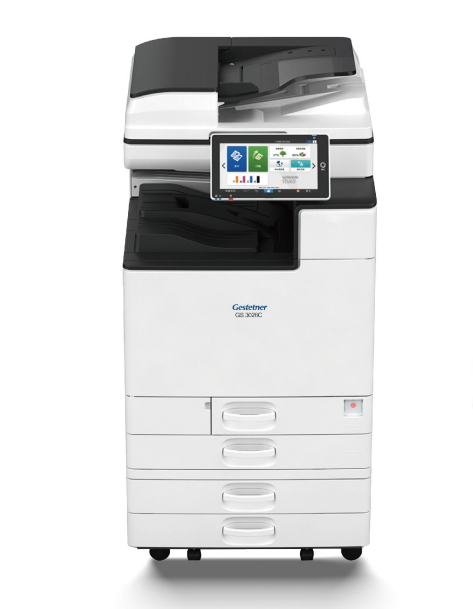
GS-3026C Photocopier (All-in-one Print/Copy/Scan)
Asset finance available
Do you want funding for this equipment?
Afrimart can connect you with trusted funding partners who specialise in asset finance for businesses like yours. Compare options and apply in minutes — final approval is subject to provider review.
Check funding options
Secure & no obligation

- Section : Consumer Electronics
- Category : Digital Printers
- SKU : 1600195311923

Product Description
- Shipping Timeframes: All orders are processed within 2-5 business days (excluding weekends and holidays). After your order has been processed, the estimated delivery time is before 11 Jul, 2026, depending on customs, Please note that due to high demand, some items may experience longer shipping times, which will be communicated at order confirmation email.
- Order Processing Time: Please allow 2-5 business days for us to process your order before it is shipped . Orders placed after 16:00 on Fridays, or during weekends and public holidays, will begin processing on the next business day. Processing times may be extended during peak seasons or sales events.
- Manufacturing Time: Some products needs manufacturing time, the manufacturing process will take approximately 10-30 business days depending on the product. This timeframe may vary depending on the complexity of the product and current demand. but this will be communicated with you during order confirmation.
- Returns and Exchanges: We offer a 30-day return policy for most items. If you are not completely satisfied with your purchase, you may return it within 30 days of receipt for a refund or exchange. Items must be unused, in their original packaging, and accompanied by proof of purchase. Return shipping costs are the responsibility of the customer, unless the item was damaged or defective upon arrival.
1. What is the GS-3026C Photocopier?
The GS-3026C is an all-in-one office device that combines printing, copying and scanning into a single unit, designed for small-to-medium workgroups that need a compact multifunction solution.
2. What print, copy and scan speeds can I expect?
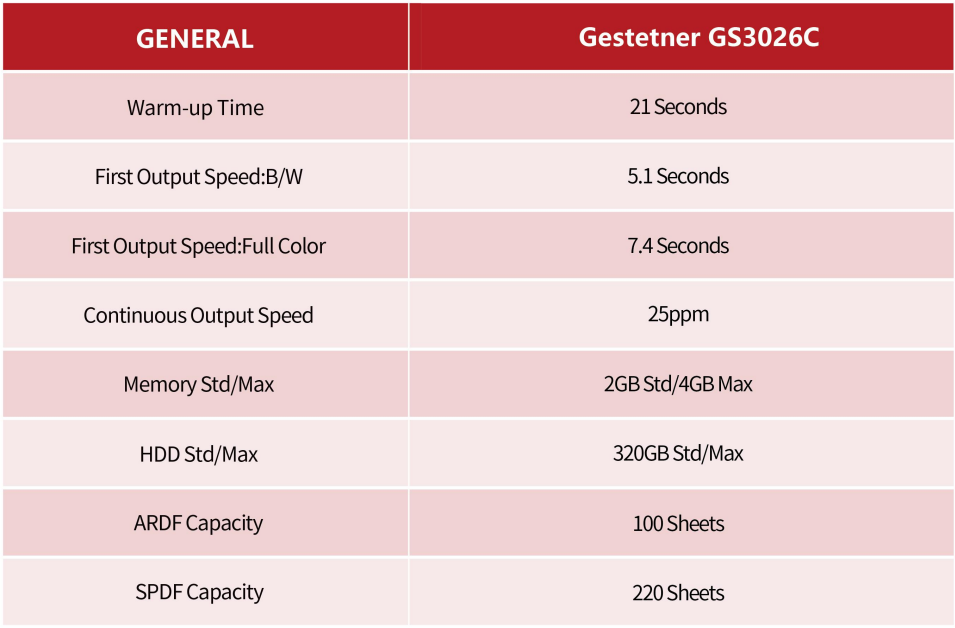
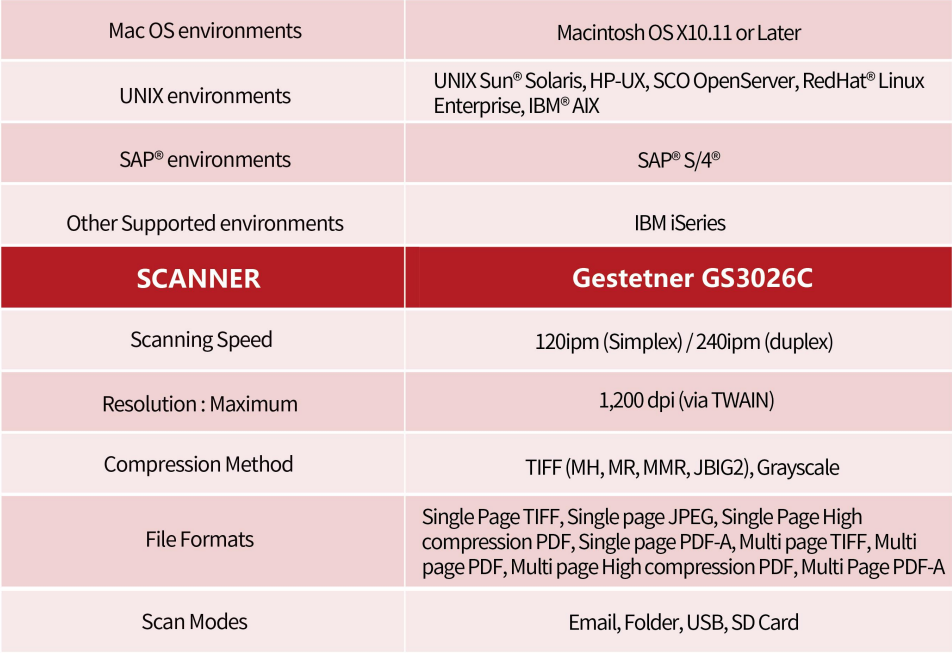
Speed depends on configuration and media, but the GS-3026C is targeted for everyday office workloads and typically delivers comparable speeds for print and copy tasks; consult the official product datasheet or your reseller for the exact pages-per-minute (ppm) rating for your region.
3. What print and scan resolution does the unit support?
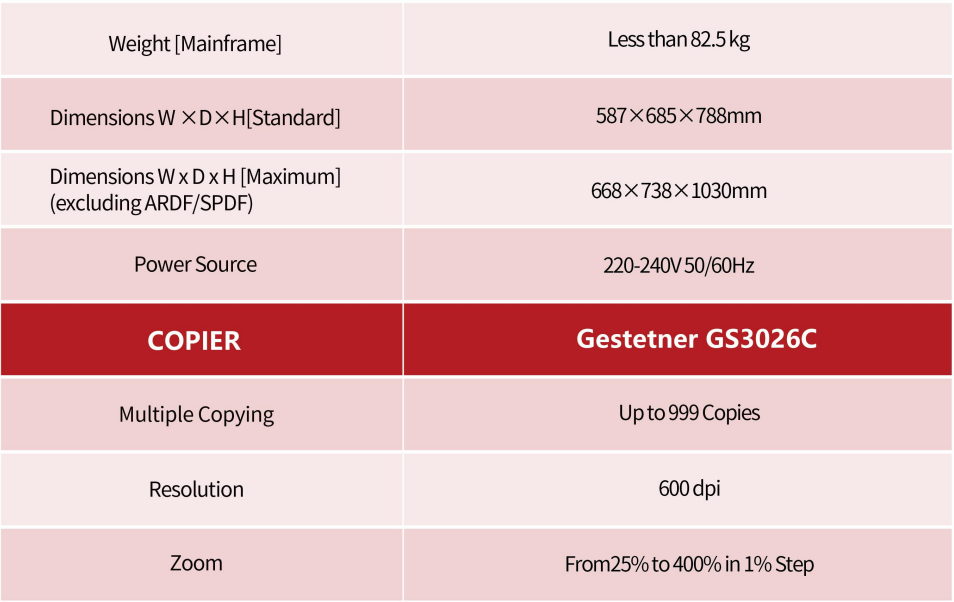
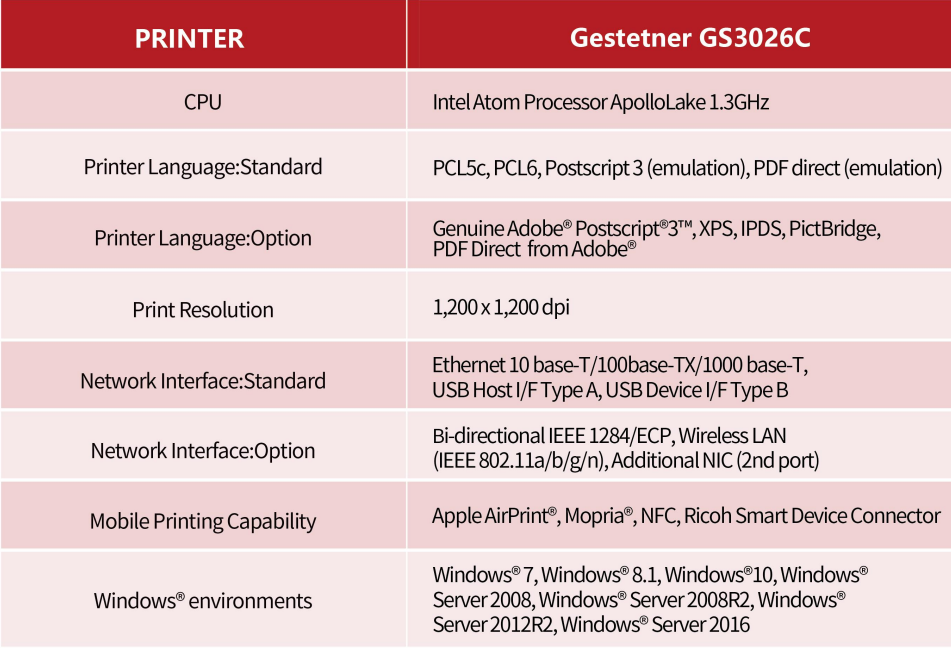
The device supports high-quality office output suitable for text and graphics. Native scan resolution and print resolution vary by firmware and configuration—common values are 600 x 600 dpi native with interpolation to higher levels. Refer to the technical specifications for exact dpi values.
4. Does the GS-3026C support automatic duplex (double-sided) printing and copying?
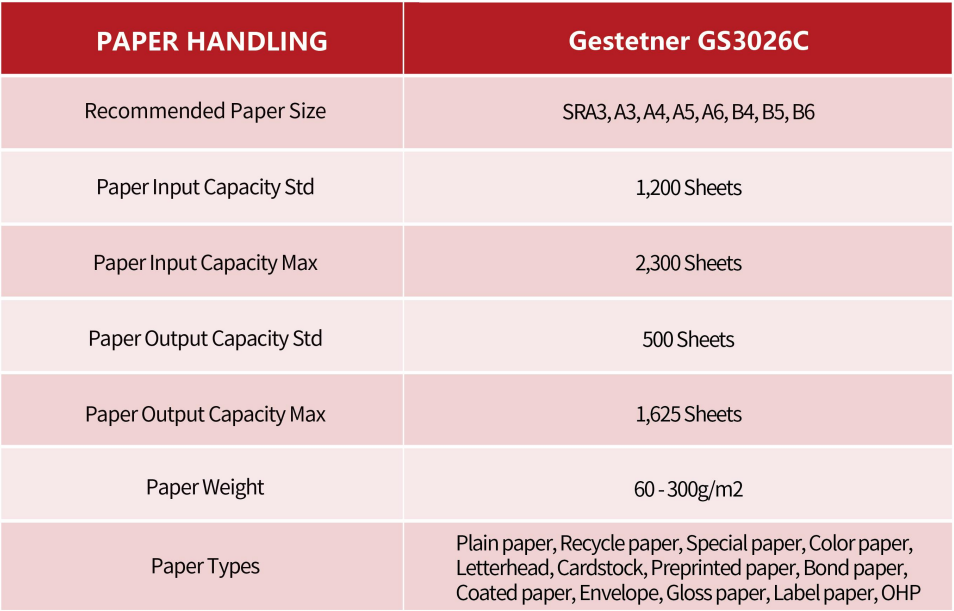
Automatic duplexing may be standard or available as an optional feature depending on the model/configuration you purchase. Check the model configuration or datasheet to confirm duplex capabilities.
5. What paper sizes and paper capacity does it support?
The machine supports the common office sizes (letter/A4) and, depending on configuration, may accept larger sizes. Paper tray capacity and optional trays vary by configuration—consult the specification sheet or your dealer for details on maximum supported sizes and total capacity.
6. What connectivity options are available?
Typical connectivity options include USB and Ethernet for networked use. Many configurations also offer optional Wi‑Fi or wireless modules. Confirm your required ports and network features when ordering.
7. Can I print from mobile devices?
Yes—mobile printing is supported through standard protocols or vendor apps where available (for example AirPrint, Mopria, or a manufacturer mobile app). Exact mobile features depend on the firmware and installed network options.
8. Which operating systems are supported?
Drivers are usually available for Windows and macOS, and many printers also support basic printing from Linux and mobile OSs. Always download the latest drivers from the manufacturer website for best compatibility.
9. What scanning features are included?
The GS-3026C supports scanning to PC, USB or network locations and typically produces scans in common formats (PDF, JPEG, TIFF). Features often include color scanning, selectable resolutions and basic image adjustments; advanced scan workflows depend on configuration and software options.
10. What consumables does the GS-3026C use and how do I replace them?
The device uses replaceable toner cartridges and possibly a drum unit or developer depending on the design. Consumable part numbers, expected yields and replacement instructions are provided in the user manual and on the consumable labels.
11. What is the recommended monthly print volume and duty cycle?
The unit is designed for low-to-medium office volumes. The manufacturer provides a recommended monthly print volume and a maximum duty cycle in the technical specifications—refer to the datasheet to ensure the device matches your usage requirements.
12. What security features are available?
Standard security features commonly include network authentication, secure (private) printing and basic access controls. Optional advanced security may be available via firmware or software packages—ask your vendor about available security modules.
13. How noisy and power-hungry is the copier?
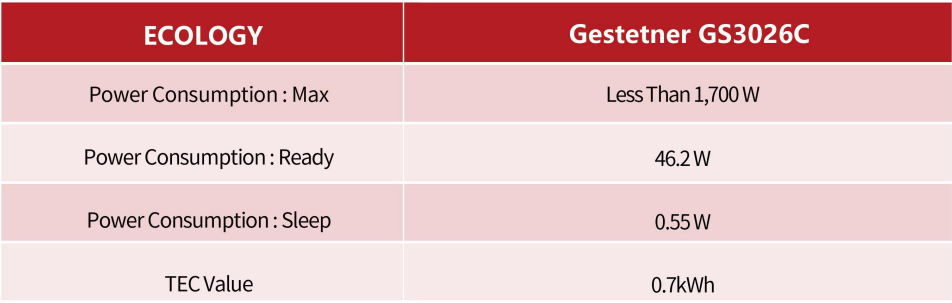
Noise levels and power consumption vary by operational mode (ready, printing, sleep). The device includes energy-saving modes and automatic sleep to reduce consumption. See the energy and acoustic specifications in the product sheet for numeric values and certifications (e.g., ENERGY STAR) where applicable.
14. What maintenance is required and how do I troubleshoot common issues?
Regular maintenance typically includes replacing toner and consumables, clearing paper jams, and occasional cleaning of the glass and feed rollers. The user manual contains troubleshooting steps for common issues; for persistent problems contact authorized service for guided support or maintenance visits.
15. What warranty and support options are available?
Warranty length and support options (on-site service, extended warranty plans, helpdesk access) vary by region and reseller. Standard warranties are commonly included; extended coverage and service-level agreements can usually be purchased separately. Check with your vendor for exact terms.
Latest Order Arrivals
Discover our latest orders

12 Heads Embroidery Machine

Dewatering Pump Machine

Order Collection

Portable Water Drilling Rig

Order Usefully Collected

Batch of Orders

Agriculture Processing Machines

Meat Grinder Machine

Water Pump Equipment

Packaging Machine and accessories

Fabrics Manufacturing Equipment

Mining Equipments

Food Processing Machine

Batch of Orders

Batch of Orders

Latest Orders Labelled

wheel alignment machines

new arrivals

Pre Orders Offloading

Latest Arrivals

Latest Arrivals

Latest Arrivals
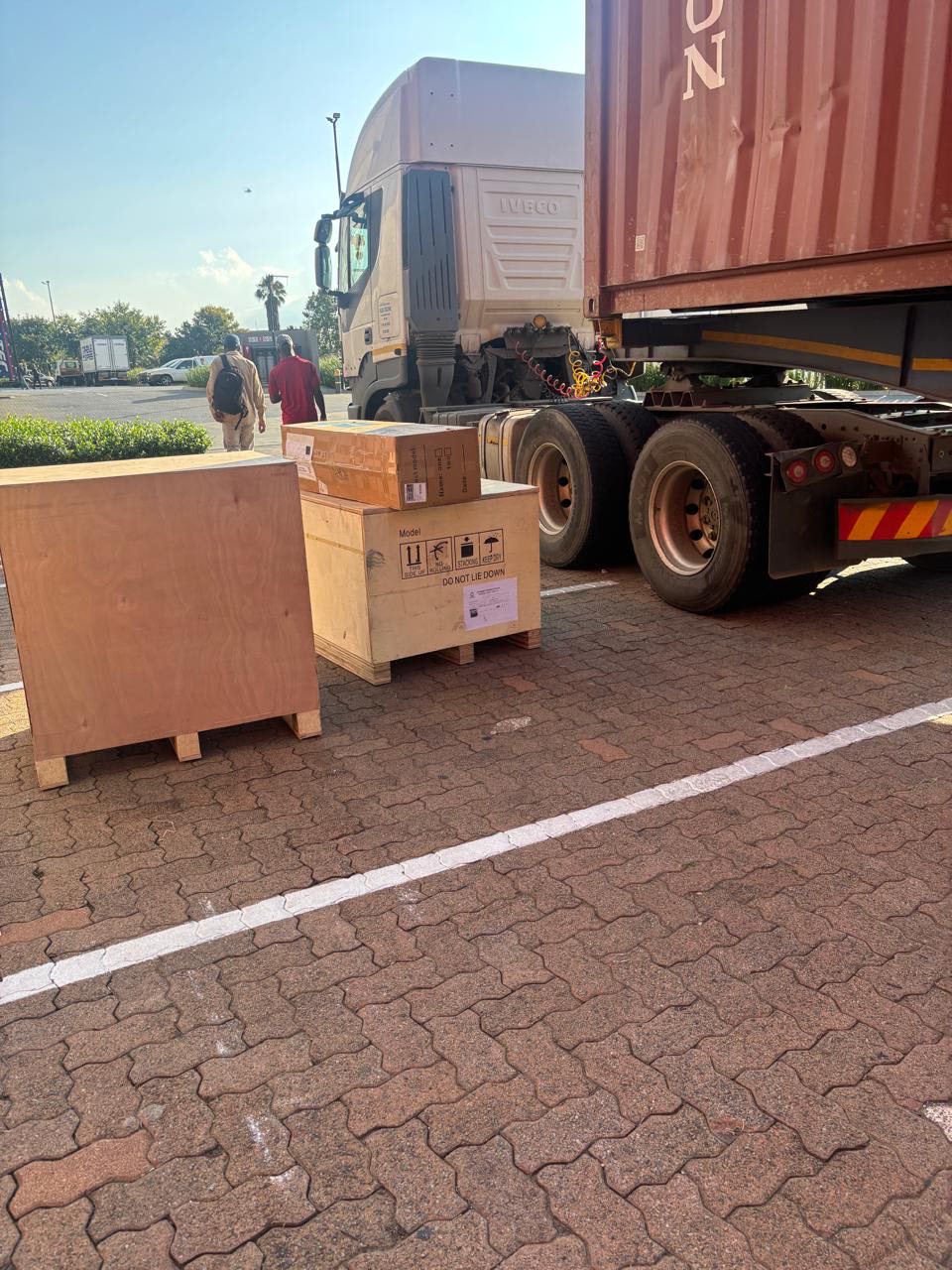
26 January 2026
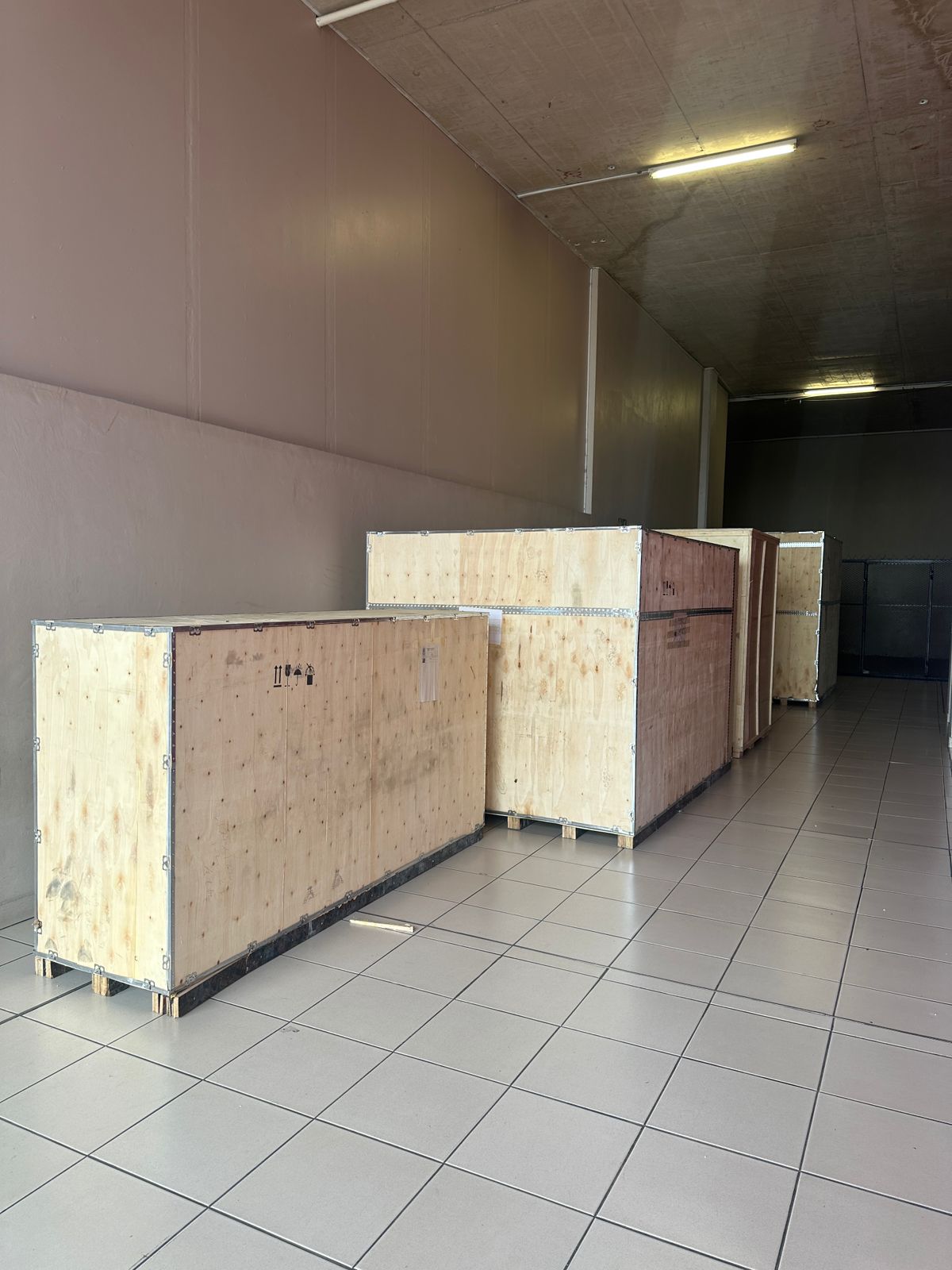
Toilet paper making machine
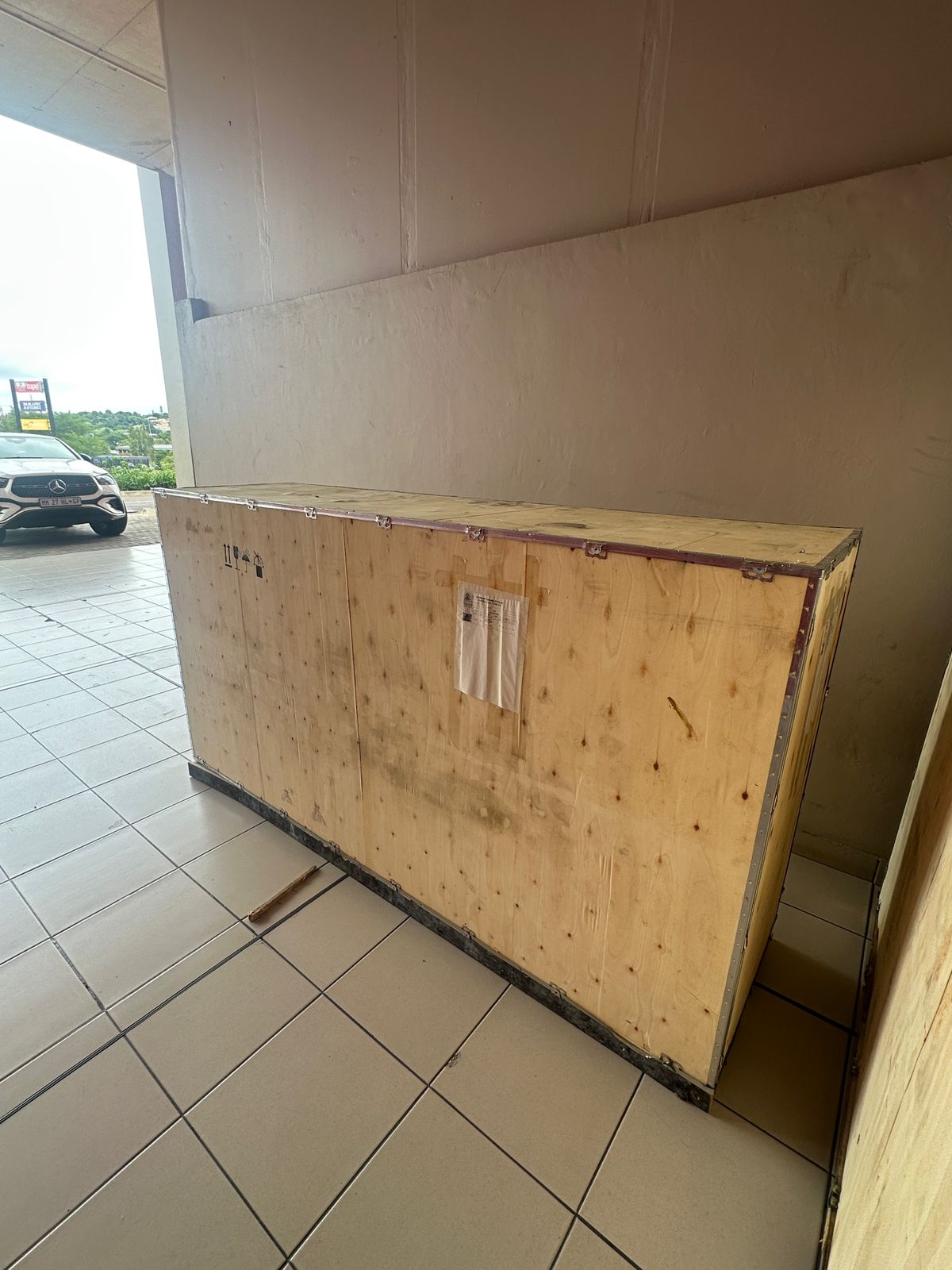
Toilet paper making machine
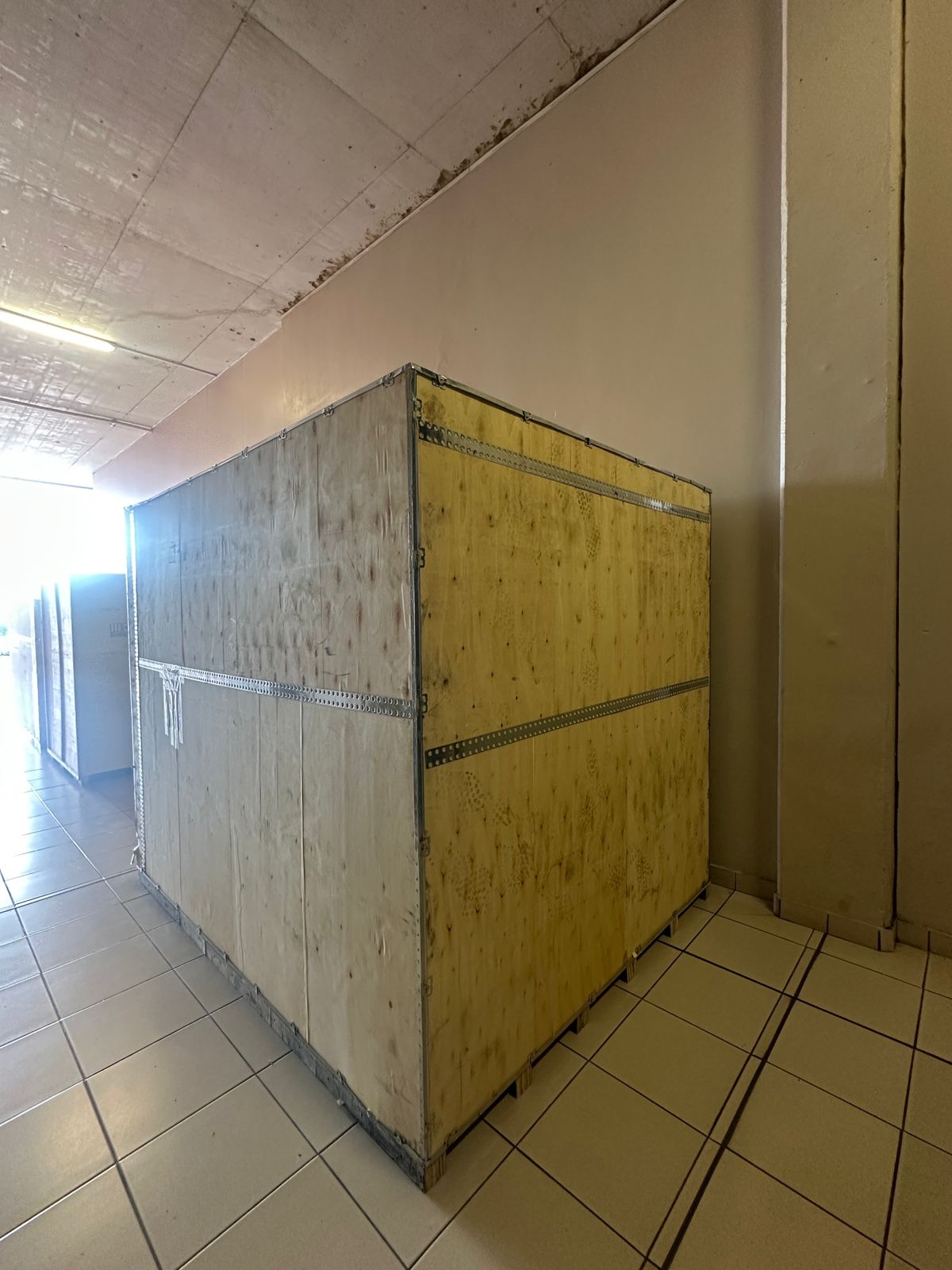
Toilet paper Rewinding Machine
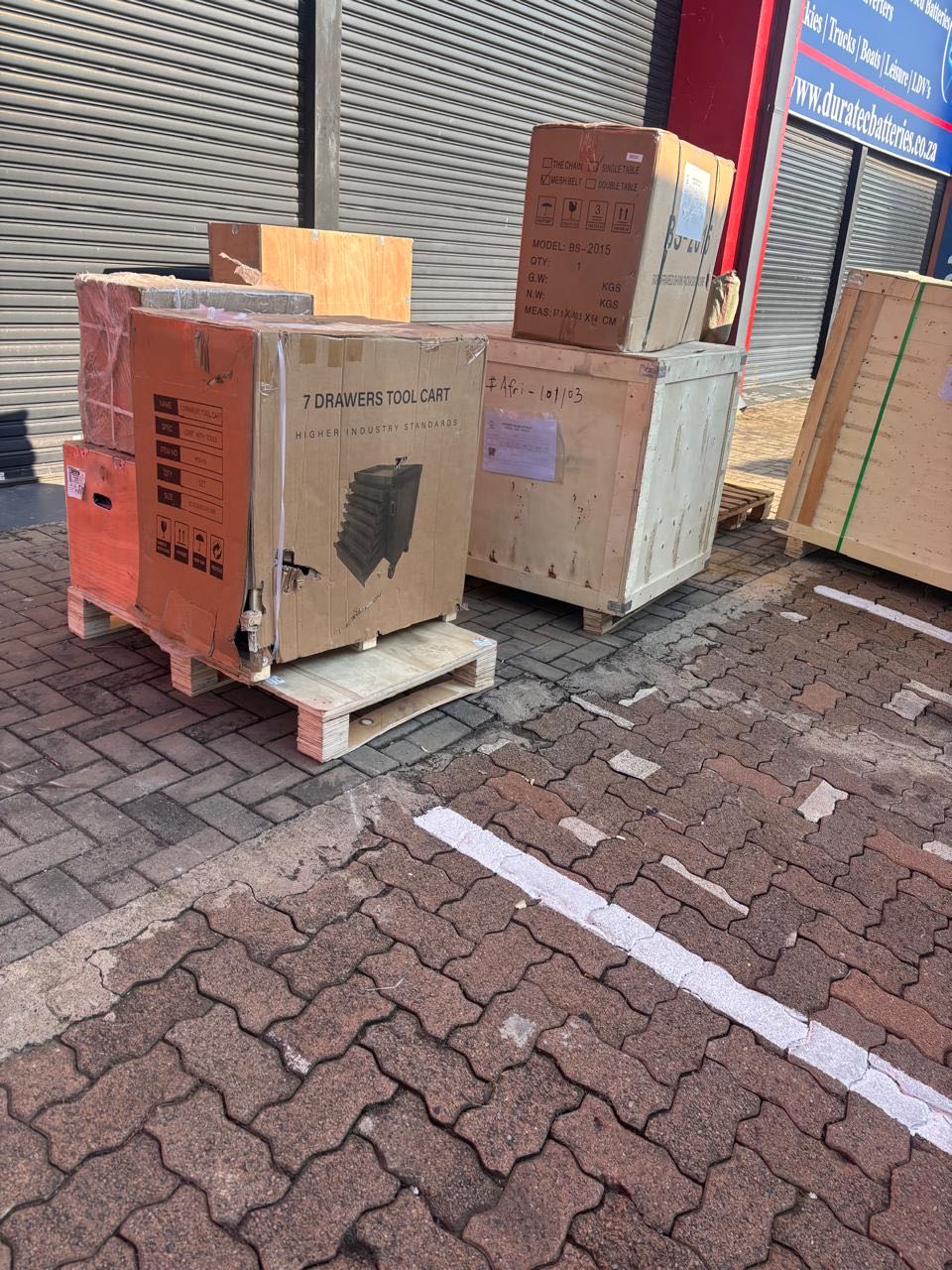
latest arrivals
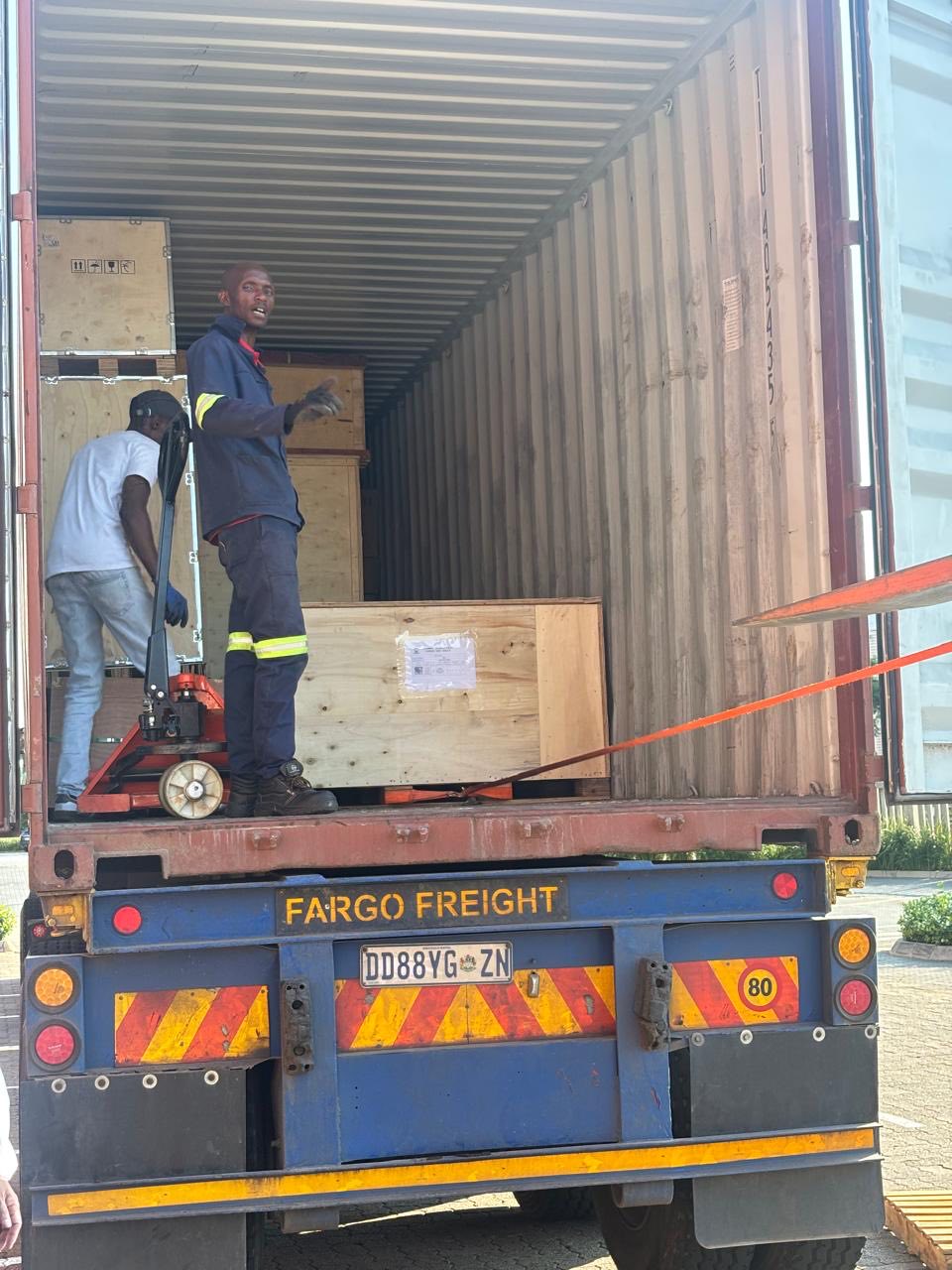
offloading
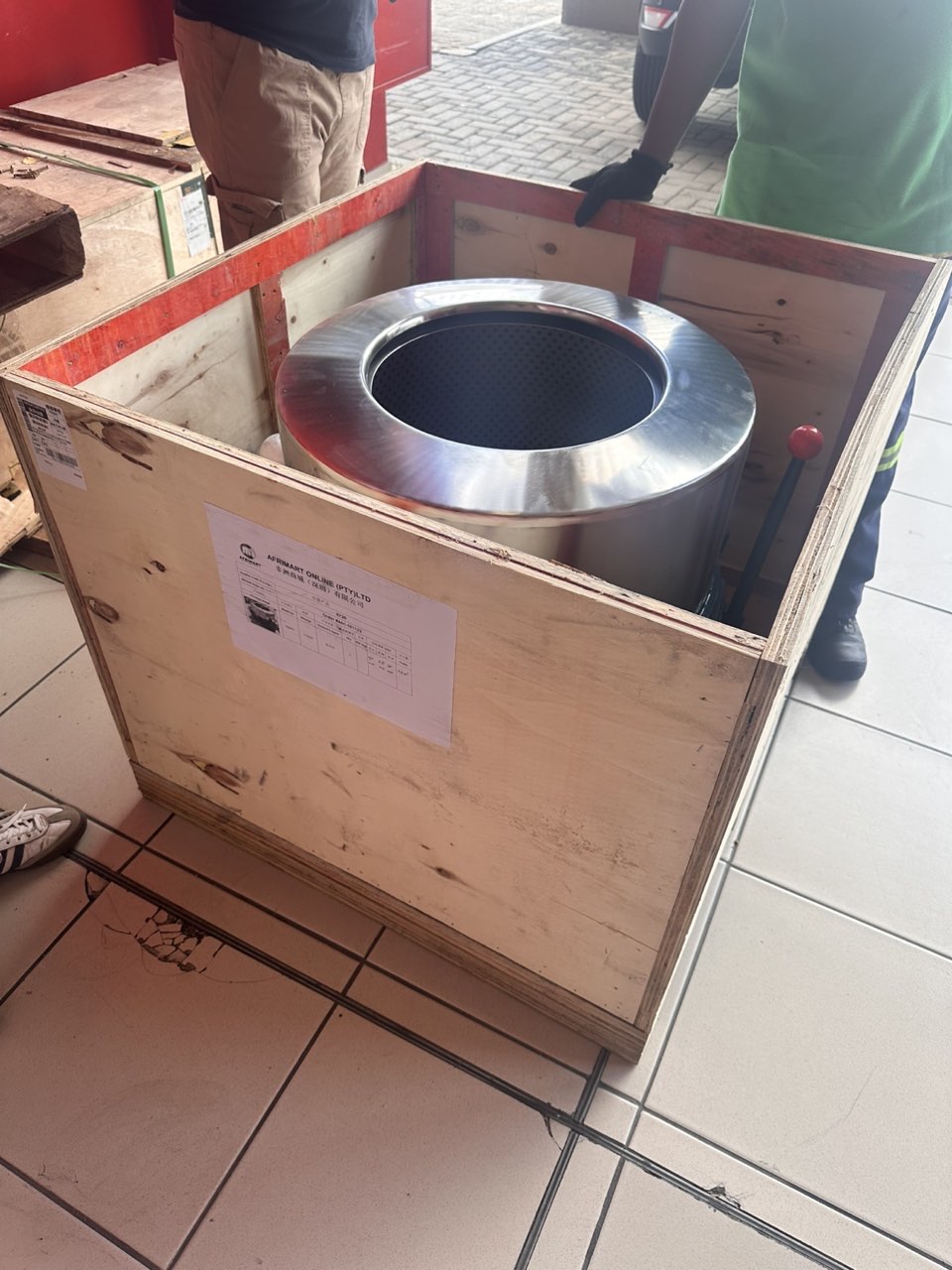
order success
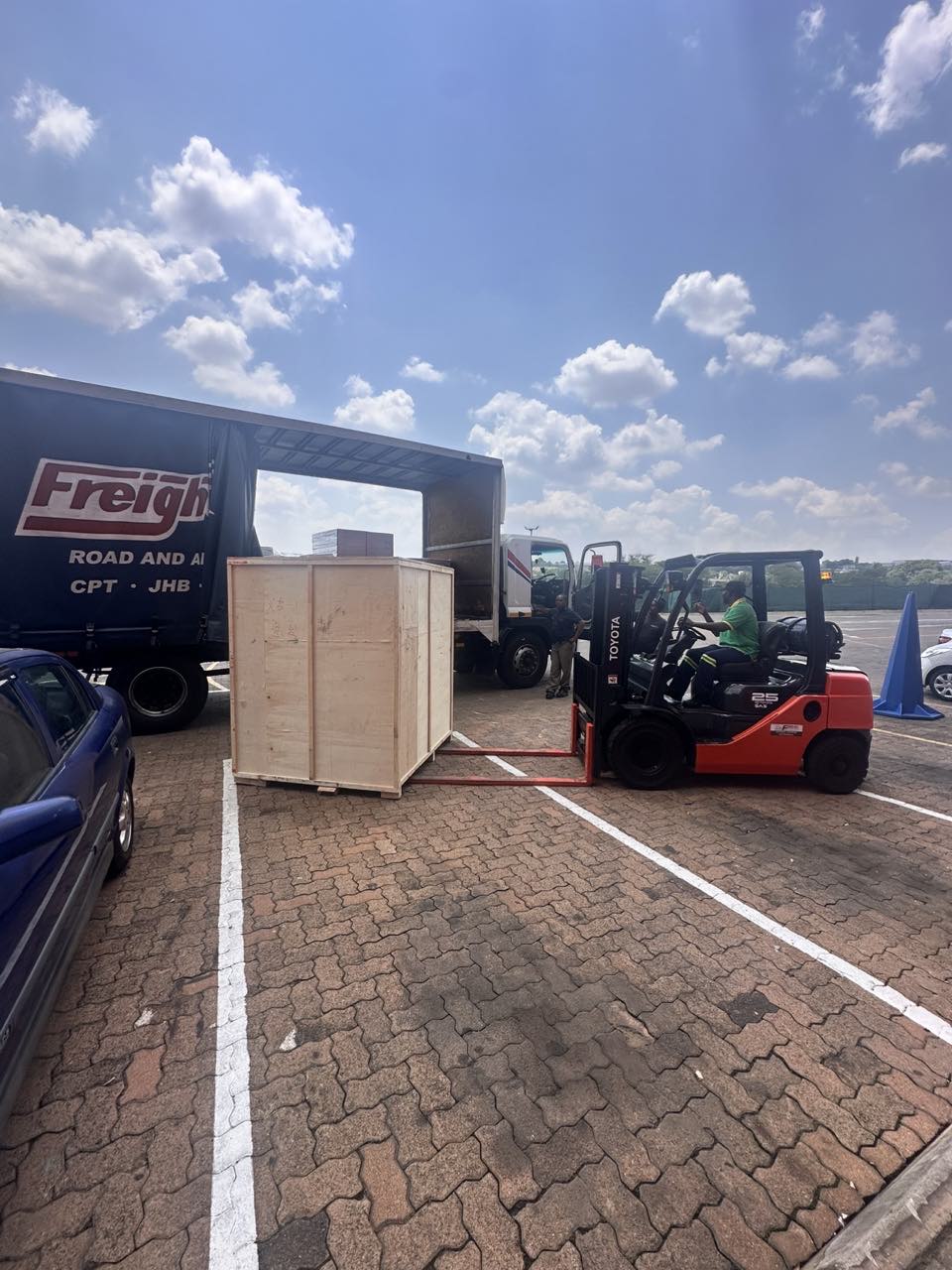
order collection
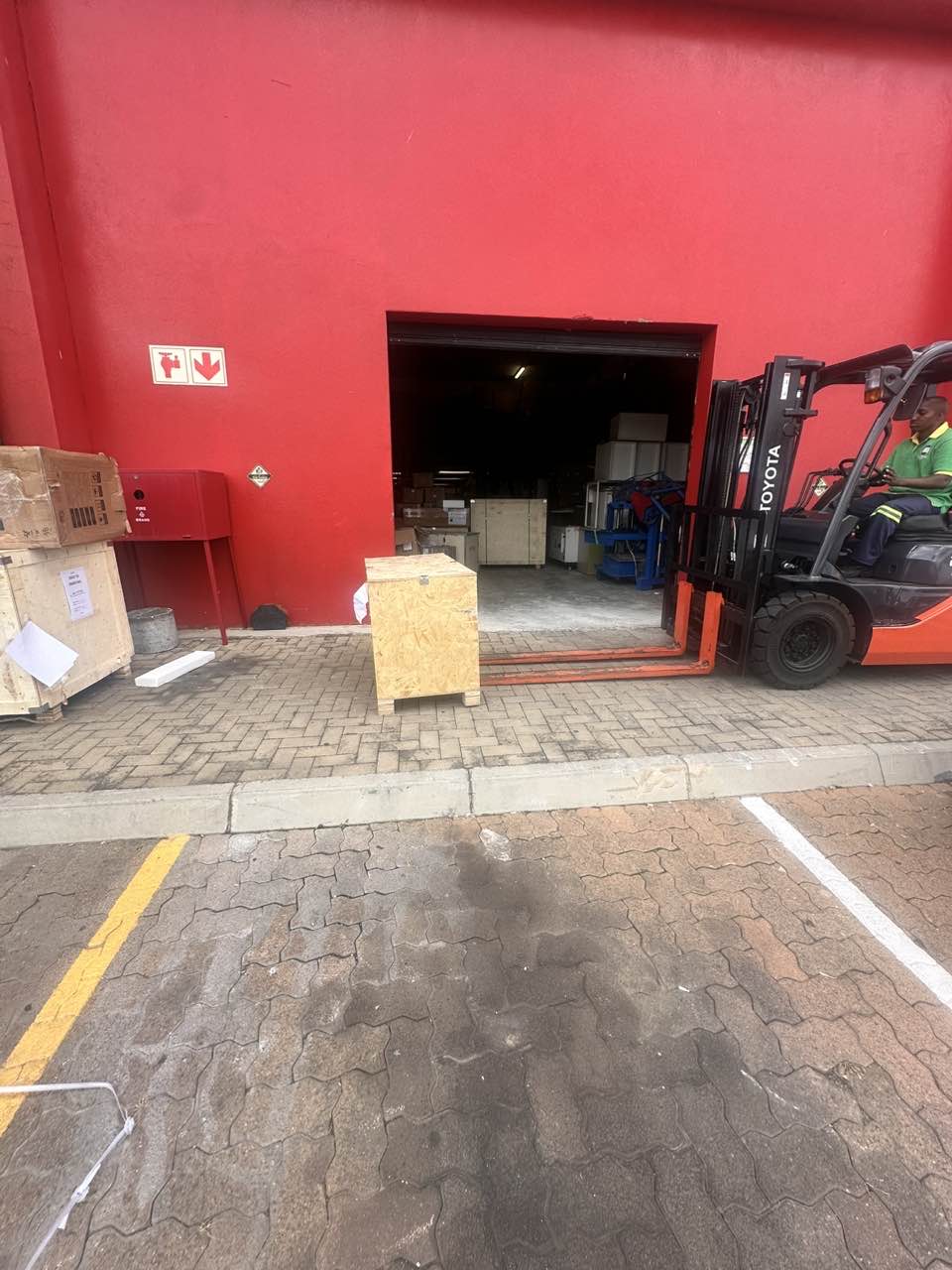
order offloading