B21, China Town Mall, Midrand

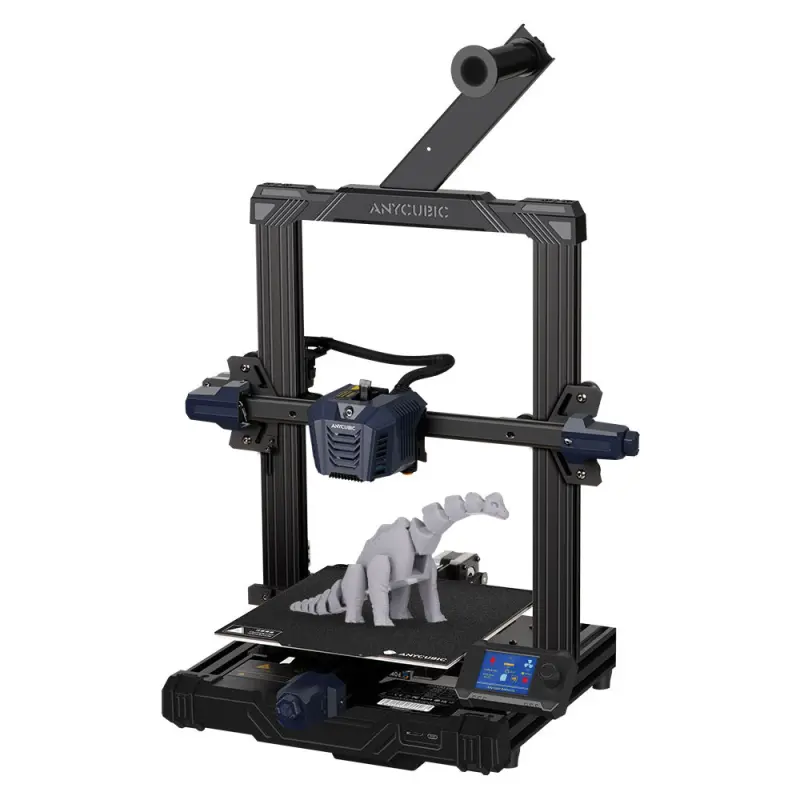
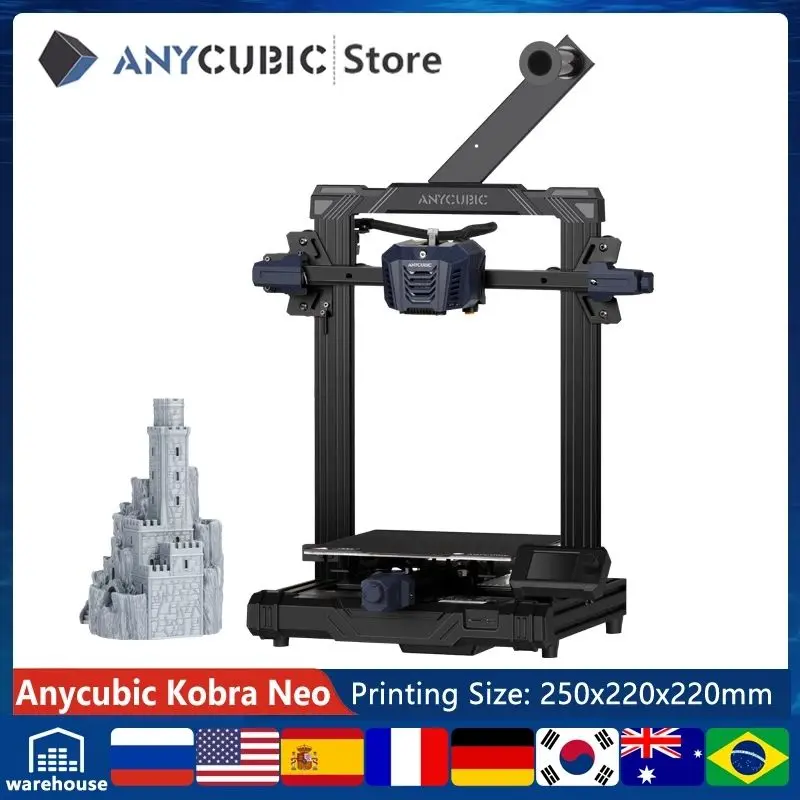
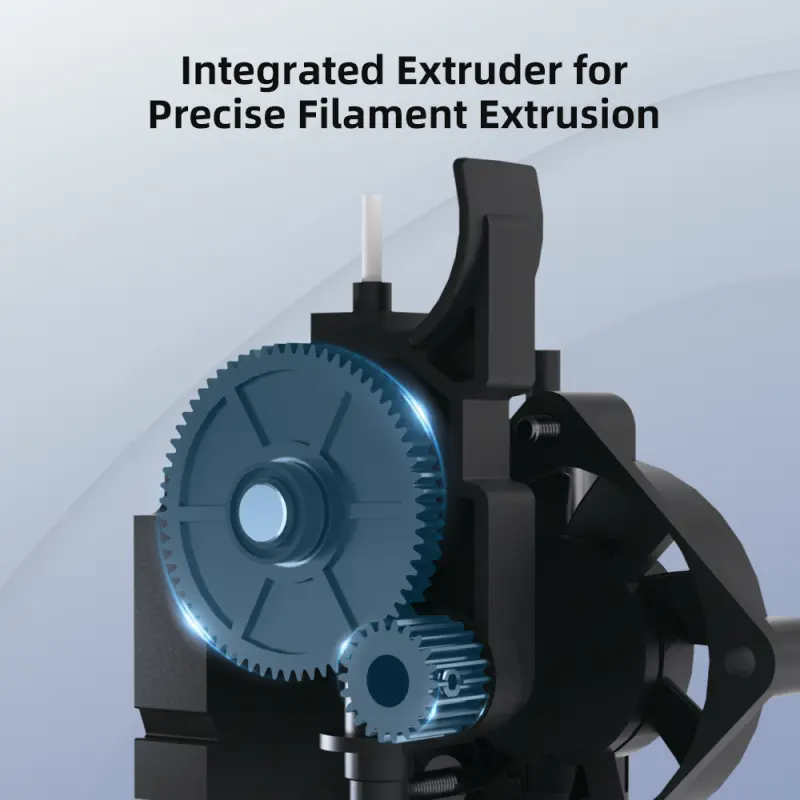
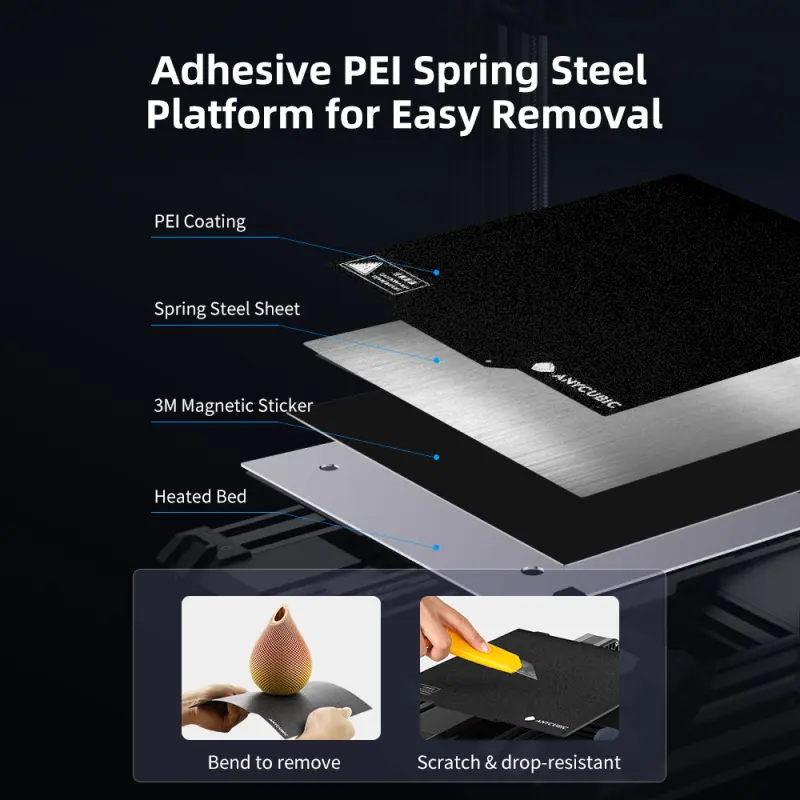
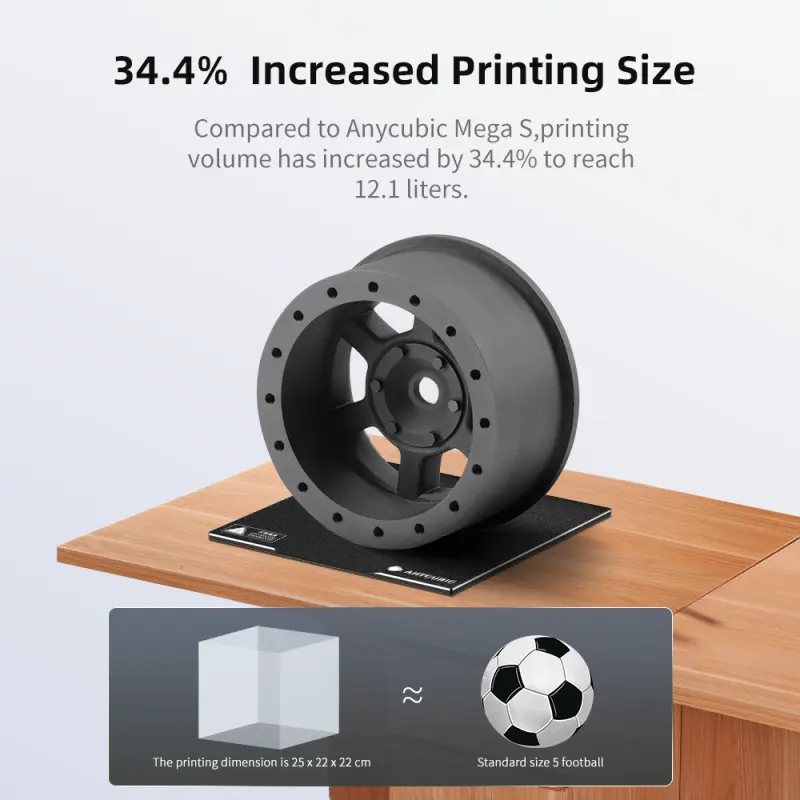
Anycubic Kobra Neo 3D Printer With Auto-Leveling

- Section : Consumer Electronics
- Category : 3D Printers
- SKU : 1600682041981

ANYCUBIC 3D Printer – High Precision for All Your Printing Needs
The ANYCUBIC 3D Printer is designed for high-precision printing, making it an ideal choice for users in education, design, industry, and at home. With its large build size and advanced features, this 3D printer can handle a variety of materials and create detailed models, prototypes, and custom designs.
Key Features:
- Large Forming Size: With a forming size of 270x200x200mm, this 3D printer is perfect for creating larger prints, while maintaining high precision.
- Precision Printing: Known for its high accuracy, this printer ensures that each print comes out with the fine details and smooth finish you need.
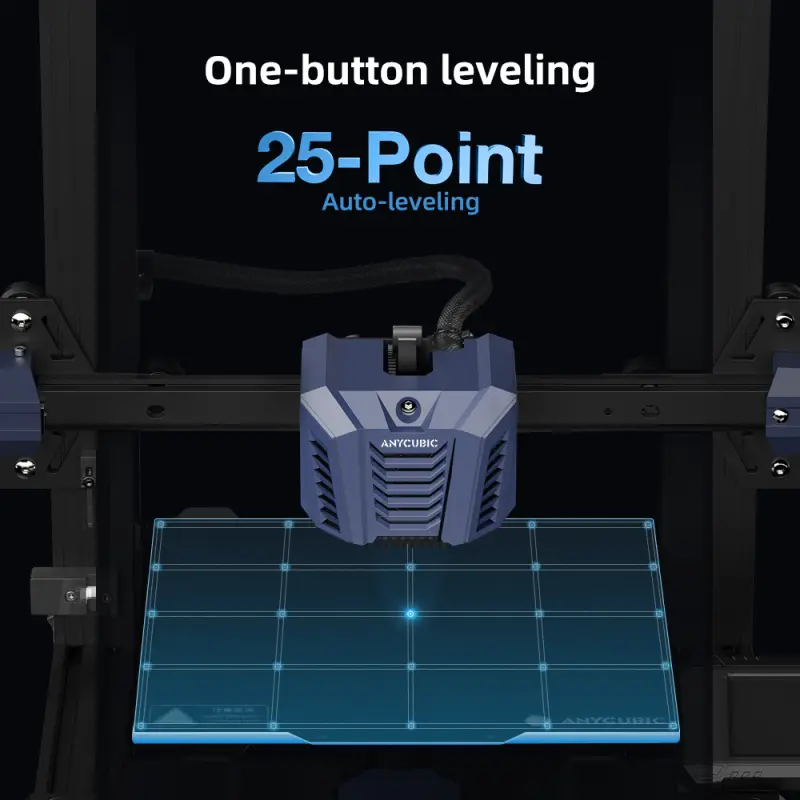
- Advanced Leveling: Equipped with a 25-point automatic leveling system, the ANYCUBIC 3D Printer ensures that the bed is perfectly leveled for each print, resulting in higher-quality outputs.
- Filament Compatibility: Supports a wide range of printing materials such as PLA, ABS, PETG, and TPU, giving you flexibility in your projects.
- Replaceable Nozzle: The printer comes with a 0.4mm nozzle that is replaceable, ensuring that you can maintain optimal printing performance over time.
- Temperature Control: The nozzle temperature can reach up to 260°C (500°F), while the hotbed temperature can reach up to 110°C (230°F), allowing you to print with various filament types.
- Printing Speed: Capable of printing at a maximum speed of 10cm/s, allowing you to complete your projects in a reasonable amount of time without compromising on quality.
- User-Friendly Control Panel: The 2.4" LCD screen with a control knob makes it easy to operate and manage your prints with ease.
- Filament Run-Out Detection: An optional filament run-out detection system helps ensure that your print does not fail due to running out of material.
- Stable Z-Axis: The Z-axis uses a single threaded rod, providing stability and precision during printing.
- Compact Design: With dimensions of 490mm (L) x 445mm (W) x 443mm (H), the printer fits comfortably in most spaces, making it suitable for various environments.
- Production Capacity: Manufactured in large quantities with a production capacity of 10,000 pieces per month, ensuring consistent quality and availability.
The ANYCUBIC 3D Printer is a versatile and reliable choice for users who require high-quality prints with precision and efficiency. Its large build size, advanced features, and compatibility with multiple filaments make it an excellent tool for a wide range of applications.
| Printing size | 25*22*22 cm (HWD) |
| Machine size | 49*44.5*44.3 cm |
| Packing Specification | 57*50*22 cm;9.5KG |
Product Info Gallery


- Shipping Timeframes: All orders are processed within 2-5 business days (excluding weekends and holidays). After your order has been processed, the estimated delivery time is before 02 Jun, 2026, depending on customs, Please note that due to high demand, some items may experience longer shipping times, which will be communicated at order confirmation email.
- Order Processing Time: Please allow 2-5 business days for us to process your order before it is shipped . Orders placed after 16:00 on Fridays, or during weekends and public holidays, will begin processing on the next business day. Processing times may be extended during peak seasons or sales events.
- Manufacturing Time: Some products needs manufacturing time, the manufacturing process will take approximately 10-30 business days depending on the product. This timeframe may vary depending on the complexity of the product and current demand. but this will be communicated with you during order confirmation.
- Returns and Exchanges: We offer a 30-day return policy for most items. If you are not completely satisfied with your purchase, you may return it within 30 days of receipt for a refund or exchange. Items must be unused, in their original packaging, and accompanied by proof of purchase. Return shipping costs are the responsibility of the customer, unless the item was damaged or defective upon arrival.
1. What is the build volume of the Anycubic Kobra Neo?
The product listings include two similar figures: a forming size of 270 × 200 × 200 mm and a printing size listed as 25 × 22 × 22 cm (250 × 220 × 220 mm). Usable build volume will be close to these dimensions — check the quick start guide or the label on your unit for the exact usable limits for your specific printer.
2. What is the 25-point automatic leveling system and how does it work?
The 25-point auto-leveling probes multiple points across the bed to measure height differences, builds a compensation mesh, and applies that compensation during printing. This reduces the need for manual paper leveling and improves first-layer adhesion and overall print consistency.
3. Do I still need to manually level the bed after auto-leveling?
In most cases manual leveling is not required for routine printing because the 25-point auto-level compensates the bed. However, you should run the auto-leveling before your first print and after changing the nozzle or build plate, and you may need to fine-tune the Z-offset for an ideal first layer.
4. Which filaments are compatible with the Kobra Neo and what temperatures should I use?
The printer supports PLA, ABS, PETG and TPU. The nozzle max temperature is 260°C and the heated bed can reach 110°C. Typical starting settings: PLA 190–210°C nozzle / 50–70°C bed; PETG 230–250°C / 70–90°C bed; ABS 230–250°C / 90–110°C bed; TPU 200–230°C / 30–60°C bed. Adjust according to your filament brand and print results.
5. What is the default nozzle size and how do I replace or clean it?
The printer ships with a 0.4 mm replaceable nozzle. To replace or clean it: preheat the nozzle to printing temperature, remove filament, use proper wrenches to unscrew the hot nozzle (be careful — it’s hot), swap or clean the nozzle, then re-tighten and re-level. Always follow safety precautions (insulated gloves or tools) and consult the manual for step-by-step instructions.
6. What is the maximum printing speed and what speeds are recommended for best quality?
The maximum listed speed is 10 cm/s (100 mm/s). For best quality, typical print speeds are lower: PLA 40–60 mm/s, PETG 40–60 mm/s, ABS 30–50 mm/s, TPU 15–30 mm/s. Use higher speeds for fast prototypes and lower speeds for fine-detail prints.
7. Does the Kobra Neo have filament run-out detection?
Some units include an optional filament run-out detection system. If present, it will pause the print and prompt you to load new filament when filament runs out. Check your package contents or the product page to confirm whether your specific unit includes this feature.
8. Which slicers and file formats work with this printer?
The Kobra Neo accepts standard G-code files generated by common slicers such as Ultimaker Cura, PrusaSlicer and Anycubic's slicer. Export G-code from your slicer and transfer it to the printer via the provided interface (SD card / USB or direct USB connection depending on your package).
9. What maintenance does the printer need?
Regular maintenance includes: keeping the bed clean, cleaning or replacing the nozzle as needed, lubricating the Z lead screw periodically, checking and tightening belts and fasteners, and keeping the axes free of debris. Also keep firmware up to date and store filament in a dry place.
10. Is assembly required out of the box?
The Kobra Neo typically requires minimal assembly (for example attaching the gantry and a few connectors). A quick-start guide is provided — follow the step-by-step instructions for safe and correct assembly. If you prefer, look for manufacturer assembly/installation videos.
11. Is the printer enclosed and is it safe for printing ABS at high bed temperatures?
The Kobra Neo is a mostly open-frame printer (not a full enclosure). When printing ABS or other materials that emit fumes or require stable ambient temperature, use it in a well-ventilated area or consider adding an enclosure to improve print quality and safety.
12. What are the printer's physical dimensions and packaging weight?
Machine dimensions are 490 × 445 × 443 mm (L × W × H). Packing dimensions are 570 × 500 × 220 mm and the shipped weight is about 9.5 kg per the product specification.
13. Where can I get warranty support, replacement parts or firmware updates?
For warranty service, replacement parts and firmware updates contact Anycubic support or your authorized retailer. Check the included documentation for warranty terms, service contact info, and links to firmware and parts resources on Anycubic's official website.
Latest Order Arrivals
Discover our latest orders

12 Heads Embroidery Machine

Dewatering Pump Machine

Order Collection

Portable Water Drilling Rig

Order Usefully Collected

Batch of Orders

Agriculture Processing Machines

Meat Grinder Machine

Water Pump Equipment

Packaging Machine and accessories

Fabrics Manufacturing Equipment

Mining Equipments

Food Processing Machine

Batch of Orders

Batch of Orders

Latest Orders Labelled

wheel alignment machines

new arrivals

Pre Orders Offloading

Latest Arrivals

Latest Arrivals

Latest Arrivals
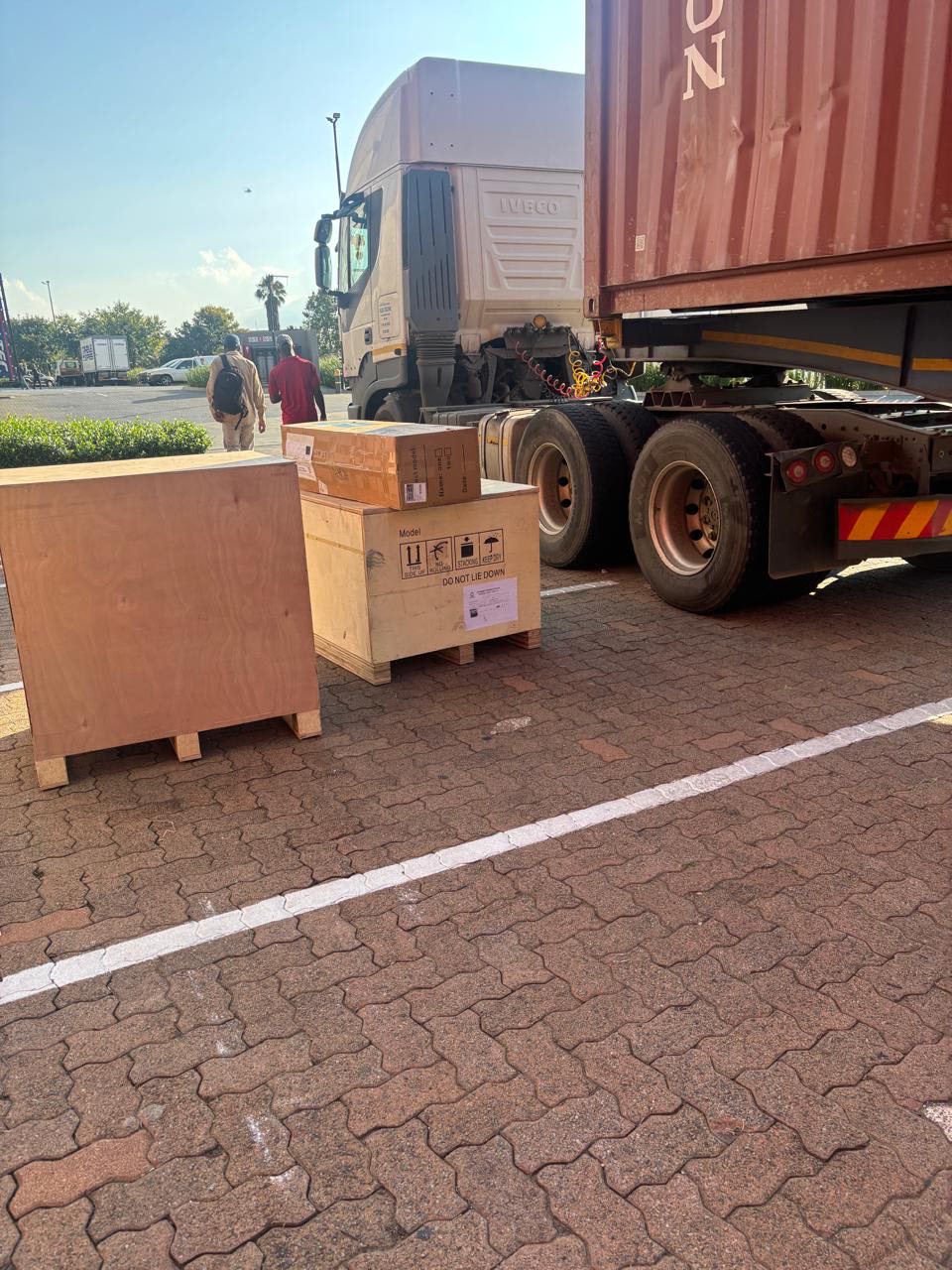
26 January 2026
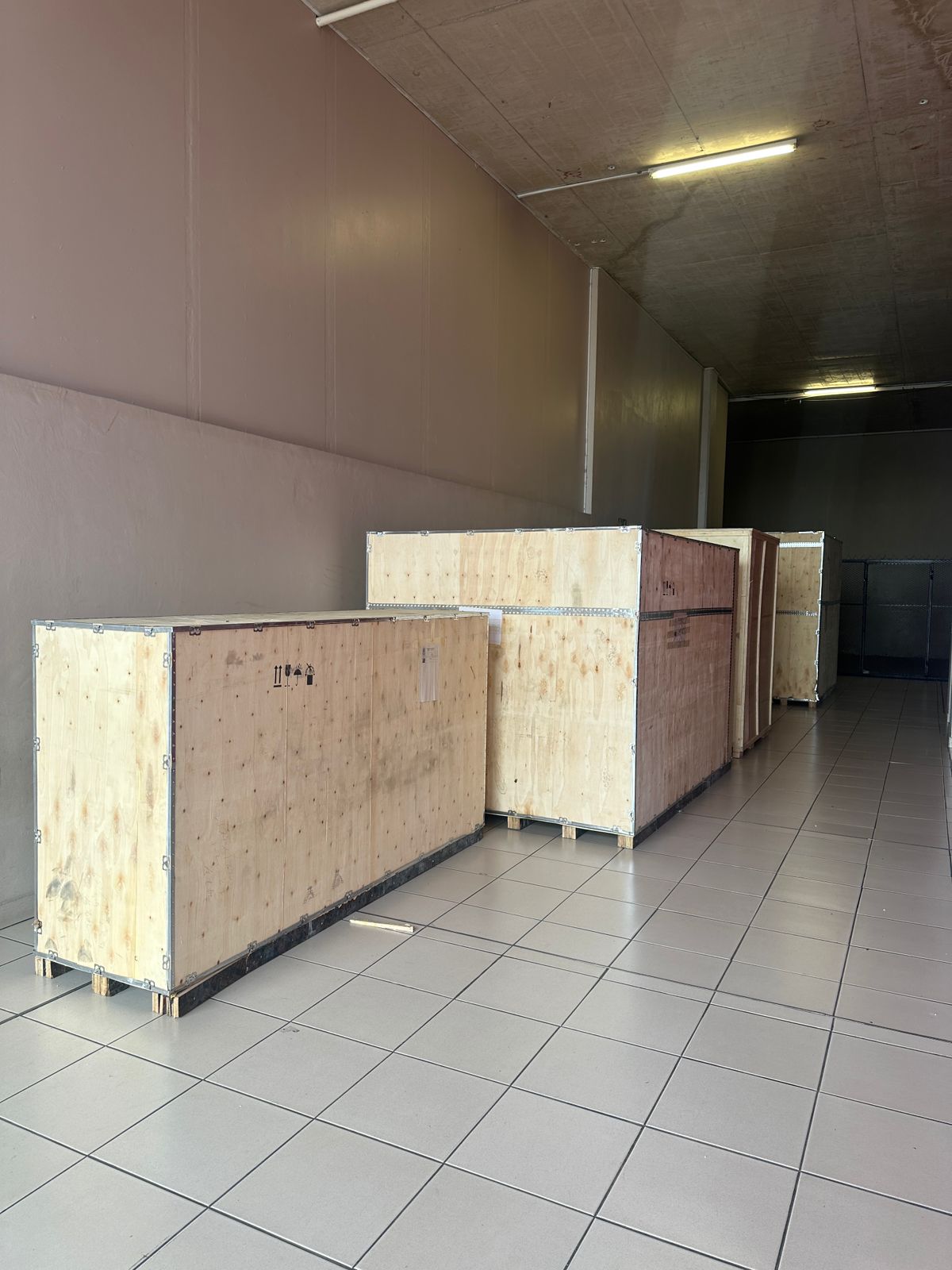
Toilet paper making machine
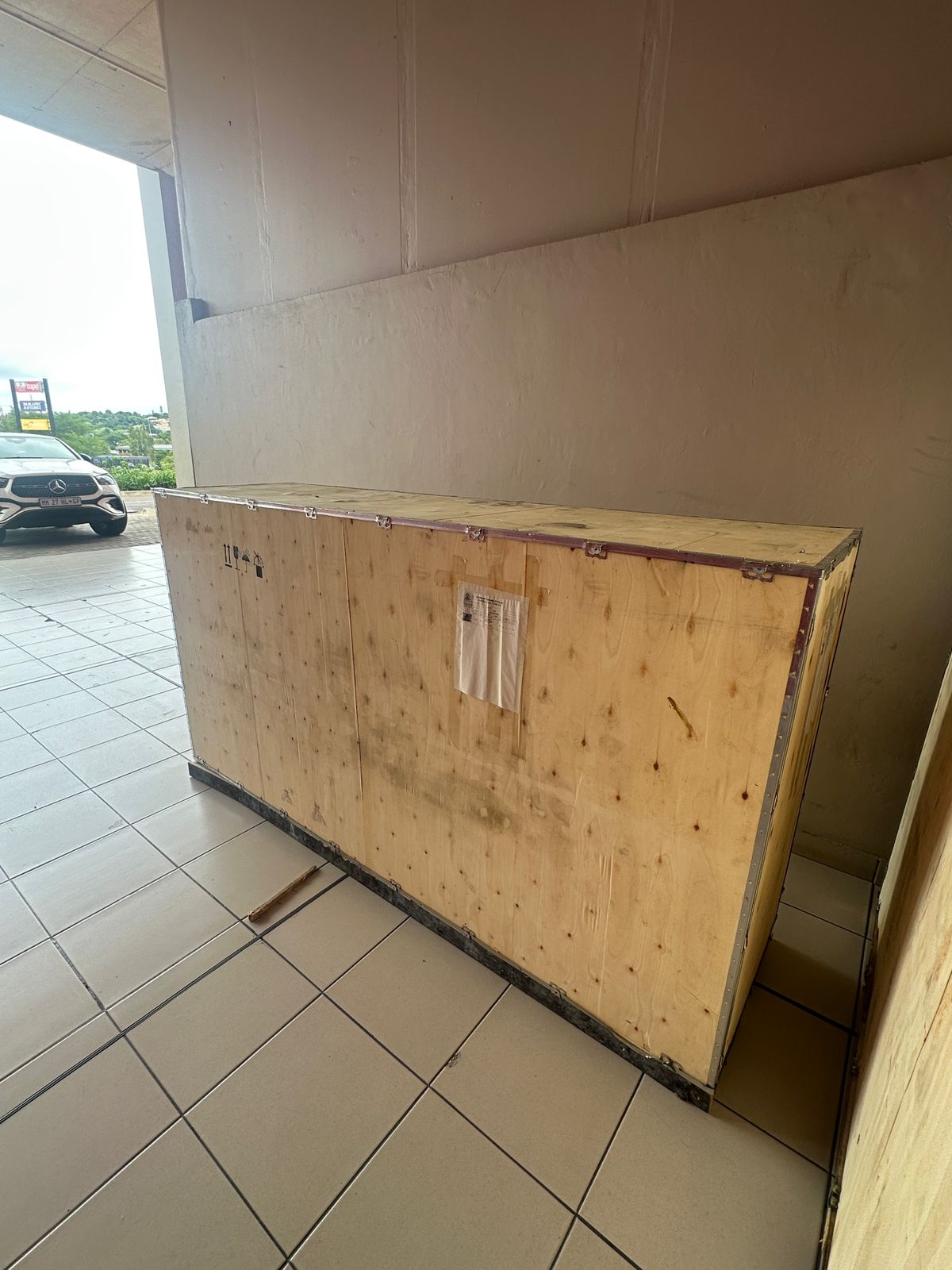
Toilet paper making machine
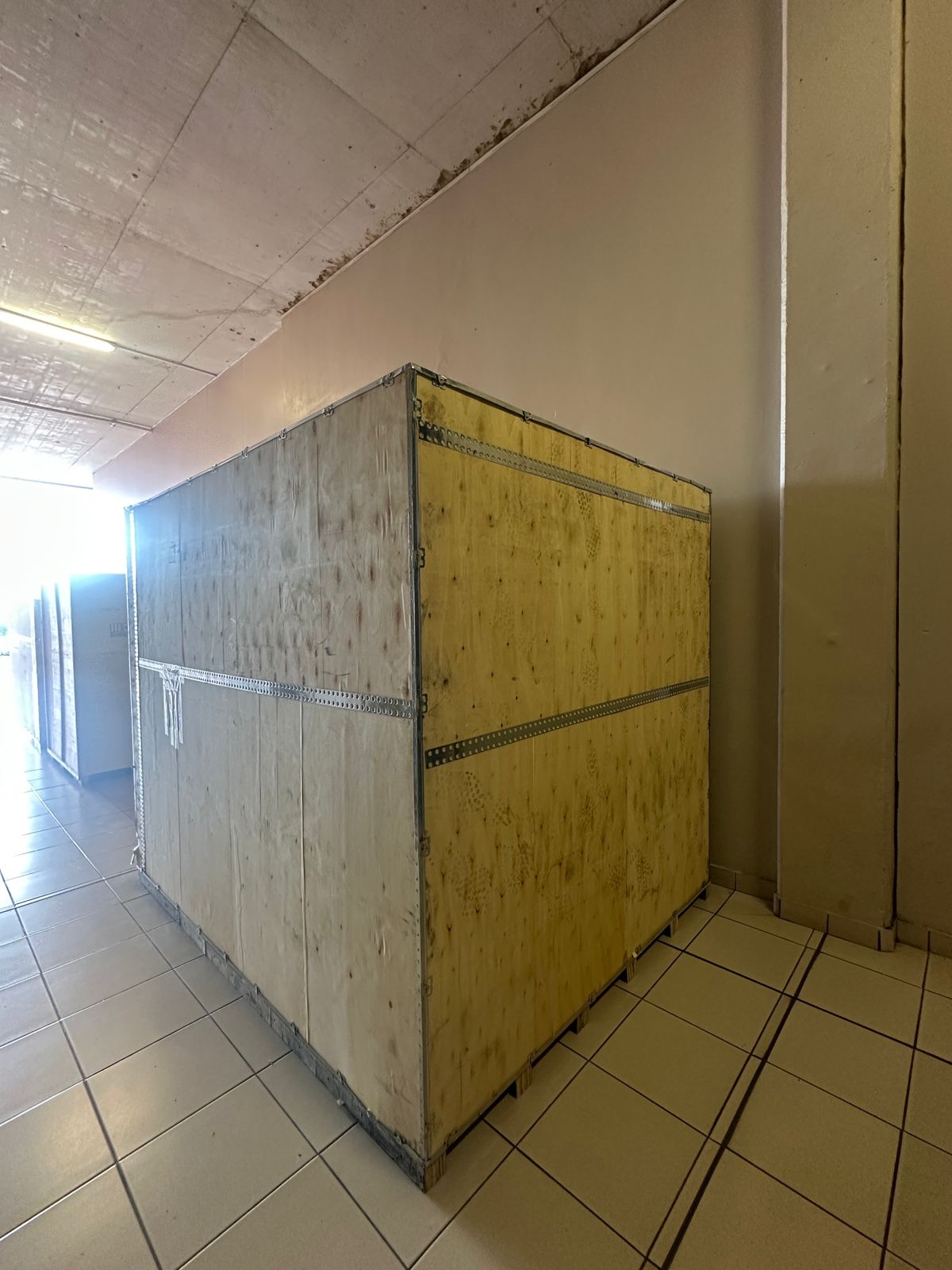
Toilet paper Rewinding Machine
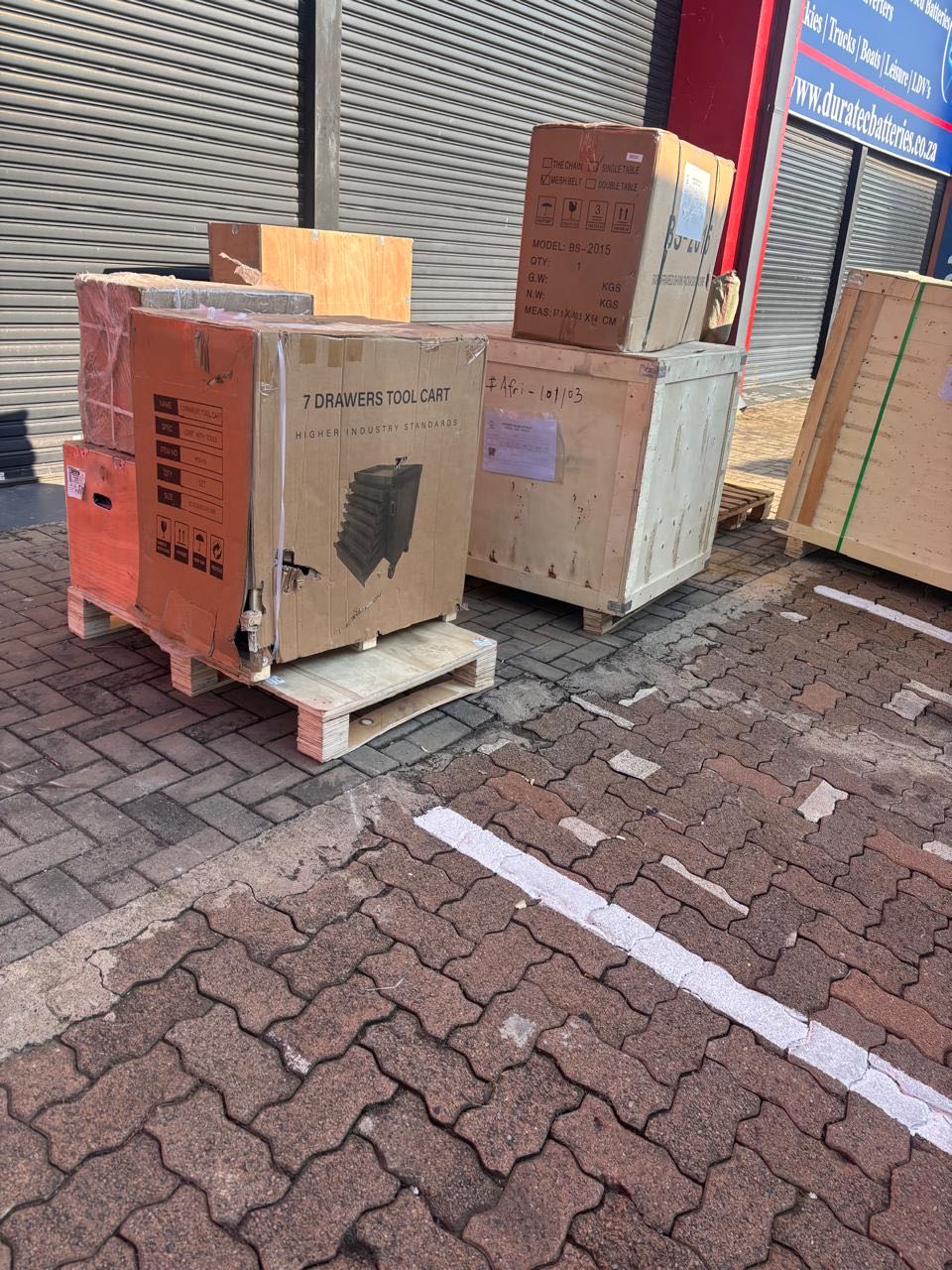
latest arrivals
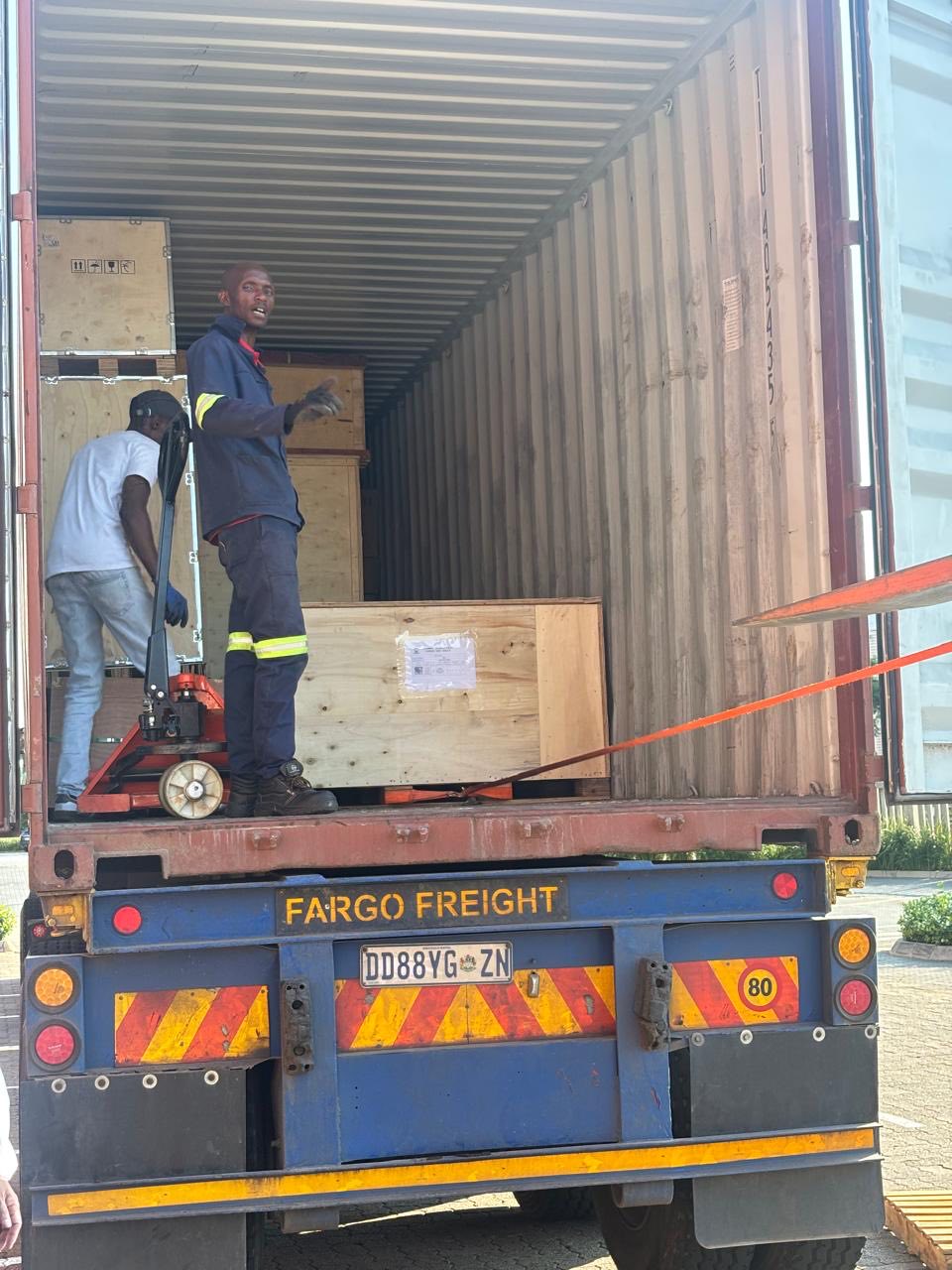
offloading
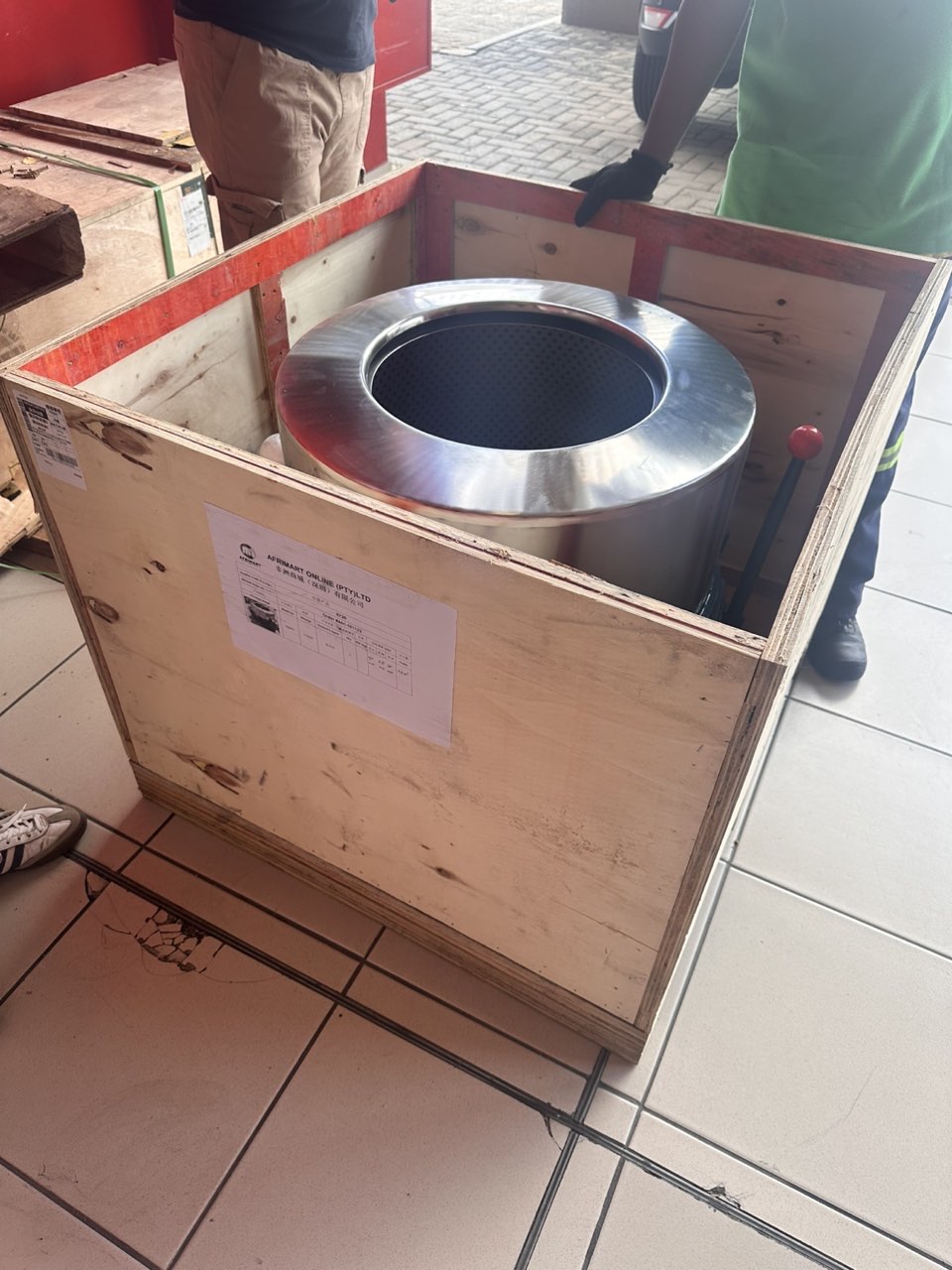
order success
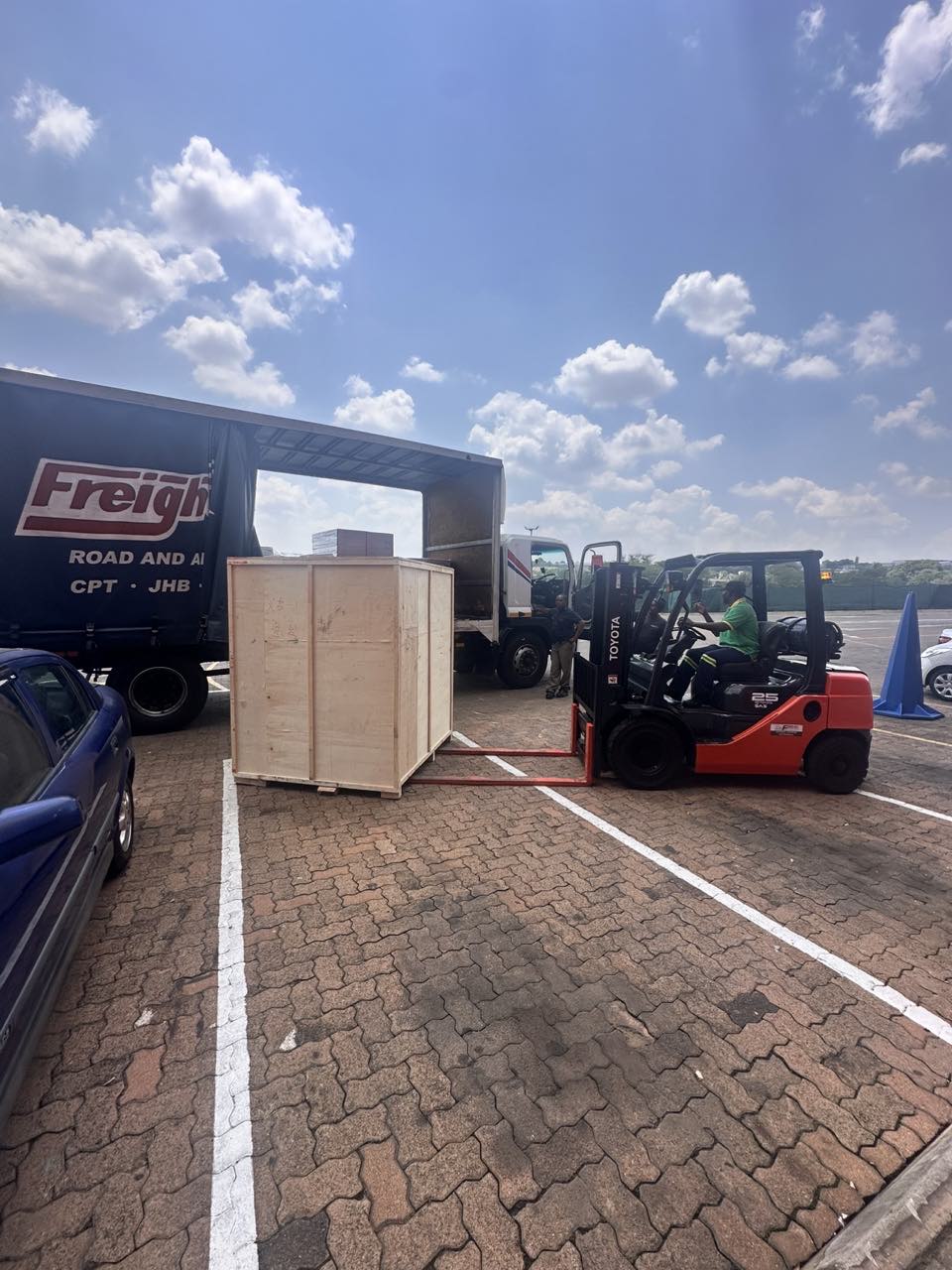
order collection
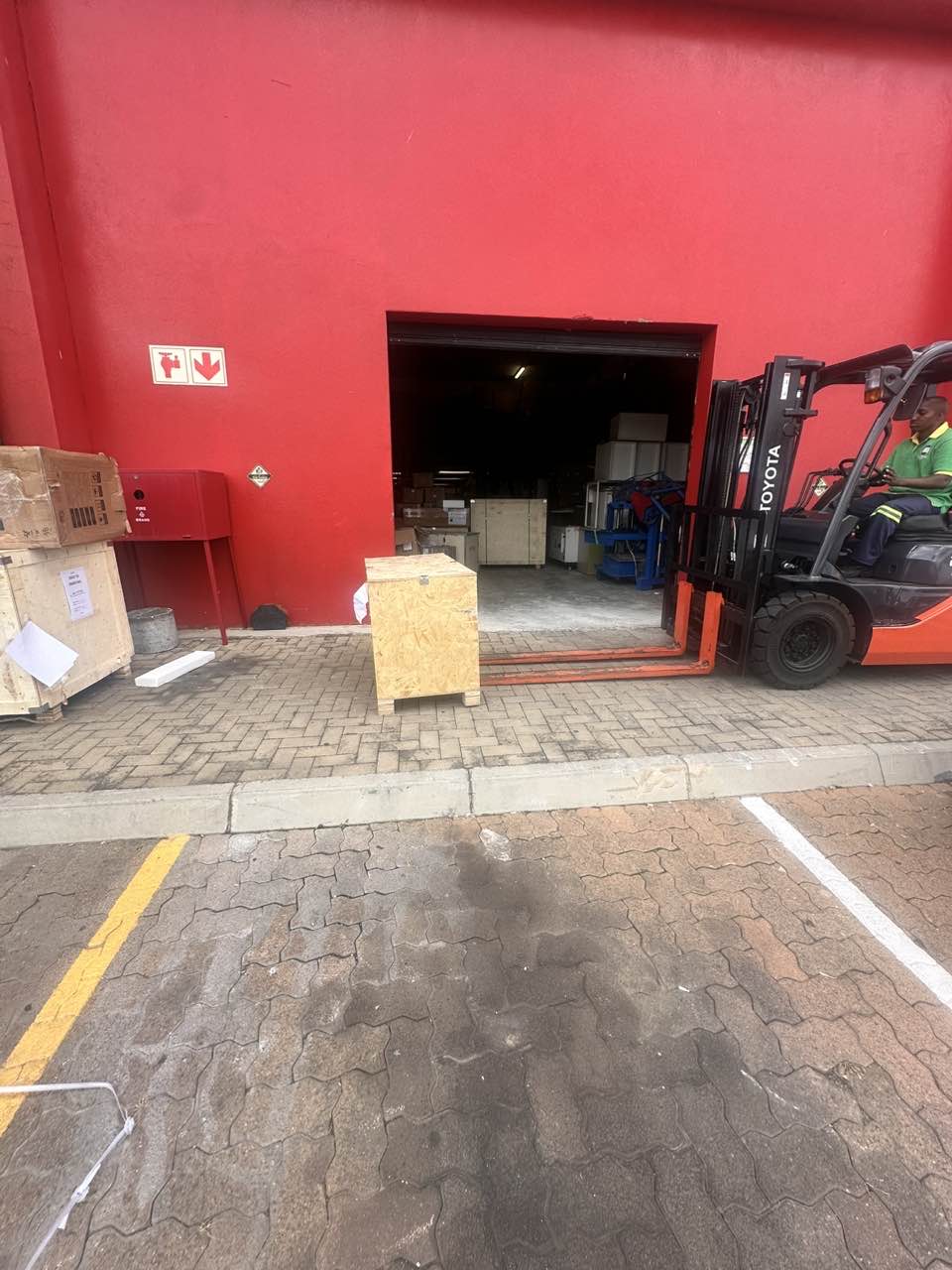
order offloading