B21, China Town Mall, Midrand

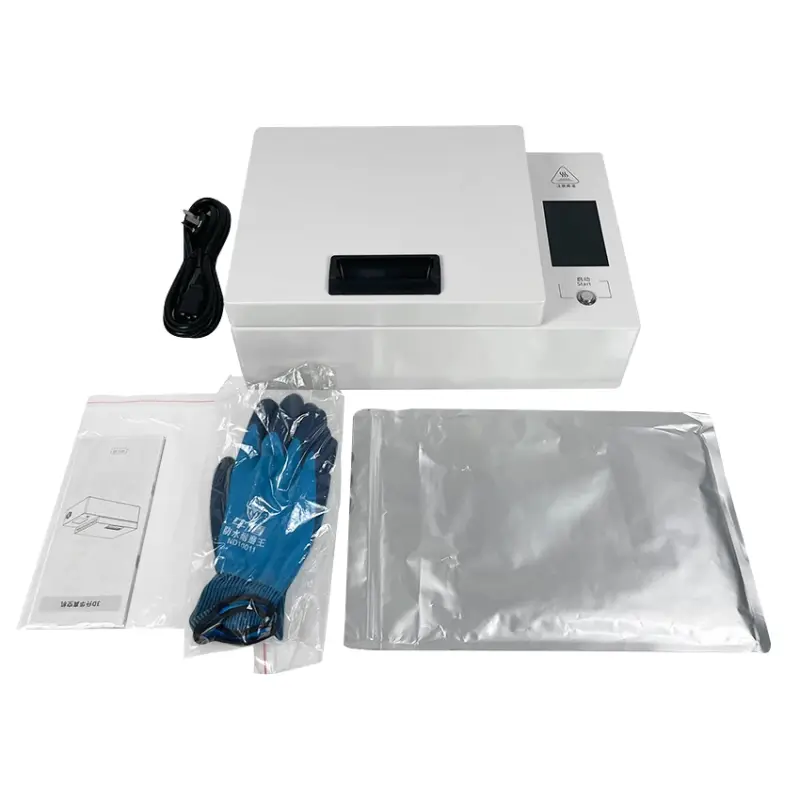
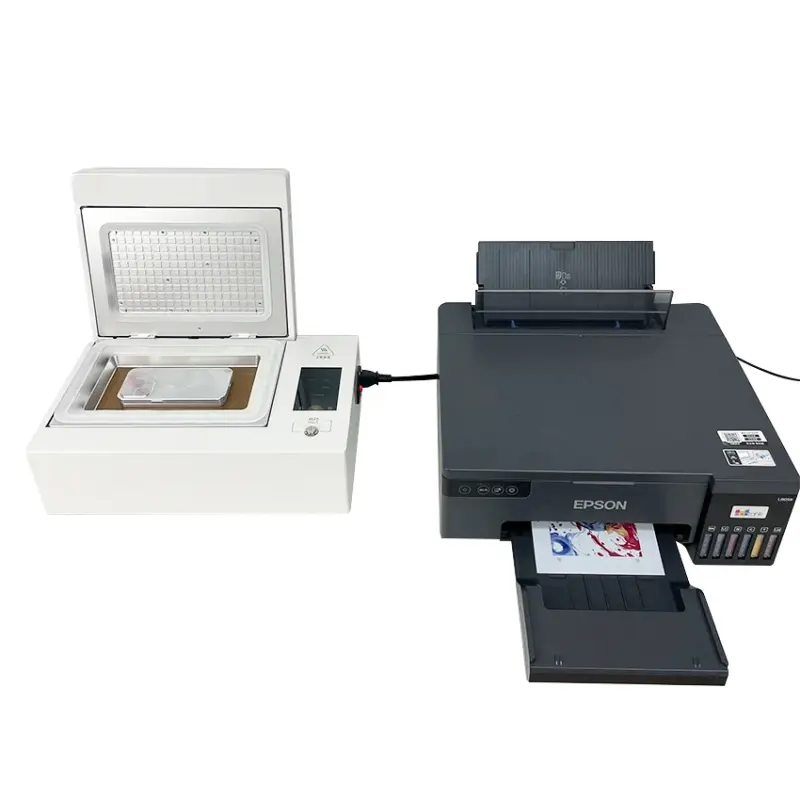
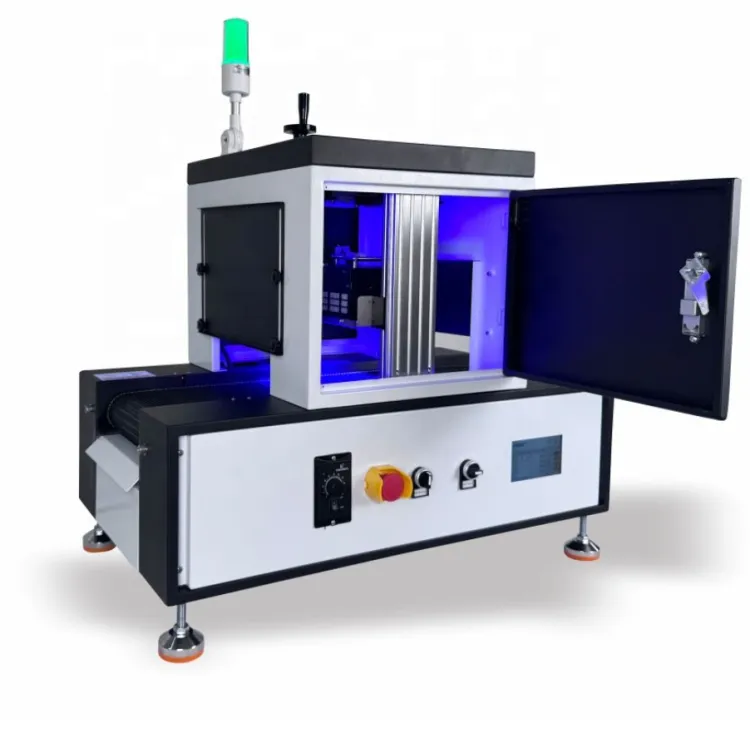
3D Sublimation Vacuum Heat Press Machine for Mobile

Model:
- Section : Consumer Electronics
- Category : Heat Presses
- SKU : 1601019097469

Product Description
Introducing the Daqin Digital Heat Transfer Printing Machine, a state-of-the-art solution designed for high-quality printing on phone cases and covers.
Key Features and Specifications
Print Dimension: 300mm x 500mm, suitable for various case sizes.
Brand Name: Daqin
Condition: New, ensuring optimal performance and reliability.
Dimensions (LWH): 49 cm x 32 cm x 33 cm, compact design for easy placement.
Weight: Lightweight at 12 KG, making it portable.
Automatic Grade: Fully Automatic for seamless operation.
Usage: Specifically designed as a Case Printer.
Voltage: Compatible with 110V/220V power supply.
Warranty: Comes with a 1 Year warranty for your peace of mind.
Main Product: Ideal for printing on phone cases.
Function: Designed to print photos on cases, providing personalized designs.
Application: Versatile use on cases, covers, and leather materials.
Software: Includes free software for easy setup and use.
Conclusion
The Daqin Digital Heat Transfer Printing Machine is the perfect choice for anyone looking to produce custom phone cases with vibrant prints. Its user-friendly design and automatic features make it ideal for both personal and commercial use.
For inquiries or to place an order, please contact us today!


Operation method
Tutorial for 3D Phone Case Sublimation Printing Machine
Step 1: Select and print the desired pattern onto filmCarefully choose the design you wish to print on the phone case and ensure it is appropriately sized and shaped for the cell phone case. Utilize an Epson printer to print the chosen design onto sublimation transfer paper.Step 2: Preheat the fixture and phone caseInstall the fixture and phone case into the machine and preheat the device until it reaches the transfer condition.Step 3: Apply heat transfer to the fixture and phone caseImmerse the phone case into the heating element of the machine and allow the transfer to occur. Ensure an optimal transfer process is achieved by thoroughly heating the fixture and phone case.Step 4: Finishing TouchesUpon completion of the heat transfer process, gently remove the phone case from the sublimation printer and allow it to cool. Efficiently take off the sublimation paper to assess the exquisite design.

- Shipping Timeframes: All orders are processed within 2-5 business days (excluding weekends and holidays). After your order has been processed, the estimated delivery time is before 12 Jul, 2026, depending on customs, Please note that due to high demand, some items may experience longer shipping times, which will be communicated at order confirmation email.
- Order Processing Time: Please allow 2-5 business days for us to process your order before it is shipped . Orders placed after 16:00 on Fridays, or during weekends and public holidays, will begin processing on the next business day. Processing times may be extended during peak seasons or sales events.
- Manufacturing Time: Some products needs manufacturing time, the manufacturing process will take approximately 10-30 business days depending on the product. This timeframe may vary depending on the complexity of the product and current demand. but this will be communicated with you during order confirmation.
- Returns and Exchanges: We offer a 30-day return policy for most items. If you are not completely satisfied with your purchase, you may return it within 30 days of receipt for a refund or exchange. Items must be unused, in their original packaging, and accompanied by proof of purchase. Return shipping costs are the responsibility of the customer, unless the item was damaged or defective upon arrival.
1. What is the maximum print area of the 3D Sublimation Vacuum Heat Press Machine for Mobile?
The machine supports a print dimension up to 300 mm x 500 mm, suitable for a wide range of phone case sizes and similar items.
2. What types of phone cases and materials can I print on?
It's designed for plastic phone cases and covers, and can also be used on materials like leather when they are polyester-coated or have a suitable sublimation-compatible coating. Plain untreated leather or some plastics may require a special coating or pre-treatment.
3. Is the machine fully automatic and easy to operate?
Yes — the Daqin unit is fully automatic. It includes a user tutorial: print the design to transfer paper (Epson recommended), preheat and load the case into the fixture, perform the heat transfer, then remove and cool the case.
4. Does the machine come with software?
Yes. The product includes free software for setup and print management to help you size and position designs for cases.
5. What printer, ink and paper do I need for sublimation transfers?
Use a sublimation-capable inkjet printer (Epson printers are recommended) with dedicated sublimation ink and sublimation transfer paper. Regular pigment or dye inks are not suitable for sublimation.
6. What are the power and voltage requirements?
The machine is compatible with both 110V and 220V power supplies. Verify the machine's power switch or adapter matches your local voltage and consult the manual for setup.
7. How long does a typical transfer take and what is the throughput?
Cycle time depends on material, design and temperature settings. Typical sublimation transfers for phone cases often range from about 60–180 seconds per piece. Throughput therefore varies; expect roughly 20–60 cases per hour depending on settings and handling.
8. Are temperature and time settings preset or adjustable?
Settings are adjustable. Exact temperature and time depend on the case material and transfer paper used. Always run test prints to determine optimal settings; common ranges for sublimation are roughly 180–200°C for 60–120 seconds, but your results may vary.
9. What safety precautions should I follow?
Operate on a stable, heat-resistant surface, use heat-resistant gloves when handling hot fixtures, keep the area ventilated, avoid touching heated elements, and follow electrical safety practices. Read the user manual before first use.
10. How do I maintain and clean the machine?
Keep the exterior and fixtures free of dust and residue by wiping with a soft, lint-free cloth. Do not use abrasive cleaners or solvents on electronic components. Periodically inspect moving parts and clean any paper or ink residue from fixtures. Follow the manual for recommended maintenance intervals.
11. What consumables and spare parts should I plan to keep on hand?
Common consumables include sublimation ink, transfer paper, heat-resistant tape, protective film, and replacement fixtures or silicone pads. Contact support for official spare parts availability.
12. Is there a warranty and what does it cover?
Yes — the machine comes with a 1 year warranty. Coverage typically includes manufacturing defects and functional faults; review the warranty terms or contact the seller for specific coverage details and claim procedures.
13. What troubleshooting steps should I take if prints are faded or misaligned?
Check that you are using sublimation ink and paper, verify correct temperature/time/pressure settings, ensure the case is properly fitted in the fixture, and confirm your design is mirrored and sized correctly. Run a test print and adjust settings incrementally.
14. How portable and space-efficient is the machine?
The machine is compact (49 cm x 32 cm x 33 cm) and lightweight at 12 kg, making it easy to place on a workbench or transport when needed.
15. How do I get technical support or place an order for accessories and parts?
For inquiries, orders, spare parts, or technical support, contact the seller or manufacturer directly using the contact information provided with your purchase. Keep your serial number and purchase details handy for faster assistance.
Latest Order Arrivals
Discover our latest orders

12 Heads Embroidery Machine

Dewatering Pump Machine

Order Collection

Portable Water Drilling Rig

Order Usefully Collected

Batch of Orders

Agriculture Processing Machines

Meat Grinder Machine

Water Pump Equipment

Packaging Machine and accessories

Fabrics Manufacturing Equipment

Mining Equipments

Food Processing Machine

Batch of Orders

Batch of Orders

Latest Orders Labelled

wheel alignment machines

new arrivals

Pre Orders Offloading

Latest Arrivals

Latest Arrivals

Latest Arrivals
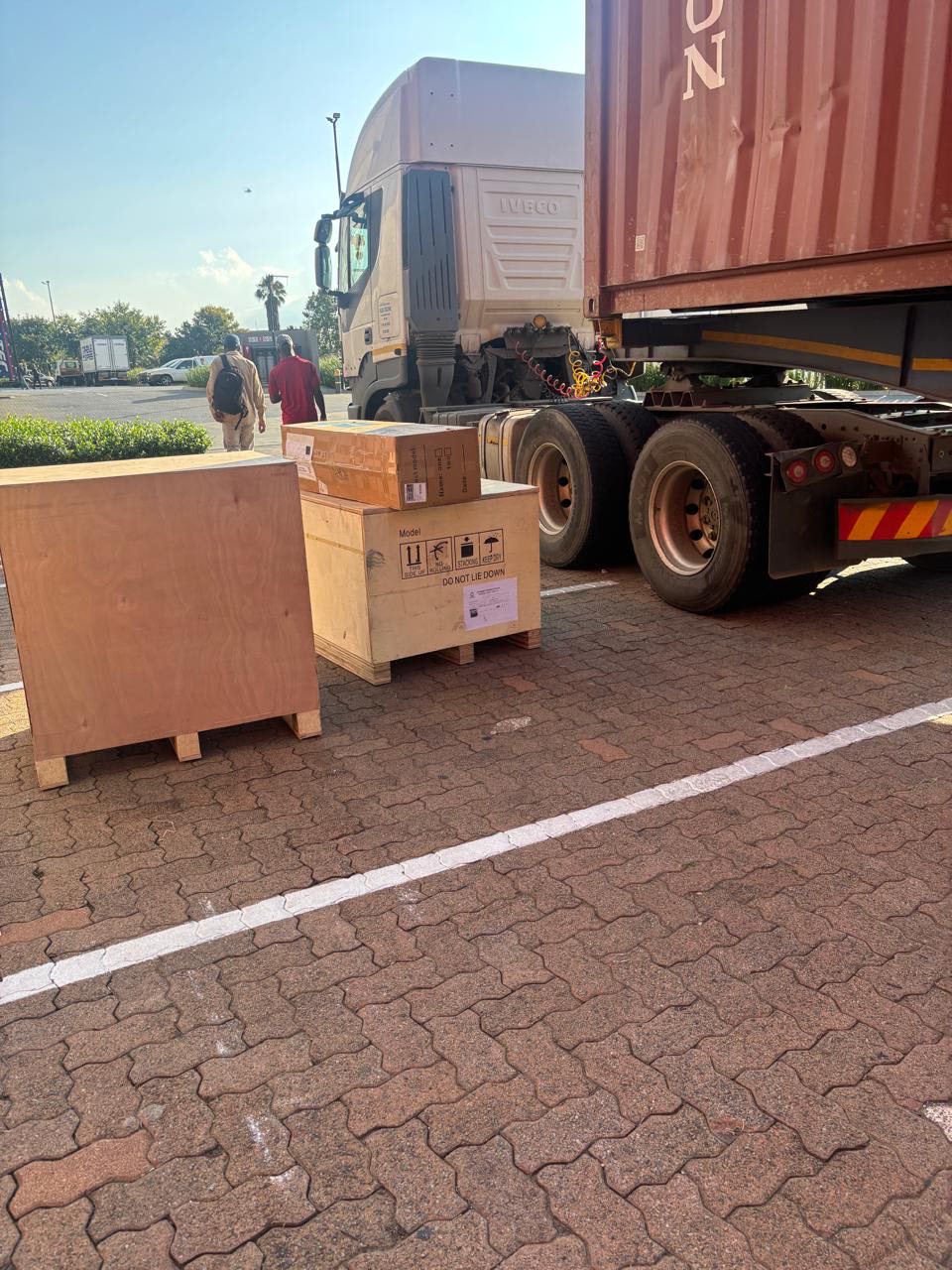
26 January 2026
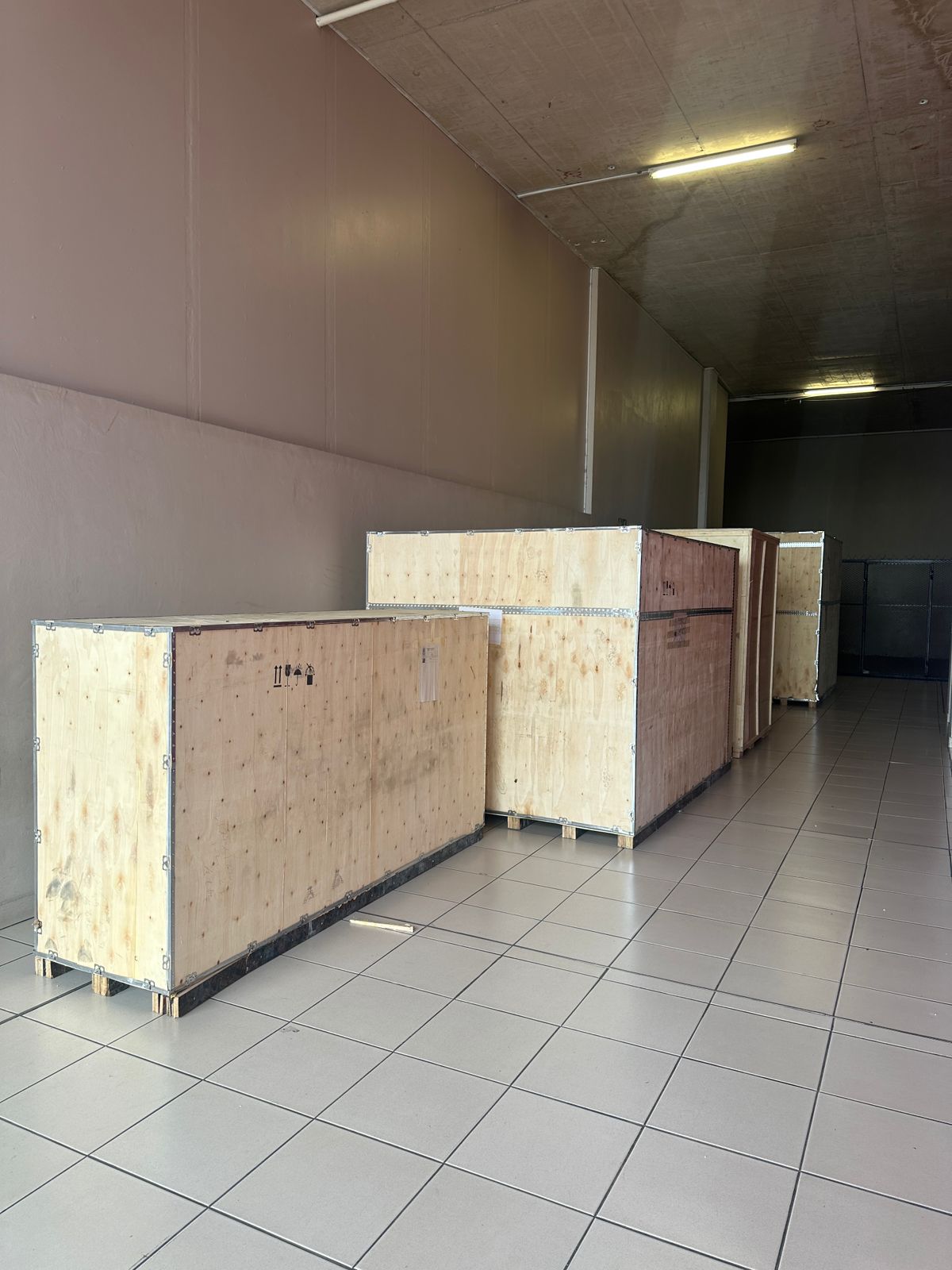
Toilet paper making machine
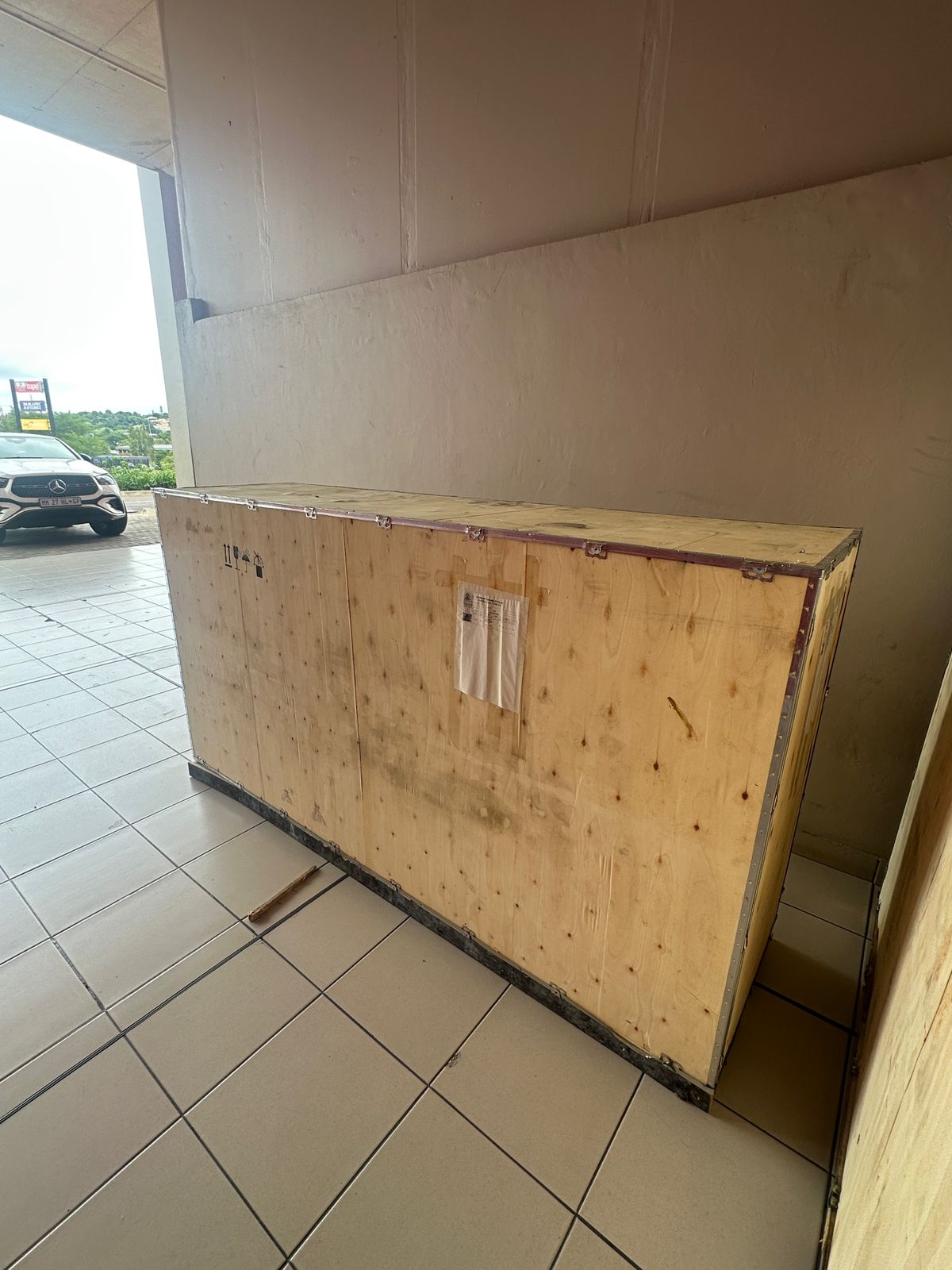
Toilet paper making machine
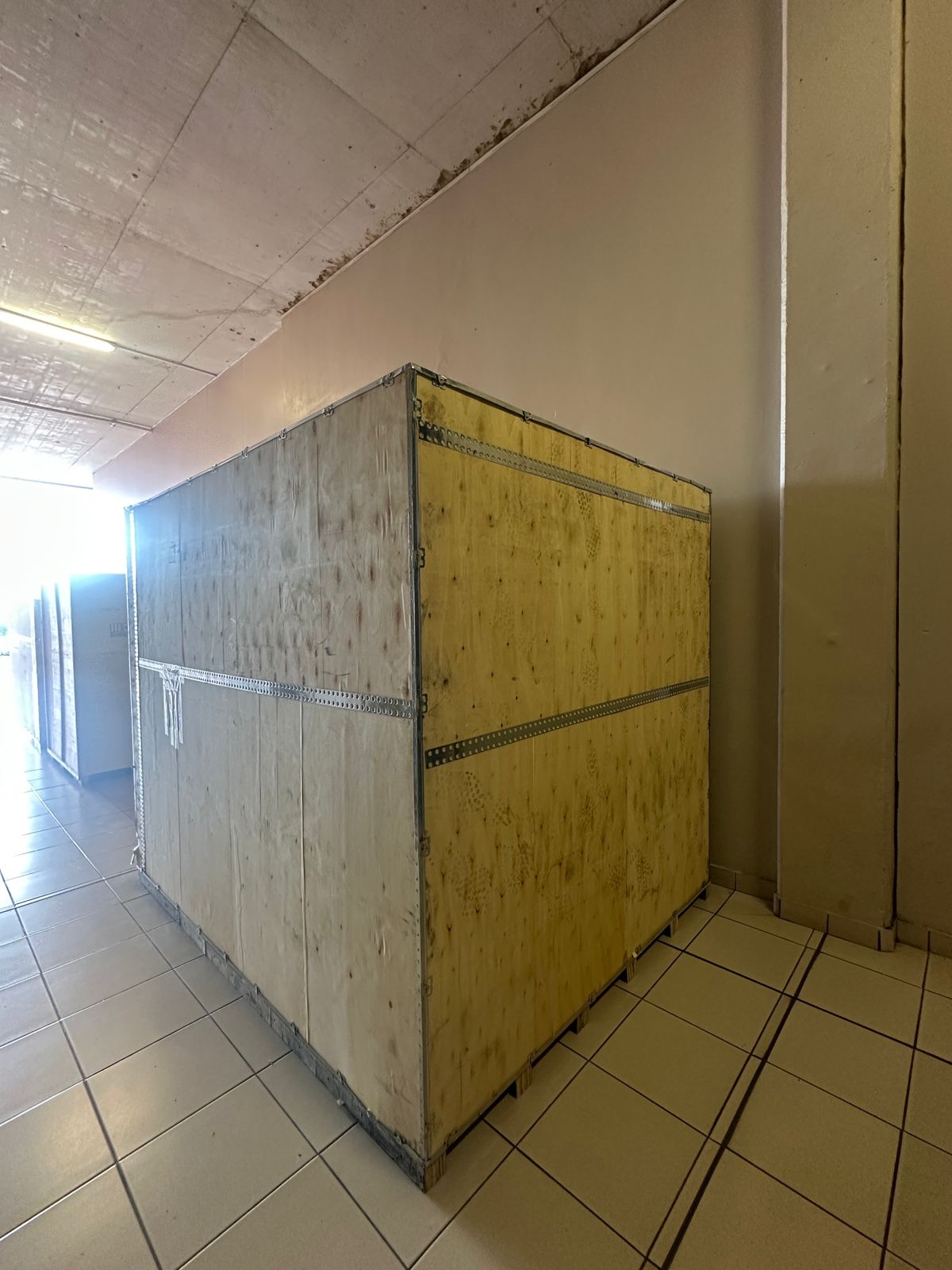
Toilet paper Rewinding Machine
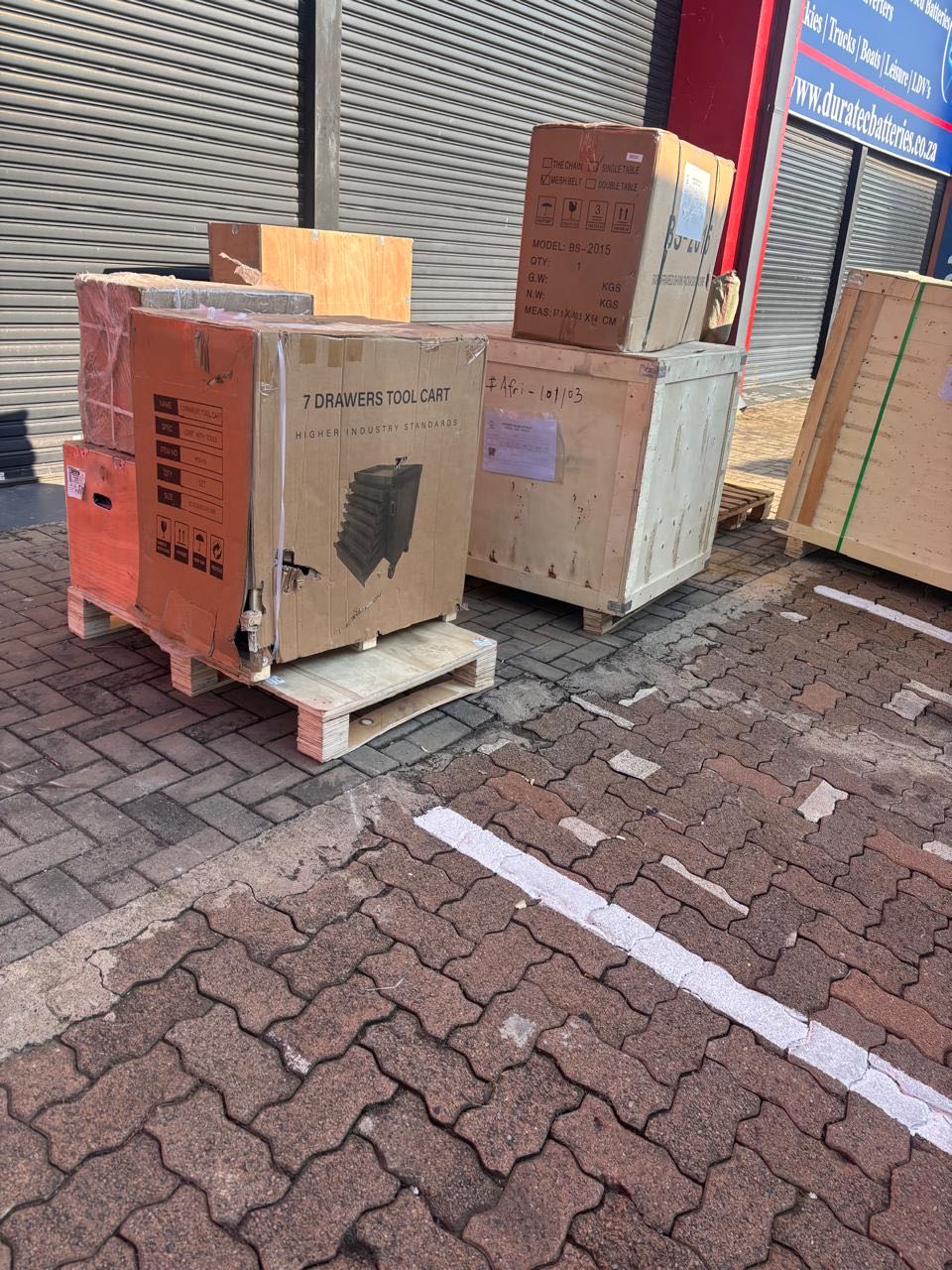
latest arrivals
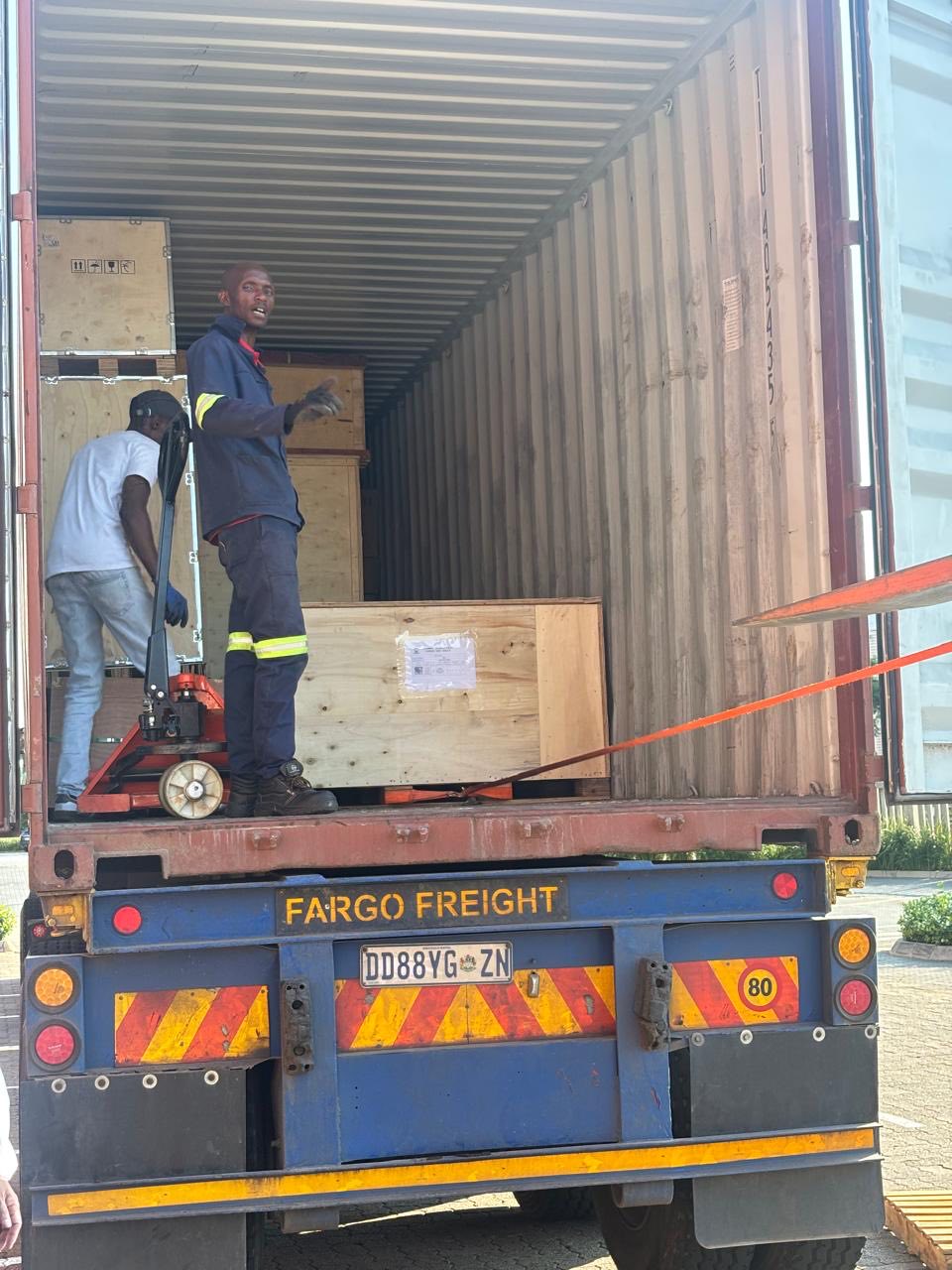
offloading
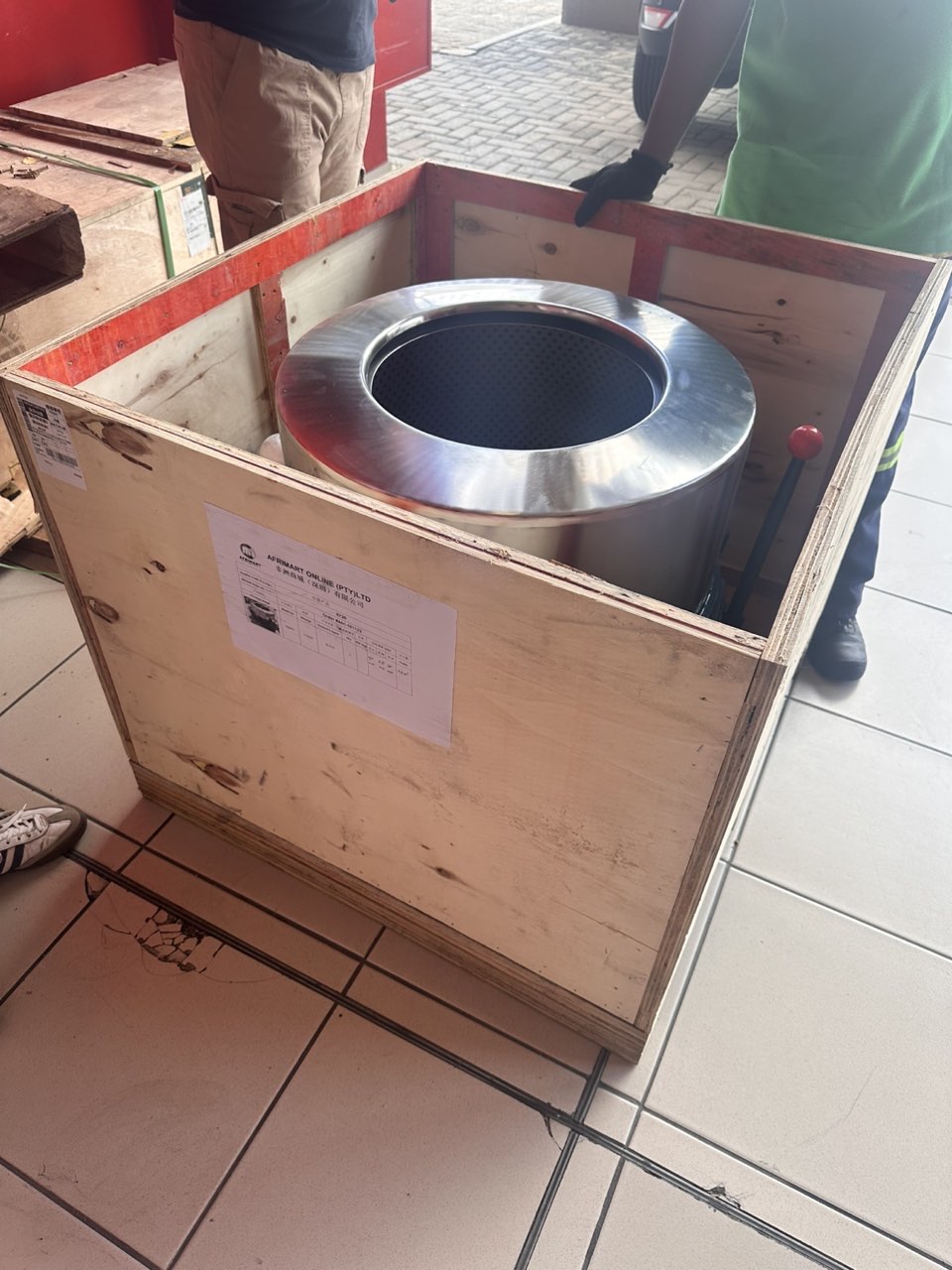
order success
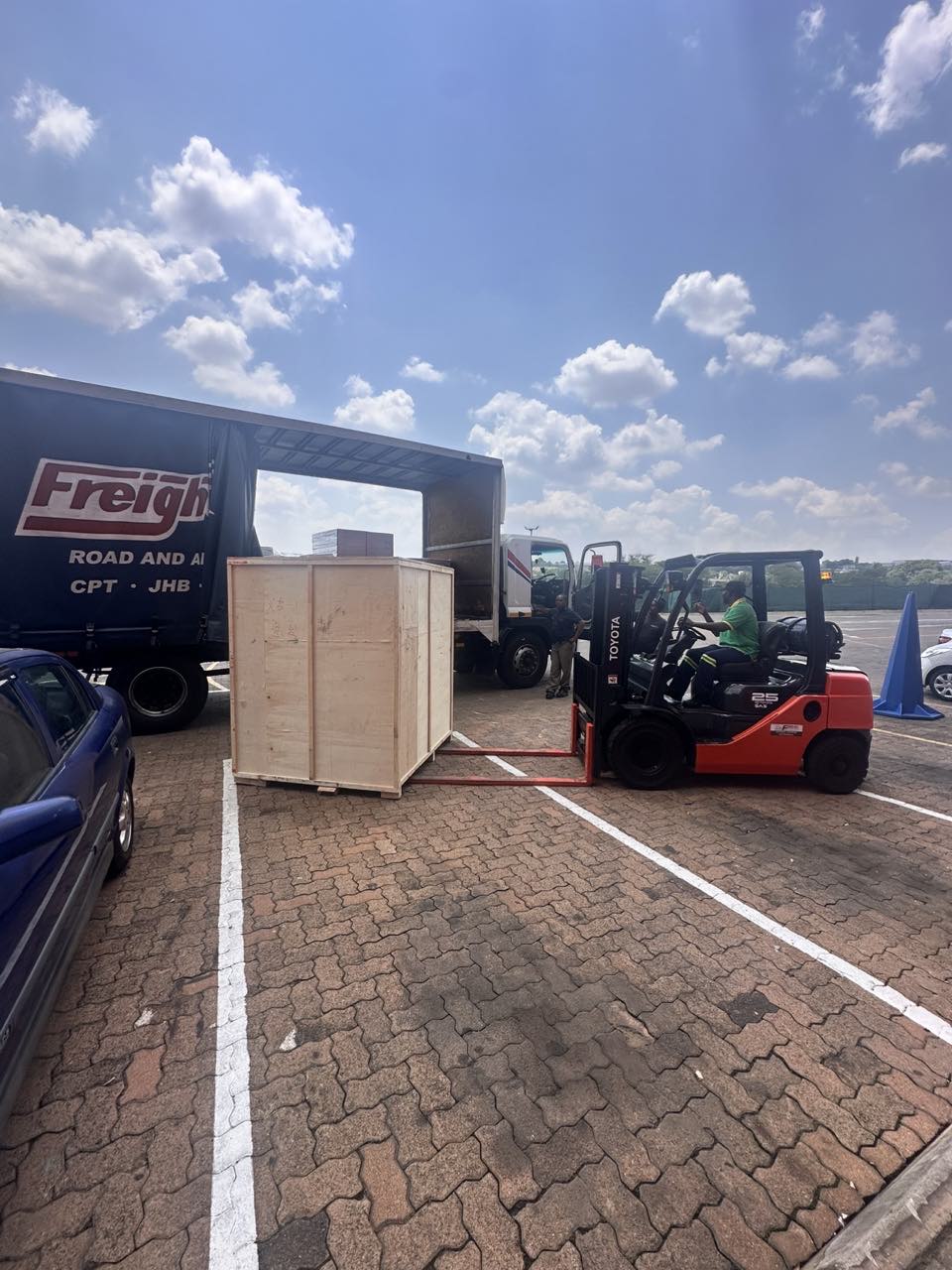
order collection
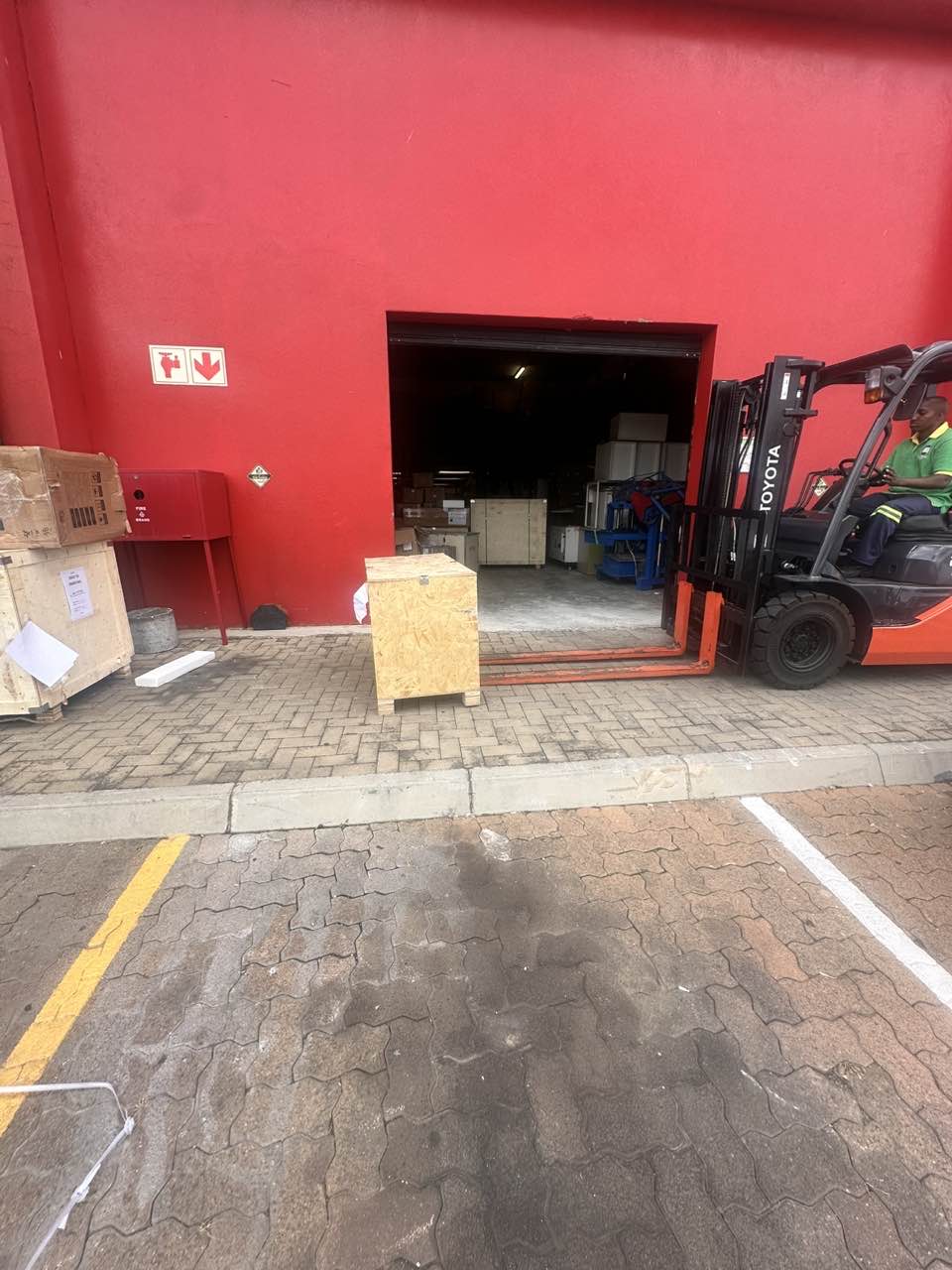
order offloading