B21, China Town Mall, Midrand

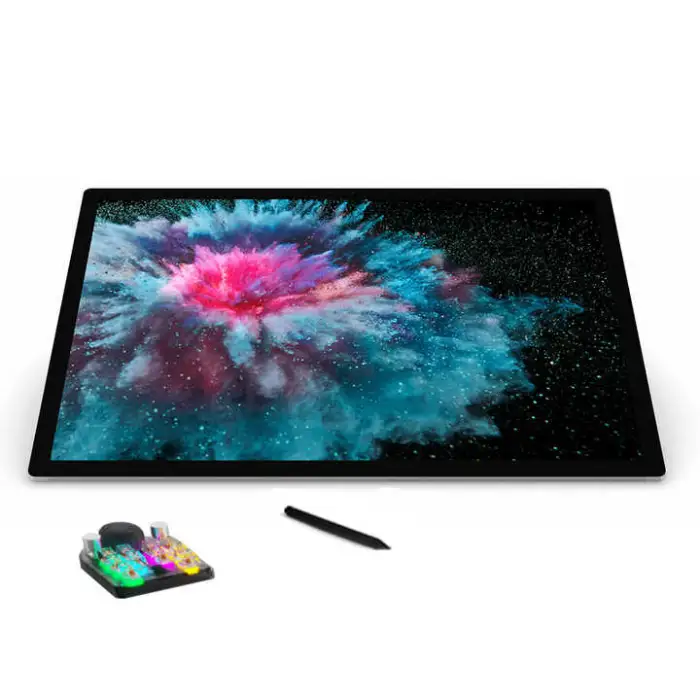
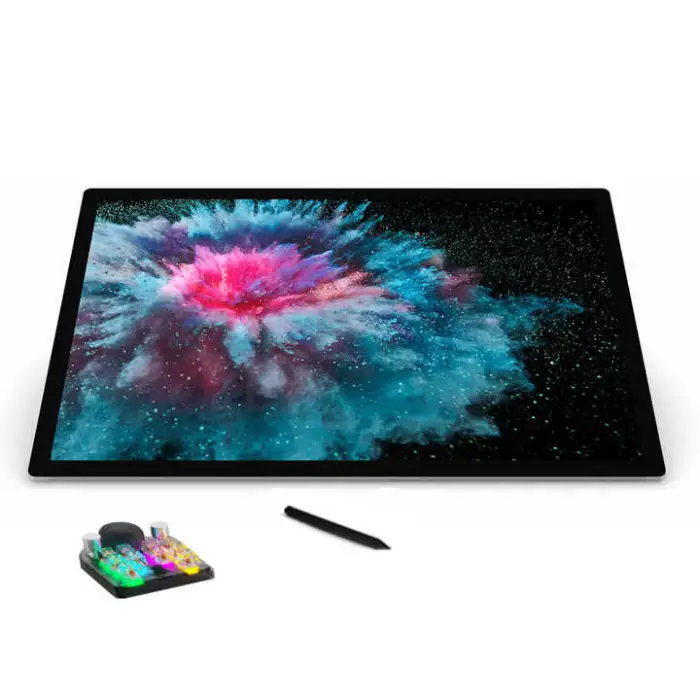
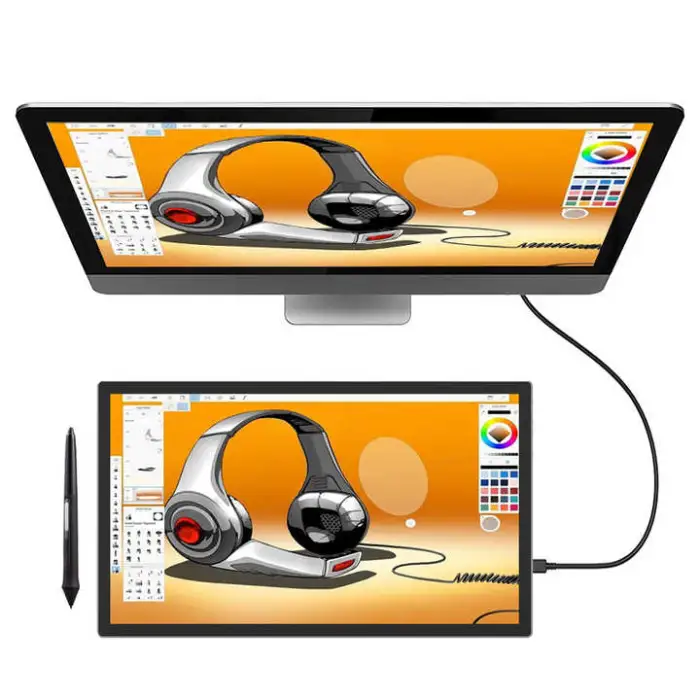
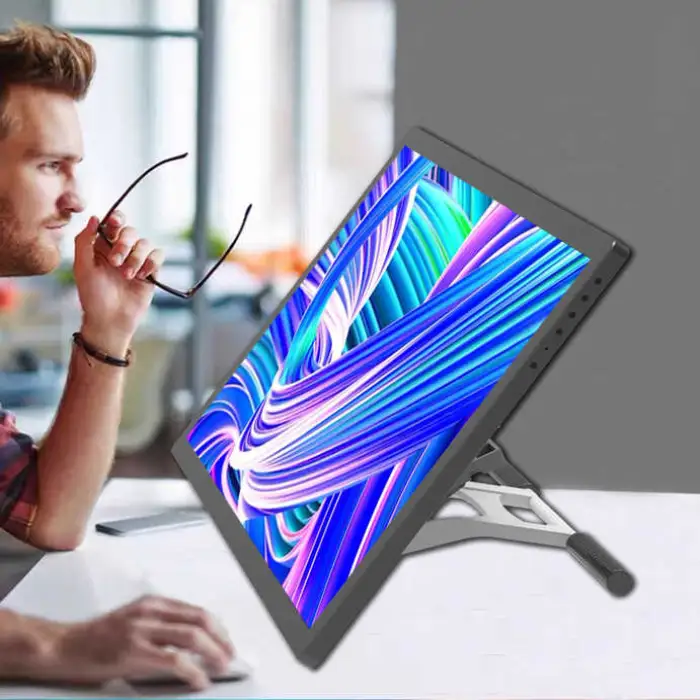
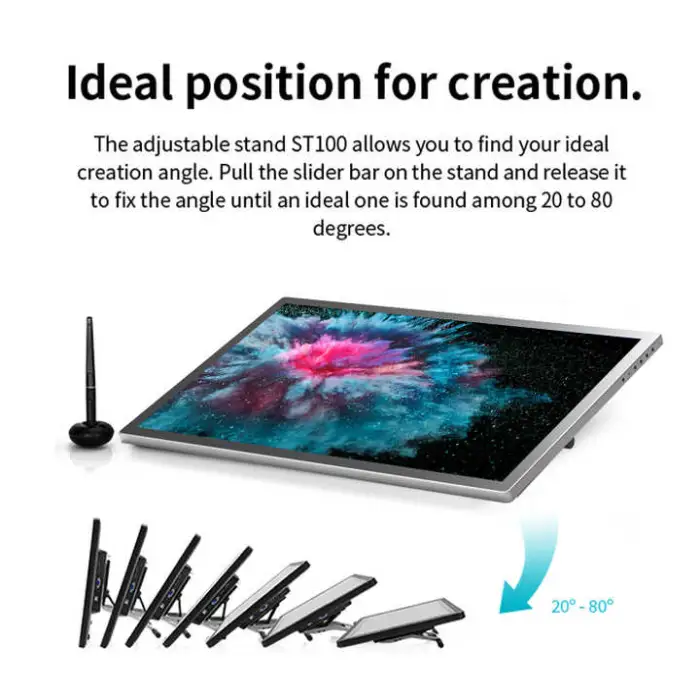
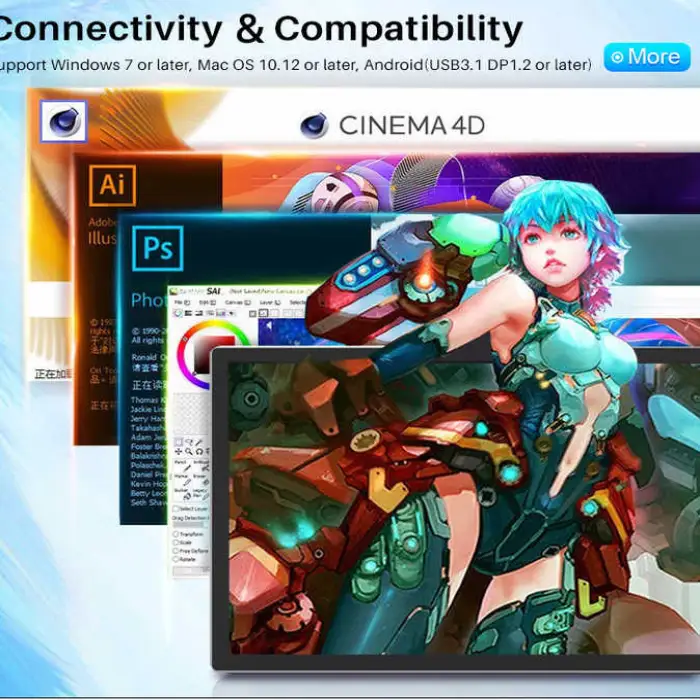
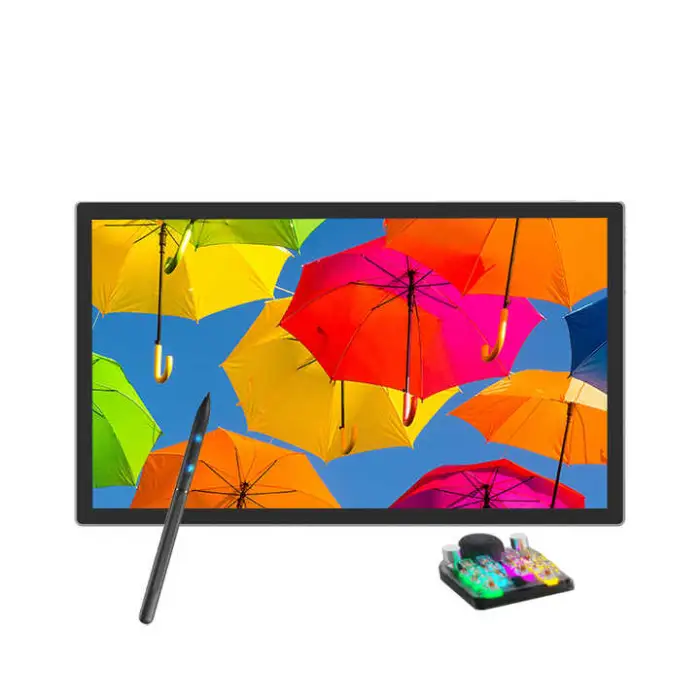
120% SRGB 60 Degree Tilt Artist Design Digital Pen Lcd Graphic Drawing Monitor with Stylus

- Section : Consumer Electronics
- Category : Computer Hardware & Software
- SKU : 1601375208846

120% SRGB 60 Degree Tilt Artist Design Digital Pen LCD Graphic Drawing Monitor with Stylus
The 120% SRGB 60 Degree Tilt Artist Design Digital Pen LCD Graphic Drawing Monitor with Stylus is the perfect tool for artists and designers. With its high-resolution display and advanced stylus technology, you can create stunning digital art with ease. This monitor brings your ideas to life, making digital drawing fun and exciting.
Specifications
| Attribute | Details |
|---|---|
| Model Number | GT1501 |
| Screen Size | 21.5 inch |
| Resolution | 1920 x 1080 (16:9) |
| LCD Type | IPS |
| Brightness | 250 cd/m² |
| Pressure Levels | 8192 Levels |
| Report Rate (Pen) | > 260 PPS |
| Pen Resolution | 5080 LPI |
| Interface | USB-C |
| Weight | 4.500 KG |
| Package Size | 53 x 33 x 8 cm |
Key Features
- High color accuracy with 120% SRGB coverage
- Smooth drawing experience with 8192 pressure levels
- Fast response time with a report rate of over 260 PPS
- Wide viewing angles thanks to the IPS display
- Stylus included for precise control
Applications
- Digital art creation
- Graphic design projects
- Illustrations and sketches
- Photo editing and retouching
- Animation and 3D modeling
Product Info Gallery
- Shipping Timeframes: All orders are processed within 2-5 business days (excluding weekends and holidays). After your order has been processed, the estimated delivery time is before 19 Apr, 2026, depending on customs, Please note that due to high demand, some items may experience longer shipping times, which will be communicated at order confirmation email.
- Order Processing Time: Please allow 2-5 business days for us to process your order before it is shipped . Orders placed after 16:00 on Fridays, or during weekends and public holidays, will begin processing on the next business day. Processing times may be extended during peak seasons or sales events.
- Manufacturing Time: Some products needs manufacturing time, the manufacturing process will take approximately 10-30 business days depending on the product. This timeframe may vary depending on the complexity of the product and current demand. but this will be communicated with you during order confirmation.
- Returns and Exchanges: We offer a 30-day return policy for most items. If you are not completely satisfied with your purchase, you may return it within 30 days of receipt for a refund or exchange. Items must be unused, in their original packaging, and accompanied by proof of purchase. Return shipping costs are the responsibility of the customer, unless the item was damaged or defective upon arrival.
1. What is the '120% SRGB 60 Degree Tilt Artist Design Digital Pen LCD Graphic Drawing Monitor'?
It is a 21.5-inch pen display (model GT1501) designed for digital artists and designers. It features a 1920×1080 IPS screen, 120% sRGB color coverage, an included stylus with tilt support, and a USB‑C interface.
2. What are the main display specifications?
21.5-inch IPS panel, 1920×1080 (16:9) resolution, 250 cd/m² brightness, and claimed 120% sRGB color coverage.
3. What does 120% sRGB mean and why does it matter?
120% sRGB means the display can reproduce a wider range of colors than a standard sRGB monitor. That generally gives more vivid and accurate colors for digital art and photo work, but for color‑critical tasks you should still calibrate the display.
4. What are the pen performance specs?
The stylus supports 8,192 pressure levels, a report rate of over 260 PPS, and a pen resolution of 5,080 LPI. The product name indicates 60° tilt support for natural angled strokes.
5. Is the stylus included and does it need batteries?
A stylus is included. The product description does not specify whether it is battery‑free or requires batteries—check the manufacturer/seller listing or manual for exact pen power details.
6. What connection options does the monitor have?
The listed interface is USB‑C. If your computer lacks USB‑C you may need an appropriate adapter or dock. Check the product listing for any additional ports or included cables.
7. Which operating systems and programs are supported?
The display is compatible with most major drawing and design applications that support pen input (Photoshop, Illustrator, Clip Studio, Krita, etc.). OS compatibility typically includes Windows and macOS, but confirm supported OS versions and drivers with the seller.
8. Do I need drivers to use full pen functionality?
For full pen features (pressure, tilt, custom buttons) you will likely need to install the manufacturer's drivers. The product description doesn't list driver details—download drivers from the manufacturer or follow seller instructions.
9. Can this monitor be used as a regular second monitor?
Yes—when connected via USB‑C (if your device supports video output over USB‑C) it can function as an external display. Compatibility depends on your host device's USB‑C capabilities.
10. What is the weight and package size?
The monitor weighs 4.500 kg. The package size is listed as 53 × 33 × 8 cm.
11. What kinds of creative work is this monitor suited for?
It is suitable for digital art, illustration, graphic design, photo editing/retouching, animation, and 3D modeling workflows.
12. Is the screen color‑accurate out of the box?
The panel is marketed with high color coverage (120% sRGB), but out‑of‑box accuracy can vary. For color‑critical projects, perform hardware calibration with a colorimeter.
13. What is included in the box?
The description confirms the stylus is included. Exact box contents (stand, cables, replacement nibs, pen holder, manual) are not fully specified—check the seller's product listing for the complete accessory list.
14. How should I clean and maintain the display and stylus?
Turn the monitor off and unplug it before cleaning. Use a soft, dry microfiber cloth or lightly dampen it with water (no harsh chemicals) to clean the screen. Keep replacement nibs and the pen in a safe place; avoid dropping the pen or applying excessive force.
15. What about warranty and technical support?
Warranty and after‑sales support are not detailed in the product description. Check the seller or manufacturer's website for warranty terms, support contacts, and return policies before purchase.
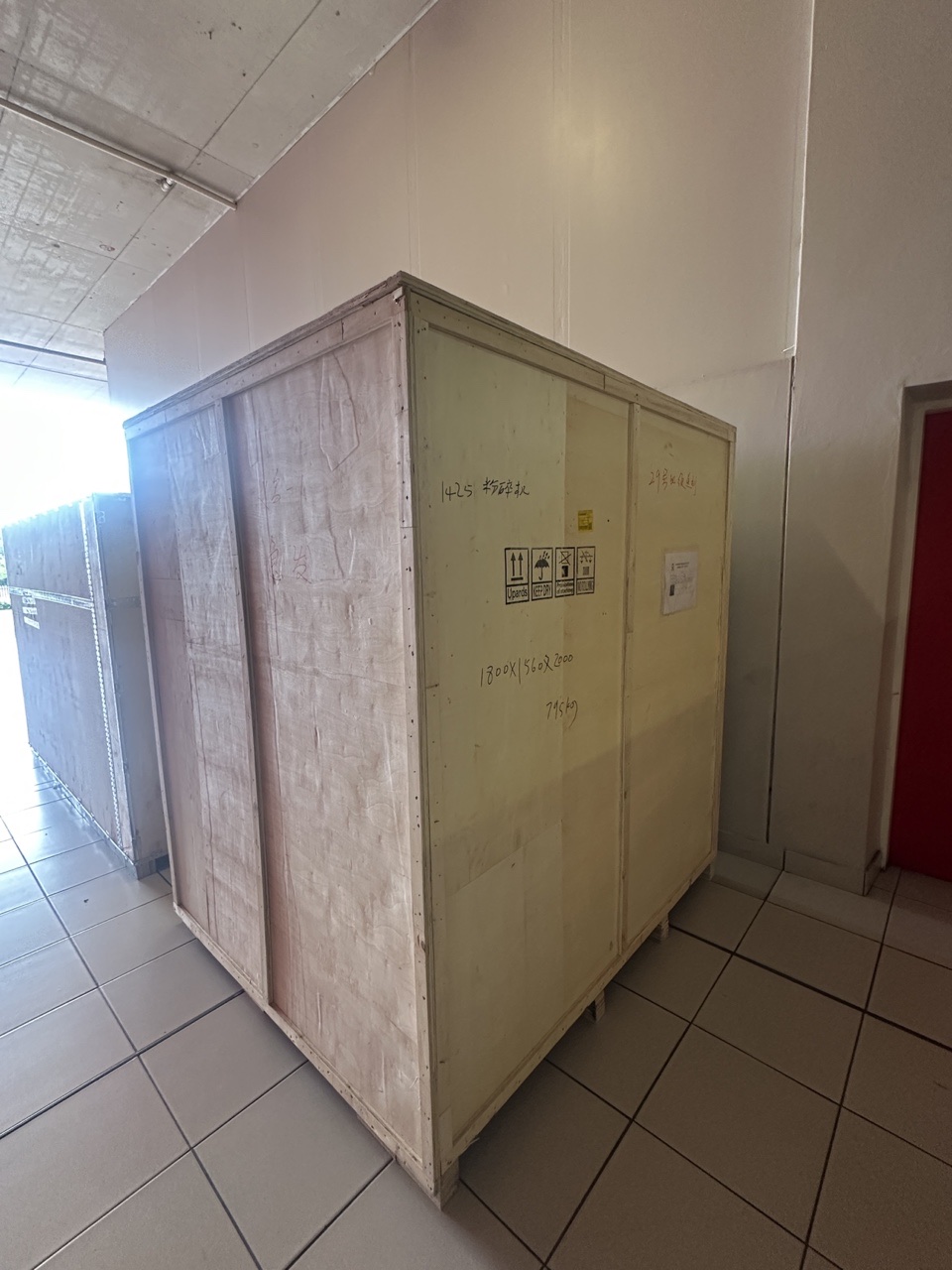
Latest Order Arrivals
Discover our latest orders

12 Heads Embroidery Machine

Dewatering Pump Machine

Order Collection

Portable Water Drilling Rig

Order Usefully Collected

Batch of Orders

Agriculture Processing Machines

Meat Grinder Machine

Water Pump Equipment

Packaging Machine and accessories

Fabrics Manufacturing Equipment

Mining Equipments

Food Processing Machine

Batch of Orders

Batch of Orders

Latest Orders Labelled

wheel alignment machines

new arrivals

Pre Orders Offloading

Latest Arrivals

Latest Arrivals

Latest Arrivals
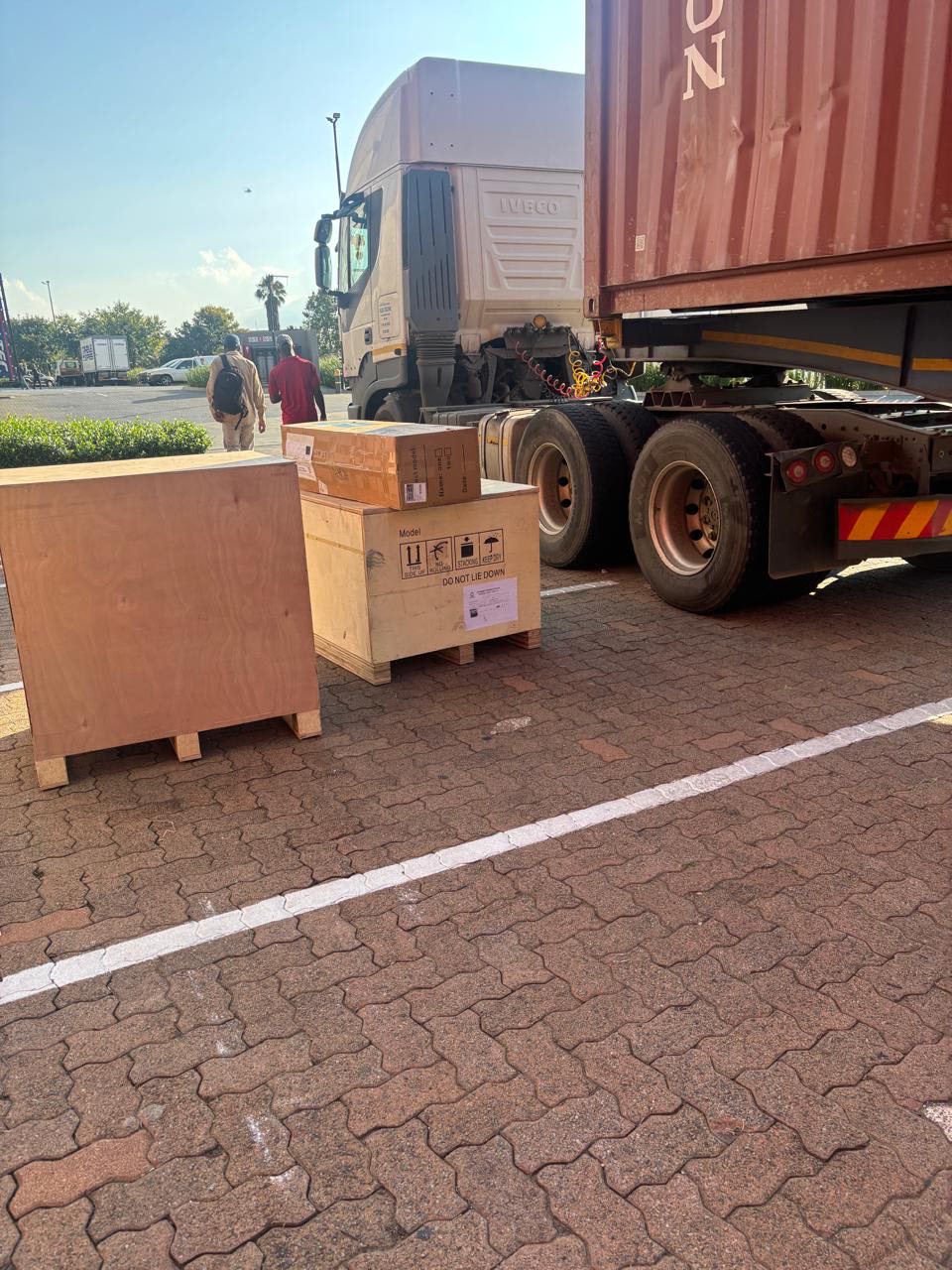
26 January 2026
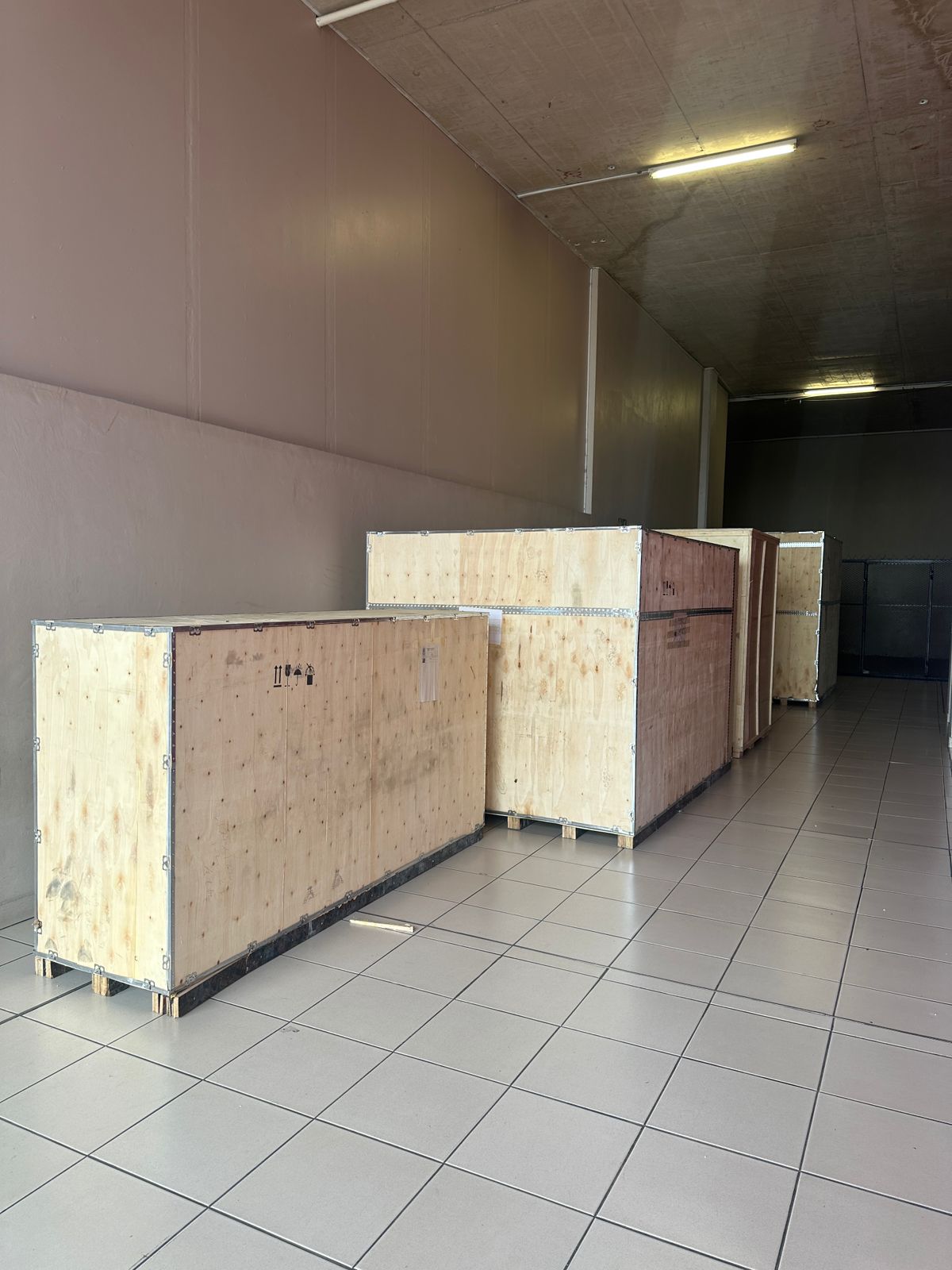
Toilet paper making machine
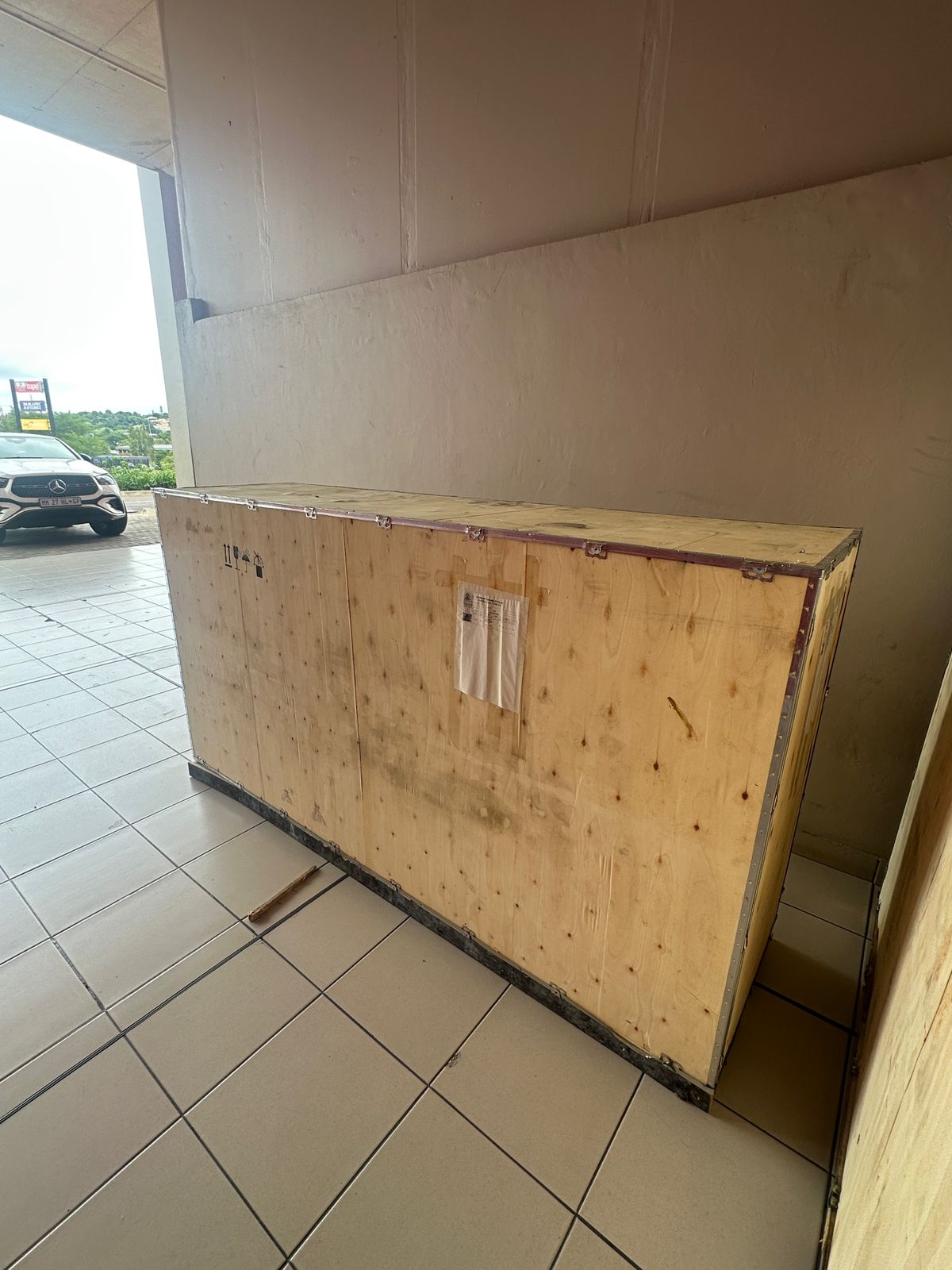
Toilet paper making machine
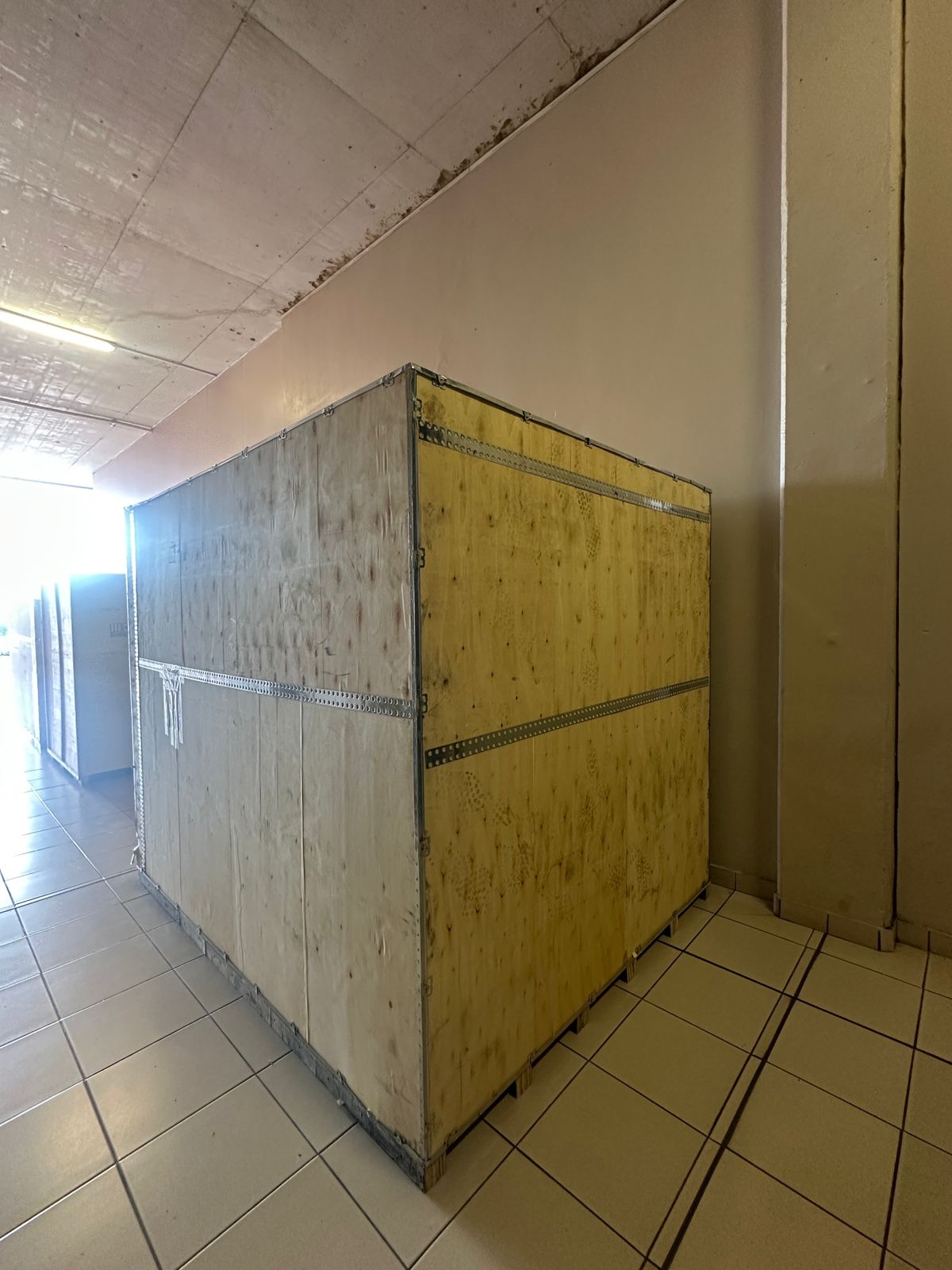
Toilet paper Rewinding Machine
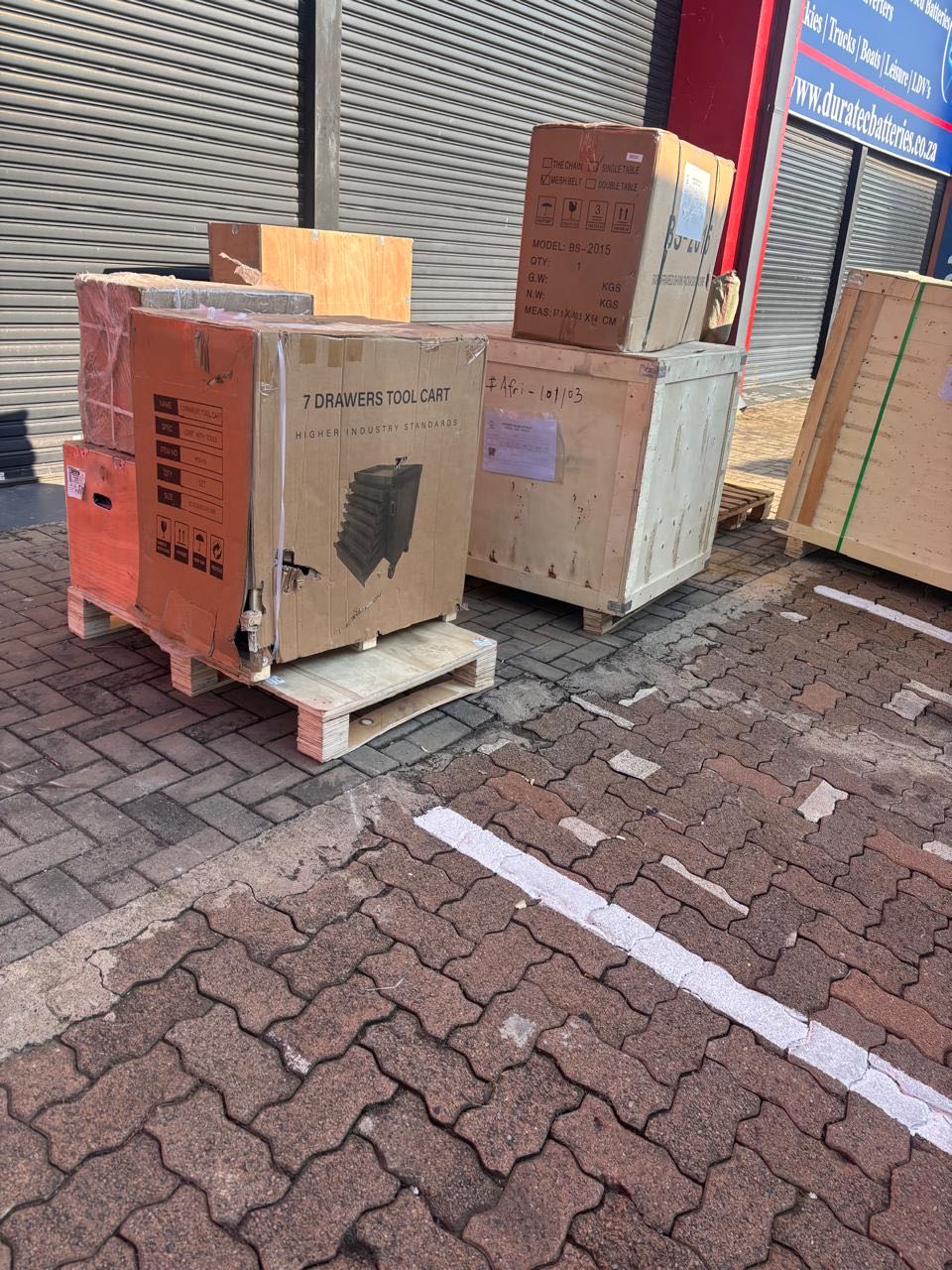
latest arrivals
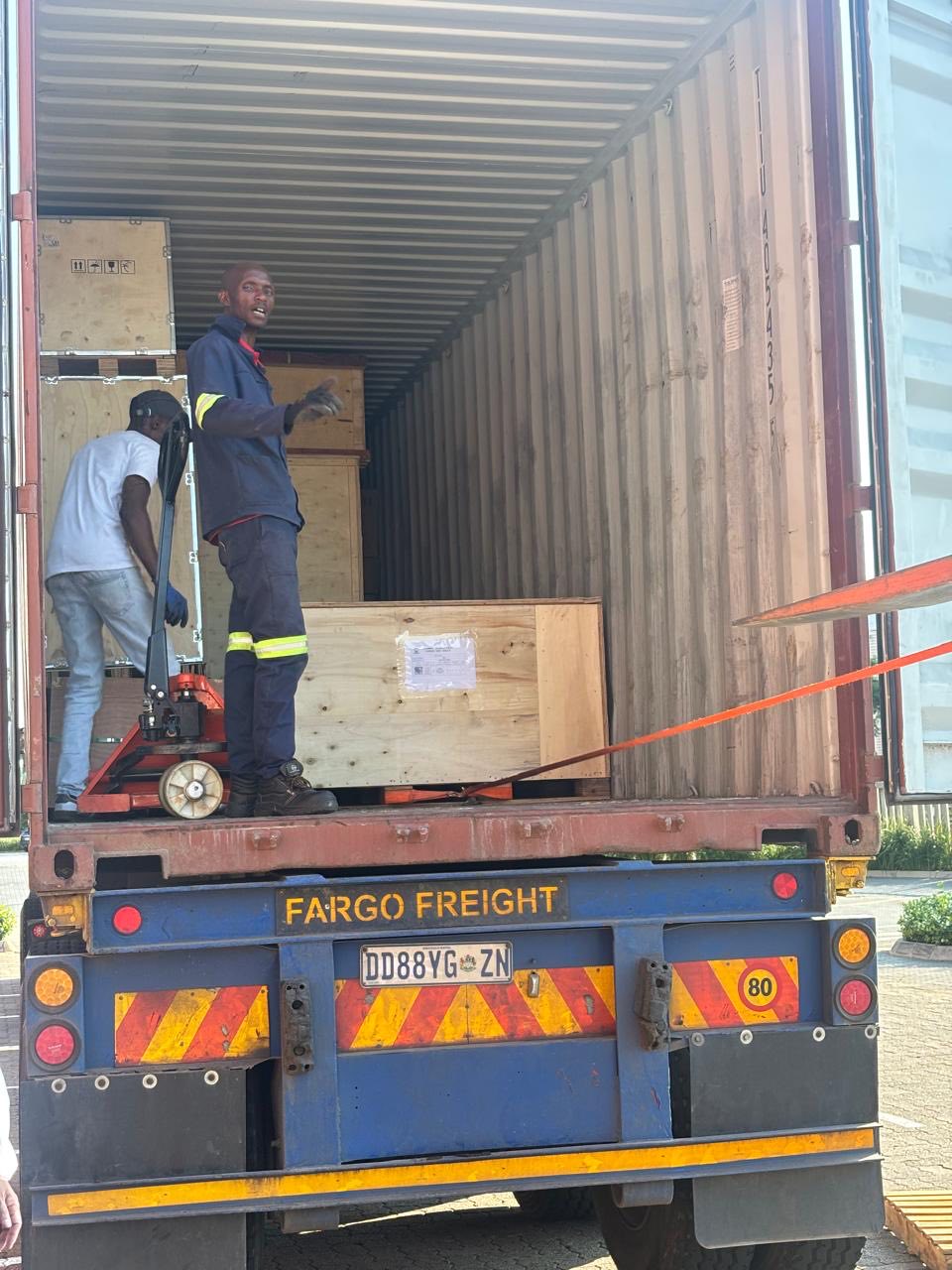
offloading
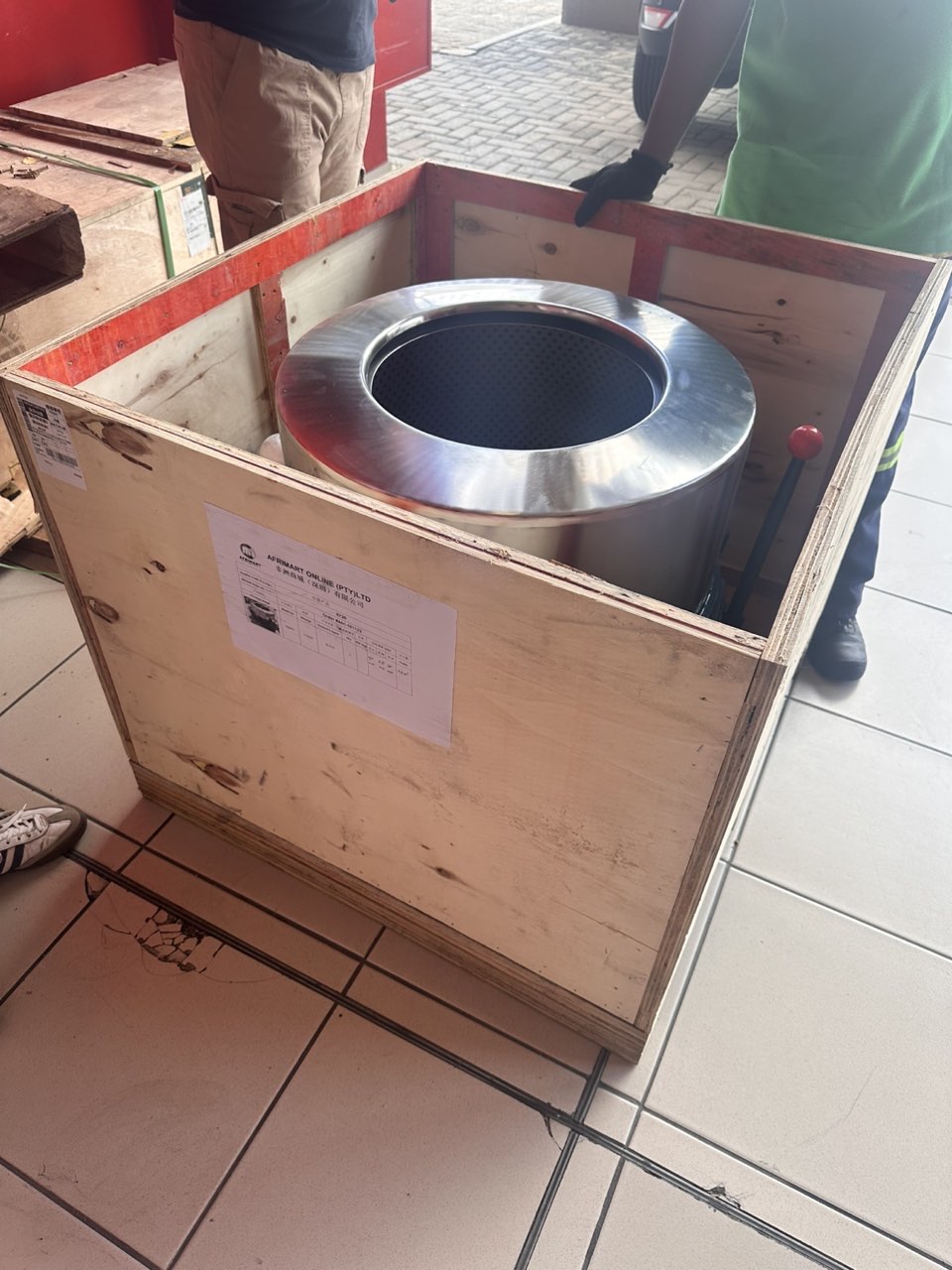
order success
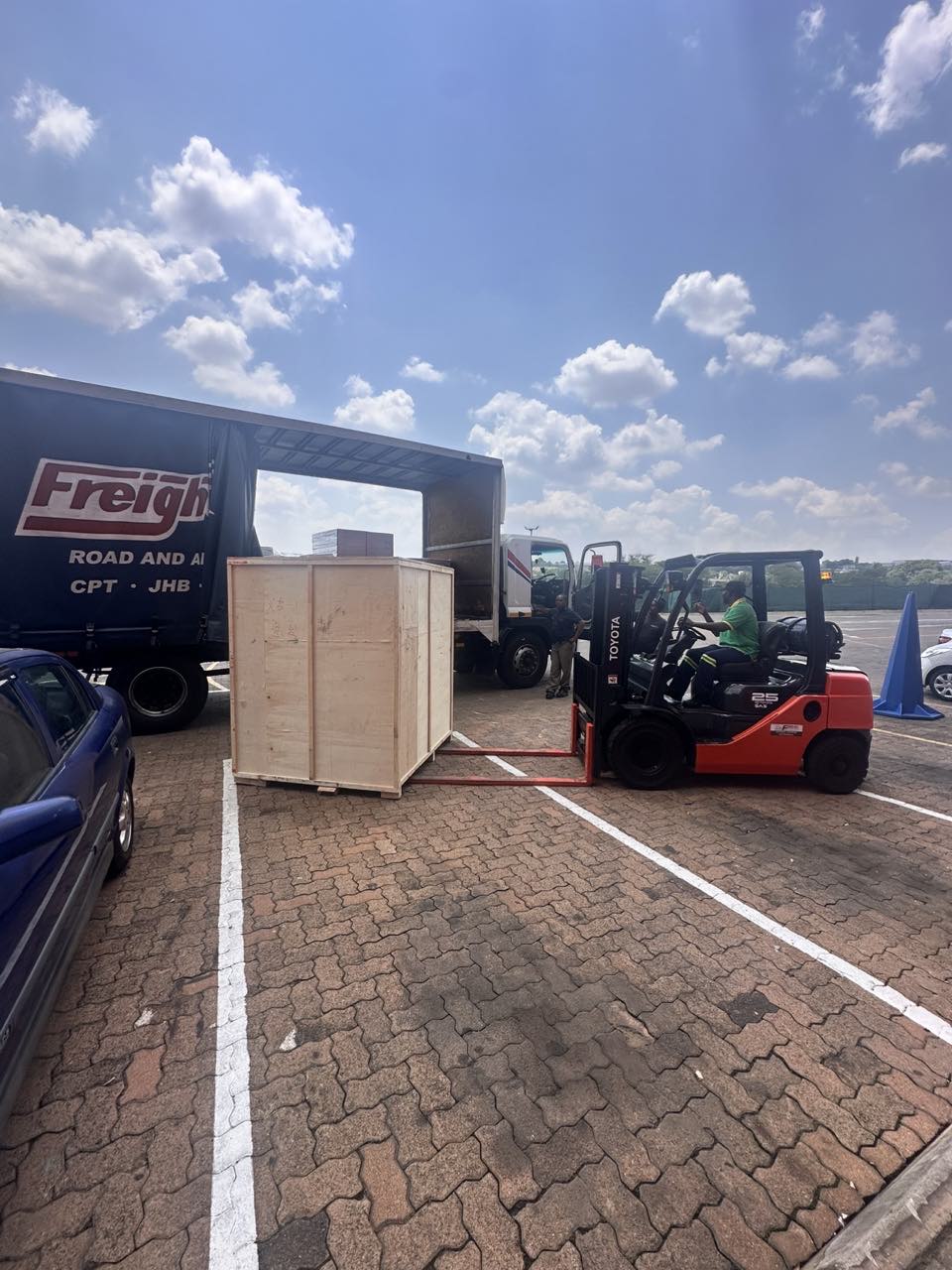
order collection
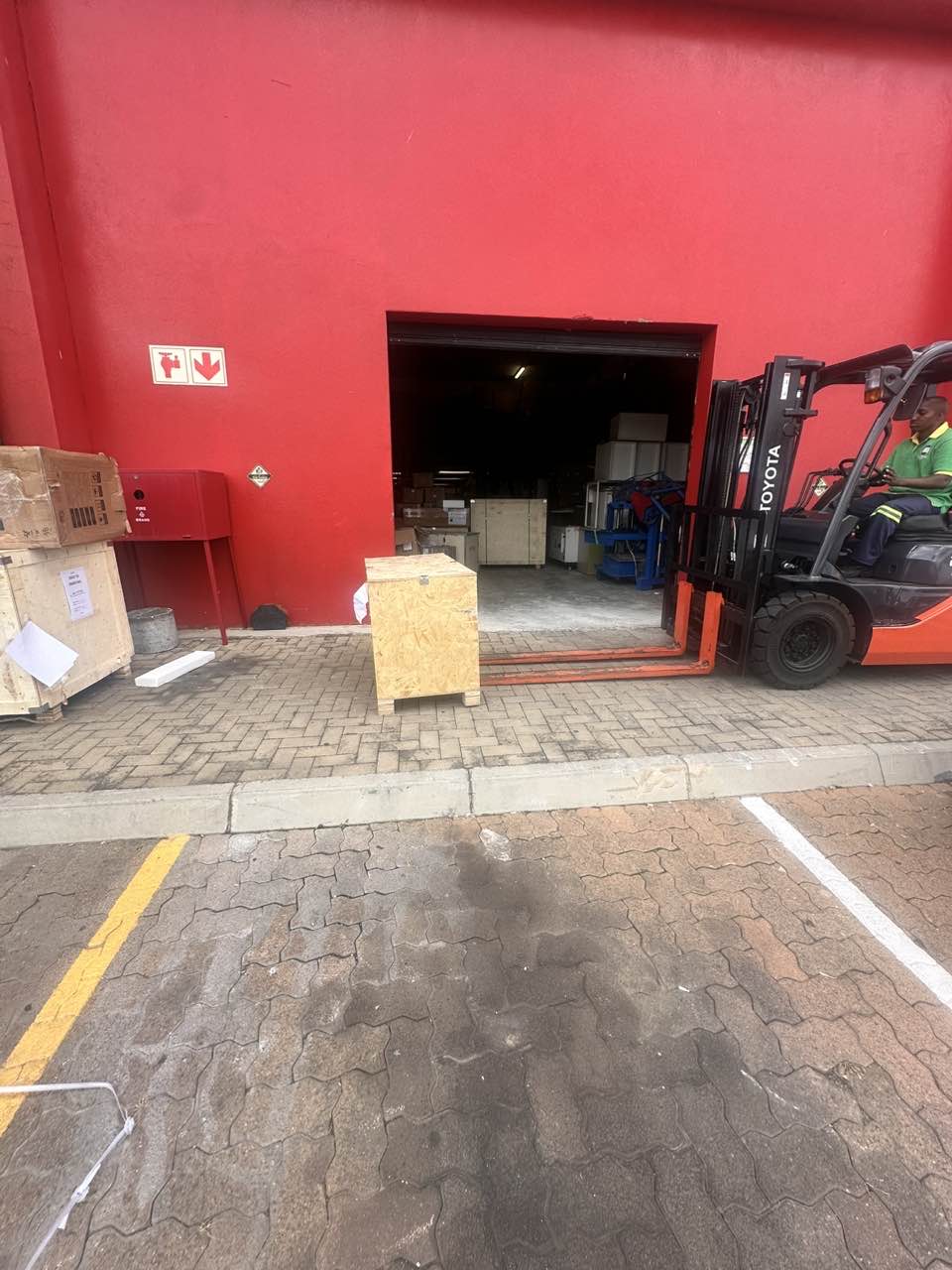
order offloading