B21, China Town Mall, Midrand

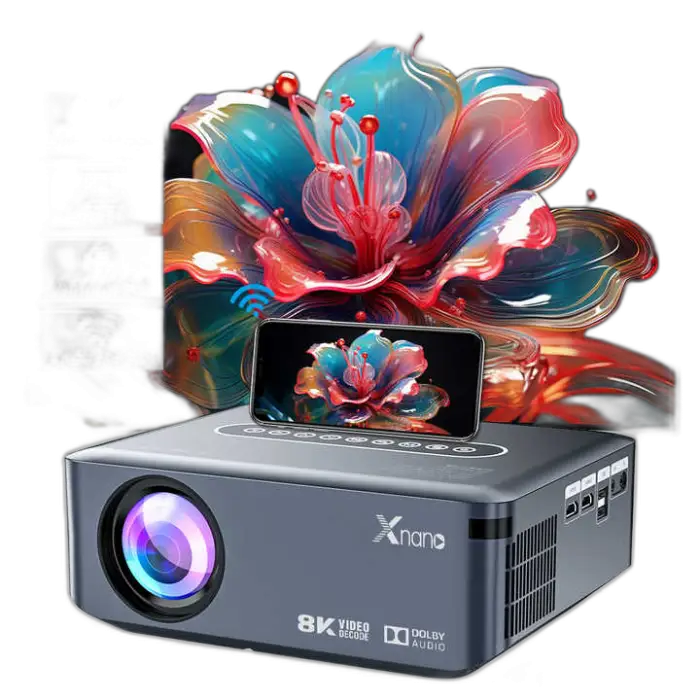


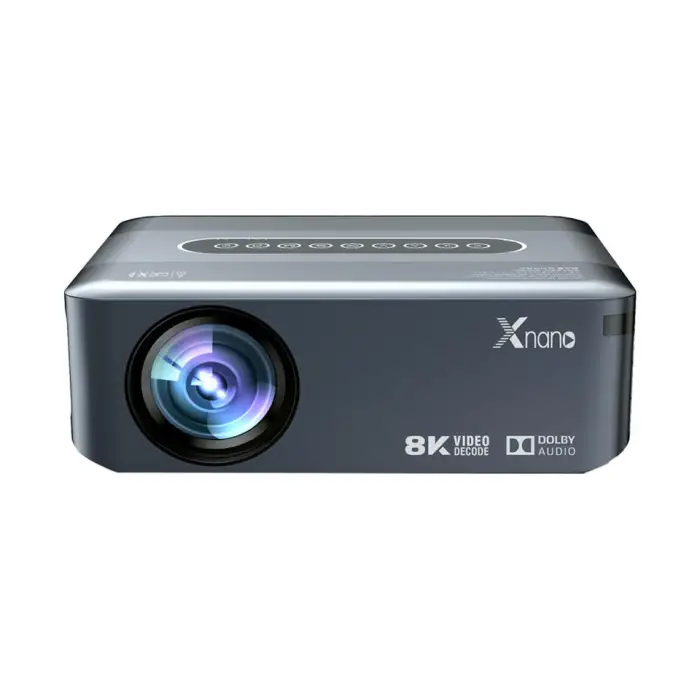
X1 Smart Projectors Android 9 Video Beamer LCD 8K Full HD 1080P Outdoor Home Theater 4K Projector

- Section : Consumer Electronics
- Category : Projectors & Presentation Equipments
- SKU : 1601019371966

X1 Smart Projectors - Android 9 Video Beamer LCD 8K Full HD 1080P Outdoor Home Theater 4K Projector
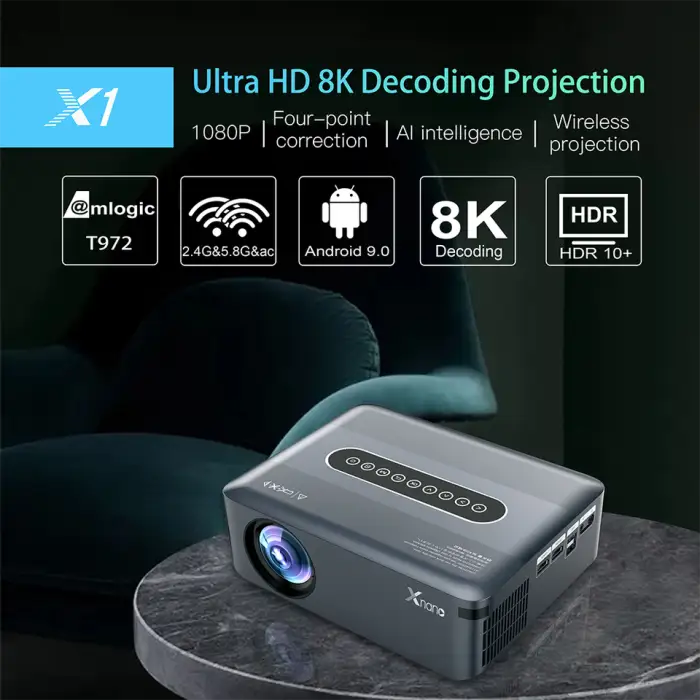
The X1 Smart Projector is an amazing device for your home or outdoor movie nights. This sleek projector brings your favorite movies and videos to life in stunning 1080P Full HD, with the ability to support 4K resolution. With its Android 9 operating system, you can easily access your favorite apps and content right from the projector, making it perfect for both fun and education.
Specifications
| Attribute | Details |
|---|---|
| Physical Resolution | 1080p |
| ANSI Lumens | 4500-5000 Lumens |
| Contrast Ratio | 1000:1 |
| Projector Type | LCD |
| Maximum Support Resolution | 4K |
| Portable | Yes |
| Operating System | Android 9 |
| RAM | 2GB |
| Storage | 16GB |
| Warranty | 1-Year |
Key Features
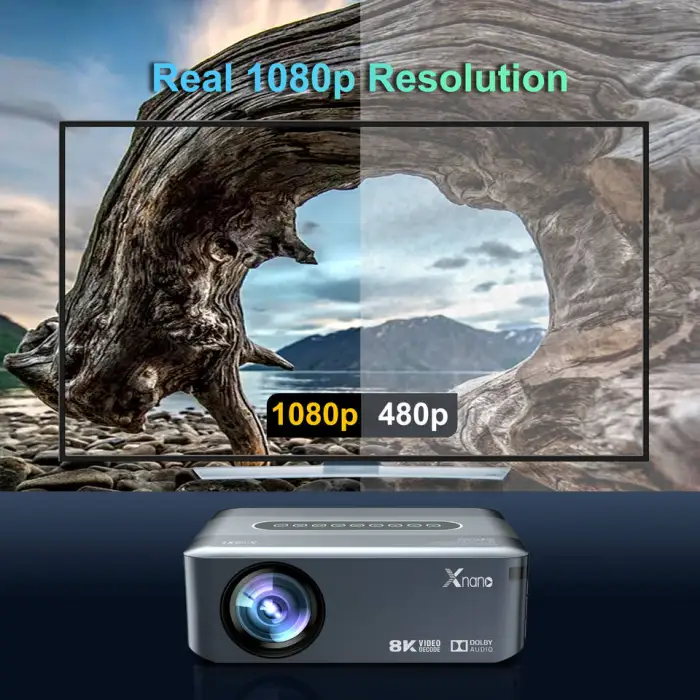
- High-quality 1080P Full HD resolution
- Supports up to 4K resolution for stunning visuals
- Built-in Android 9 for easy app access
- Bright 4500-5000 ANSI Lumens for clear images
- Portable design for easy setup anywhere
- 16GB storage and 2GB RAM for smooth performance
Applications
- Perfect for outdoor movie nights with family and friends
- Great for presentations in business and education settings
- Ideal for gaming sessions on a big screen
- Use in classrooms for engaging learning experiences
- Enjoy streaming your favorite shows and movies at home
Product Info Gallery
- Shipping Timeframes: All orders are processed within 2-5 business days (excluding weekends and holidays). After your order has been processed, the estimated delivery time is before 03 Feb, 2026, depending on customs, Please note that due to high demand, some items may experience longer shipping times, which will be communicated at order confirmation email.
- Order Processing Time: Please allow 2-5 business days for us to process your order before it is shipped . Orders placed after 16:00 on Fridays, or during weekends and public holidays, will begin processing on the next business day. Processing times may be extended during peak seasons or sales events.
- Manufacturing Time: Some products needs manufacturing time, the manufacturing process will take approximately 10-30 business days depending on the product. This timeframe may vary depending on the complexity of the product and current demand. but this will be communicated with you during order confirmation.
- Returns and Exchanges: We offer a 30-day return policy for most items. If you are not completely satisfied with your purchase, you may return it within 30 days of receipt for a refund or exchange. Items must be unused, in their original packaging, and accompanied by proof of purchase. Return shipping costs are the responsibility of the customer, unless the item was damaged or defective upon arrival.
1. What is the native (physical) resolution of the XNANO X1?
The XNANO X1 has a native/full physical resolution of 1080p (Full HD).
2. Does the XNANO X1 support 4K content?
Yes — it accepts up to 4K input, but the native display is 1080p, so 4K content will be downscaled to Full HD.
3. How bright is the projector and is it suitable for outdoor use?
The projector is rated at about 4500–5000 ANSI lumens, which provides bright images suitable for evening outdoor movie nights and many indoor environments. For daytime outdoor use you will still need a very shaded or dark area for best results.
4. What kind of image contrast can I expect?
The XNANO X1 has a contrast ratio of 1000:1, offering decent distinction between light and dark for general movie, video and presentation use.
5. What operating system does it run and can I install apps?
It runs Android 9, so you can access apps and streaming services. Availability of the Google Play Store or preinstalled apps may vary by region or retailer; some apps can also be installed via APK if supported.
6. How much memory and storage does the projector have?
The unit includes 2GB of RAM and 16GB of internal storage — enough for apps and some media. You can typically expand storage or play media from external USB drives (check the product listing/manual for supported formats).
7. What connectivity options does the XNANO X1 offer?
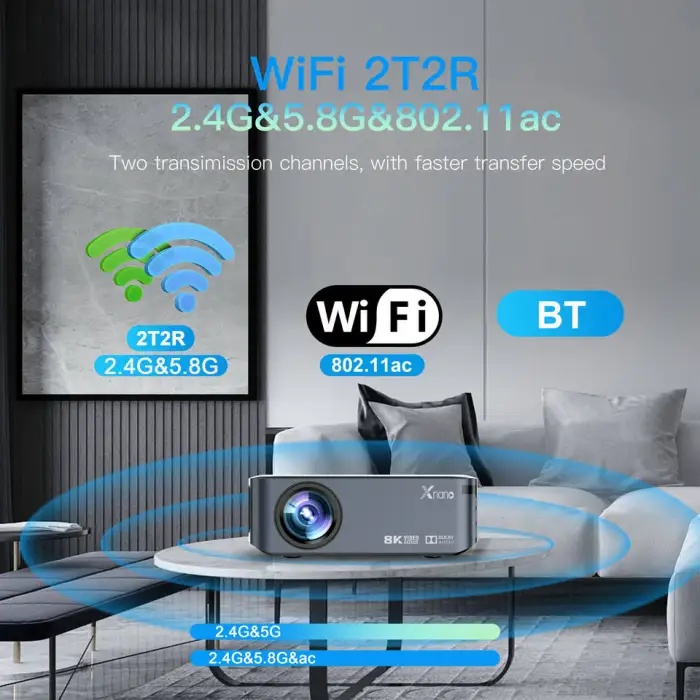
Common connectivity for this class of projector includes HDMI and USB inputs plus wireless options via built-in Android. Exact port types (HDMI, USB, audio out) and wireless capabilities (Wi‑Fi, Bluetooth, Miracast) may vary — consult the product spec sheet or user manual for the specific model.
8. Does the projector have built-in speakers and can I use external speakers?
The XNANO X1 typically includes built-in speakers for casual listening. For better audio you can connect external speakers — either wired or wireless — depending on the available audio output or Bluetooth support of your specific unit.
9. Is the projector battery powered and how portable is it?
The XNANO X1 is designed to be portable for easy setup anywhere, but it generally requires a power outlet (it is not advertised as battery-powered). Check the product page if you need a battery-equipped portable model.
10. What screen size and throw distance can I get with this projector?
The supported screen size and throw distance depend on the projector's throw ratio. Typical home projectors can produce images from about 40" up to 200"+ depending on distance. Refer to the user manual or product specification (throw ratio) to calculate exact distances for your desired screen size.
11. Is the XNANO X1 suitable for gaming?
Yes — it can be used for gaming on a big screen. For the lowest input lag, connect your console/PC via HDMI. Note that specific input lag figures are not listed, so competitive gamers should verify latency specifications before purchase.
12. How do I update the projector's software or Android OS?
Software updates are typically handled through the projector's Settings menu (System or About section) when connected to Wi‑Fi. Some manufacturers also provide firmware files and update instructions on their support website. Follow the included manual or contact support if you are unsure.
13. What does the 1-year warranty cover?
The product comes with a 1-year warranty that generally covers manufacturer defects and hardware failures under normal use. It usually does not cover accidental damage, misuse, or consumable items. Check the warranty terms provided by the seller/manufacturer for exact coverage and claim procedures.
14. How should I care for and clean the projector?
Keep the projector in a dry, dust-free area, allow adequate ventilation around vents, and clean the lens gently with a soft, lint-free cloth. Do not use harsh chemicals on optics. Refer to the user manual for recommended maintenance and lamp/filter cleaning or replacement procedures.
15. What should I do if I have no image or no sound?
Basic troubleshooting: make sure the projector is powered on and the lens cap is removed; verify the correct input/source; check and reseat HDMI/USB cables; adjust volume and mute settings; try another source device or cable. If wireless casting is used, confirm both devices are on the same network. If issues persist, consult the manual or contact customer support.
Latest Order Arrivals
Discover our latest orders

12 Heads Embroidery Machine

Dewatering Pump Machine

Order Collection

Portable Water Drilling Rig

Order Usefully Collected

Batch of Orders

Agriculture Processing Machines

Meat Grinder Machine

Water Pump Equipment

Packaging Machine and accessories

Fabrics Manufacturing Equipment

Mining Equipments

Food Processing Machine

Batch of Orders

Batch of Orders

Latest Orders Labelled

wheel alignment machines

new arrivals

Pre Orders Offloading

Latest Arrivals

Latest Arrivals