B21, China Town Mall, Midrand





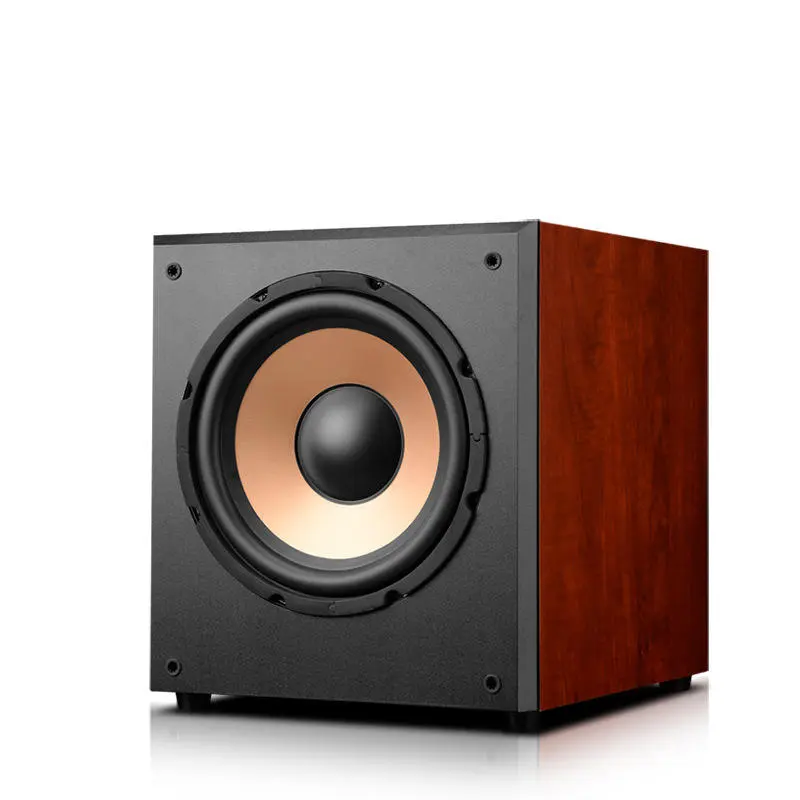
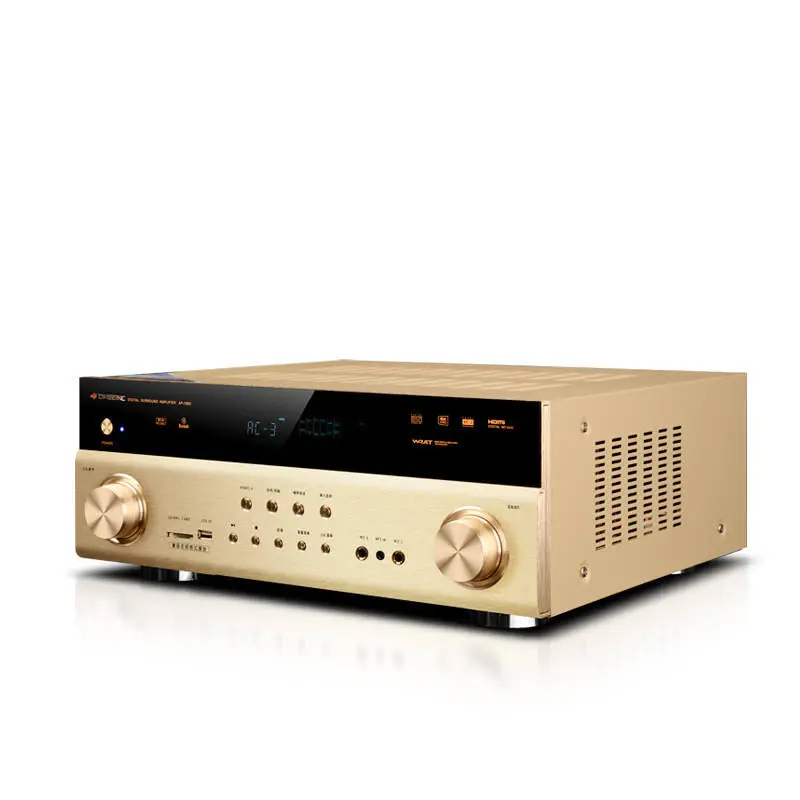
Wooden big 5.1 Channel heavy bass surround sound system HDMI home theatre system

- Section : Consumer Electronics
- Category : Home Theatre Systems
- SKU : 1600202236832



- Shipping Timeframes: All orders are processed within 2-5 business days (excluding weekends and holidays). After your order has been processed, the estimated delivery time is before 08 Jul, 2026, depending on customs, Please note that due to high demand, some items may experience longer shipping times, which will be communicated at order confirmation email.
- Order Processing Time: Please allow 2-5 business days for us to process your order before it is shipped . Orders placed after 16:00 on Fridays, or during weekends and public holidays, will begin processing on the next business day. Processing times may be extended during peak seasons or sales events.
- Manufacturing Time: Some products needs manufacturing time, the manufacturing process will take approximately 10-30 business days depending on the product. This timeframe may vary depending on the complexity of the product and current demand. but this will be communicated with you during order confirmation.
- Returns and Exchanges: We offer a 30-day return policy for most items. If you are not completely satisfied with your purchase, you may return it within 30 days of receipt for a refund or exchange. Items must be unused, in their original packaging, and accompanied by proof of purchase. Return shipping costs are the responsibility of the customer, unless the item was damaged or defective upon arrival.
1. What does '5.1 channel' mean?
5.1 refers to a six‑speaker configuration: front left, front right, center, two rear (surround) speakers and one subwoofer (.1) for low‑frequency bass. Together they create true surround sound for movies, music and games.
2. Is the cabinet made of real wood and why does that matter?
Yes — the speakers use wooden cabinets (or wood‑veneered enclosures). Wood reduces unwanted resonance compared with many plastics, improving midrange clarity and producing a warmer, more natural sound.
3. Does the system include HDMI and support HDMI ARC/eARC?
The system is designed with HDMI connectivity and typically supports HDMI ARC (Audio Return Channel) for easy connection to TVs. Some models may also support eARC for higher‑bandwidth audio formats — check the specific model listing or manual for the exact HDMI version supported.
4. Which audio formats are supported (Dolby, DTS, etc.)?
Most 5.1 home theatre systems of this type decode common surround formats such as Dolby Digital and DTS. For lossless formats (TrueHD, DTS‑HD) verify the model and HDMI/eARC support in the product specifications.
5. How do I connect the system to my TV or other devices?
Preferred connection is HDMI (ARC/eARC) from TV to the receiver/input of the system. Alternative connections may include optical (Toslink), coaxial digital, and analog RCA. Many units also offer Bluetooth or USB for music playback — check the product listing for wireless/aux options.
6. Is the subwoofer powered and how strong is the bass?
Yes — the system includes a powered (active) subwoofer designed for heavy bass. Exact bass impact depends on subwoofer size, wattage and placement; you can optimize low frequency performance by placing the sub near a front corner or experimenting with positions in the room.
7. What is included in the box?
Typical contents are: five satellite speakers, one powered subwoofer, a center speaker, remote control, a set of speaker cables, power cable(s) and a quick‑start guide. HDMI, optical or other interconnect cables may or may not be included — confirm the listing for what's packaged.
8. Can the satellite speakers be wall mounted?
Many satellite speakers in home theatre bundles include keyhole slots or brackets for wall mounting, but designs vary. Check the product images and specifications for mounting options and the required hardware.
9. Do I need a separate AV receiver?
No — this product is sold as a complete 5.1 home theatre system with its own amplifier/receiver built into the subwoofer or central unit, so an external AV receiver is not required for basic operation.
10. Is Bluetooth or wireless streaming supported?
Some models in this category include Bluetooth for wireless audio streaming from phones/tablets. If wireless streaming is important to you, verify Bluetooth support and version in the product specifications.
11. Can I use this system with gaming consoles?
Yes — connect your console via HDMI (or through your TV to the system via ARC). For best surround performance, set your console audio output to bitstream or the appropriate surround format and ensure the TV/receiver passes the multichannel audio to the system.
12. How do I place the speakers for best surround sound?
Place the front left and right speakers equidistant from the TV at ear height, the center speaker directly above or below the screen, and the rear surrounds slightly behind and to the sides of the listening position at about ear height. Position the subwoofer near the front of the room and fine‑tune by listening and moving it to where bass sounds most even.
13. How do I calibrate or tune the system?
Start with factory crossover and level settings, then use the TV/receiver sound settings to enable the correct speaker layout (5.1). If provided, run any built‑in auto‑calibration. Manually adjust subwoofer level, speaker distances and channel levels by ear or with an SPL meter for a balanced soundstage.
14. What maintenance does the system require?
Keep speaker cabinets dust‑free using a soft, dry cloth; avoid liquids and harsh cleaners on wood finishes. Ensure adequate ventilation for the powered subwoofer/amp and unplug during storms. Check speaker wires periodically for secure connections.
15. What warranty and customer support are available?
Warranty terms vary by manufacturer and seller. Check the product listing or user manual for warranty length, coverage details and how to contact customer support or claim service. Retain your purchase receipt for warranty service.
Latest Order Arrivals
Discover our latest orders

12 Heads Embroidery Machine

Dewatering Pump Machine

Order Collection

Portable Water Drilling Rig

Order Usefully Collected

Batch of Orders

Agriculture Processing Machines

Meat Grinder Machine

Water Pump Equipment

Packaging Machine and accessories

Fabrics Manufacturing Equipment

Mining Equipments

Food Processing Machine

Batch of Orders

Batch of Orders

Latest Orders Labelled

wheel alignment machines

new arrivals

Pre Orders Offloading

Latest Arrivals

Latest Arrivals

Latest Arrivals

26 January 2026
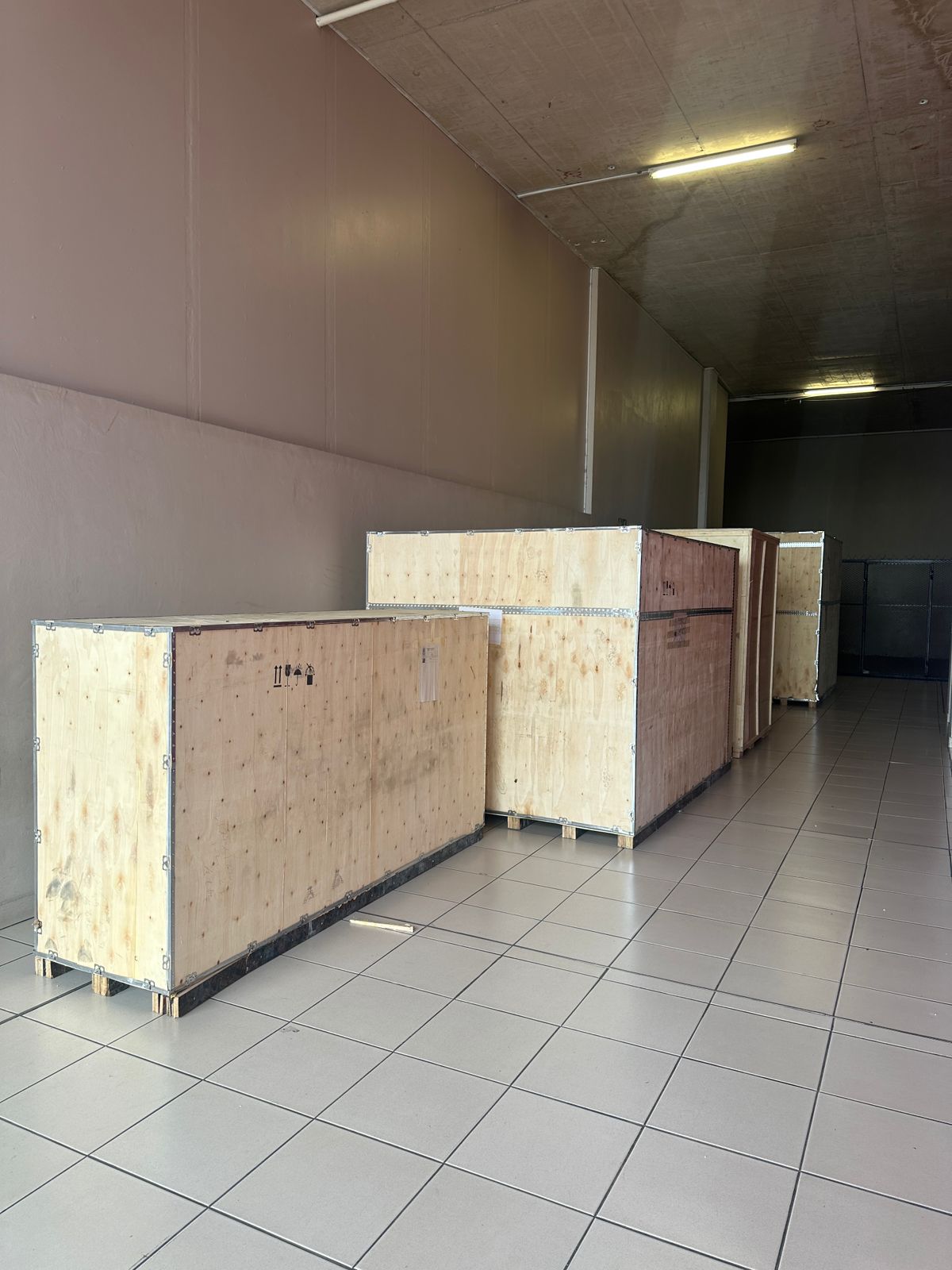
Toilet paper making machine
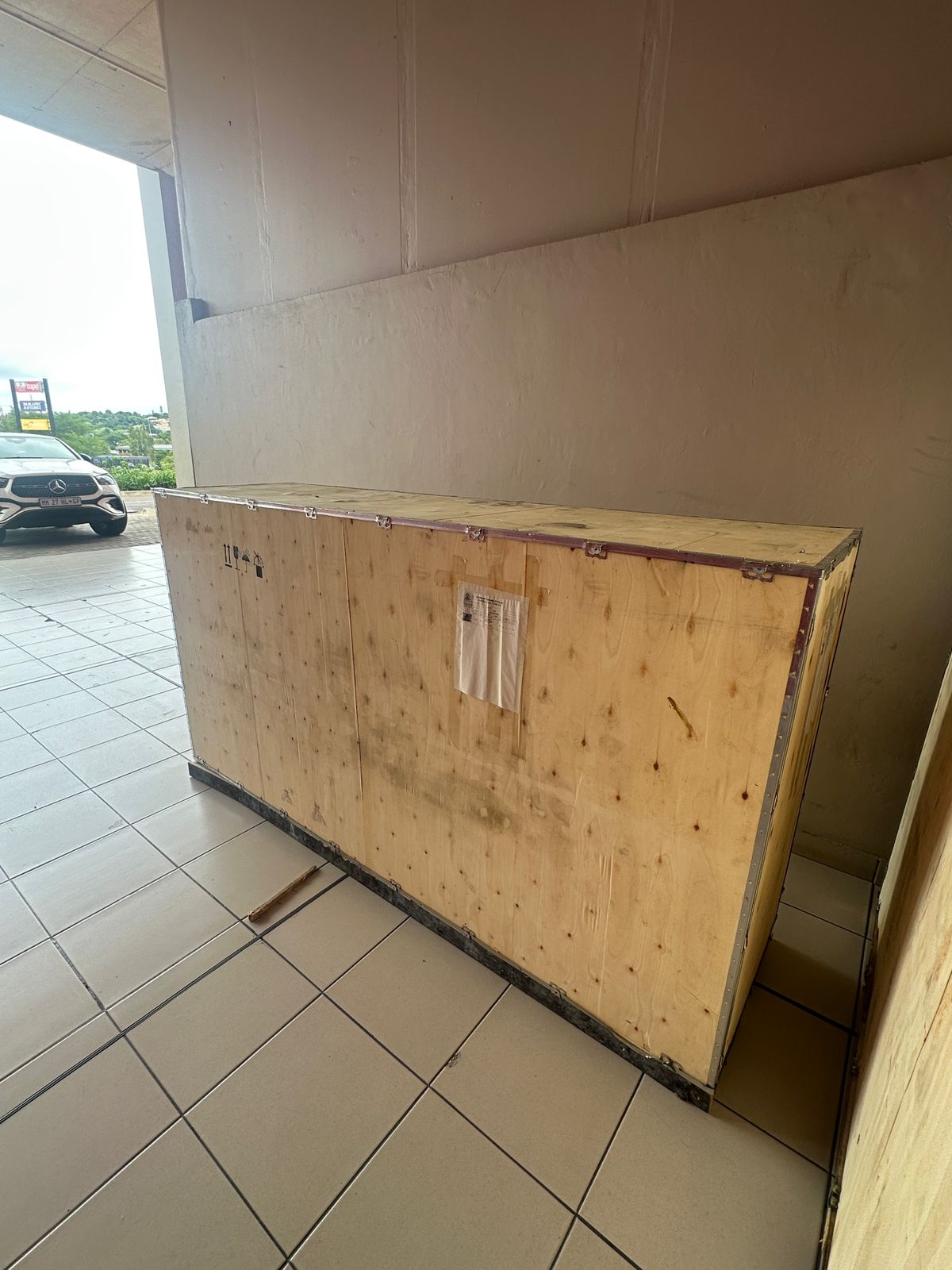
Toilet paper making machine
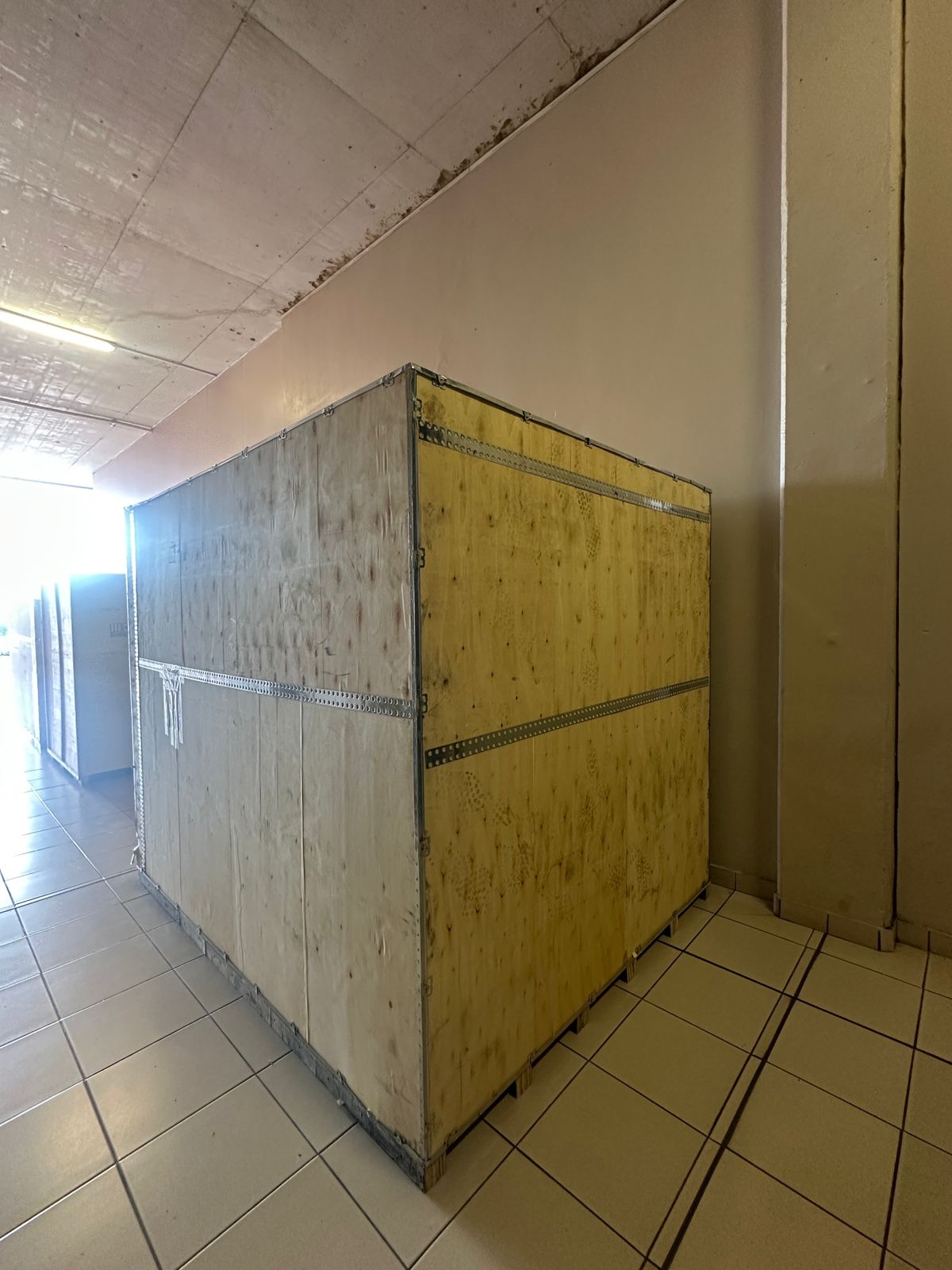
Toilet paper Rewinding Machine
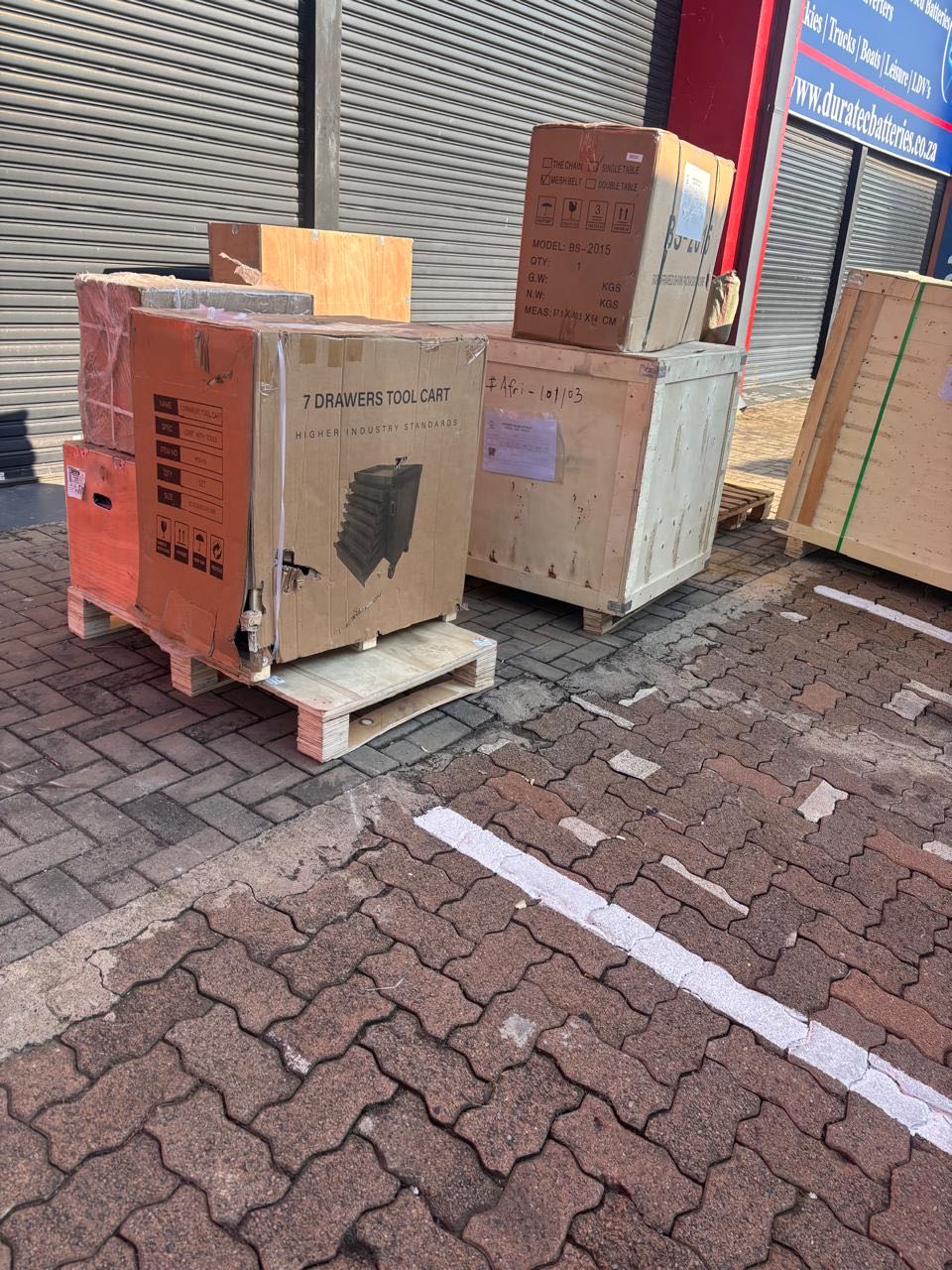
latest arrivals

offloading
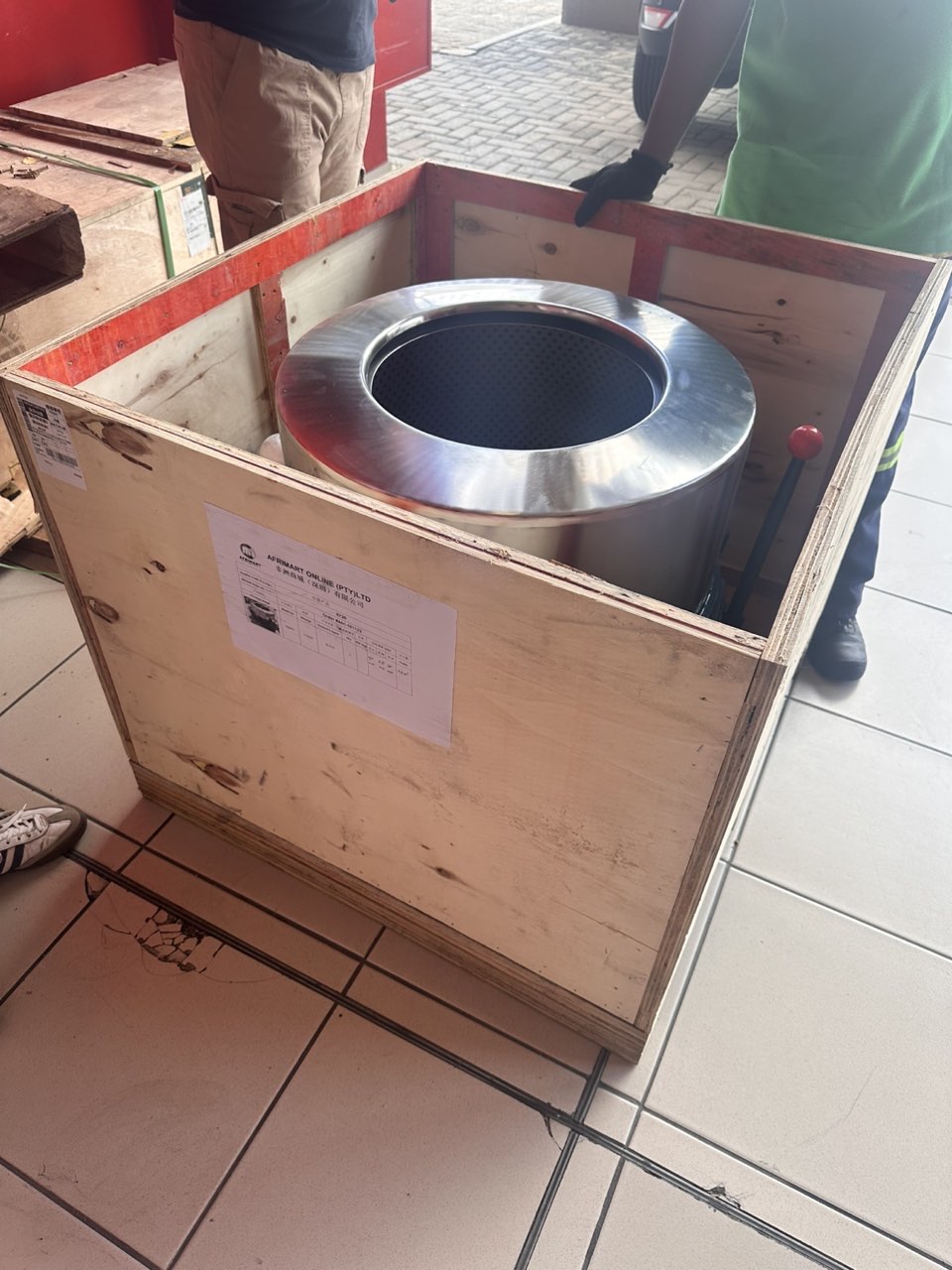
order success
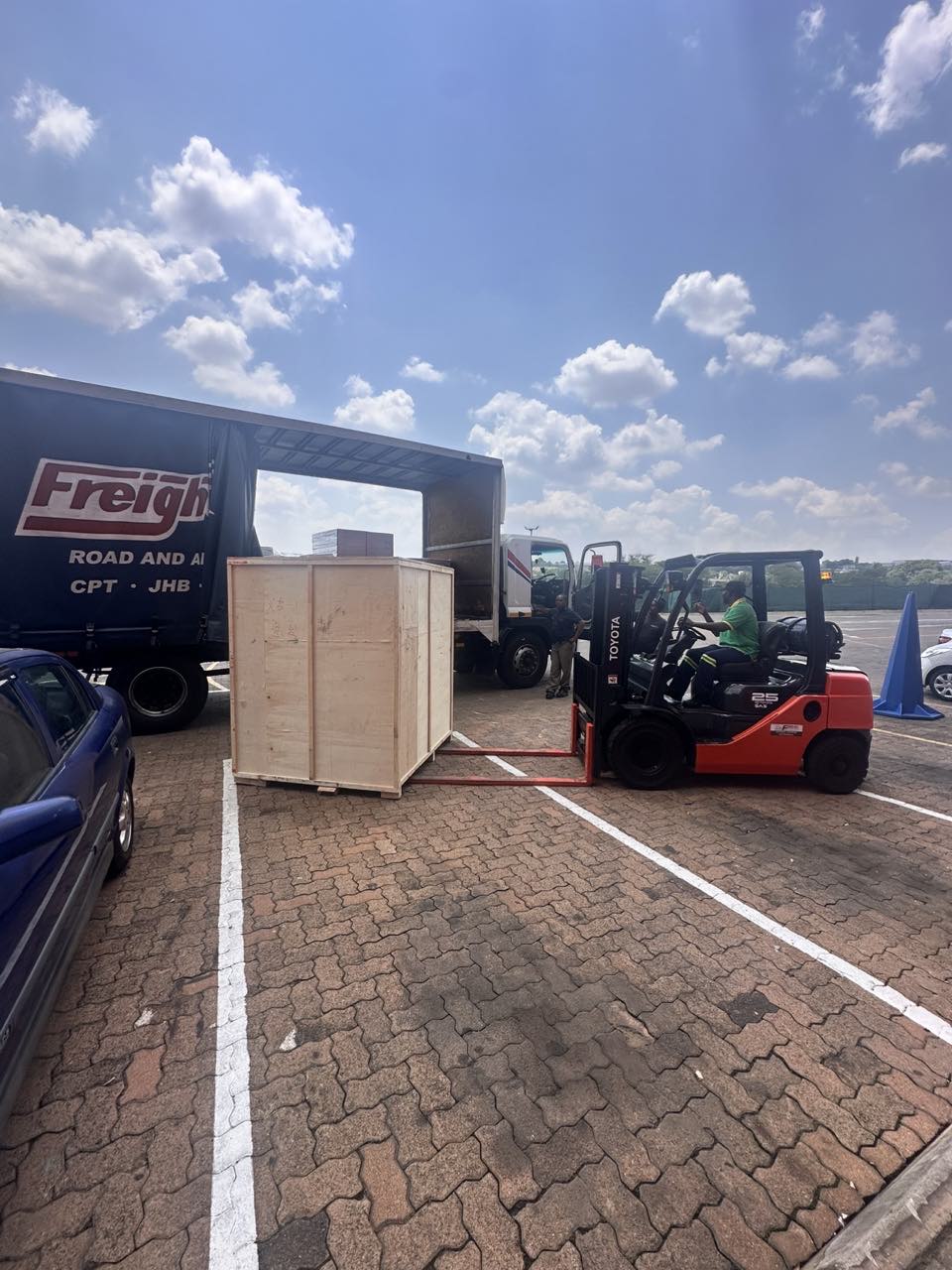
order collection
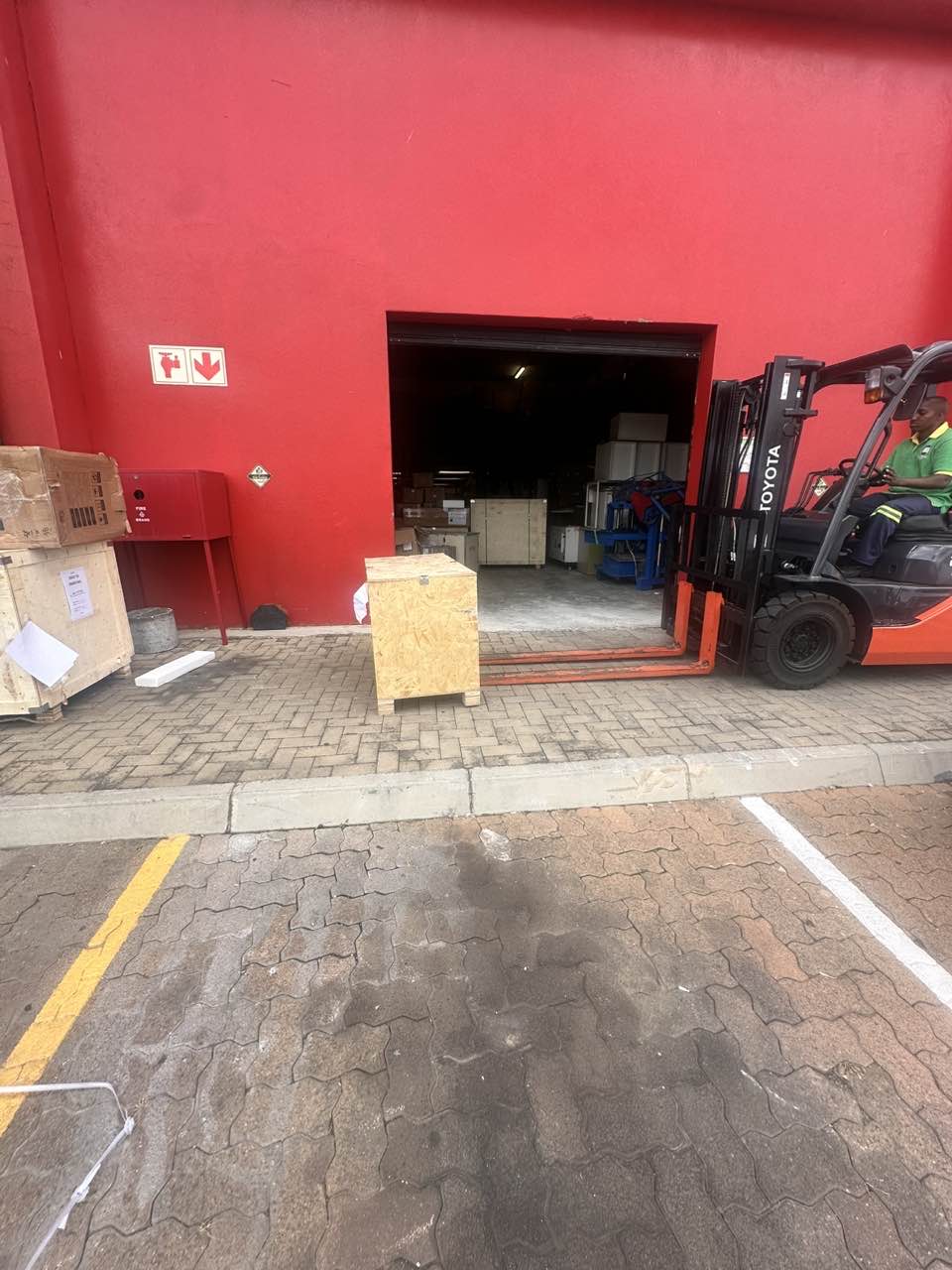
order offloading