B21, China Town Mall, Midrand

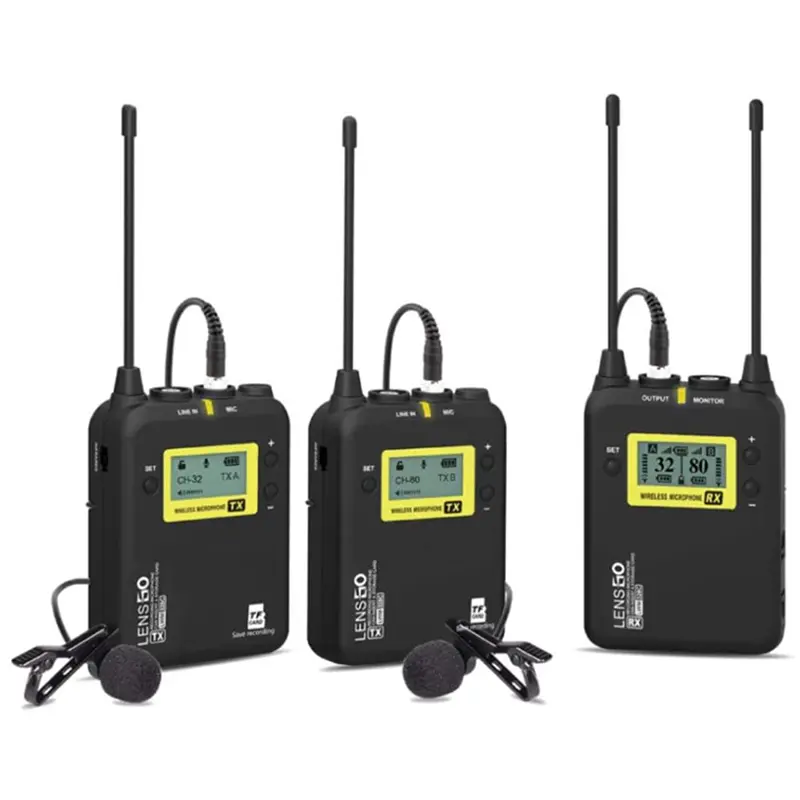
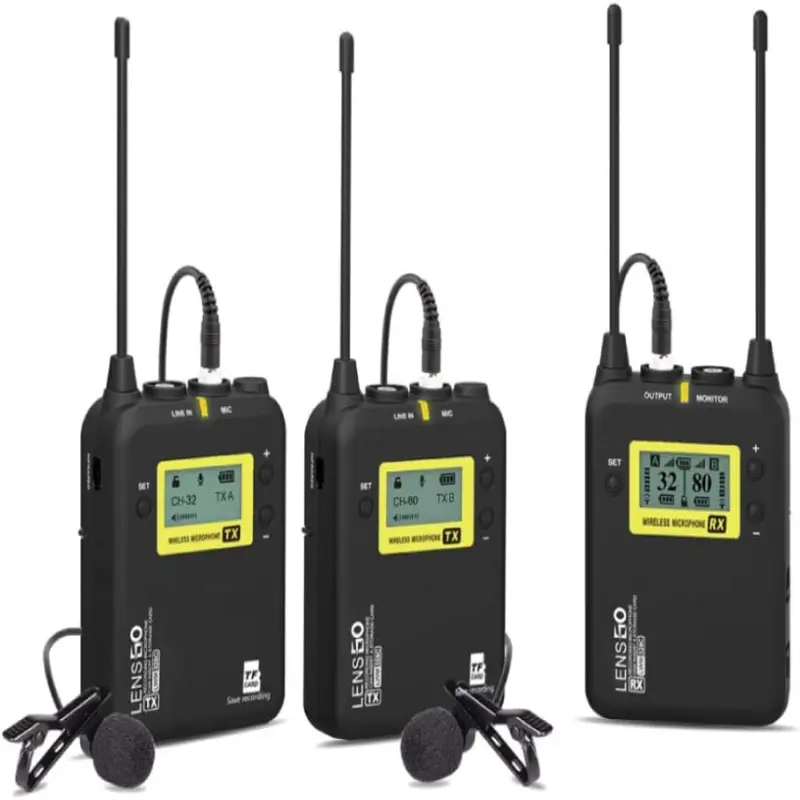
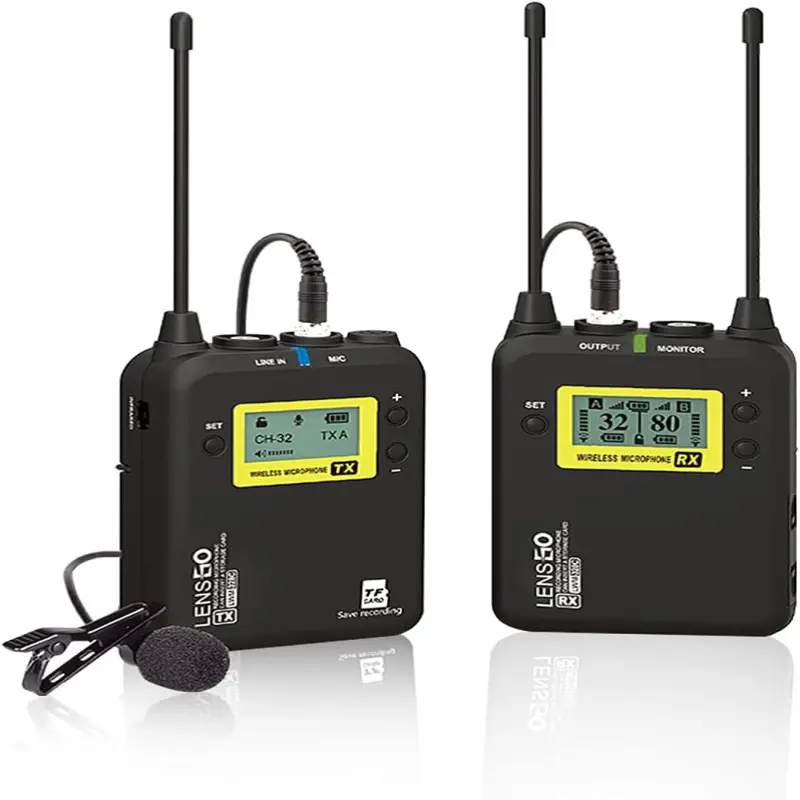


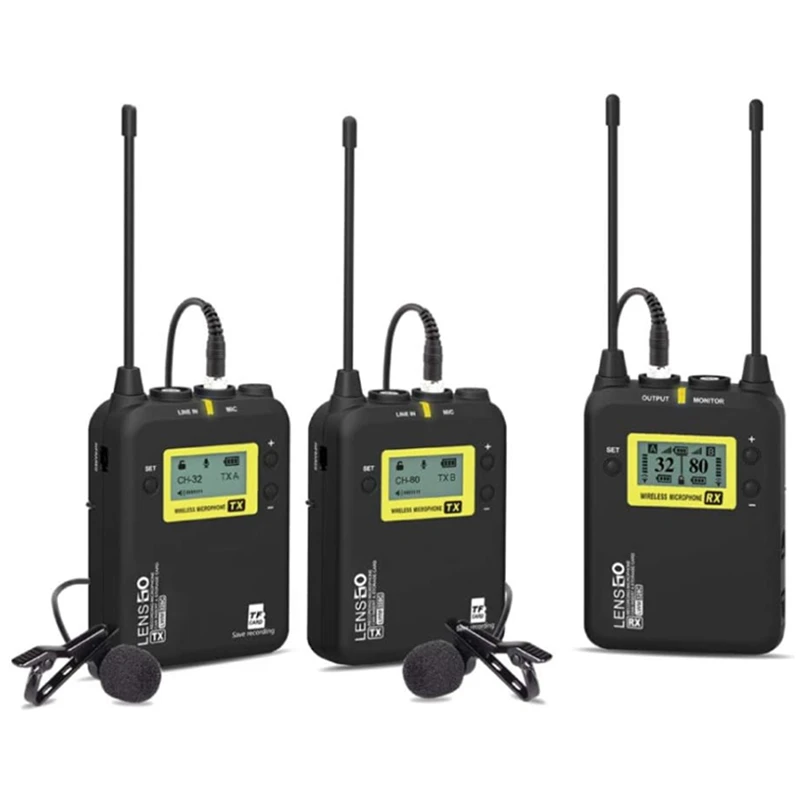
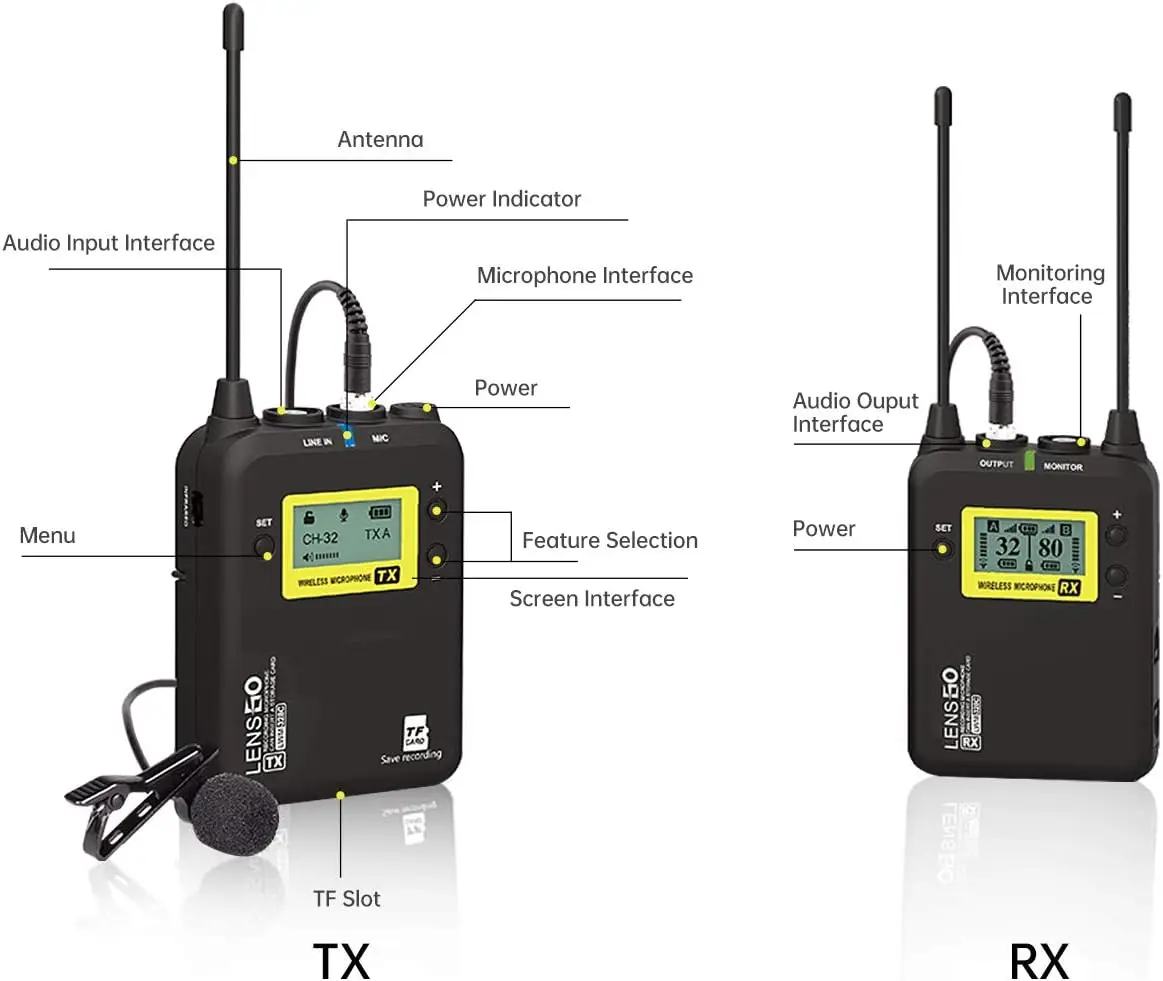
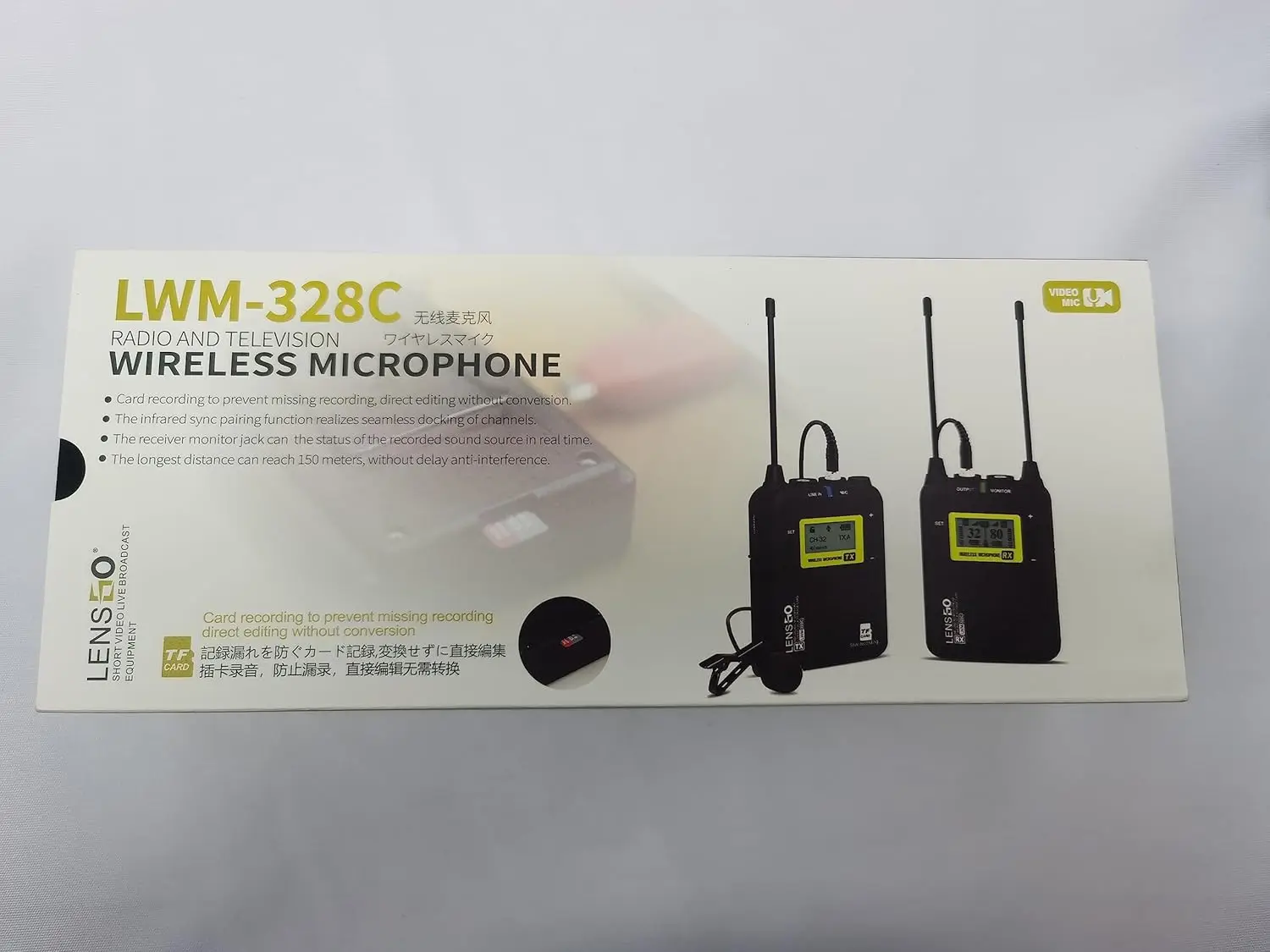
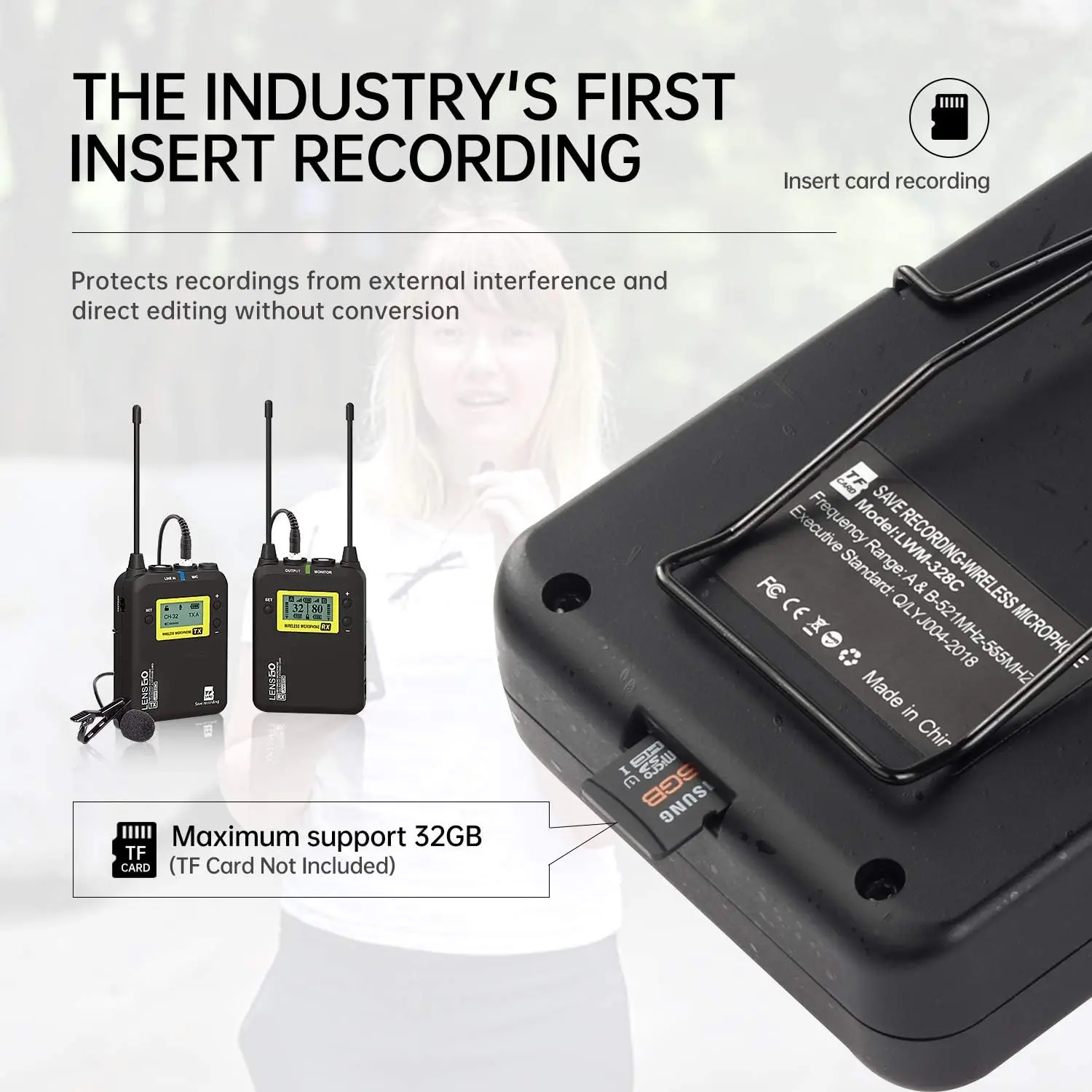
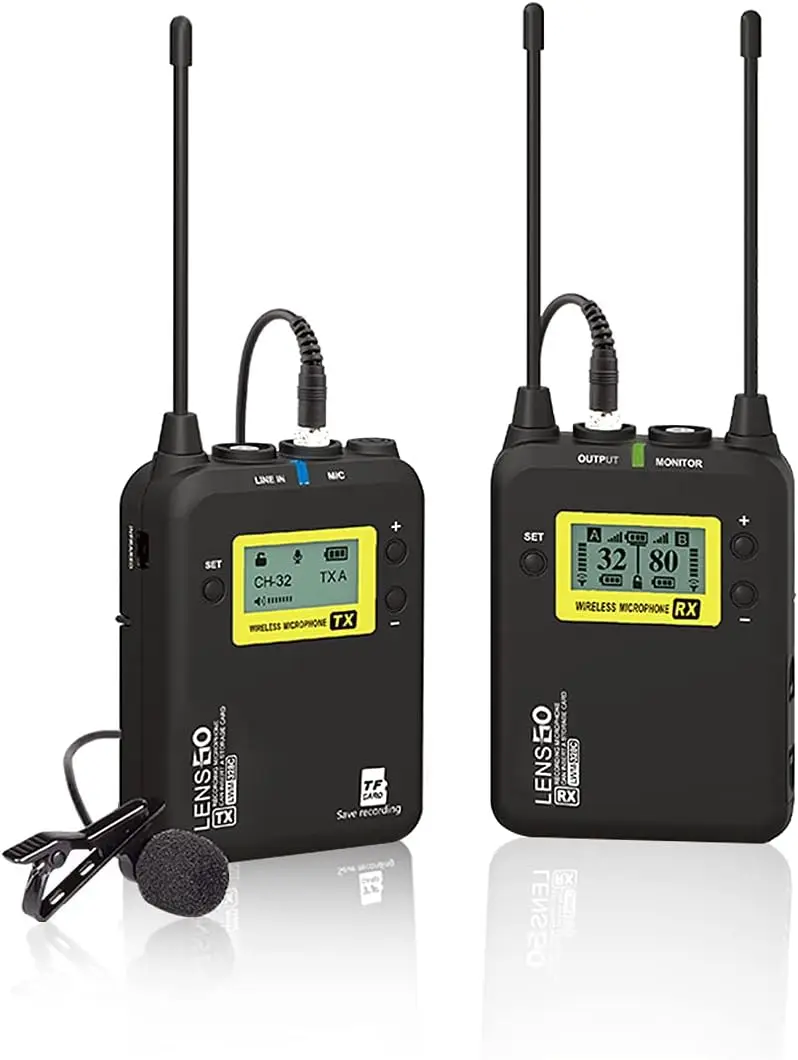
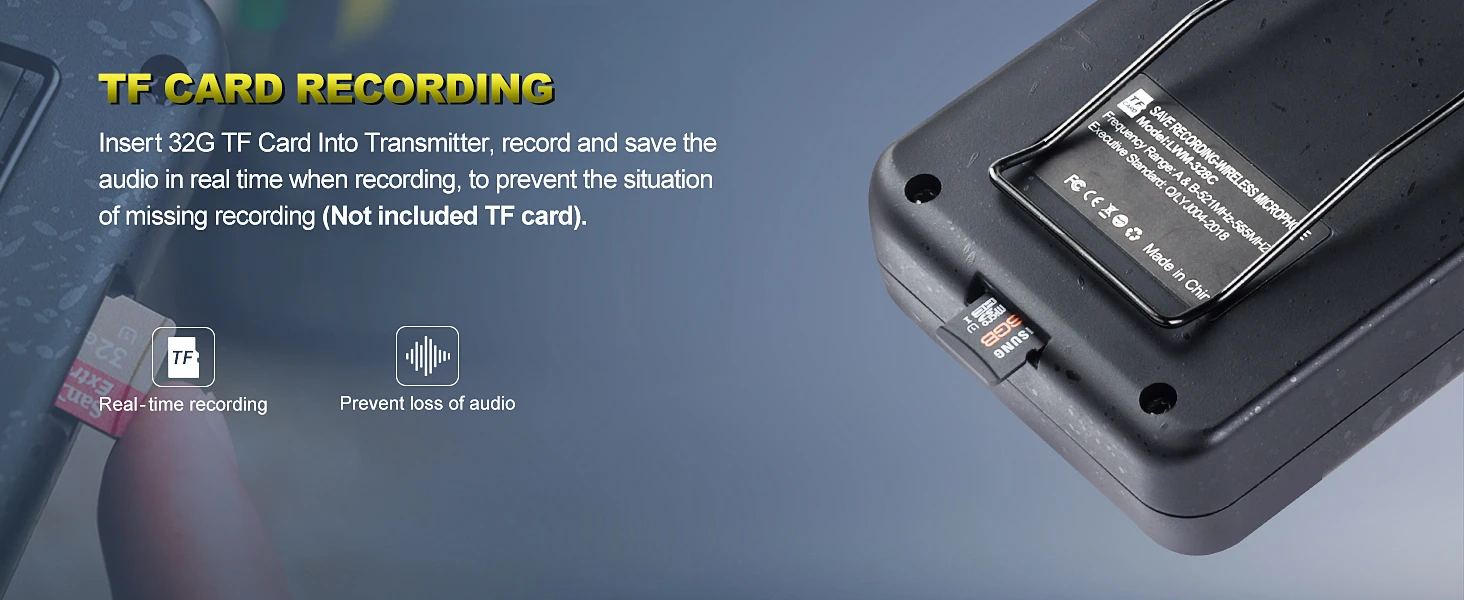
[TF Card Sync Recording]TF card and wireless microphone transmitter record audio synchronously. You can select "Record Menu"-"Enable", insert the 32G (Max) TF card into the wireless microphone transmitter to prevent audio loss during real-time shooting and prevent audio recording loss due to external channel interference with breakpoints. Note: Not included TF card
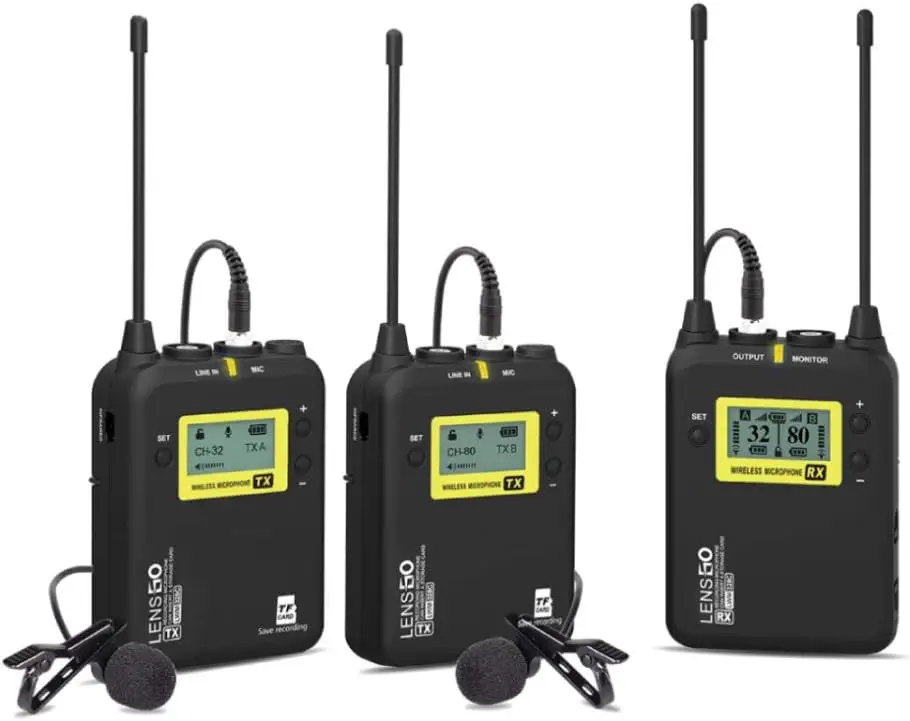
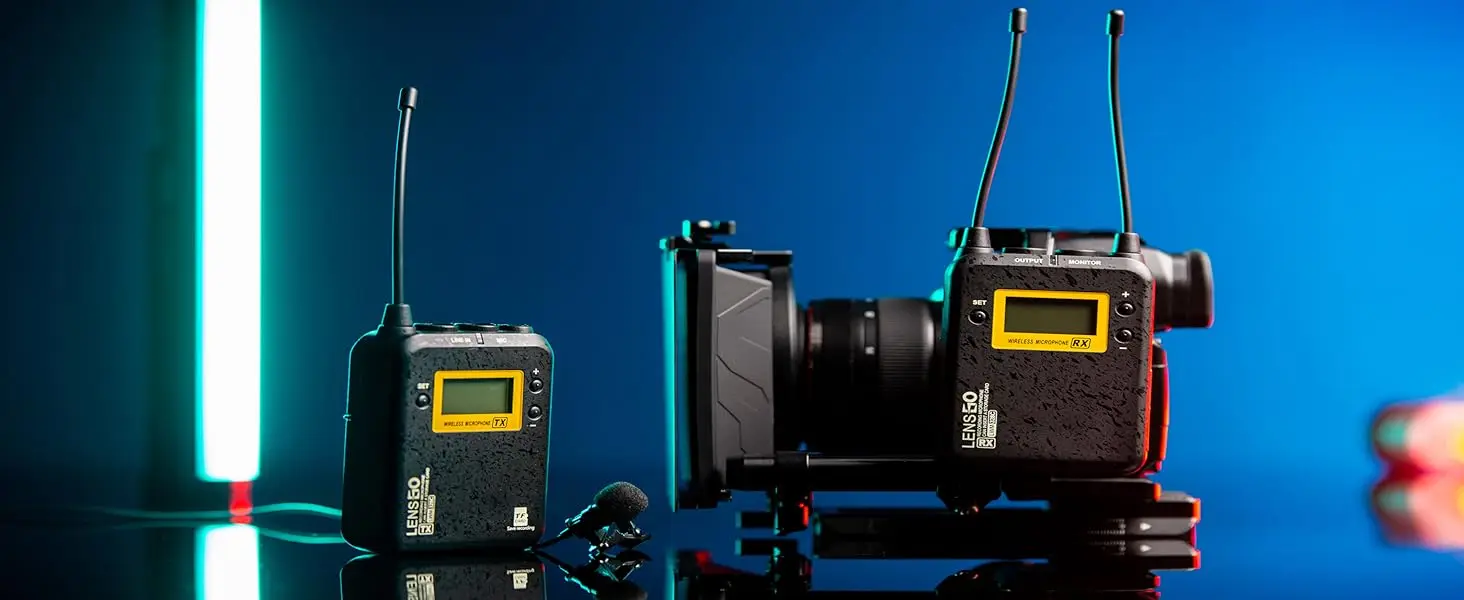
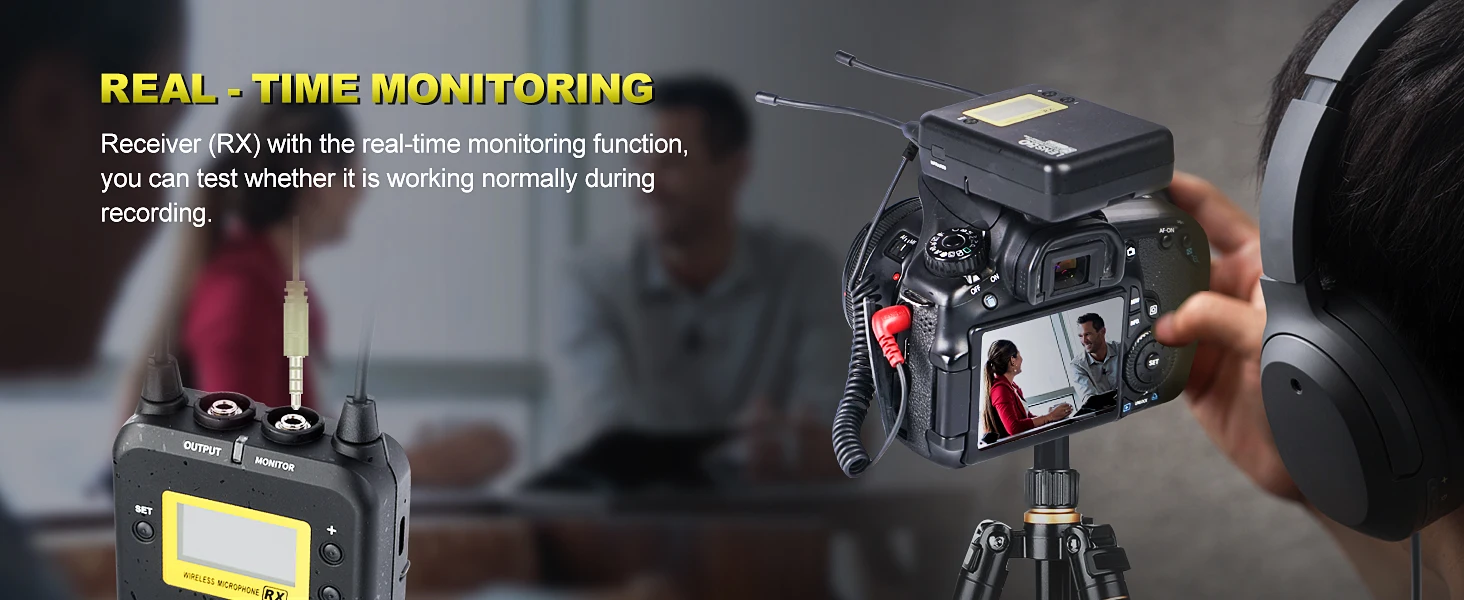
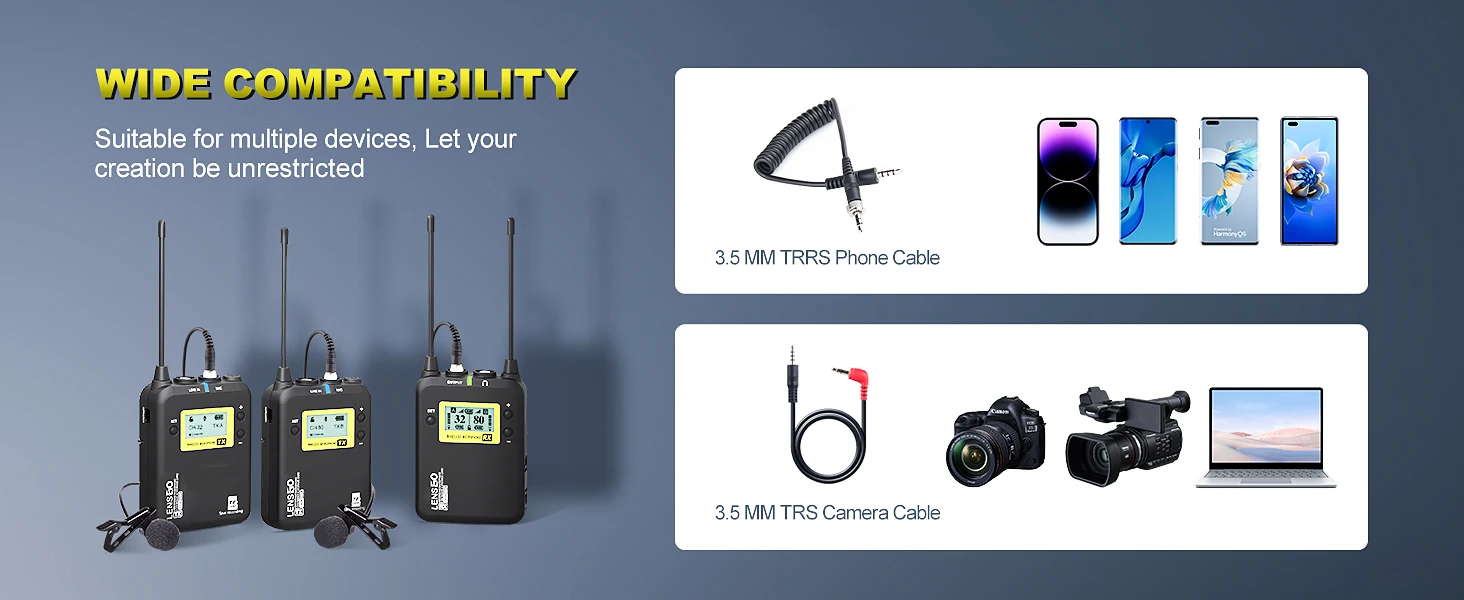
[Wide Compatibility]Wireless lavalier microphone system compatible with Nikon Canon Sony DSLR camera, camcorder, iPhone Android smartphone, iPad and More. Wireless lapel microphone is the best choice for YouTube live, Video recording, Audio recording, Vlog recording, Interviews, Micro film recording, Podcasts, Wedding, Mobile journalists, Content creators, ENG and EFP etc
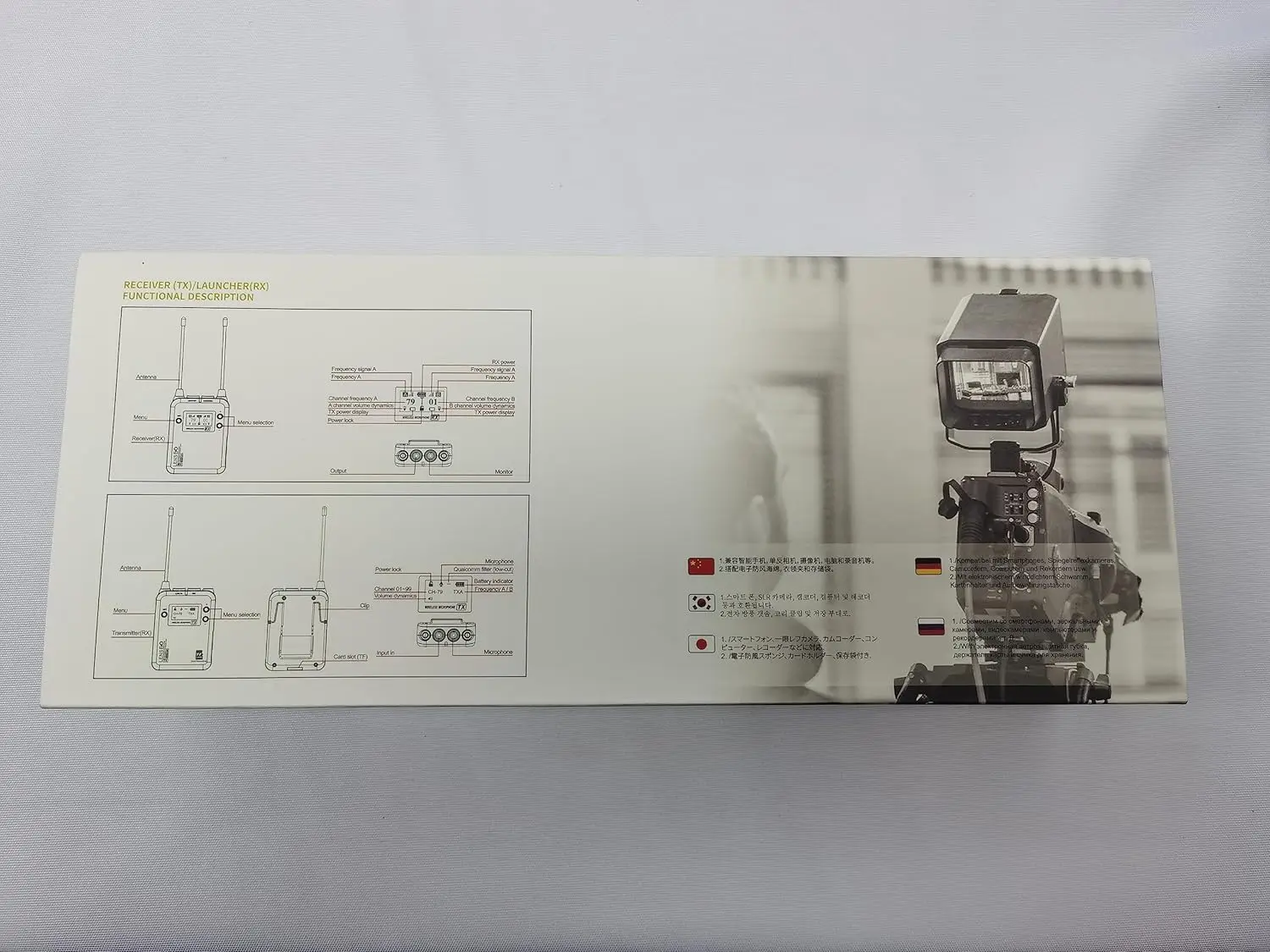
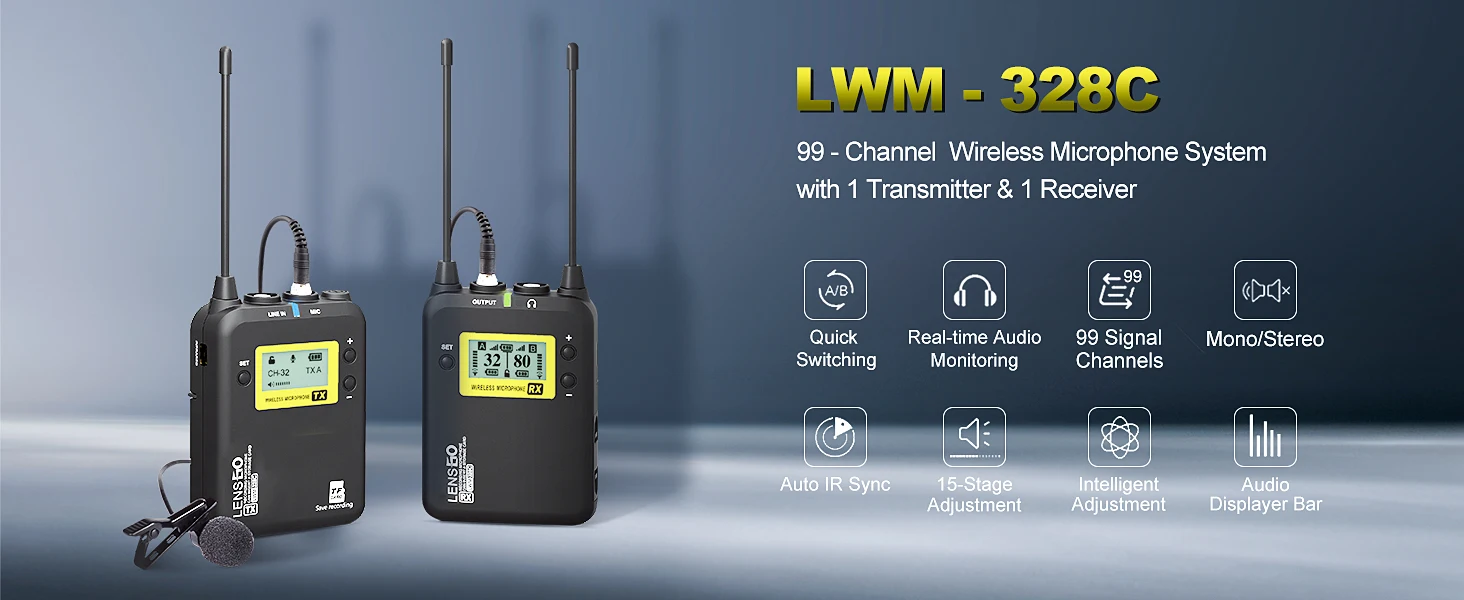
[99 UHF Selectable Channels]Record crystal-clear, distortion-free audio. Adopts international UHF wireless transmission, 1 receiver triggered by 2 transmitter, which can be used for multiple devices working together, adjustable RF signal strength or auto-scanning for quick channel selection to A/B group.With LCF low cut filtering Mode and Manual / Auto sync.
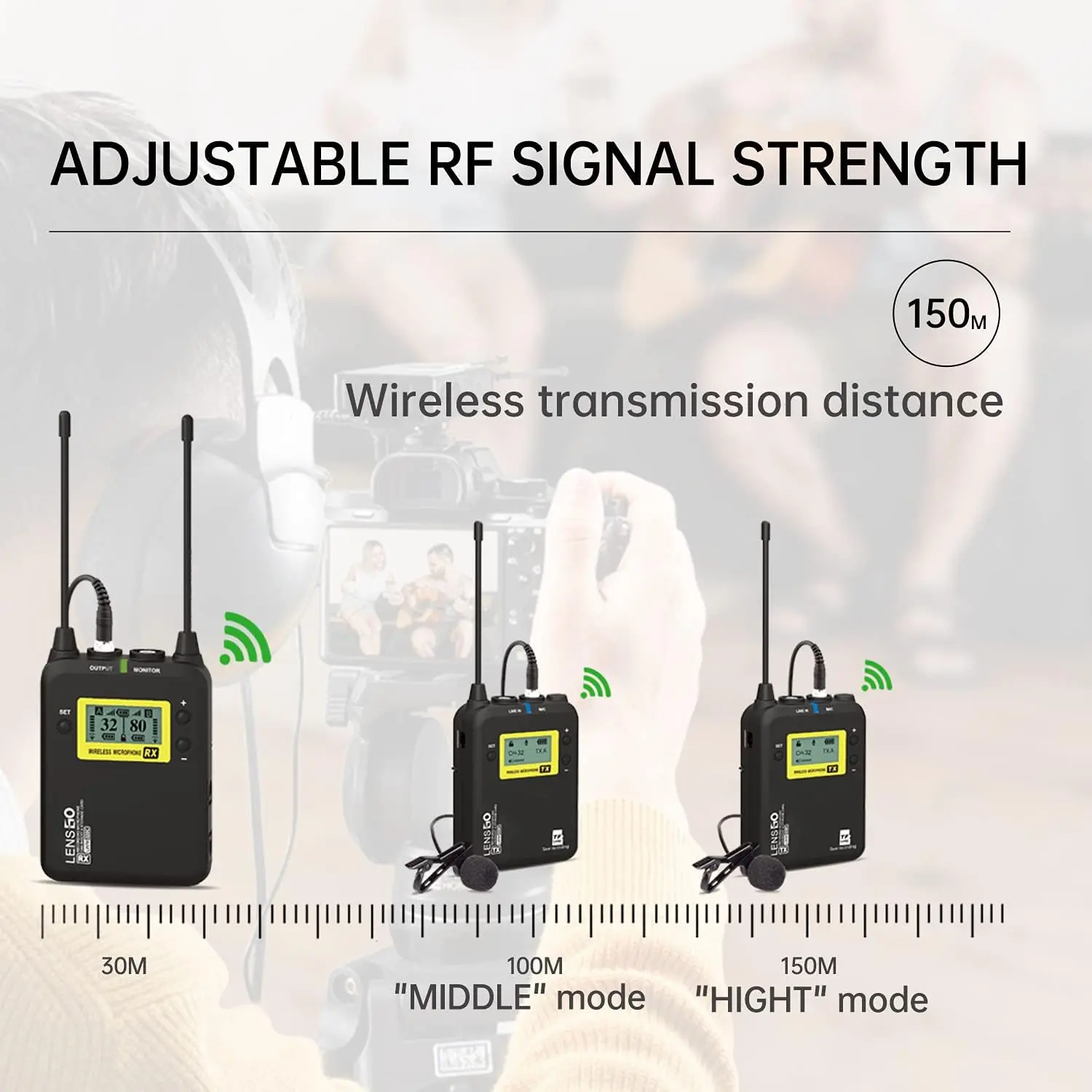
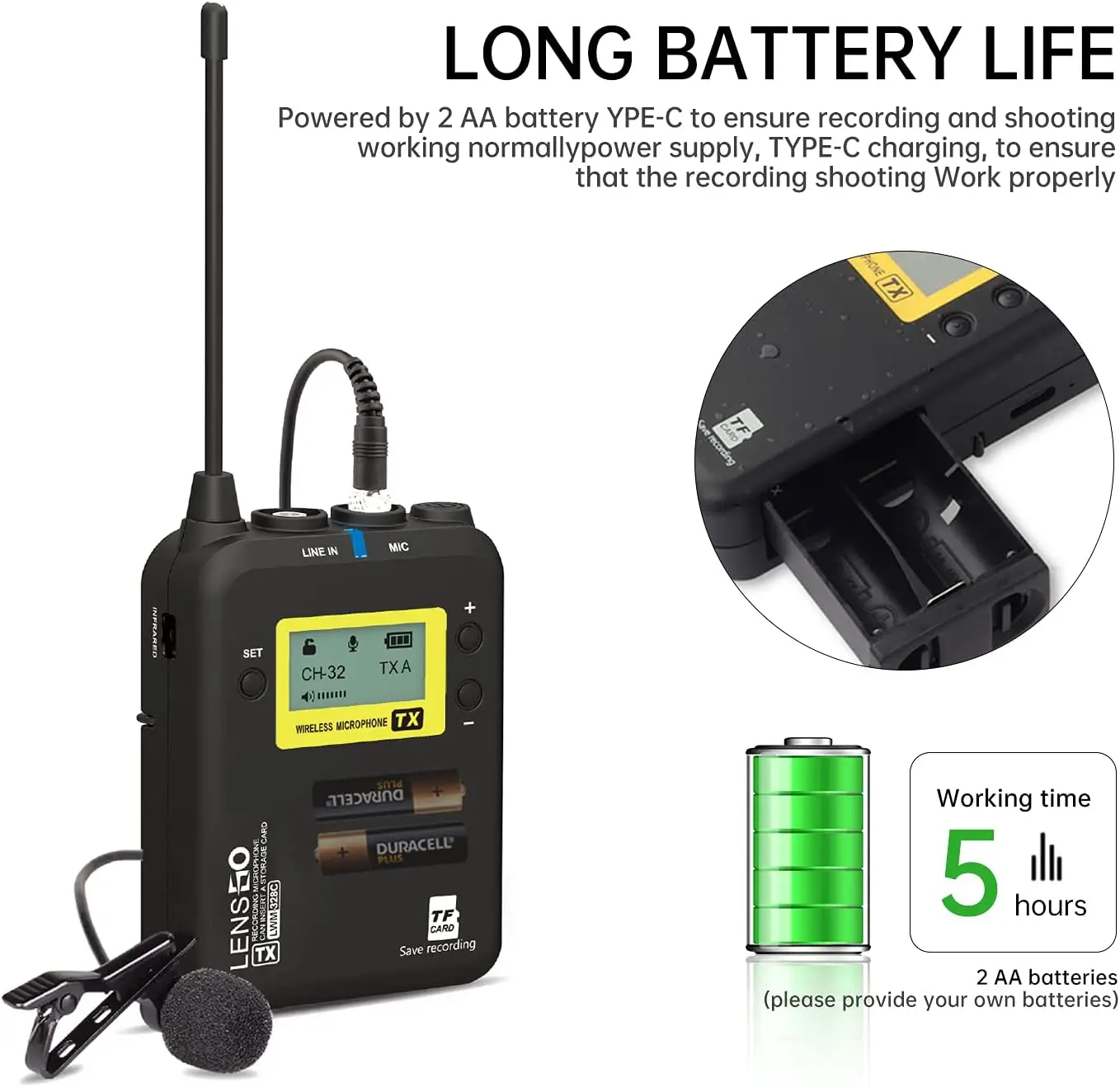
[Working Hours and Range]The wireless lavalier microphone system, each unit is powered by two "AA" batteries (Not included) for up to 5 hours of operation. The farthest range 500 ft (150m) in open areas, best receiving range is within 246 ft (75m).
- Shipping Timeframes: All orders are processed within 2-5 business days (excluding weekends and holidays). After your order has been processed, the estimated delivery time is before 12 Mar, 2026, depending on customs, Please note that due to high demand, some items may experience longer shipping times, which will be communicated at order confirmation email.
- Order Processing Time: Please allow 2-5 business days for us to process your order before it is shipped . Orders placed after 16:00 on Fridays, or during weekends and public holidays, will begin processing on the next business day. Processing times may be extended during peak seasons or sales events.
- Manufacturing Time: Some products needs manufacturing time, the manufacturing process will take approximately 10-30 business days depending on the product. This timeframe may vary depending on the complexity of the product and current demand. but this will be communicated with you during order confirmation.
- Returns and Exchanges: We offer a 30-day return policy for most items. If you are not completely satisfied with your purchase, you may return it within 30 days of receipt for a refund or exchange. Items must be unused, in their original packaging, and accompanied by proof of purchase. Return shipping costs are the responsibility of the customer, unless the item was damaged or defective upon arrival.
1. What is TF Card Sync Recording and how do I use it?
TF Card Sync Recording lets the wireless transmitter record audio to a TF card and simultaneously send audio to the receiver, so you have a backup if wireless interference occurs. To use it enable "Record Menu" → "Enable" on the transmitter, insert a TF card (up to 32 GB, not included) into the transmitter, and start recording.
2. Is a TF card included with the LENSGO Microphone System?
No. TF cards are not included. The system supports a TF card up to 32 GB inserted into the wireless transmitter for on-board backup recording.
3. What devices is this microphone system compatible with?
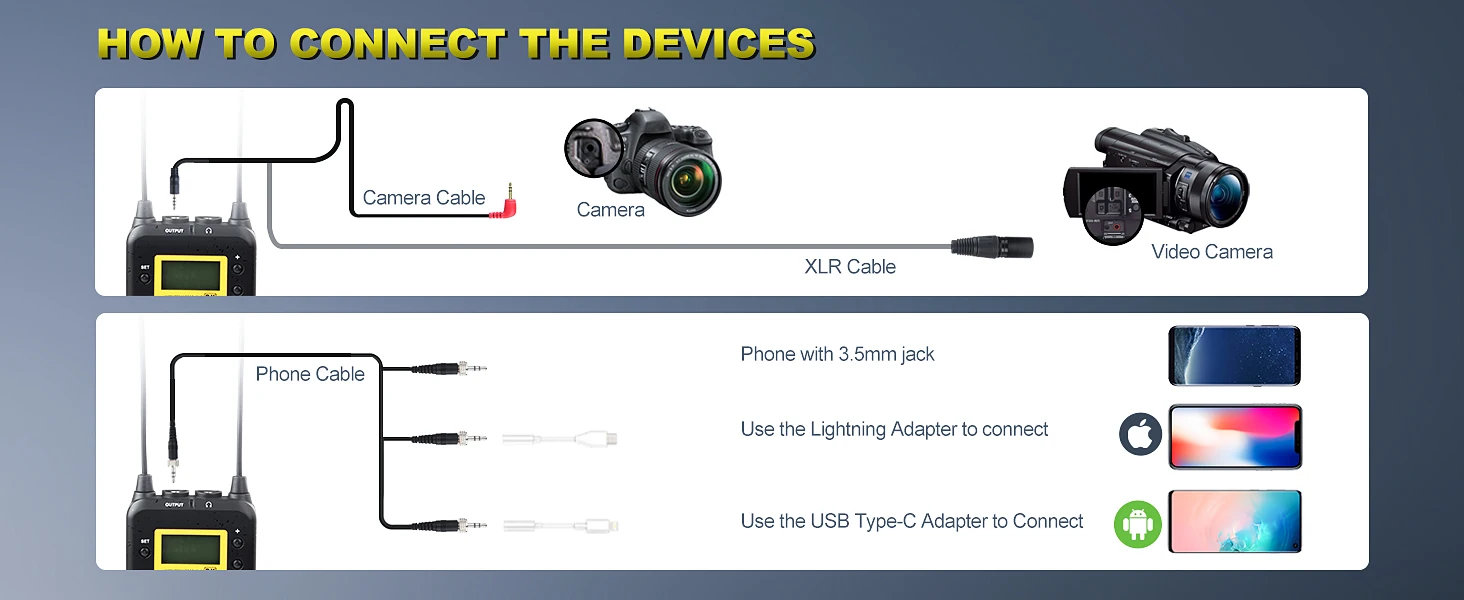
The LENSGO Microphone System is compatible with Nikon, Canon, Sony DSLRs, camcorders, iPhone and Android smartphones, iPad and other devices. For some smartphones you may need a TRRS/Lightning/USB-C adapter depending on your phone model and input type.
4. How many channels does the system have and how do I avoid interference?
The system provides 99 selectable UHF channels. You can choose channels manually or use auto-scan to find a clear channel. If you experience interference, try a different channel or use manual sync and adjust RF power to obtain a cleaner signal.
5. Can one receiver work with two transmitters?
Yes. The system supports one receiver being triggered by two transmitters, enabling dual-microphone setups (e.g., two talent recorded to a single receiver).
6. What is LCF (low cut filtering) and should I use it?
LCF (low cut filter) reduces low-frequency rumble such as wind, HVAC noise or handling vibration. Turn it on when you need cleaner voice clarity and want to reduce low-end noise; turn it off if you need full-frequency recording (for example, music).
7. How long do the batteries last and what type do I need?
Each unit uses two AA batteries (not included). Typical operation time is up to about 5 hours per unit, depending on battery brand and transmit power settings.
8. What is the wireless range of the system?
Maximum range in open areas is up to 500 ft (150 m). The best reliable receiving range is within 246 ft (75 m); real-world range varies with obstacles and RF conditions.
9. If wireless connection drops, will I lose the audio?
If you enable TF Card recording on the transmitter and have a TF card inserted, the transmitter will continue recording locally, so you will not lose audio even if the wireless link to the receiver is interrupted.
10. How do I sync audio between the transmitter's TF recording and my camera audio?
Since both the transmitter (TF card) and your camera/recorder capture audio, sync them in post by aligning waveforms (clap or use a sync tone at the start) or use the timecode/waveform alignment tools in your editing software. Also ensure "Record Menu" is enabled on the transmitter for TF recording.
11. Does the system include cables or adapters for smartphones and cameras?
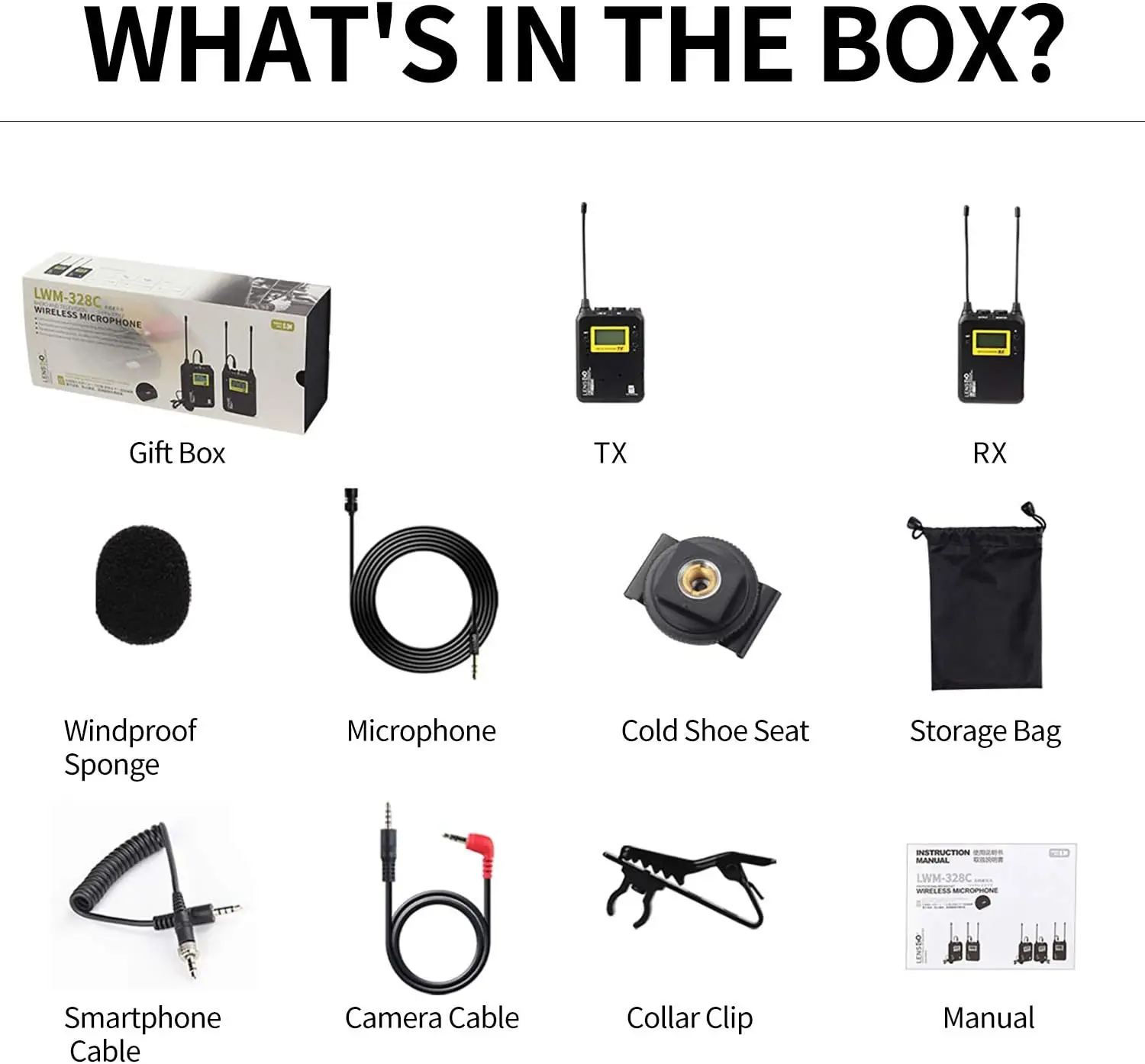
Included accessories vary by package. Depending on your camera or smartphone you may need a 3.5mm TRS cable, a TRRS cable or a Lightning/USB-C adapter. Check the product package contents or seller listing and prepare the correct adapter if necessary.
12. Can multiple LENSGO systems operate together at the same time?
Yes. The 99 selectable UHF channels and A/B group auto-scan let multiple devices operate together. Assign different channels/groups to each system to avoid crosstalk and interference.
13. What file format are recordings saved in on the TF card and how do I access them?
File format and folder structure can depend on the firmware. In most cases you can remove the TF card and read it with a card reader on your computer. Refer to the product manual for the exact recorded file format and folder location.
14. Where can I find full setup and troubleshooting instructions?
Refer to the user manual included with the LENSGO Microphone System for detailed setup, pairing, channel selection, TF card usage and troubleshooting steps. If you don't have the manual, check the retailer or LENSGO's support site for downloads and firmware updates.
Latest Order Arrivals
Discover our latest orders

12 Heads Embroidery Machine

Dewatering Pump Machine

Order Collection

Portable Water Drilling Rig

Order Usefully Collected

Batch of Orders

Agriculture Processing Machines

Meat Grinder Machine

Water Pump Equipment

Packaging Machine and accessories

Fabrics Manufacturing Equipment

Mining Equipments

Food Processing Machine

Batch of Orders

Batch of Orders

Latest Orders Labelled

wheel alignment machines

new arrivals

Pre Orders Offloading

Latest Arrivals

Latest Arrivals