B21, China Town Mall, Midrand

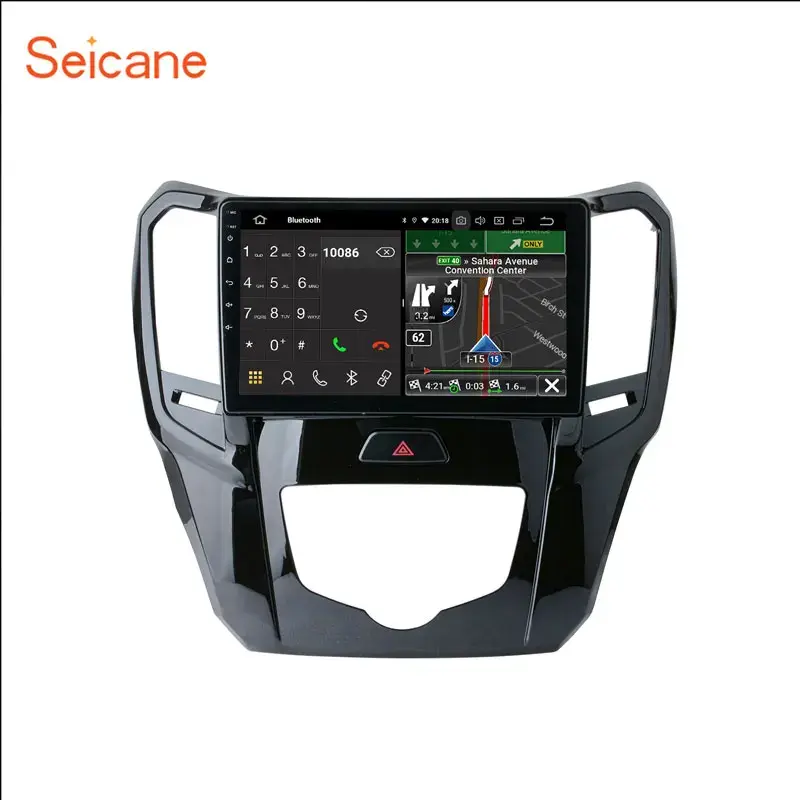
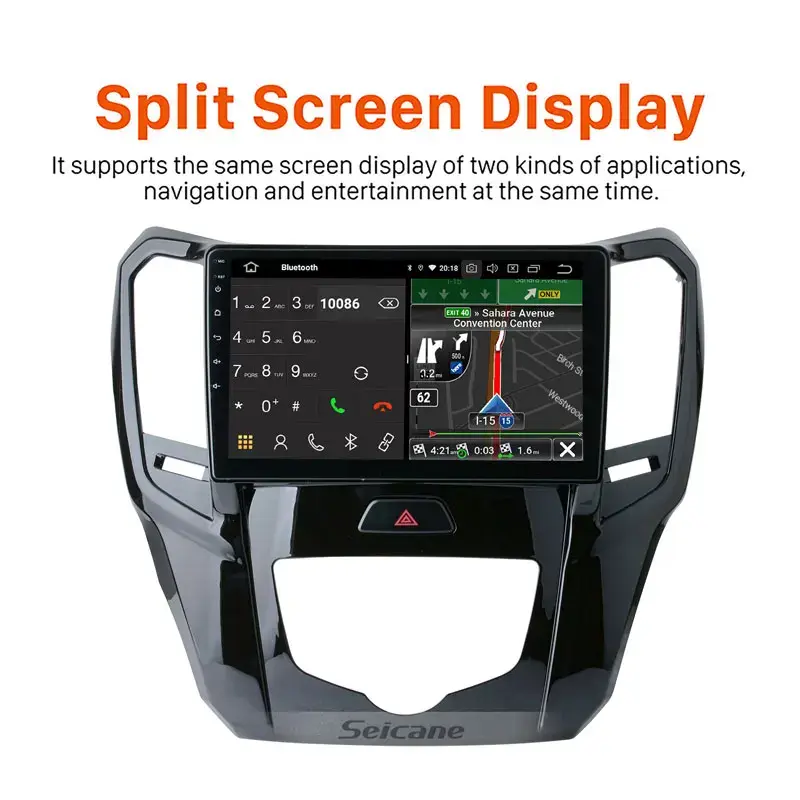
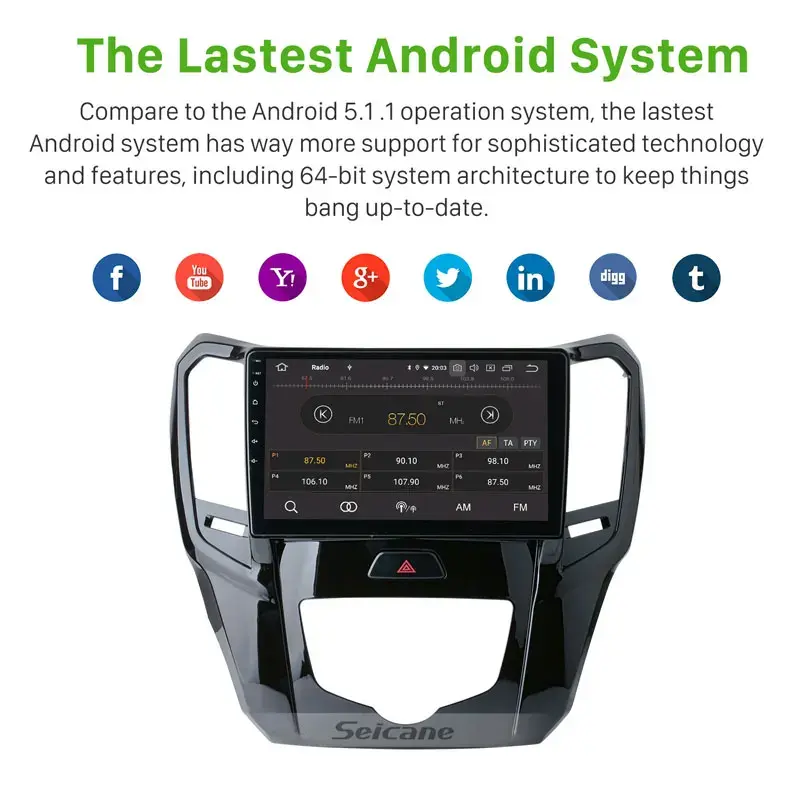
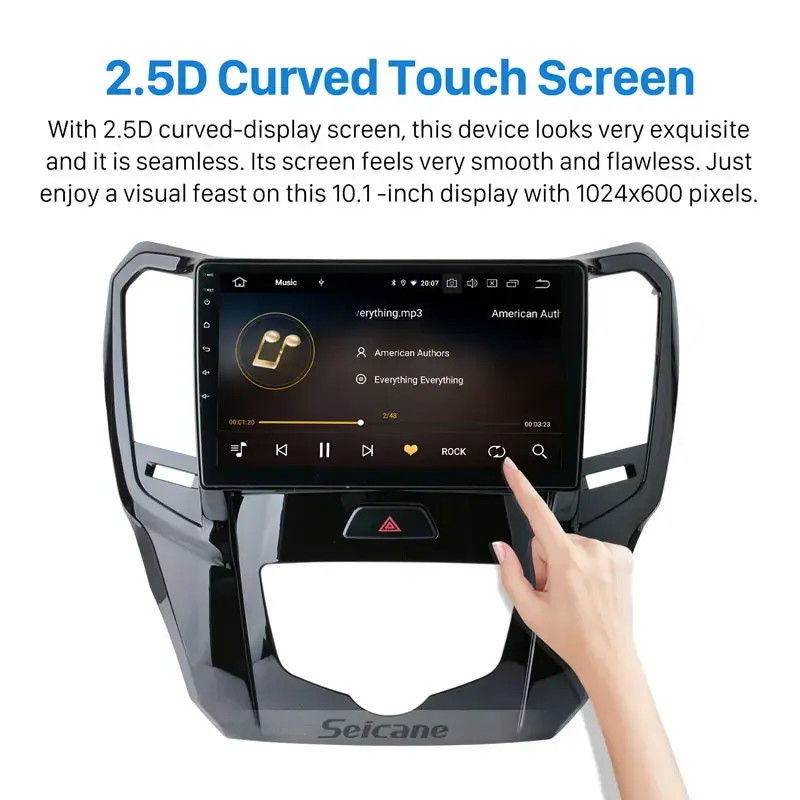
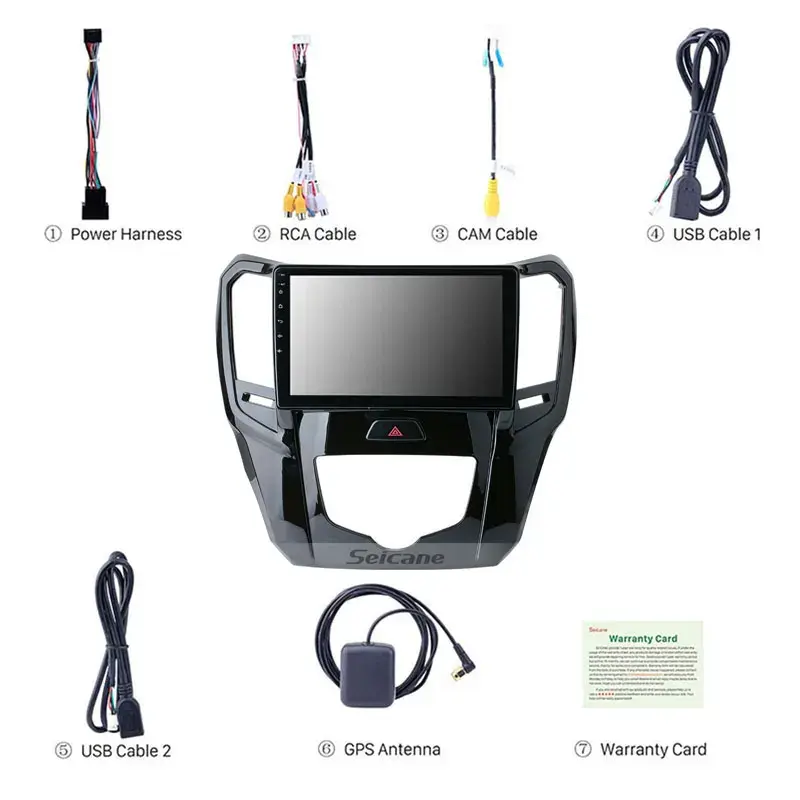
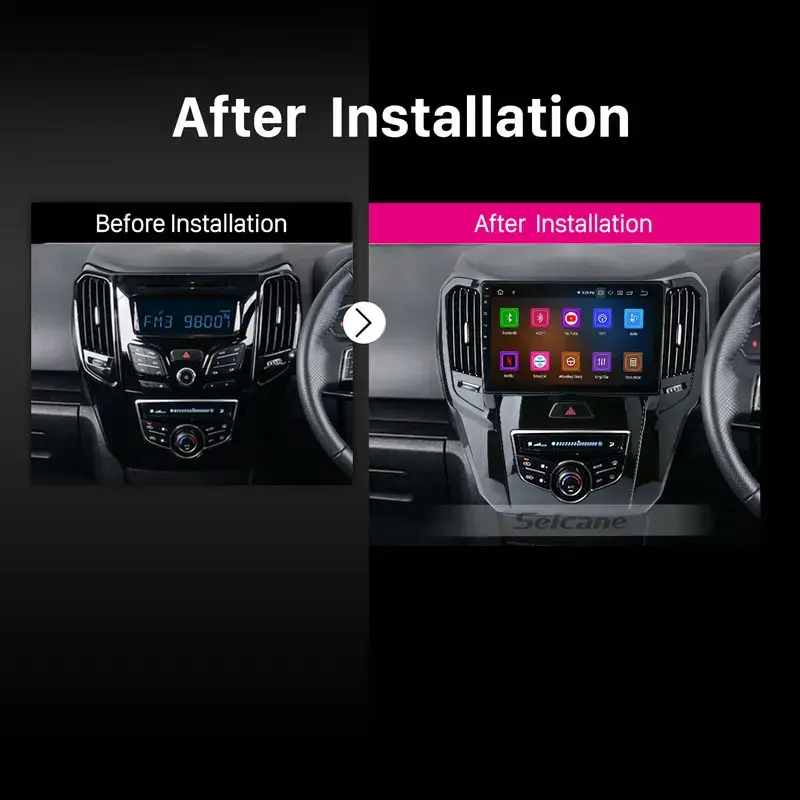
Haval H1 Great Wall M4 RHD Car Radio with RDS DSP Carplay Support Touchscreen GPS Navigation AHD Camera sldb

- Section : Sports & Entertainment
- Category : Vehicle Accessories, Electronics, & Tools
- SKU : 1600255141462



- Shipping Timeframes: All orders are processed within 2-5 business days (excluding weekends and holidays). After your order has been processed, the estimated delivery time is before 25 Dec, 2025, depending on customs, Please note that due to high demand, some items may experience longer shipping times, which will be communicated at order confirmation email.
- Order Processing Time: Please allow 2-5 business days for us to process your order before it is shipped . Orders placed after 16:00 on Fridays, or during weekends and public holidays, will begin processing on the next business day. Processing times may be extended during peak seasons or sales events.
- Manufacturing Time: Some products needs manufacturing time, the manufacturing process will take approximately 10-30 business days depending on the product. This timeframe may vary depending on the complexity of the product and current demand. but this will be communicated with you during order confirmation.
- Returns and Exchanges: We offer a 30-day return policy for most items. If you are not completely satisfied with your purchase, you may return it within 30 days of receipt for a refund or exchange. Items must be unused, in their original packaging, and accompanied by proof of purchase. Return shipping costs are the responsibility of the customer, unless the item was damaged or defective upon arrival.
1. What vehicles are compatible with the Haval H1 Great Wall M4 RHD Car Radio?
The Haval H1 Great Wall M4 RHD Car Radio is specifically designed for Haval H1 and Great Wall M4 vehicles. Please confirm the compatibility with your vehicle's model year before purchasing.
2. Does this car radio support Apple CarPlay?
Yes, the Haval H1 Great Wall M4 RHD Car Radio supports Apple CarPlay, allowing you to seamlessly integrate your iPhone for navigation, music, and more.
3. What is RDS and how does it benefit me?
RDS stands for Radio Data System. It enhances your radio experience by providing additional information such as station identification, song titles, and traffic updates directly on the display.
4. Can I use GPS navigation with this car radio?
Yes, the Haval H1 Great Wall M4 RHD Car Radio comes with built-in GPS navigation, allowing you to easily find your way with accurate maps and directions.
5. What is the functionality of the AHD camera?
The AHD camera provides high-definition video feed for reversing and parking. It enhances safety by giving you a clear view of what's behind your vehicle.
6. Is the touchscreen display easy to use?
Yes, the touchscreen display is designed for user-friendly navigation, allowing you to access various features quickly and easily.
7. Does this radio support Bluetooth connectivity?
Yes, the Haval H1 Great Wall M4 RHD Car Radio supports Bluetooth connectivity, enabling hands-free calling and audio streaming from your smartphone.
8. What audio formats does this car radio support?
The radio supports various audio formats, including MP3, WMA, WAV, and FLAC, ensuring you can enjoy your favorite music seamlessly.
9. Are there any additional features included with this car radio?
In addition to RDS, CarPlay, and GPS navigation, the radio also offers features like FM/AM radio, USB and AUX inputs, and customizable equalizer settings.
10. Can I install this car radio myself?
While it is possible to install the car radio yourself, we recommend professional installation to ensure proper setup and functionality.
11. What is the warranty duration for this product?
The Haval H1 Great Wall M4 RHD Car Radio typically comes with a 1-year warranty, covering any manufacturer defects. Please check with the retailer for specific warranty details.
12. Does this car radio have a built-in microphone?
Yes, the car radio has a built-in microphone for hands-free calling, ensuring clear communication while driving.
13. Is there any software update available for this car radio?
Yes, the manufacturer may provide software updates to enhance performance and features. Check the official website for the latest updates.
14. What power supply does this car radio require?
The car radio operates on a standard 12V DC power supply, which is typical for most vehicle audio systems.
15. How do I reset the car radio if needed?
To reset the car radio, locate the reset button on the device. Press and hold it for a few seconds until the system restarts. Refer to the user manual for detailed instructions.
Latest Order Arrivals
Discover our latest orders

12 Heads Embroidery Machine

Dewatering Pump Machine

Order Collection

Portable Water Drilling Rig

Order Usefully Collected

Batch of Orders

Agriculture Processing Machines

Meat Grinder Machine

Water Pump Equipment

Packaging Machine and accessories

Fabrics Manufacturing Equipment

Mining Equipments

Food Processing Machine

Batch of Orders

Batch of Orders

Latest Orders Labelled

wheel alignment machines

new arrivals

Pre Orders Offloading

Latest Arrivals

Latest Arrivals