B21, China Town Mall, Midrand

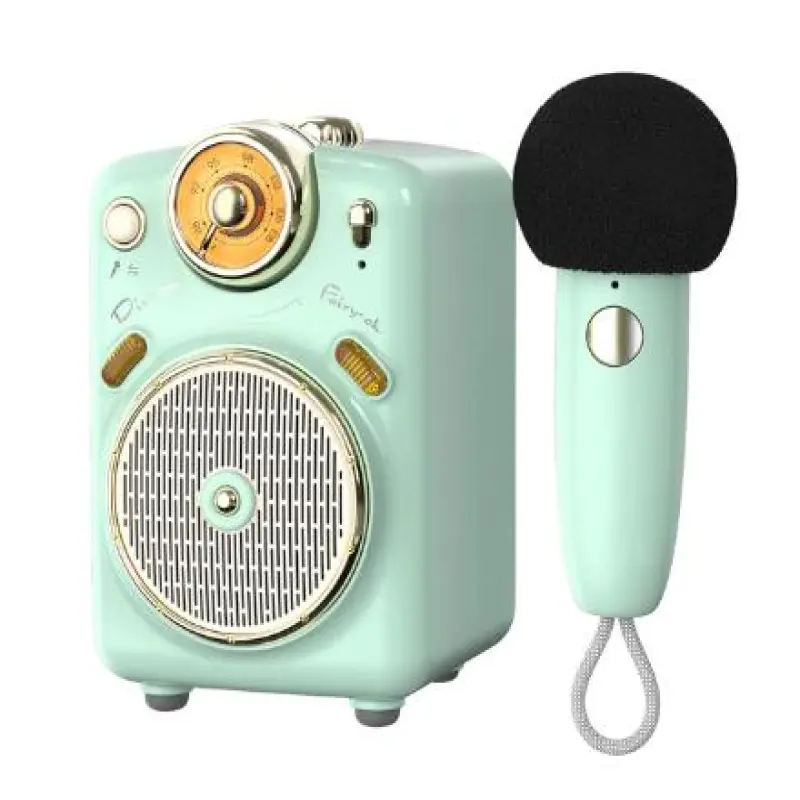
Fairy-OK Multi Mint Green Smart Function Blue-tooth Speaker Subwoofer Mini Portable Wireless Speaker with Microphone Karaoke

- Section : Consumer Electronics
- Category : Microphones
- SKU : 1600887273312

Product Description
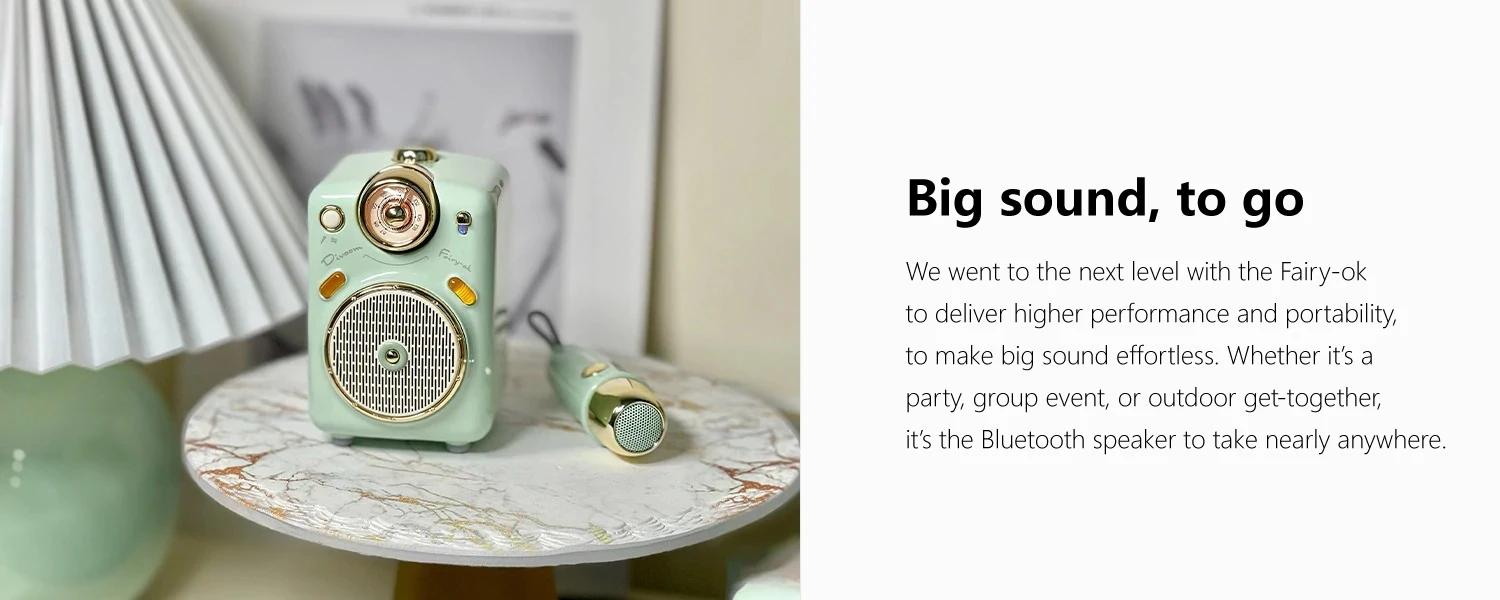
This Blue-tooth speaker delivers big sound from a rugged, all-in-one system. Stream from a mobile device, connect microphone, It’s lightweight and His box has a handy carry handle so it’s easy to bring nearly anywhere. You can use your Divoom Fairy-OK anywhere too. Fairy-OK is just what you need for parties, outdoor get-togethers, and all those times you need your voice and music to be heard. So bring a pro, the Fairy-OK .

- Shipping Timeframes: All orders are processed within 2-5 business days (excluding weekends and holidays). After your order has been processed, the estimated delivery time is before 12 Mar, 2026, depending on customs, Please note that due to high demand, some items may experience longer shipping times, which will be communicated at order confirmation email.
- Order Processing Time: Please allow 2-5 business days for us to process your order before it is shipped . Orders placed after 16:00 on Fridays, or during weekends and public holidays, will begin processing on the next business day. Processing times may be extended during peak seasons or sales events.
- Manufacturing Time: Some products needs manufacturing time, the manufacturing process will take approximately 10-30 business days depending on the product. This timeframe may vary depending on the complexity of the product and current demand. but this will be communicated with you during order confirmation.
- Returns and Exchanges: We offer a 30-day return policy for most items. If you are not completely satisfied with your purchase, you may return it within 30 days of receipt for a refund or exchange. Items must be unused, in their original packaging, and accompanied by proof of purchase. Return shipping costs are the responsibility of the customer, unless the item was damaged or defective upon arrival.
1. What is the Fairy-OK Multi Mint Green Smart Function speaker?
The Fairy-OK is a compact, portable Bluetooth speaker with a built-in subwoofer, microphone input and karaoke features. It’s designed as an all-in-one rugged system with a carry handle for parties, outdoor use and public announcements.
2. How do I pair my phone or tablet with the speaker via Bluetooth?
Turn the speaker on and set it to Bluetooth mode (usually indicated by a blinking LED or voice prompt). On your phone/tablet, open Bluetooth settings, find the device named 'Fairy-OK' (or similar) and tap to pair. Once paired, audio from your device will stream to the speaker.
3. What is the effective Bluetooth range?
Typical Bluetooth range for this class of portable speaker is about 10 meters (30 feet) in open spaces. Actual range can vary with obstacles, interference and the transmitting device.
4. Can I connect a microphone for karaoke? What type of microphone is supported?
Yes — the unit has a microphone input for karaoke and announcements. Most wired dynamic microphones with a 3.5 mm jack or standard 6.35 mm (1/4") jack are supported (an adapter may be required). Check the product manual or connector on the speaker to confirm the exact mic jack type.
5. Does the speaker have a built-in rechargeable battery? How long does it last?
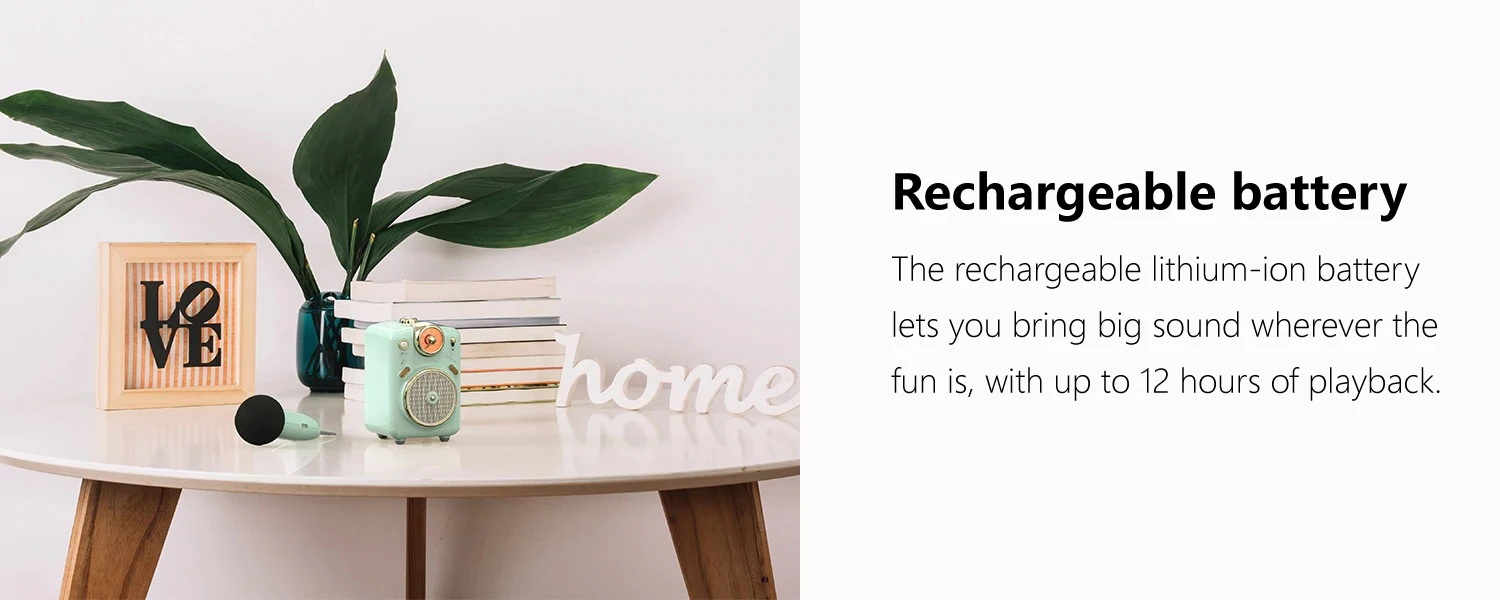
The Fairy-OK is portable and uses a built-in rechargeable battery. Actual playback time depends on volume, source and whether the microphone is in use. Battery life can vary widely; refer to the product specifications or manual for manufacturer-rated run time and charging details.
6. How do I charge the speaker and how long does charging take?
Charge the speaker using the supplied USB charging cable or the port on the unit. Charging time depends on the battery capacity and charger used; consult the included manual for recommended charging method and typical charge duration. Avoid overcharging and use the provided or recommended adapter for best results.
7. Can the speaker play music from sources other than Bluetooth (AUX/USB/microSD)?
Many versions of this type of portable speaker include auxiliary (AUX) input, USB playback and microSD slot for direct music playback. Check the specific product listing or user manual to see which inputs are available on your Fairy-OK unit.
8. Is the speaker water-resistant or suitable for outdoor use in rain?
The speaker is designed to be portable and rugged, but water resistance varies by model. Unless an IP rating (e.g., IPX4, IPX6) is specified, avoid exposing the unit to heavy rain or immersion. Check the product specifications for any waterproof rating before using in wet conditions.
9. Can I connect two Fairy-OK speakers for stereo or party mode?
Some Bluetooth speakers support pairing two units for stereo or party mode, but this is model-dependent. Refer to the product manual or the manufacturer’s specification to see if dual-speaker linking is supported.
10. How do I use the karaoke features (echo, mic volume, music volume)?
Controls for karaoke typically include independent knobs or buttons for master volume, microphone volume and echo/reverb. Connect your microphone, adjust the mic volume to a comfortable level, then use the echo control to add reverb if desired. Refer to the control panel labels or manual for specific instructions.
11. Why is there humming or feedback when the microphone is connected, and how can I fix it?
Microphone feedback can be caused by high mic volume, mic and speaker being too close, or improper gain settings. Reduce the microphone volume, move the mic further from the speaker, point the mic away from the speaker, and lower the speaker volume. Using a directional dynamic microphone and checking cable connections can also help.
12. Does the speaker support hands-free calls or voice assistant control?
Many Bluetooth speakers with built-in microphones support hands-free calling — answering calls routed from your paired phone. Voice assistant support (e.g., Siri or Google Assistant) is usually available through the connected phone when the appropriate button is pressed or the phone's assistant is activated. Check your model’s features for explicit support.
13. What should I do if the speaker won't pair with my device?
Try these steps: ensure the speaker is in Bluetooth pairing mode, turn Bluetooth off and on again on your device, restart both devices, move them closer together, delete/forget the speaker from your device’s Bluetooth list and re-pair. If problems persist, consult the user manual for a factory-reset procedure.
14. How do I clean and care for the speaker?
Unplug and power off the speaker before cleaning. Wipe the exterior with a soft, dry or slightly damp cloth; avoid liquid contact with speaker drivers, input ports and controls. Do not use harsh chemicals or immerse the unit in water. Store in a cool, dry place when not in use.
15. Is there a warranty or customer support for the Fairy-OK speaker?
Warranty and support depend on where you purchased the unit and the manufacturer’s policy. Check the product packaging, user manual or the retailer’s product page for warranty details, length and claim procedures. Contact the seller or manufacturer support for repairs, replacement or troubleshooting assistance.
Latest Order Arrivals
Discover our latest orders

12 Heads Embroidery Machine

Dewatering Pump Machine

Order Collection

Portable Water Drilling Rig

Order Usefully Collected

Batch of Orders

Agriculture Processing Machines

Meat Grinder Machine

Water Pump Equipment

Packaging Machine and accessories

Fabrics Manufacturing Equipment

Mining Equipments

Food Processing Machine

Batch of Orders

Batch of Orders

Latest Orders Labelled

wheel alignment machines

new arrivals

Pre Orders Offloading

Latest Arrivals

Latest Arrivals