B21, China Town Mall, Midrand

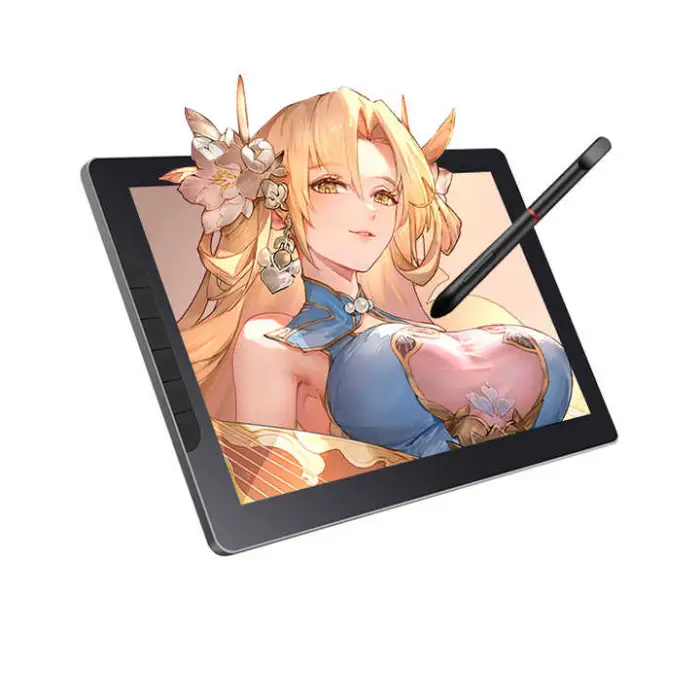
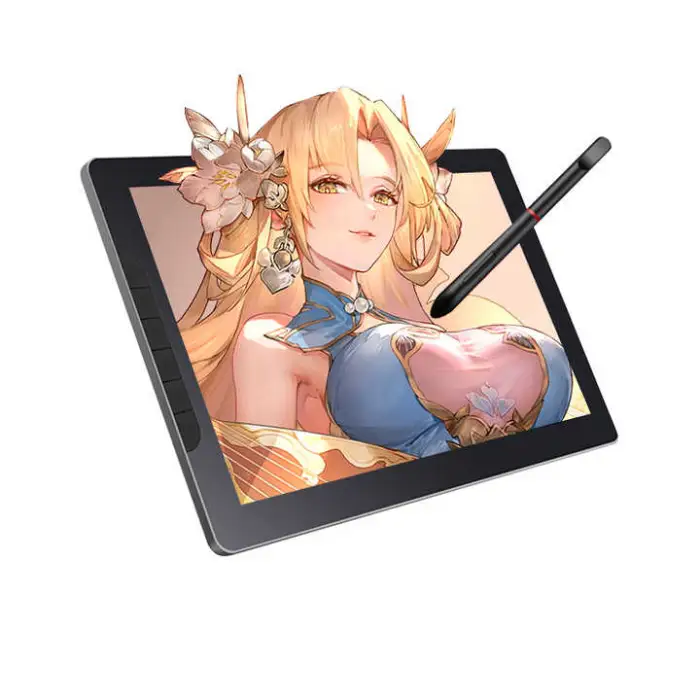
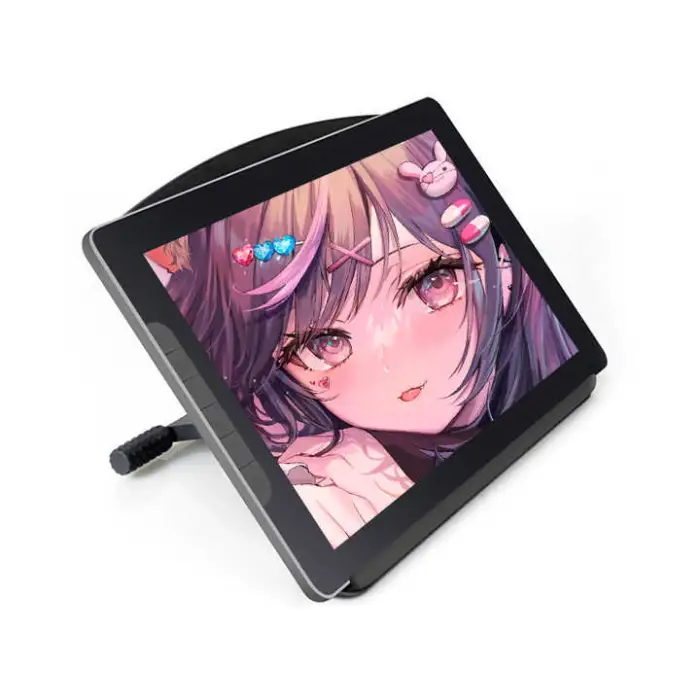
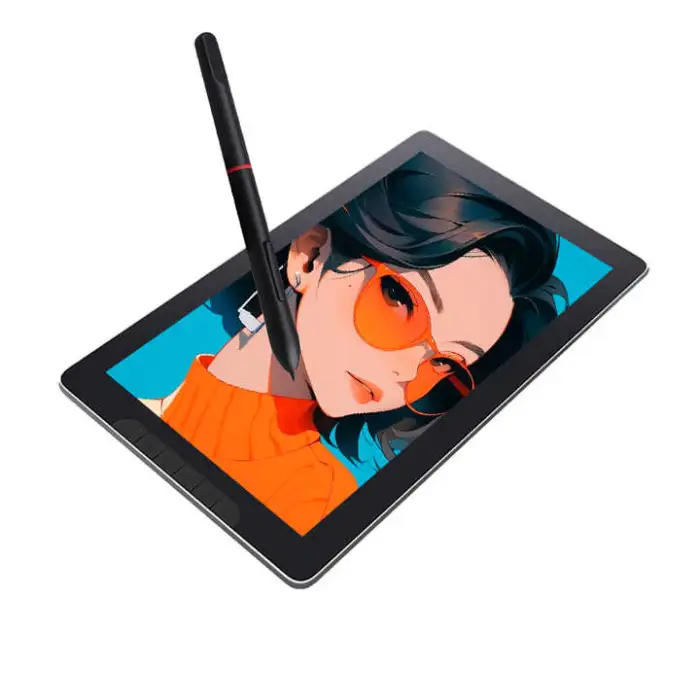
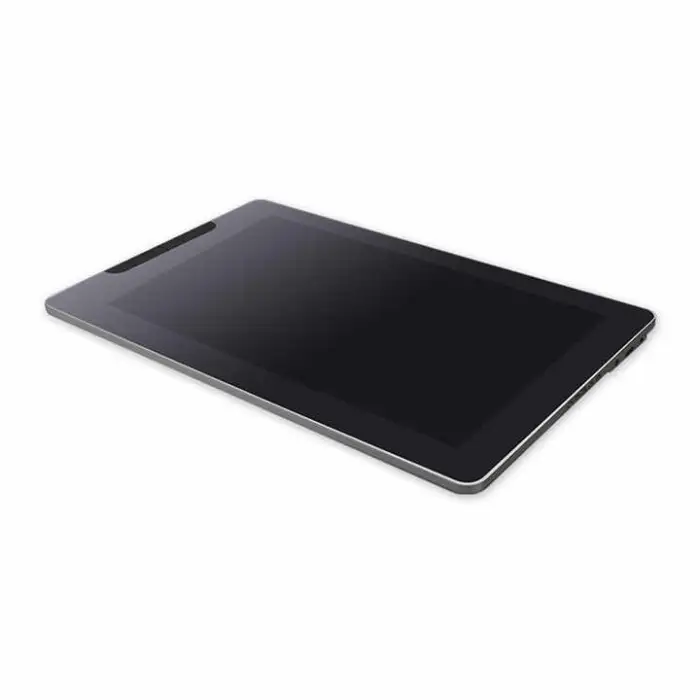
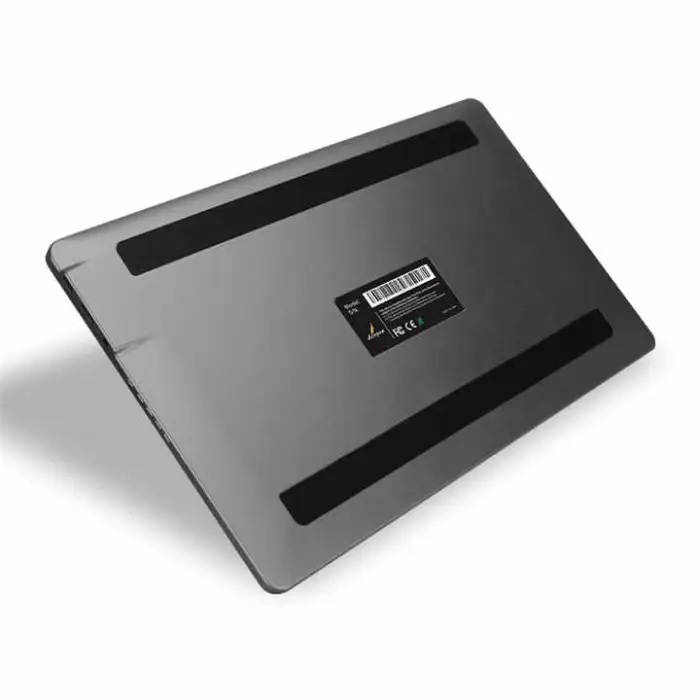

Drawing Portable Smart Education LCD Pen Pad Display Screen Design Drawing Graphic Interactive Drawing Tablet Monitor

- Section : Consumer Electronics
- Category : Computer Hardware & Software
- SKU : 1601238623967

Drawing Portable Smart Education LCD Pen Pad Display Screen Design Drawing Graphic Interactive Drawing Tablet Monitor
The Drawing Portable Smart Education LCD Pen Pad is a fantastic tool for creative minds. This interactive drawing tablet monitor helps you design and create with ease. Whether you are a student, artist, or professional, this pen pad is perfect for all your graphic needs. Its sleek design and user-friendly interface make drawing fun and easy!
Specifications
| Attribute | Details |
| Type | Capacitive |
| Interface Type | Serial, USB |
| Aspect Ratio | 16:9 |
| Package | Yes |
| Product Status | New |
| Weight | 1.400 KG |
| Single Package Size | 38X4.5X23.5 cm |
| Service | Call Center and Online Technical Support, Onsite Training and Inspection, Free Spare Parts, Return and Replacement, Repair |
| Brand Name | GSE |
| Private Mold | Yes |
Key Features
- Portable design for easy carrying.
- High-definition LCD display for clear graphics.
- Responsive pen input for precise drawing.
- Compatible with various software for creativity.
- Built-in support for easy setup and use.
Applications
- Drawing and sketching for artists.
- Design projects for students.
- Graphic design work for professionals.
- Interactive educational tools for teachers.
- Creative hobbies for anyone interested in art.
Product Info Gallery
- Shipping Timeframes: All orders are processed within 2-5 business days (excluding weekends and holidays). After your order has been processed, the estimated delivery time is before 21 Jan, 2026, depending on customs, Please note that due to high demand, some items may experience longer shipping times, which will be communicated at order confirmation email.
- Order Processing Time: Please allow 2-5 business days for us to process your order before it is shipped . Orders placed after 16:00 on Fridays, or during weekends and public holidays, will begin processing on the next business day. Processing times may be extended during peak seasons or sales events.
- Manufacturing Time: Some products needs manufacturing time, the manufacturing process will take approximately 10-30 business days depending on the product. This timeframe may vary depending on the complexity of the product and current demand. but this will be communicated with you during order confirmation.
- Returns and Exchanges: We offer a 30-day return policy for most items. If you are not completely satisfied with your purchase, you may return it within 30 days of receipt for a refund or exchange. Items must be unused, in their original packaging, and accompanied by proof of purchase. Return shipping costs are the responsibility of the customer, unless the item was damaged or defective upon arrival.
1. What exactly is this product?
The Drawing Portable Smart Education LCD Pen Pad is a portable LCD drawing tablet with a capacitive touch surface and pen input, intended for drawing, design, education and interactive presentations. It functions as an interactive drawing monitor for students, artists and professionals.
2. What interfaces does the tablet use to connect to a computer or device?
This model supports Serial and USB interfaces. USB is typically used for data and/or power; Serial can be used for legacy or specialized connections. Check the product listing or manual for the exact cable types provided.
3. Is the screen capacitive or electromagnetic? Does it support pressure sensitivity?
The device is listed as capacitive, which means it uses a capacitive touch surface and a compatible stylus. Pressure-sensitivity specs are not provided in the listing; many capacitive pen solutions have limited or no pressure sensitivity compared with active EMR pens. If pressure sensitivity is important, confirm the exact pen technology and pressure levels with the seller or manufacturer (GSE).
4. What operating systems and software are compatible with the tablet?
The tablet is compatible with a wide range of creative and educational software that accepts tablet input. For operating systems, most USB-enabled tablets work with Windows, macOS and some Linux distributions, but you should confirm driver availability for your OS. Popular programs like Photoshop, Illustrator, Krita, and teaching apps generally work when the correct drivers are installed.
5. Are drivers required and where can I get them?
Drivers are typically required for full tablet functionality (pen mapping, calibration). Obtain drivers from the manufacturer (GSE) website or from the included package media. If drivers aren’t included, contact GSE support or the seller for the correct downloads.
6. What is the screen aspect ratio and physical size?
The display uses a 16:9 aspect ratio. The exact active screen diagonal (inches) and screen resolution aren’t specified in the listing — contact the seller or check the product page for pixel resolution and the screen size measurement.
7. What comes in the package?
The listing confirms a package is included but does not list every accessory. Typical inclusions for this type of product are the tablet/monitor, pen/stylus, USB cable(s) and a user manual. Verify the exact package contents with the seller before purchase.
8. How portable is the tablet and how much does it weigh?
The product is designed to be portable. The single package size is 38 x 4.5 x 23.5 cm and the listed weight is about 1.400 kg, making it easy to carry in a bag for school, studio or travel.
9. Does the tablet need a battery or external power supply?
The listing does not explicitly state power requirements. Many portable pen displays are USB-powered, while some require an external adapter. Confirm whether the tablet is powered via USB or requires a separate adapter by checking the manual or asking the seller.
10. Is the stylus battery-powered or battery-free?
Because the device is described as capacitive, the stylus may be a passive capacitive stylus (often battery-free). However, the listing doesn’t confirm stylus type or power. Verify with the manufacturer if a battery-powered active pen is included or required.
11. How do I set up and calibrate the tablet for drawing or teaching?
General setup: connect the tablet to your computer via the supplied USB/Serial cable, install the manufacturer’s drivers, open your graphics or teaching software, and follow the driver or software prompts to map and calibrate the pen. The product’s built-in support and user manual should include step-by-step setup instructions.
12. What maintenance and cleaning recommendations should I follow?
Use a soft microfiber cloth to clean the screen; avoid abrasive cleaners, solvents, and sharp objects that could scratch the display. Store the pen safely when not in use. Refer to the user manual for specific care instructions.
13. What warranty, service and support options are available?
The product listing shows several service options: Call Center and Online Technical Support, Onsite Training and Inspection, Free Spare Parts, Return and Replacement, and Repair. Contact GSE or the seller for warranty length, registration details and how to access support services.
Latest Order Arrivals
Discover our latest orders

12 Heads Embroidery Machine

Dewatering Pump Machine

Order Collection

Portable Water Drilling Rig

Order Usefully Collected

Batch of Orders

Agriculture Processing Machines

Meat Grinder Machine

Water Pump Equipment

Packaging Machine and accessories

Fabrics Manufacturing Equipment

Mining Equipments

Food Processing Machine

Batch of Orders

Batch of Orders

Latest Orders Labelled

wheel alignment machines

new arrivals

Pre Orders Offloading

Latest Arrivals

Latest Arrivals