B21, China Town Mall, Midrand


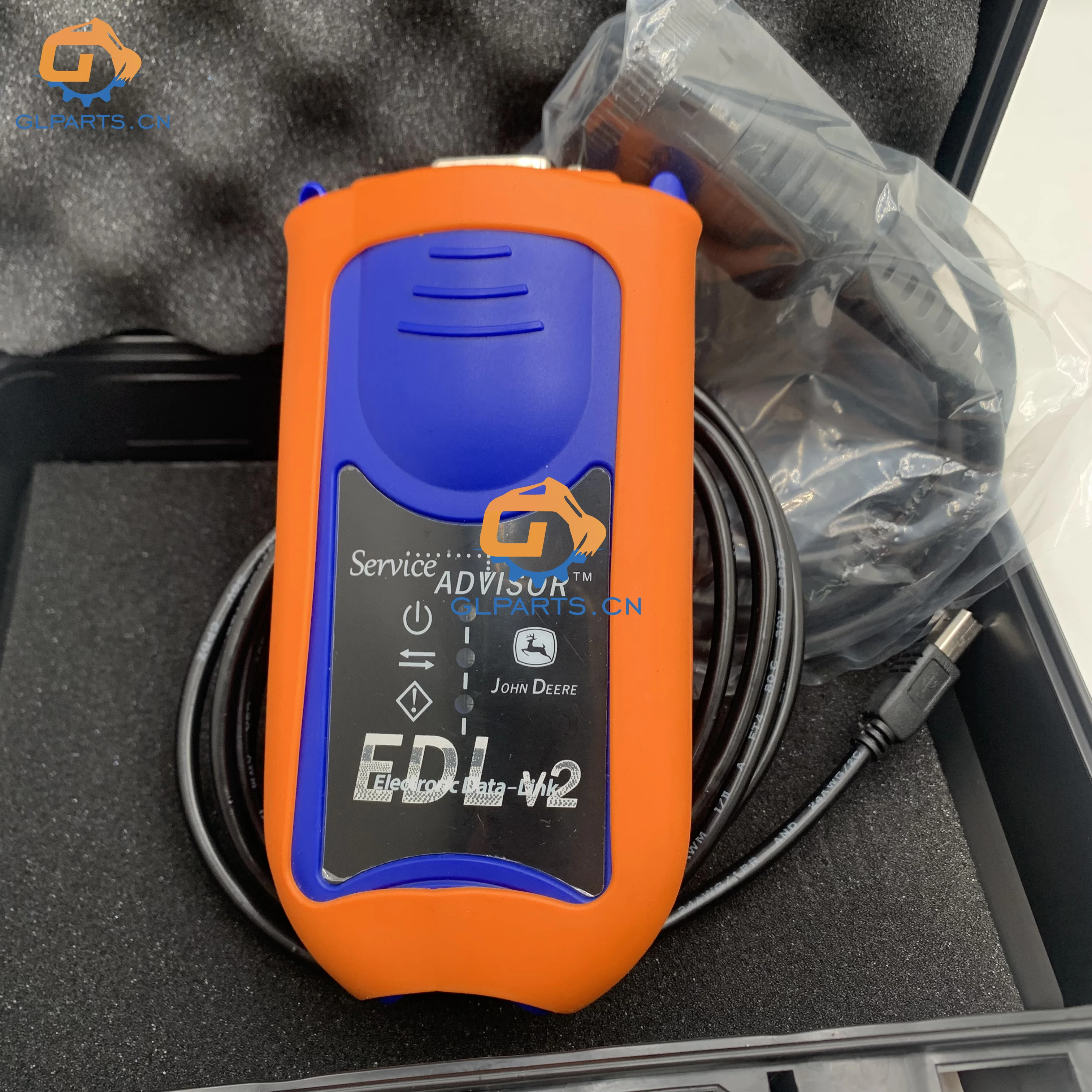
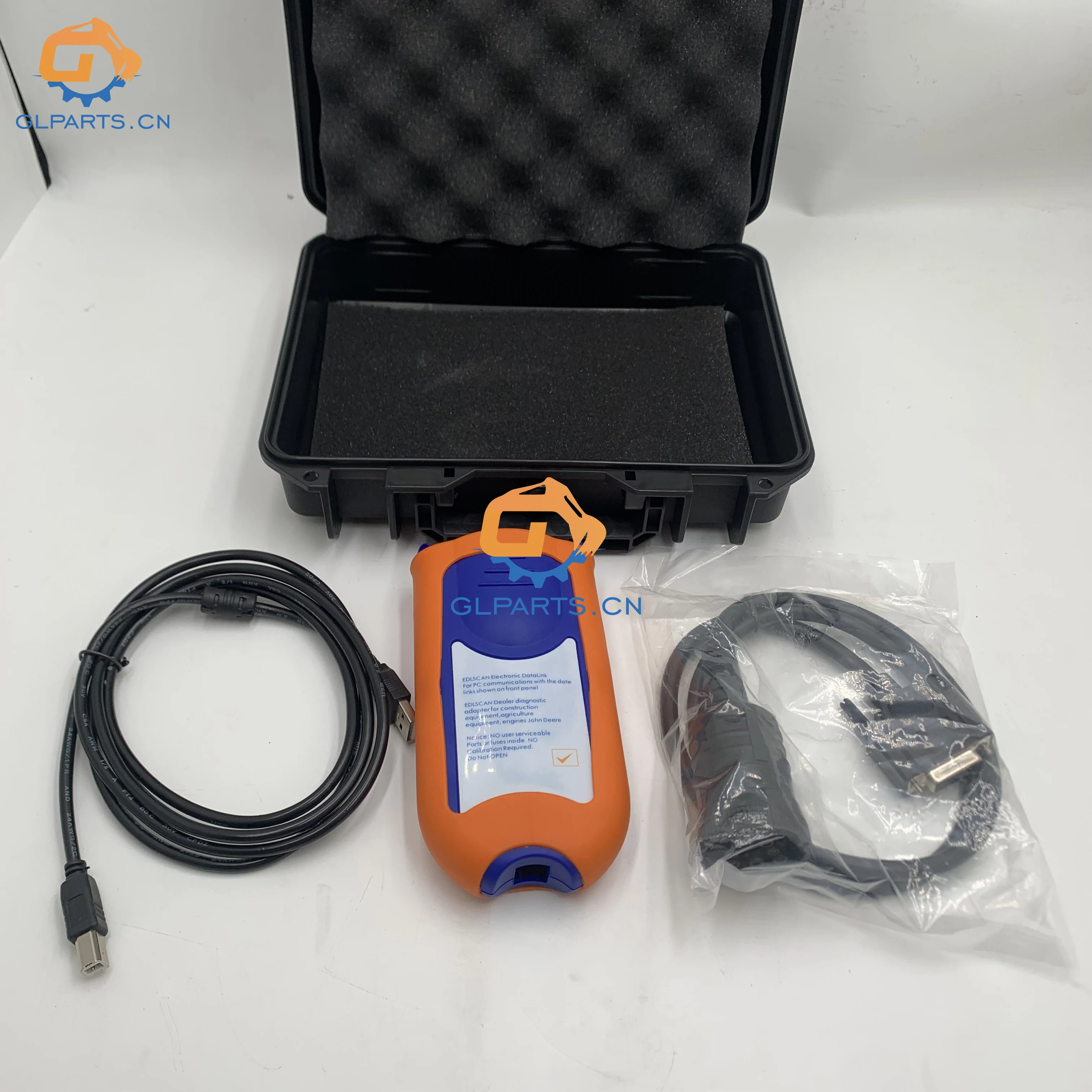
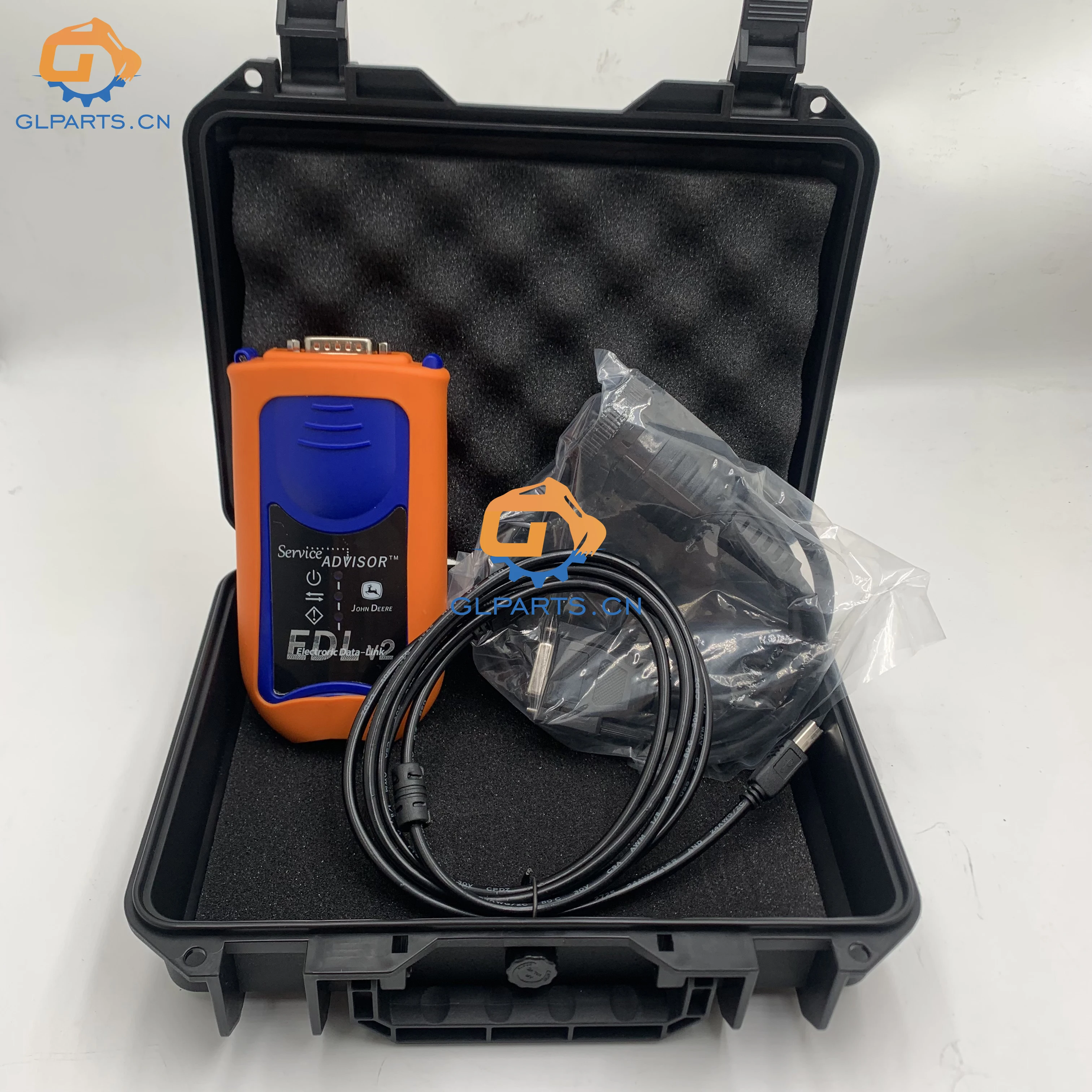
Diagnostic Tool EDLSCAN Dealer Diagnostic Adapter EDLSCAN Electronic Data Link EDL V2

- Section : Sports & Entertainment
- Category : Vehicle Accessories, Electronics, & Tools
- SKU : 1601109557697

Specification

| Product Name | john/-de-ere diagnostic tool |
| Part Number | 5.3 software |
Product Description

- Shipping Timeframes: All orders are processed within 2-5 business days (excluding weekends and holidays). After your order has been processed, the estimated delivery time is before 24 Jun, 2026, depending on customs, Please note that due to high demand, some items may experience longer shipping times, which will be communicated at order confirmation email.
- Order Processing Time: Please allow 2-5 business days for us to process your order before it is shipped . Orders placed after 16:00 on Fridays, or during weekends and public holidays, will begin processing on the next business day. Processing times may be extended during peak seasons or sales events.
- Manufacturing Time: Some products needs manufacturing time, the manufacturing process will take approximately 10-30 business days depending on the product. This timeframe may vary depending on the complexity of the product and current demand. but this will be communicated with you during order confirmation.
- Returns and Exchanges: We offer a 30-day return policy for most items. If you are not completely satisfied with your purchase, you may return it within 30 days of receipt for a refund or exchange. Items must be unused, in their original packaging, and accompanied by proof of purchase. Return shipping costs are the responsibility of the customer, unless the item was damaged or defective upon arrival.
1. What is the EDLSCAN Dealer Diagnostic Adapter?
The EDLSCAN Dealer Diagnostic Adapter is a diagnostic tool designed for automotive professionals to access and diagnose vehicle electronic systems.
2. What vehicles are compatible with the EDLSCAN EDL V2?
The EDLSCAN EDL V2 is compatible with a wide range of vehicles, particularly those that utilize the Electronic Data Link (EDL) for diagnostics.
3. What software version does the EDLSCAN use?
The EDLSCAN Dealer Diagnostic Adapter comes with 5.3 software, which provides various diagnostic functions and features.
4. How do I install the EDLSCAN diagnostic software?
To install the EDLSCAN software, download it from the official website or provided source, then follow the installation instructions included in the documentation.
5. Can the EDLSCAN tool perform real-time data monitoring?
Yes, the EDLSCAN tool allows real-time data monitoring, enabling you to observe vehicle performance metrics as they occur.
6. Is the EDLSCAN diagnostic tool user-friendly for beginners?
The EDLSCAN tool is designed with an intuitive interface, making it accessible for both beginners and experienced technicians.
7. What types of diagnostics can the EDLSCAN perform?
The EDLSCAN can perform a variety of diagnostics, including reading and clearing trouble codes, live data streaming, and advanced vehicle diagnostics.
8. Does the EDLSCAN come with a warranty?
Yes, the EDLSCAN typically comes with a manufacturer warranty, but please check the specific retailer's policy for details.
9. How can I update the EDLSCAN software?
You can update the EDLSCAN software by visiting the manufacturer's website and downloading the latest version, then following the update instructions.
10. What accessories are included with the EDLSCAN tool?
The EDLSCAN package usually includes the diagnostic tool itself, a user manual, and necessary cables for connection to vehicles.
11. Is technical support available for the EDLSCAN tool?
Yes, technical support is available through the manufacturer’s customer service channels for any issues or questions you may have.
12. Can I use the EDLSCAN tool without prior experience?
While prior experience can be helpful, the EDLSCAN tool is designed to be user-friendly, allowing those without experience to navigate basic functions.
13. What is the primary function of the EDLSCAN diagnostic tool?
The primary function of the EDLSCAN diagnostic tool is to diagnose and troubleshoot vehicle issues by interfacing with the vehicle's electronic systems.
14. Is the EDLSCAN compatible with all operating systems?
The EDLSCAN software is primarily compatible with Windows operating systems; please check specific system requirements for compatibility.
15. What should I do if the EDLSCAN tool does not connect to my vehicle?
If the EDLSCAN tool does not connect, ensure the connections are secure, check the vehicle's compatibility, and refer to the troubleshooting section in the user manual.
Latest Order Arrivals
Discover our latest orders

12 Heads Embroidery Machine

Toilet Paper Machine Machine

Order Collection

Cross Border Clients

Order cros border countries Collected

Industrial Machine Cllection

Agriculture Processing Machines

Ready for collection

Water Pump Equipment

Packaging Machine and accessories

Fabrics Manufacturing Equipment

Mining Equipments

Food Processing Machine

Batch of Orders

Batch of Orders

Latest Orders Labelled

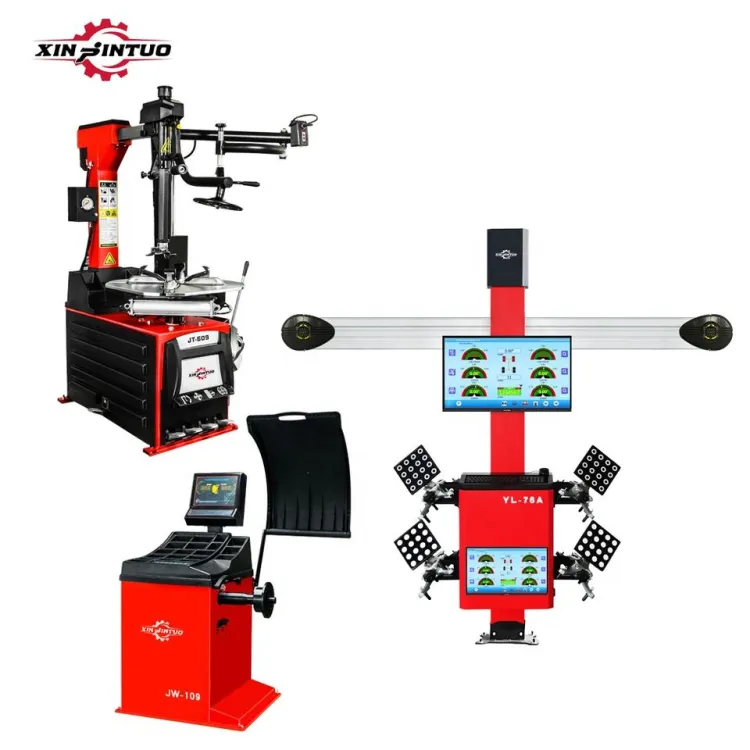
wheel alignment machines

new arrivals

Pre Orders Offloading

Latest Arrivals

Latest Arrivals

Latest Arrivals

Loading

Toilet paper making machine

Toilet paper making machine

Toilet paper Rewinding Machine

latest arrivals

offloading

order success

order collection

order offloading