B21, China Town Mall, Midrand

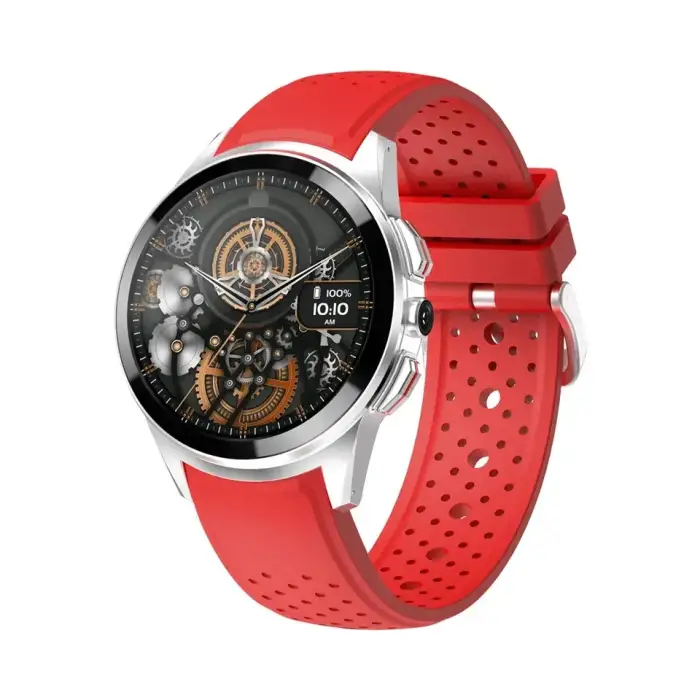
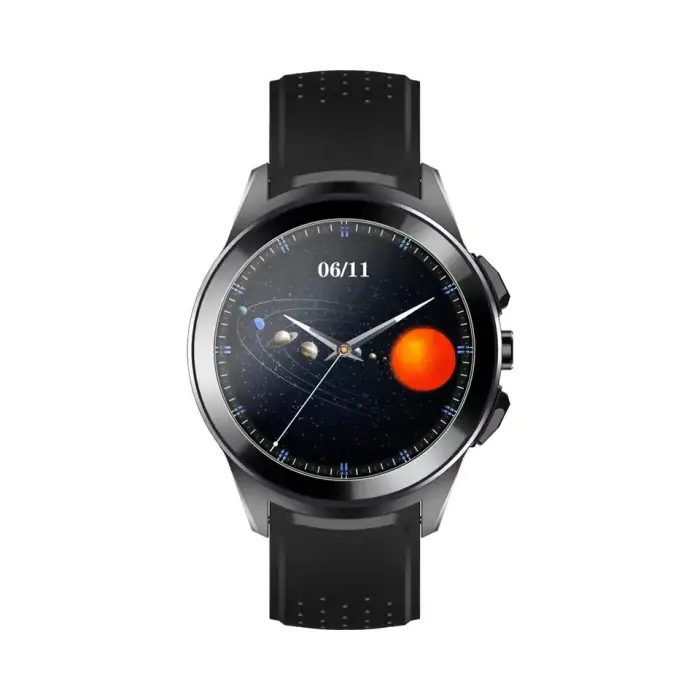
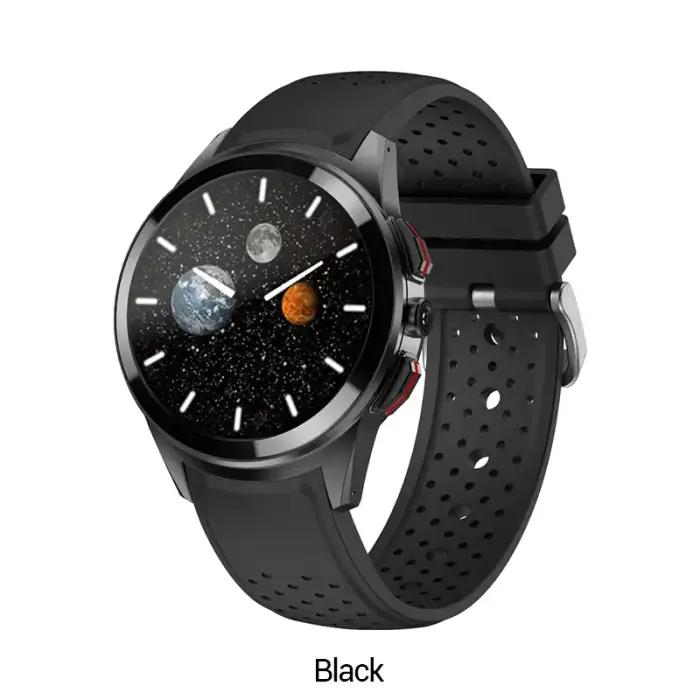
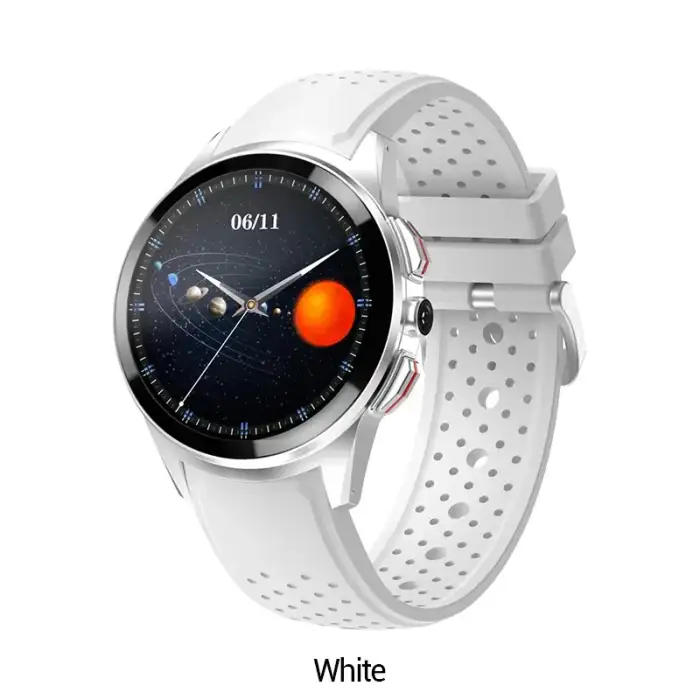
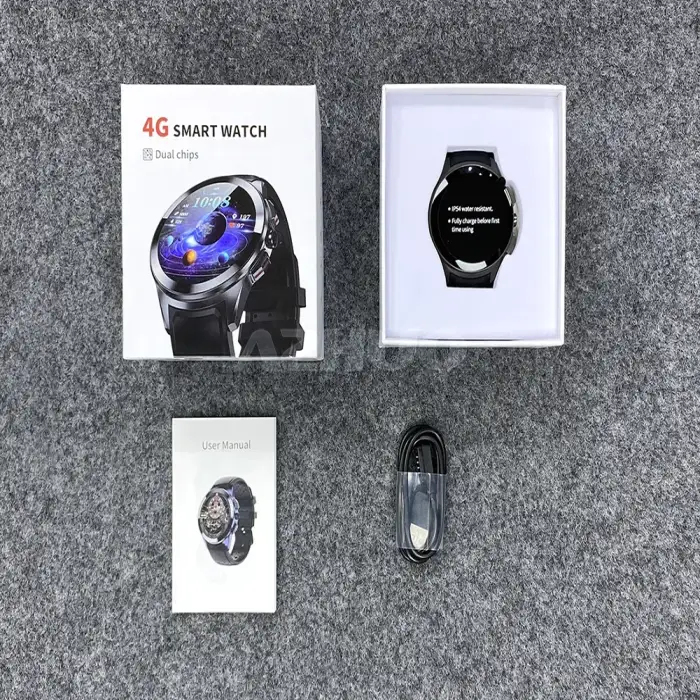
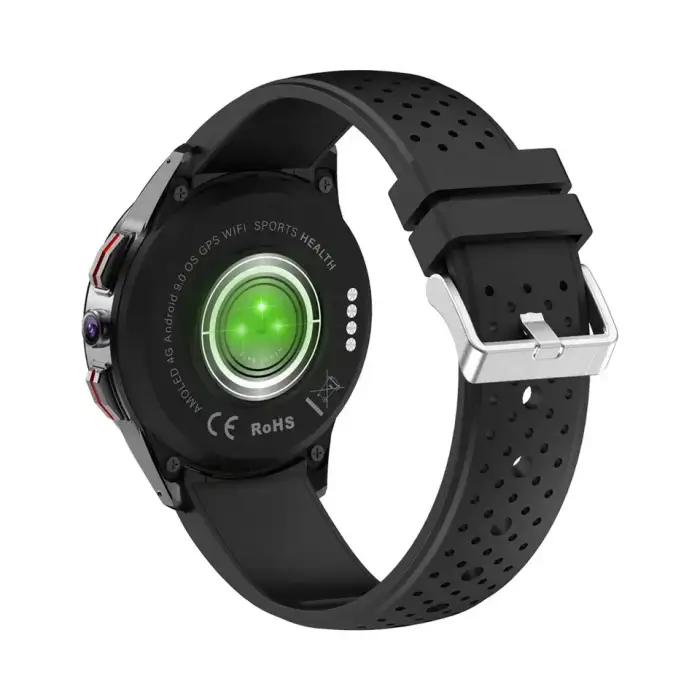
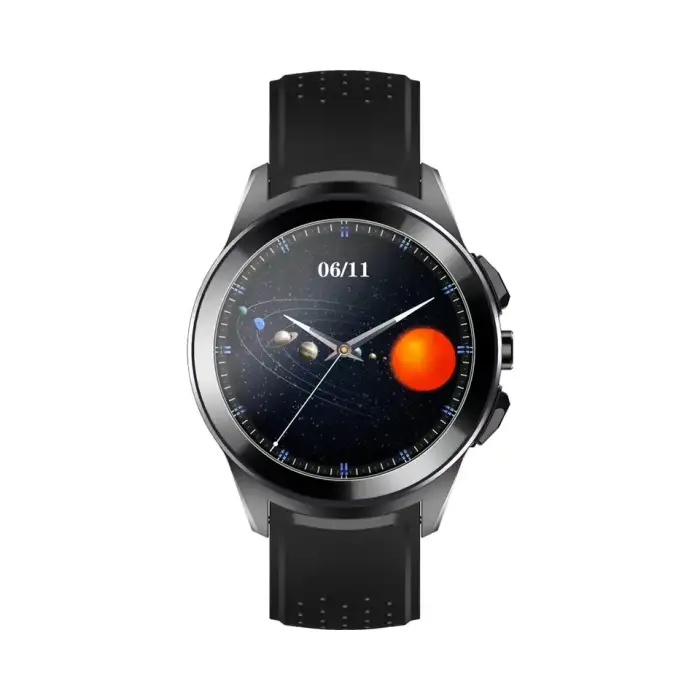
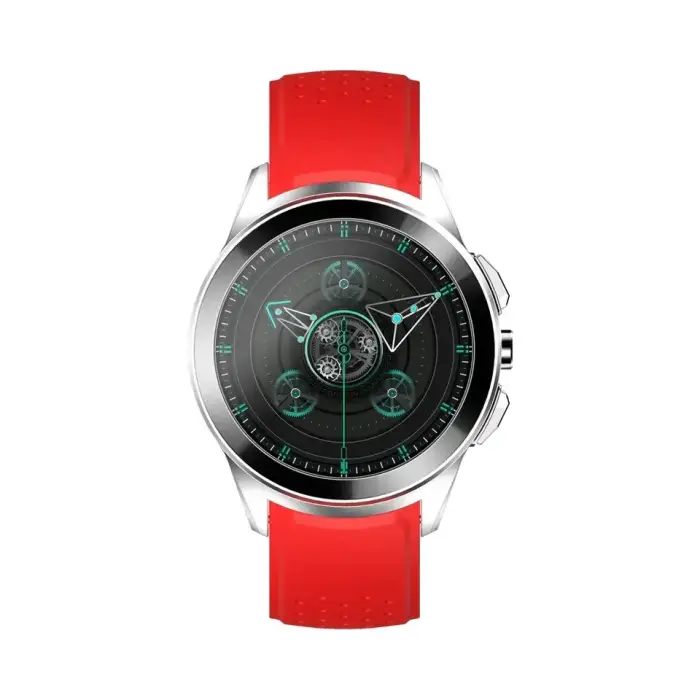
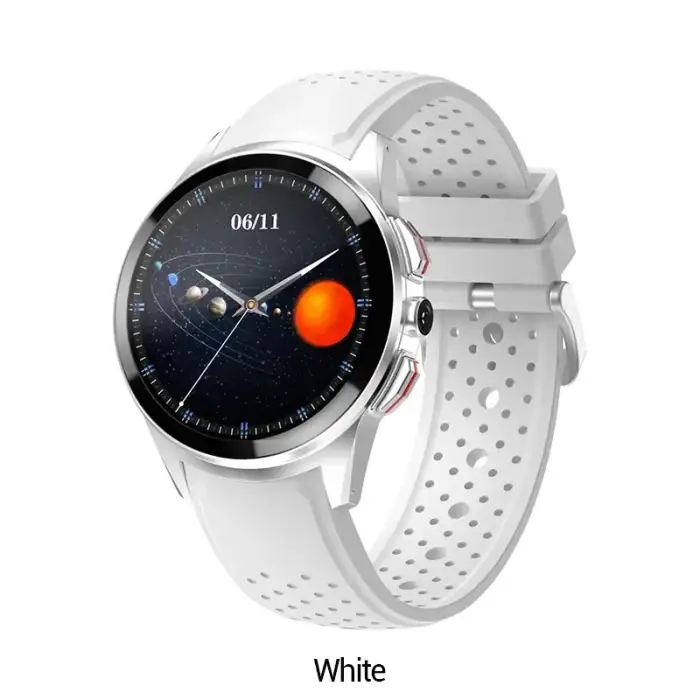
4g Sim Card Gps Wifi Fitness Tracker Smartwatch Lt10 Android 4g Sim Card Gps Wifi Fitness Tracker Smartwatch

- Section : Beauty & Personal Care
- Category : Watch
- SKU : 1601195084732

Product Description


- Shipping Timeframes: All orders are processed within 2-5 business days (excluding weekends and holidays). After your order has been processed, the estimated delivery time is before 12 Mar, 2026, depending on customs, Please note that due to high demand, some items may experience longer shipping times, which will be communicated at order confirmation email.
- Order Processing Time: Please allow 2-5 business days for us to process your order before it is shipped . Orders placed after 16:00 on Fridays, or during weekends and public holidays, will begin processing on the next business day. Processing times may be extended during peak seasons or sales events.
- Manufacturing Time: Some products needs manufacturing time, the manufacturing process will take approximately 10-30 business days depending on the product. This timeframe may vary depending on the complexity of the product and current demand. but this will be communicated with you during order confirmation.
- Returns and Exchanges: We offer a 30-day return policy for most items. If you are not completely satisfied with your purchase, you may return it within 30 days of receipt for a refund or exchange. Items must be unused, in their original packaging, and accompanied by proof of purchase. Return shipping costs are the responsibility of the customer, unless the item was damaged or defective upon arrival.
1. What are the main features of the LT10 smartwatch?
The LT10 smartwatch features 4G SIM card support, GPS tracking, WiFi connectivity, and fitness tracking capabilities. It allows you to monitor your health metrics and stay connected on the go.
2. Is the LT10 compatible with iOS devices?
The LT10 smartwatch is primarily designed for Android devices. While it may have limited compatibility with iOS, full functionality is best experienced with Android.
3. How do I set up the 4G SIM card in the smartwatch?
To set up the 4G SIM card, locate the SIM card slot on the smartwatch, insert the card securely, and follow the on-screen prompts to configure your network settings.
4. Can I use the smartwatch without a SIM card?
Yes, you can use the LT10 smartwatch without a SIM card. It can still connect to WiFi and function as a fitness tracker, but features like cellular calling and messaging will be unavailable.
5. What fitness tracking features does the LT10 offer?
The LT10 smartwatch includes features such as heart rate monitoring, step counting, sleep tracking, and exercise tracking, helping you stay on top of your fitness goals.
6. Is the LT10 smartwatch water-resistant?
The LT10 smartwatch is designed to be water-resistant, but it is advisable to avoid submerging it in water or exposing it to high-pressure water to ensure longevity.
7. How long does the battery last on the LT10 smartwatch?
The battery life of the LT10 smartwatch varies based on usage, but it typically lasts about 1-2 days on a full charge under normal usage conditions.
8. Does the LT10 support notifications from my smartphone?
Yes, the LT10 smartwatch can receive notifications from your smartphone, including calls, messages, and app alerts, ensuring you stay connected.
9. Can I track my location with the LT10 smartwatch?
Yes, the LT10 features built-in GPS, allowing you to track your location accurately, making it ideal for outdoor activities and fitness tracking.
10. What operating system does the LT10 smartwatch use?
The LT10 smartwatch operates on Android, providing a user-friendly interface and access to various apps and features.
11. How can I charge the LT10 smartwatch?
The LT10 smartwatch comes with a charging dock or cable. Simply connect it to a power source and place the watch on the dock or plug it into the charging port.
12. Is there a warranty for the LT10 smartwatch?
Yes, the LT10 smartwatch comes with a manufacturer's warranty that typically covers defects in materials and workmanship. Please check the warranty details provided with your purchase.
13. Can I customize the watch faces on the LT10?
Yes, the LT10 smartwatch allows you to customize watch faces, giving you the option to choose from various designs or even upload your own images.
14. Does the LT10 smartwatch support third-party apps?
The LT10 smartwatch supports a variety of third-party apps available through the Android platform, enhancing its functionality for users.
15. How do I reset the LT10 smartwatch to factory settings?
To reset the LT10 smartwatch to factory settings, go to the settings menu, select 'System', then choose 'Reset', and confirm your choice to restore it to original settings.
Latest Order Arrivals
Discover our latest orders

12 Heads Embroidery Machine

Dewatering Pump Machine

Order Collection

Portable Water Drilling Rig

Order Usefully Collected

Batch of Orders

Agriculture Processing Machines

Meat Grinder Machine

Water Pump Equipment

Packaging Machine and accessories

Fabrics Manufacturing Equipment

Mining Equipments

Food Processing Machine

Batch of Orders

Batch of Orders

Latest Orders Labelled

wheel alignment machines

new arrivals

Pre Orders Offloading

Latest Arrivals

Latest Arrivals