B21, China Town Mall, Midrand

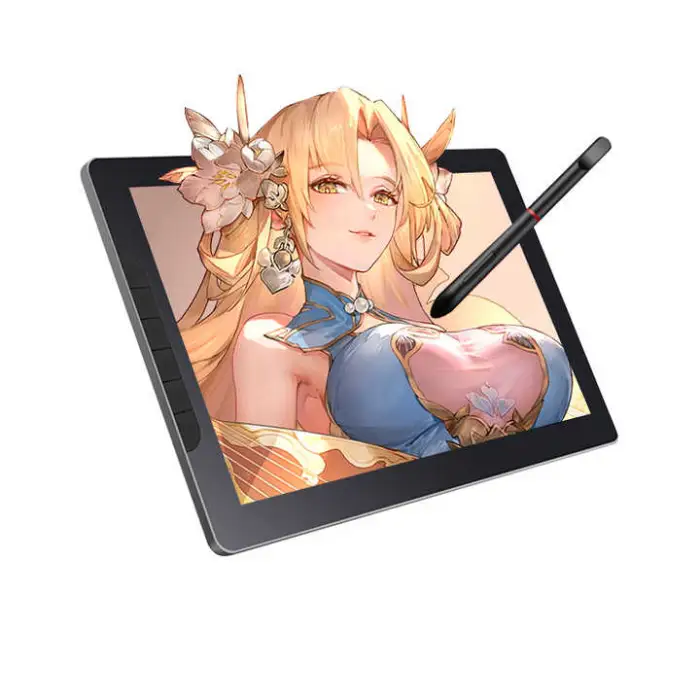
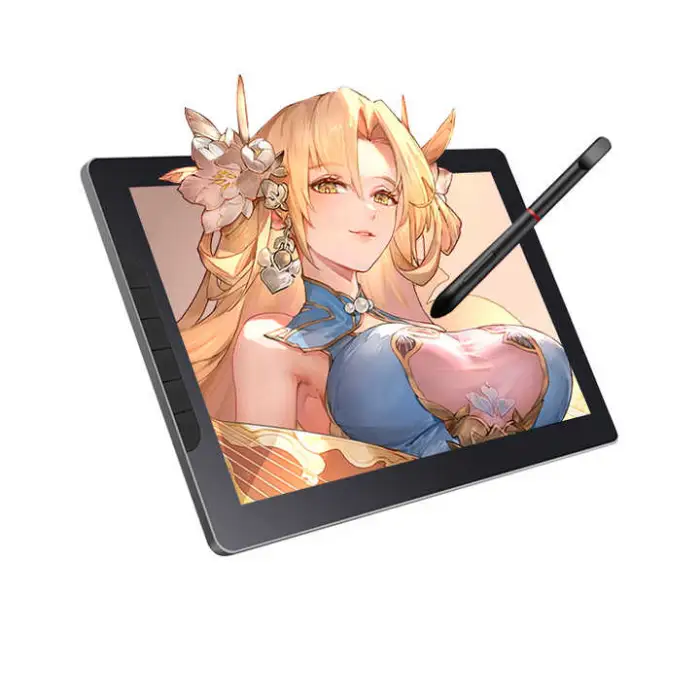
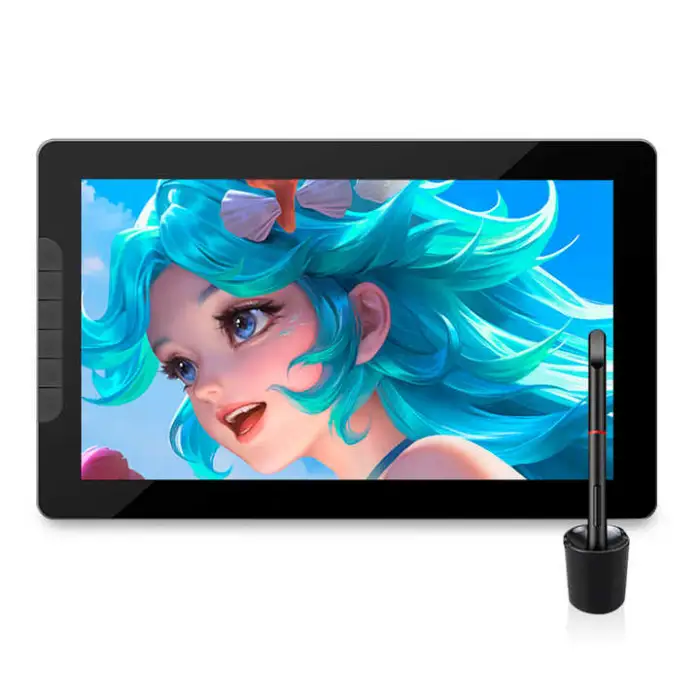
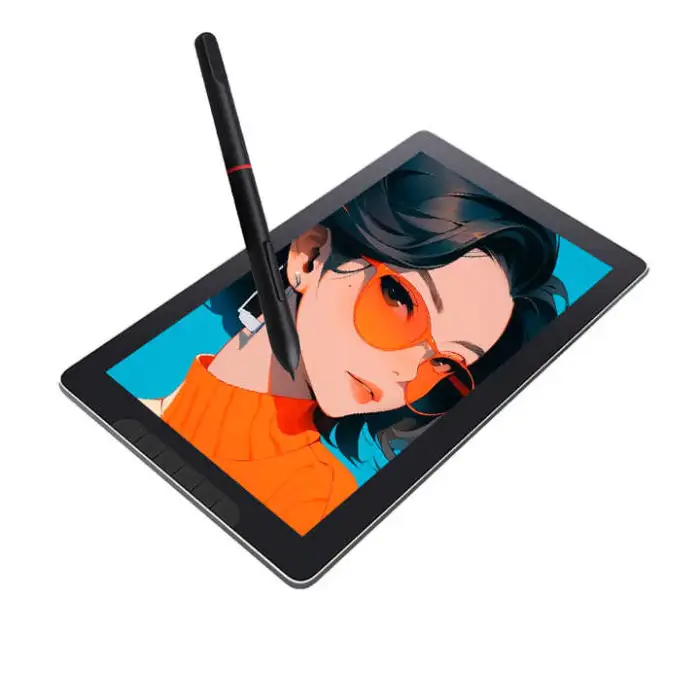
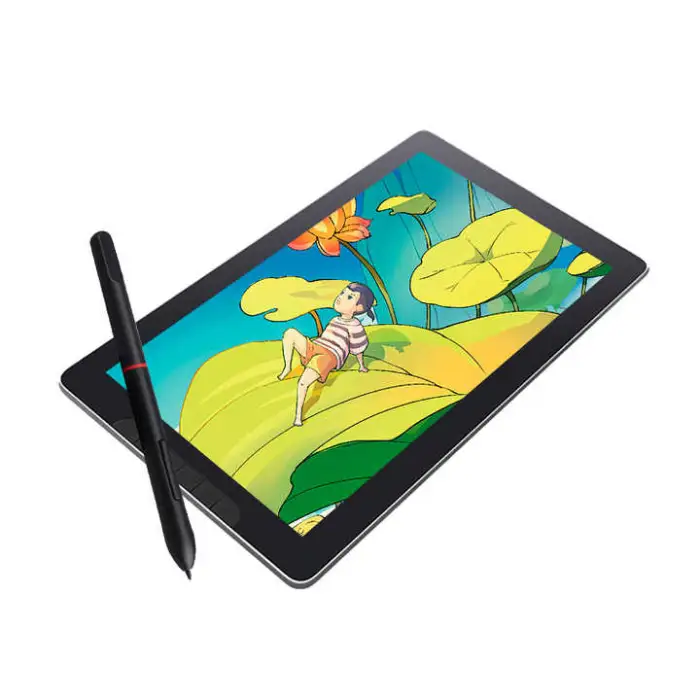
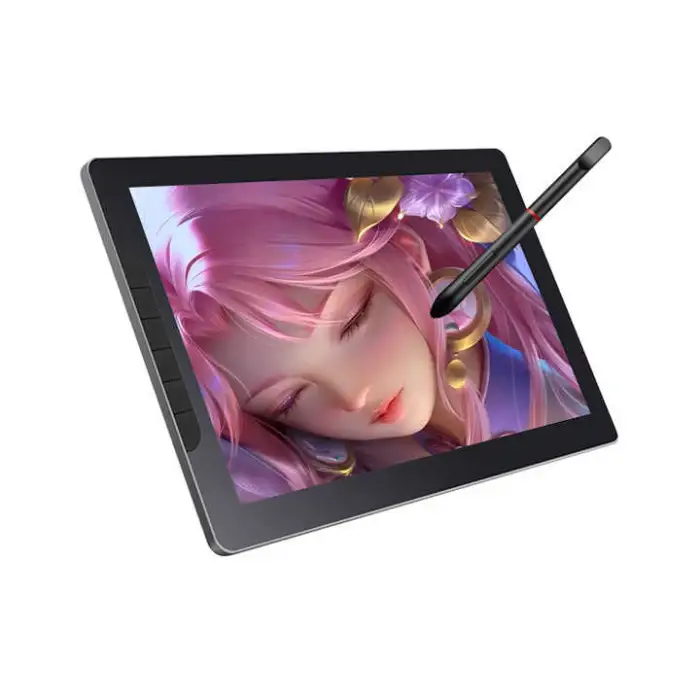
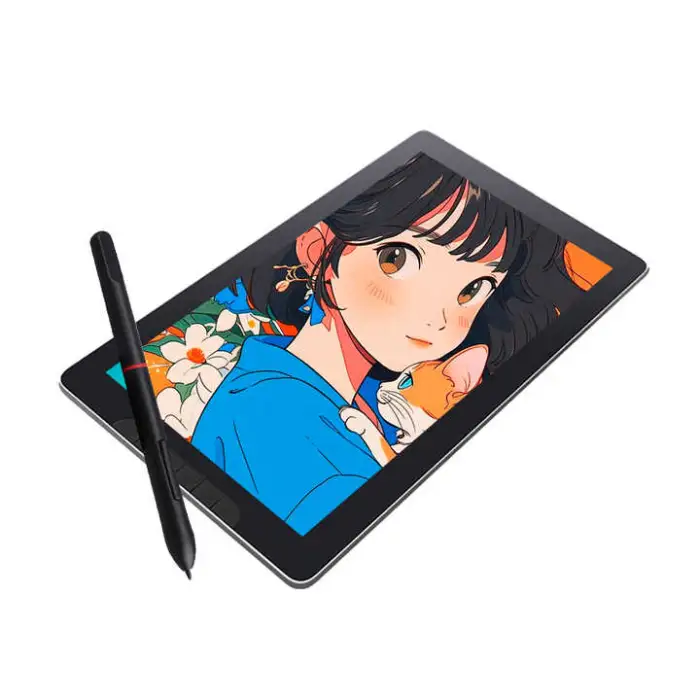
13.3 Inch HD 8192 Level Display Tablet Battery Free Pen Stylus Capacitive Interactive Graphics Touch Drawing Monitor

- Section : Consumer Electronics
- Category : Computer Hardware & Software
- SKU : 1601085487497

13.3 Inch HD 8192 Level Display Tablet Battery Free Pen Stylus Capacitive Interactive Graphics Touch Drawing Monitor
Discover the ultimate tool for creativity and productivity with the 13.3 Inch HD 8192 Level Display Tablet. This innovative drawing monitor features a battery-free pen stylus, making it easy to unleash your imagination without the hassle of charging. Whether you're an artist, designer, or student, this tablet is perfect for interactive graphics and touch drawing.
Specifications
| Attribute | Details |
|---|---|
| Screen Size | 13.3 Inch |
| Display Type | HD |
| Pen Pressure Levels | 8192 Levels |
| Stylus Type | Battery Free Pen |
| Interface Type | Serial, USB |
| Aspect Ratio | 16:9 |
| Service | Call Center and Online Technical Support |
| Package Size | 38X4.5X23.5 cm |
| Gross Weight | 1.400 KG |
Key Features
- High-definition 13.3-inch display for vibrant visuals.
- 8192 pressure levels for precise drawing and sketching.
- Battery-free stylus provides endless creativity without interruptions.
- Capacitive touch technology for smooth interactions.
- Lightweight design, easy to carry and use anywhere.
Applications
- Digital art and illustration.
- Graphic design and photo editing.
- Interactive presentations and education.
- Animation and video production.
- Professional and hobbyist drawing.
The 13.3 Inch HD 8192 Level Display Tablet is your perfect partner for all creative tasks. With its advanced features and user-friendly design, you can turn your ideas into reality with ease. Embrace your creativity today!
Product Info Gallery
- Shipping Timeframes: All orders are processed within 2-5 business days (excluding weekends and holidays). After your order has been processed, the estimated delivery time is before 02 Mar, 2026, depending on customs, Please note that due to high demand, some items may experience longer shipping times, which will be communicated at order confirmation email.
- Order Processing Time: Please allow 2-5 business days for us to process your order before it is shipped . Orders placed after 16:00 on Fridays, or during weekends and public holidays, will begin processing on the next business day. Processing times may be extended during peak seasons or sales events.
- Manufacturing Time: Some products needs manufacturing time, the manufacturing process will take approximately 10-30 business days depending on the product. This timeframe may vary depending on the complexity of the product and current demand. but this will be communicated with you during order confirmation.
- Returns and Exchanges: We offer a 30-day return policy for most items. If you are not completely satisfied with your purchase, you may return it within 30 days of receipt for a refund or exchange. Items must be unused, in their original packaging, and accompanied by proof of purchase. Return shipping costs are the responsibility of the customer, unless the item was damaged or defective upon arrival.
1. What is this product?
A 13.3-inch HD interactive display tablet with a battery-free pen stylus and 8192 levels of pressure sensitivity, designed for drawing, design, education and presentations.
2. What does "battery-free pen" mean?
The stylus uses electromagnetic technology and does not require batteries or charging, so you can draw continuously without interruptions for recharging.
3. What level of pen pressure does the tablet support?
The tablet supports 8192 levels of pressure sensitivity, allowing for fine control of line weight and opacity in supported drawing applications.
4. How do I connect the tablet to my computer?
The tablet supports USB and serial interfaces. In most cases you can plug in via USB; use the serial connection if your setup requires it. Follow the included quick start guide for cable and port details.
5. Which operating systems and software are supported?
The tablet is compatible with the majority of mainstream drawing and design applications. Check the product's driver page or manual for the specific supported OS versions and recommended drivers for Windows, macOS, or other platforms.
6. Is the screen touch-capable? What touch features are supported?
The tablet uses capacitive touch technology for smooth interaction. Touch features (single-touch or multi-touch gestures) depend on the model's driver and firmware—consult the manual or driver settings to enable or customize touch gestures.
7. Do I need to install drivers?
Yes — installing the supplied or downloadable driver ensures full pen pressure, touch and customization features work correctly. Always download the latest driver from the product support page.
8. Can I use this tablet with Photoshop, Illustrator, or other creative software?
Yes. The tablet works with most professional and hobbyist graphics programs that support pen input and pressure sensitivity (for example, Photoshop, Illustrator, Clip Studio, Krita). Confirm pressure settings within the application and driver if needed.
9. Is the display high resolution and color-accurate?
The product is specified as an HD 13.3-inch display (16:9). For precise color-critical work, calibrate the display within the driver or with external calibration tools and consult detailed specs for exact resolution and color gamut.
10. Does the tablet require an external power source?
Power is typically supplied through the USB connection. If your configuration uses the serial interface or other setups, follow the manual for any additional power requirements.
11. Is the tablet portable?
Yes. With a 13.3-inch screen and a lightweight design (gross weight approximately 1.4 kg), it's designed to be portable and easy to carry.
12. What accessories or replacement parts are available?
Common accessories include replacement pen nibs, extra styluses, protective sleeves and cables. Check the seller or product support page for compatible replacement nib packs and accessory kits.
13. How do I calibrate the pen and touch input?
Calibration is usually done through the tablet driver or configuration utility installed on your computer. The driver provides options to map the screen, adjust pressure curves, and calibrate touch—refer to the user manual for step-by-step instructions.
14. What kind of technical support and warranty is provided?
The product listing indicates call center and online technical support. Warranty terms may vary by retailer or region—check your purchase documentation or contact support for warranty duration and service details.
15. How should I care for and maintain the tablet and pen?
Keep the display clean with a soft, lint-free cloth; avoid harsh chemicals. Replace pen nibs when worn, store the pen in a safe place, and use a screen protector if you want to reduce nib wear. Refer to the user guide for storage and cleaning recommendations.
Latest Order Arrivals
Discover our latest orders

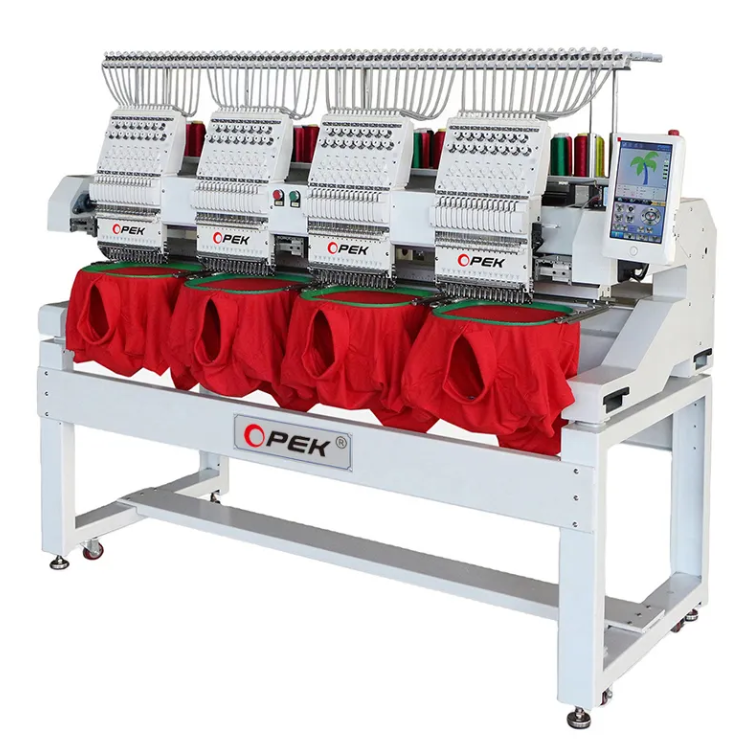
12 Heads Embroidery Machine

Dewatering Pump Machine

Order Collection

Portable Water Drilling Rig

Order Usefully Collected

Batch of Orders

Agriculture Processing Machines

Meat Grinder Machine

Water Pump Equipment

Packaging Machine and accessories

Fabrics Manufacturing Equipment

Mining Equipments

Food Processing Machine

Batch of Orders

Batch of Orders

Latest Orders Labelled

wheel alignment machines

new arrivals

Pre Orders Offloading

Latest Arrivals

Latest Arrivals